First thing you might wanna try is checking the signal strength directly from your devices. If you’re on a Windows PC, press the Windows key and type “cmd” to open the Command Prompt. Then, type “netsh wlan show interfaces” and hit enter. That will show you a bunch of information including the signal quality percentage.
On a Mac, hold down the Option key and click the Wi-Fi icon in the menu bar. You should see detailed info about your wifi connection, including the signal strength, indicated as RSSI (Received Signal Strength Indicator). Lower values closer to zero mean stronger signal, so an -30 is stellar, and when you see -90 or something, you’re gonna have trouble.
Smartphones are also pretty good for a rough check. On an iPhone, go to Settings > Wi-Fi and tap the network you’re connected to. You should see that it’s showing signal strength in either bars or dots. If you have an Android device, it’s similar: go to Settings > Wi-Fi > Wi-Fi networks.
If you want a more comprehensive assessment, you can use a wifi analyzer tool. Apps like “WiFi Analyzer” on Android are pretty straightforward. They scan for networks around you and graph them out so you can see what’s strong and what’s not around your place.
But if you really wanna get down to the nitty-gritty details, NetSpot
is solid. It’s a great tool for both Mac and Windows when you want to do a site survey of your entire home network. You just walk around your house with your laptop and it’ll create a heatmap showing where your signal is strongest and weakest. It’s super useful for figuring out where to put a wifi extender if you need one. You can find more details and download it from https://www.netspotapp.com.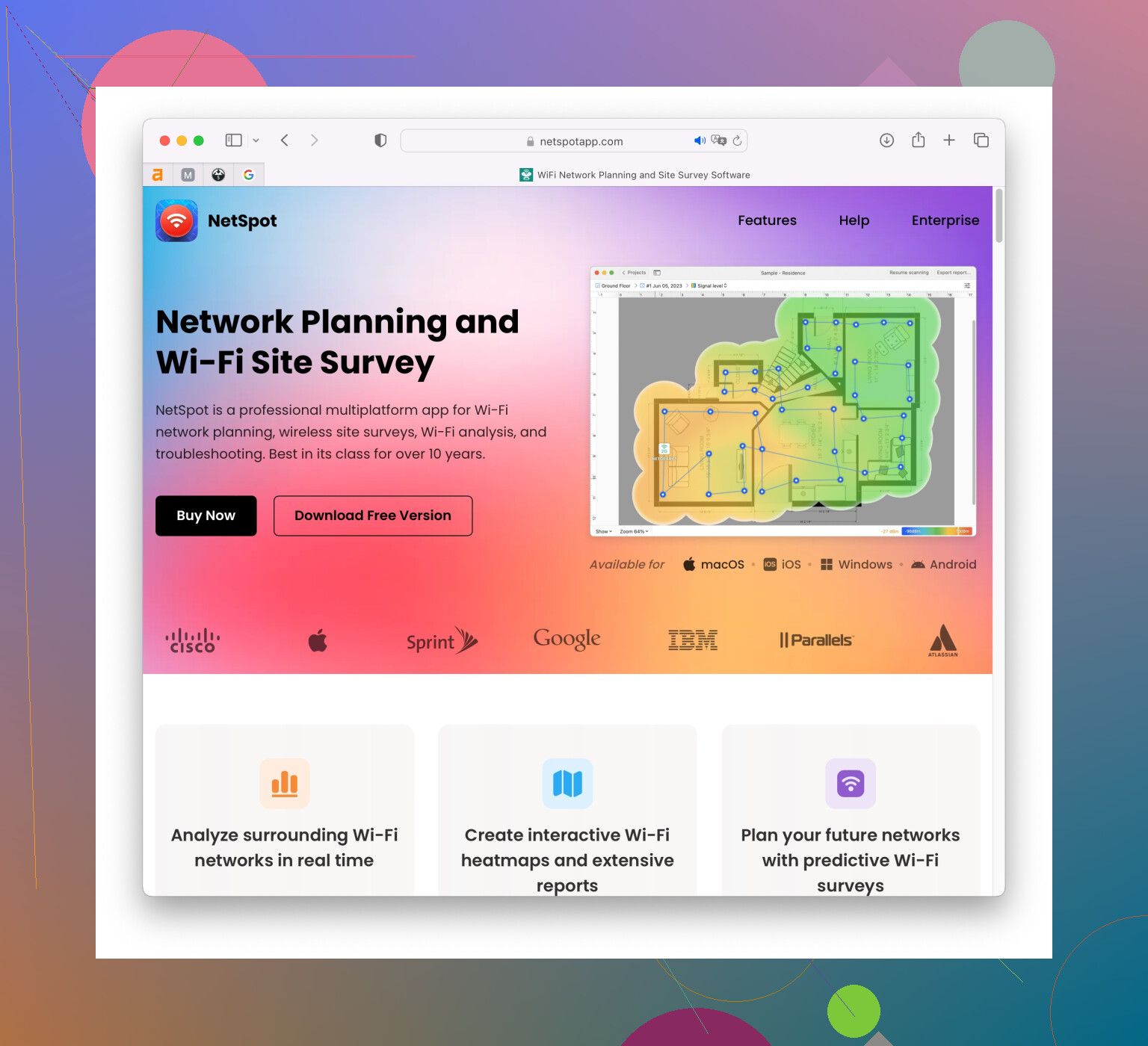
Sometimes the problem is something as simple as interference. If you’re in a crowded area with lots of networks, the 2.4 GHz band can get pretty crammed. Most modern routers support 5 GHz too, so make sure your devices are using that if they can.
Also, physical obstructions like thick walls or metallic objects can drastically affect your signal strength, so positioning your router in an open, central location can make a world of difference. Consider moving it around and running those signal checks I mentioned to see the difference.
Hope this helps you troubleshoot your connection issues!