First, don’t panic! This can happen for various reasons, and we should be able to figure out what’s going on with some troubleshooting steps.
-
Check the Recycle Bin: Sometimes files can be accidentally deleted. Open the Recycle Bin and see if your desktop files are there. If they are, right-click them and choose “Restore.”
-
Search your entire drive: Sometimes files get moved by accident. Use the search function in File Explorer and type in the name of your missing files. Make sure you’re searching “This PC” so it includes all drives and folders.
-
Ensure User Profile is Correct: Sometimes Windows loads a different user profile. This can make it seem like your files are missing. Log out and log back in to the correct profile and see if that fixes the issue.
-
Check OneDrive or other cloud services: If OneDrive or another cloud syncing service is set up on your computer, it may have moved your files there. Open OneDrive from your system tray and check for your files.
-
Display Settings Issue: Right-click on the desktop, go to “View” and ensure “Show desktop icons” is checked. Sometimes updates or system changes can accidentally hide your desktop items.
-
Check for Virus/Malware: It’s always possible malware is hiding or manipulating your files. Run a virus scan with your preferred antivirus software.
-
Recent Windows Update: If you recently updated Windows, sometimes files and settings can move around. Check “C:\Users[Your Username]\Desktop” to see if the files are hidden in an older profile or backup directory.
-
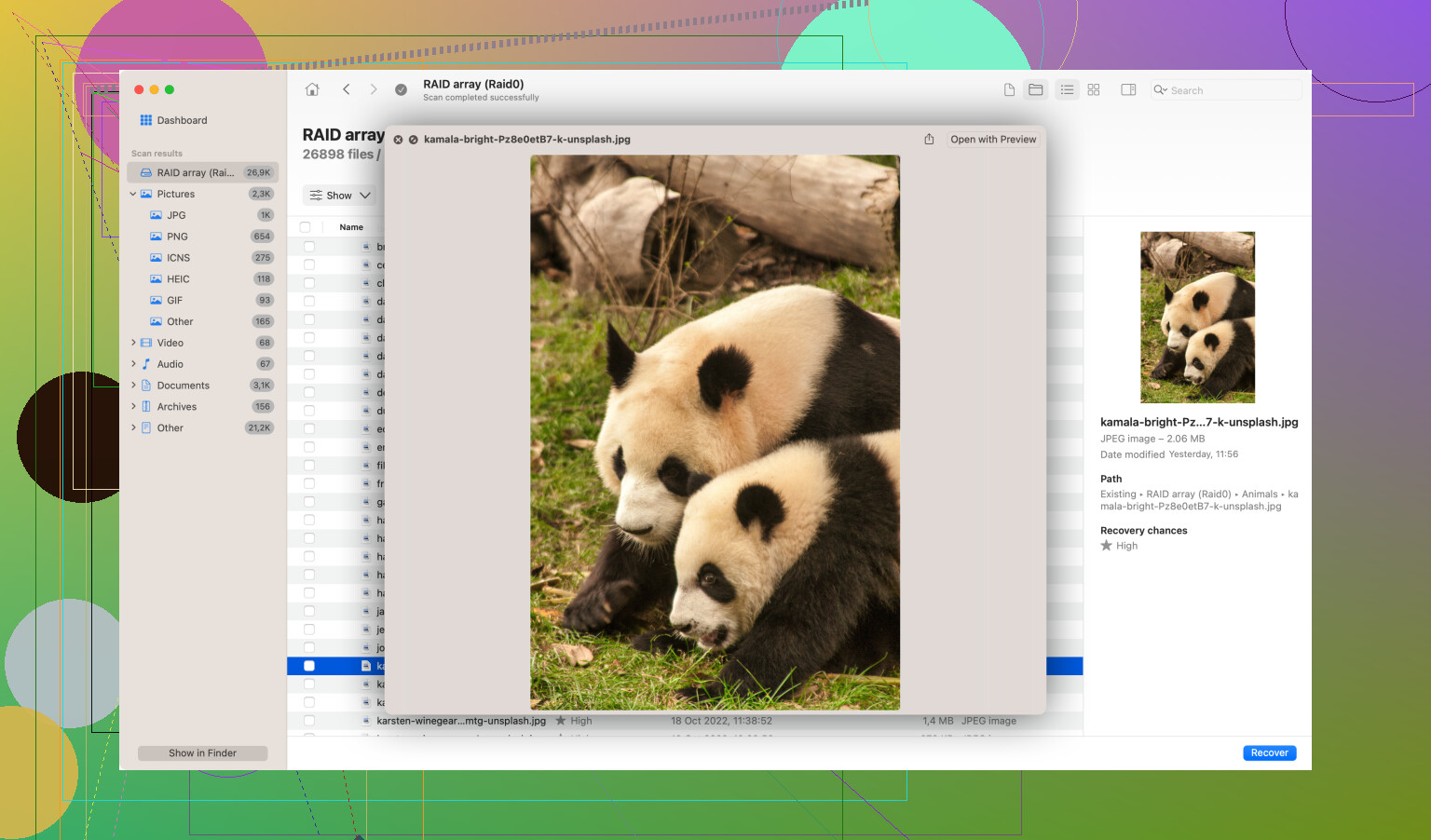
Use Disk Drill
: If you’ve exhausted all the above steps and still can’t find your files, it might be time for recovery software. Disk Drill is a great option that can help you recover lost files. You can download it from https://www.cleverfiles.com/ and run a deep scan to see if your files are recoverable. -
Recent Restore Point: If it’s really critical, consider using Windows System Restore to roll back to a time when you know the files were present. Though, be careful as this can undo recent changes to other files and applications.
Keep us posted on your progress and let us know if you need further assistance!