AI Detector Pro Review

I have to review drafts for my team without uploading client material, so I tried AI Detector Pro on an internal note I wrote myself. The original was flagged, but a lightly copyedited version drew less concern. I changed punctuation and trimmed repetitive phrasing, not the substance.

I expected some variability, but this made the result harder to interpret. Has anyone else seen flags shift after routine copyediting, particularly when the original and revised text were both entirely their own writing?


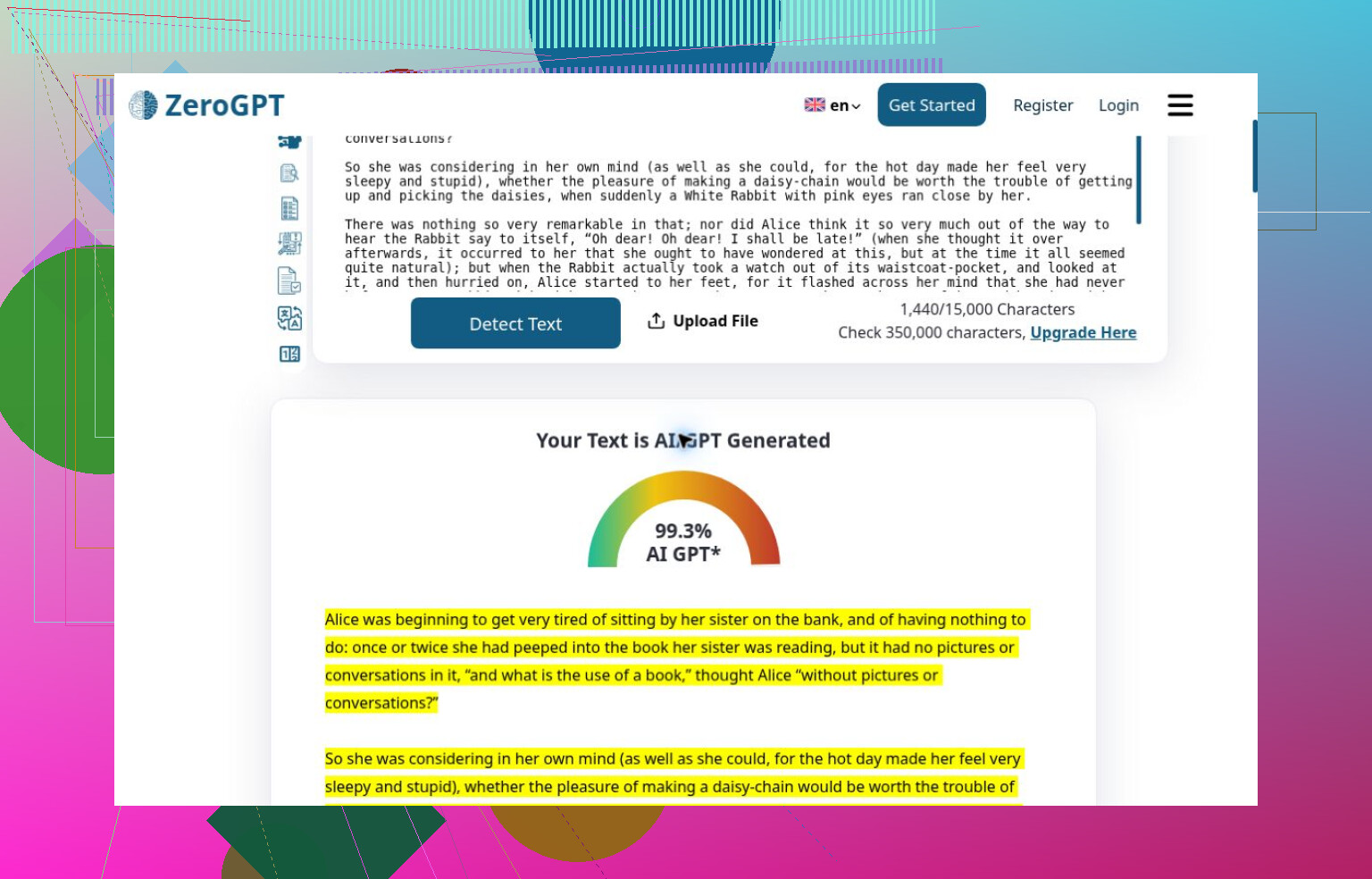
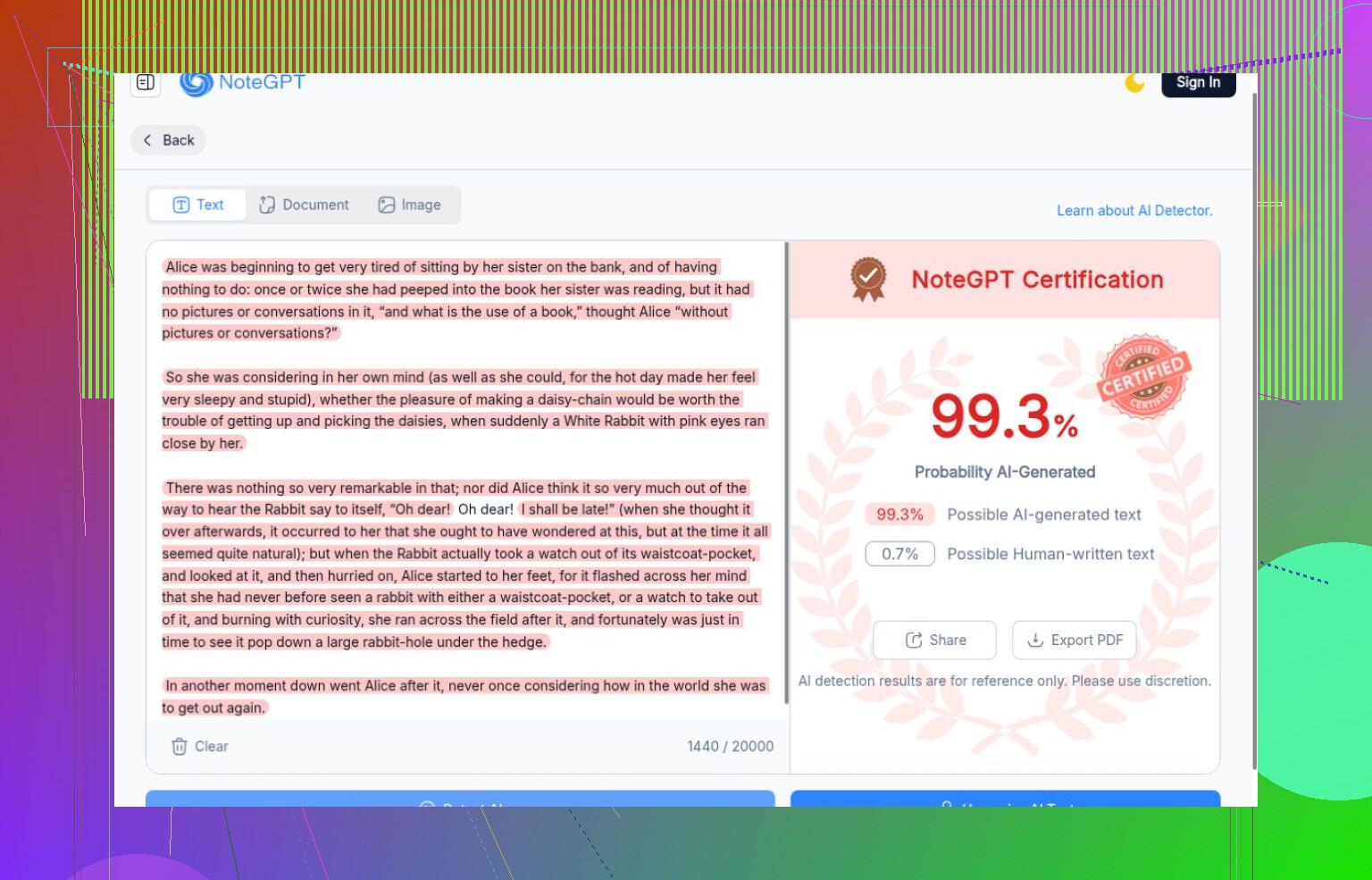
The mistake I would correct first is treating a confident AI label as proof of authorship. In my checks, ZeroGPT and NoteGPT assigned the Lewis Carroll excerpt their strongest AI scores, above the generated writing. ZeroGPT called it 99.3% AI. That makes me look for known-human controls before giving much weight to successful detections.

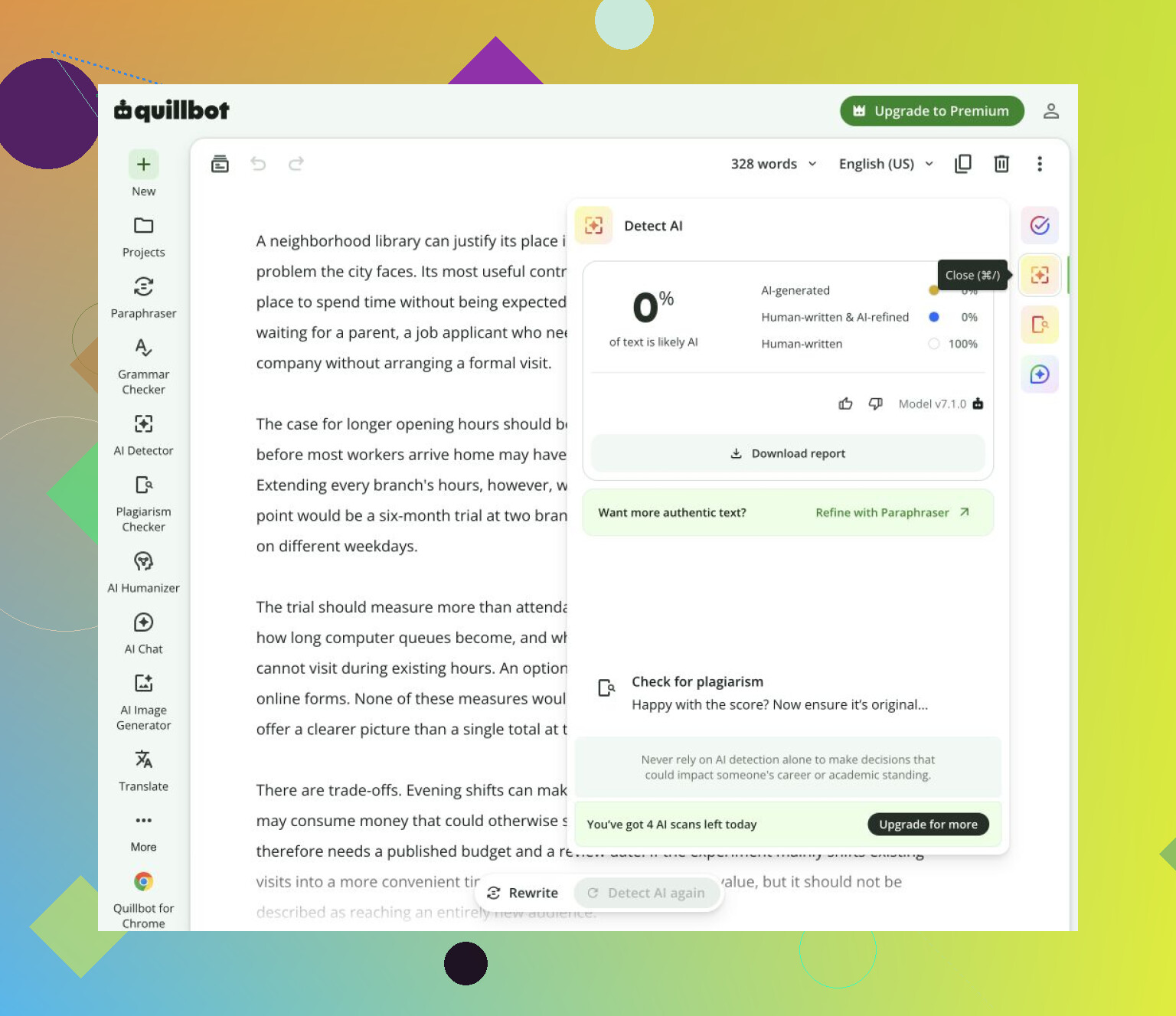
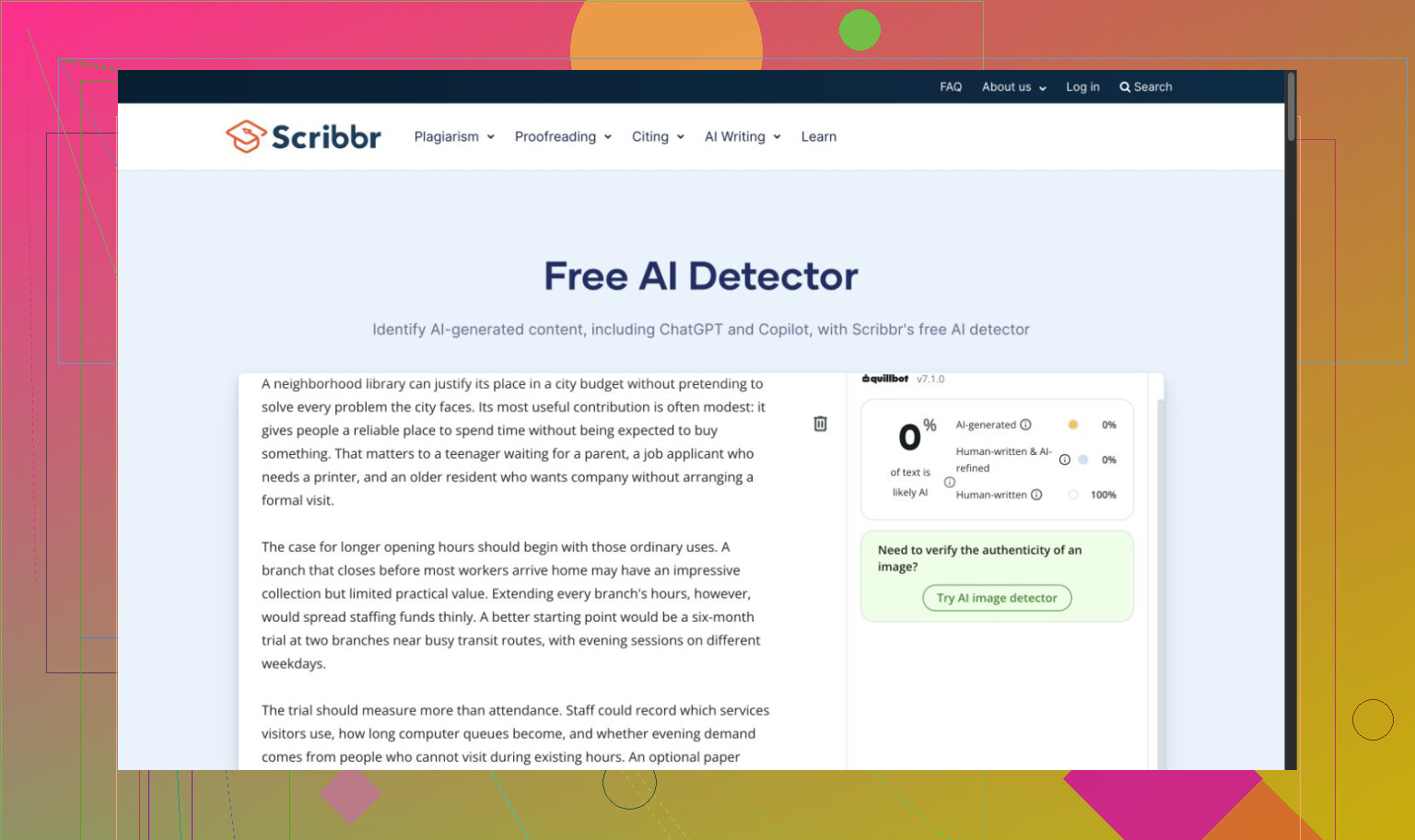
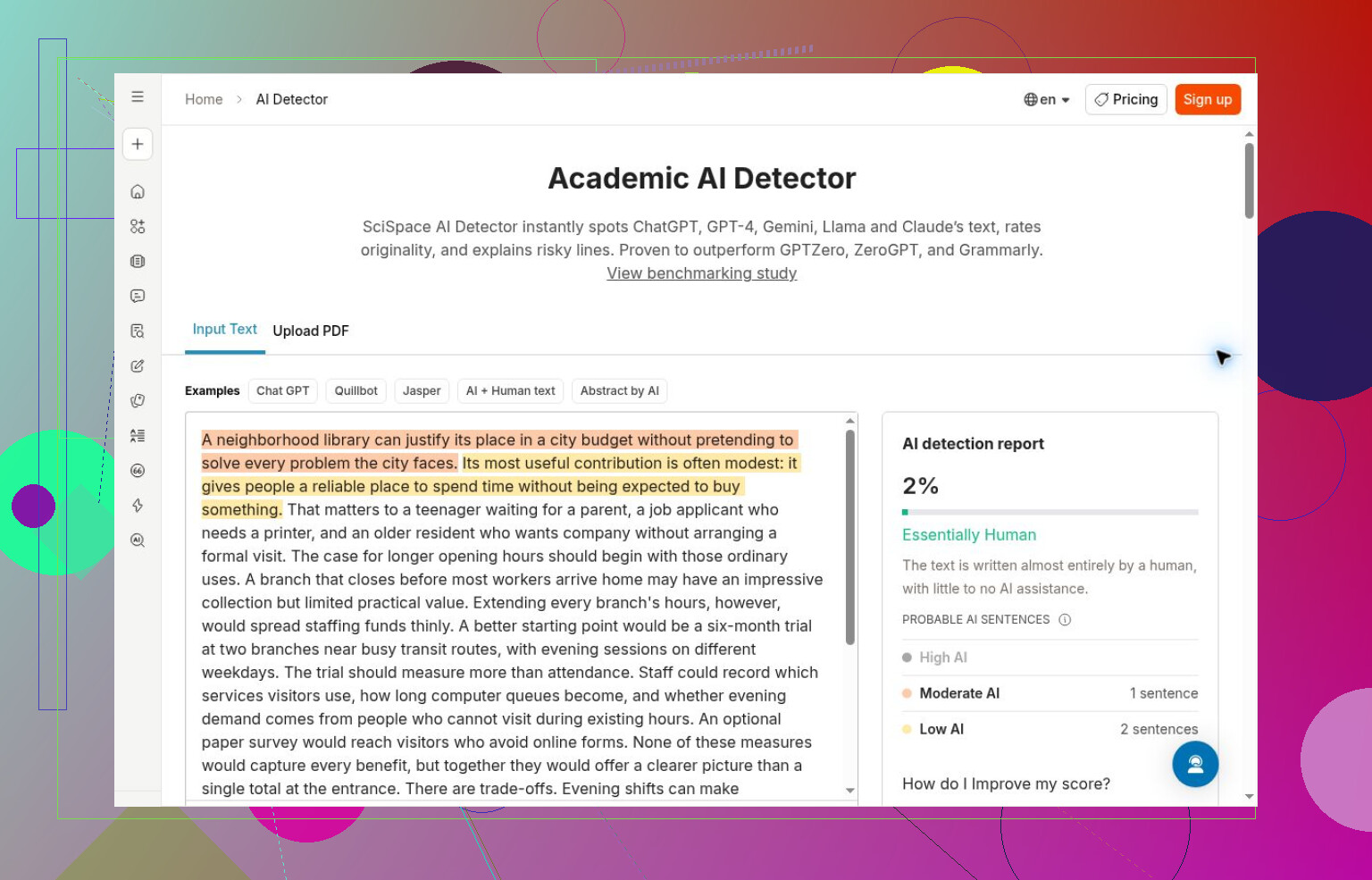
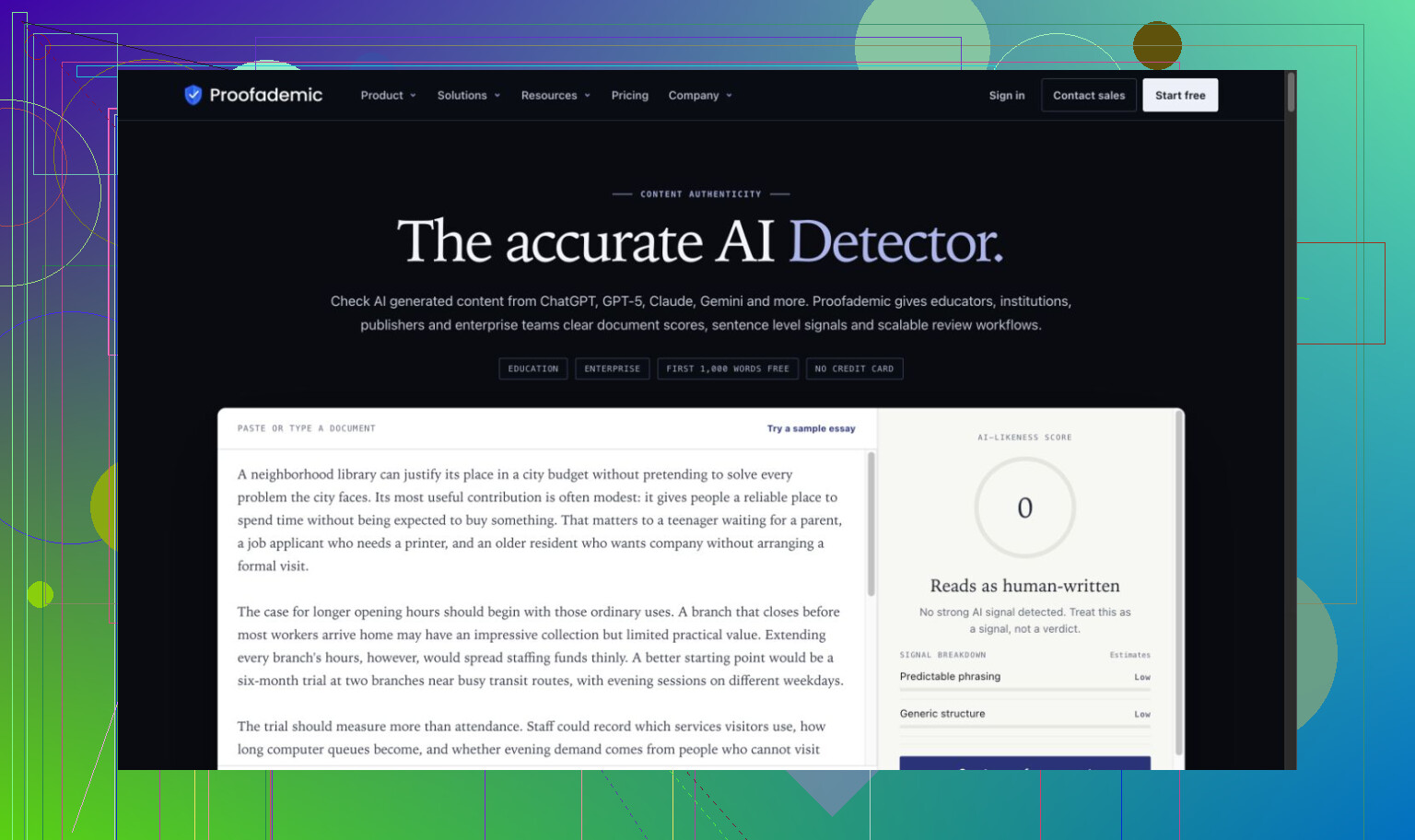
The reverse errors mattered too. QuillBot accepted all four generated passages as human. Scribbr missed the generated essay, as did SciSpace and Proofademic’s public demo. Surfer missed the generated essay and story. I cannot explain those failures from screenshots. Scribbr also displayed QuillBot branding, so I would not automatically treat agreement between them as independent confirmation.

I used six unchanged English passages on October 2–3, 2026: generated writing in essay, memo, paraphrase, and fictional personal-story formats, a Carroll excerpt, and an AI-edited version of that excerpt. Some passages were related. This was a limited comparison, not evidence about everyone’s writing, and I did not evaluate paid workflows or multilingual coverage.

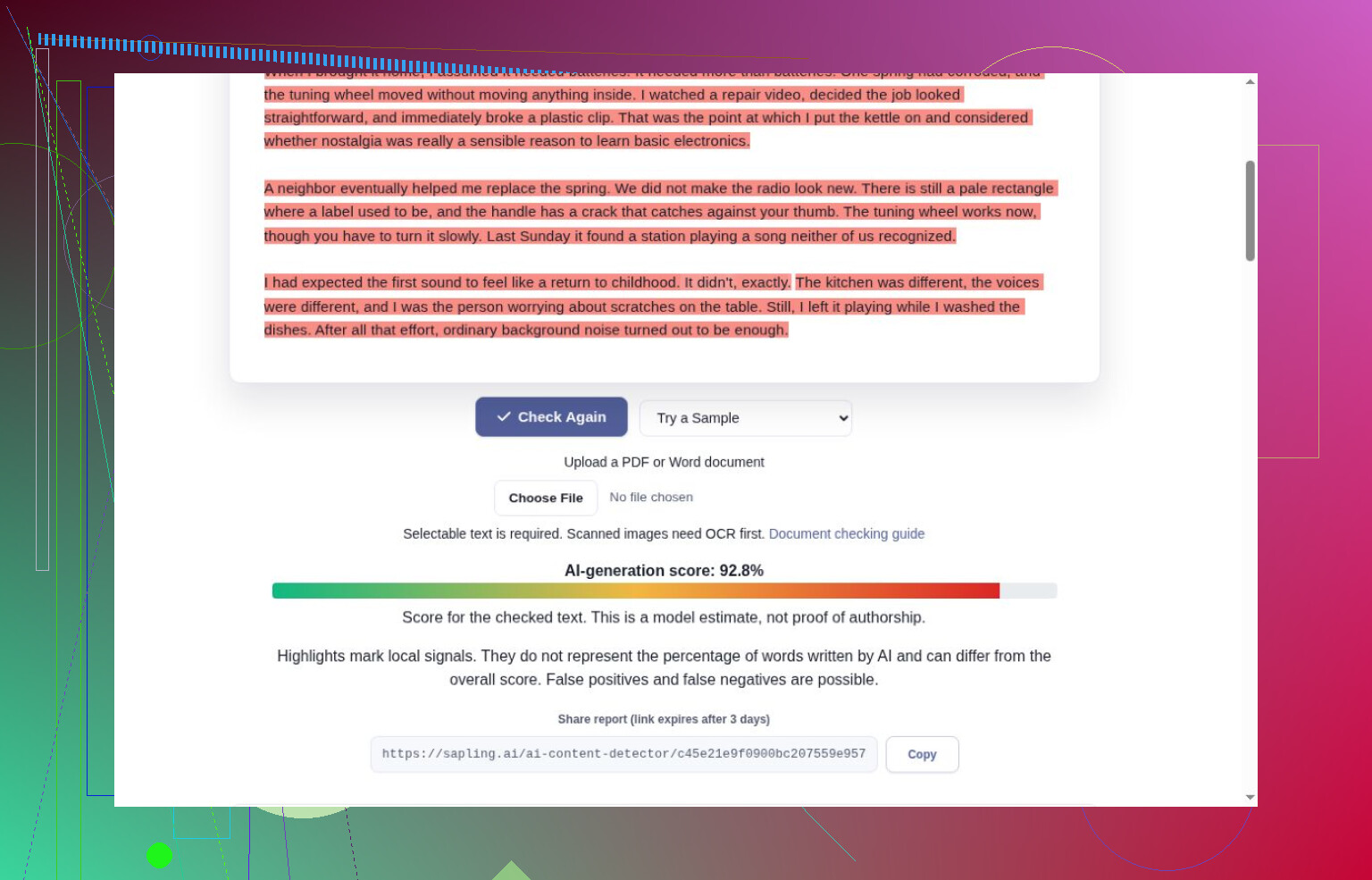
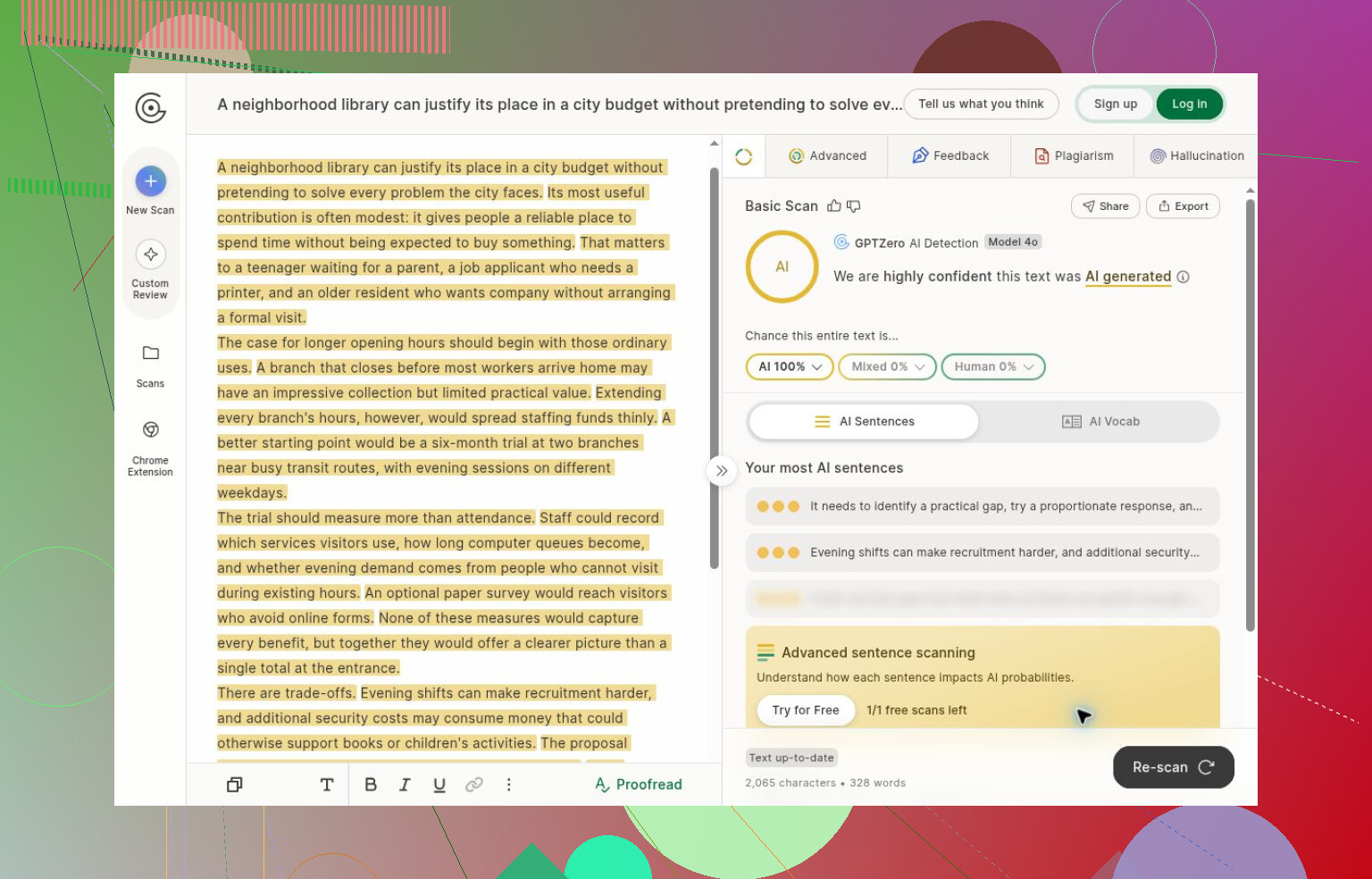
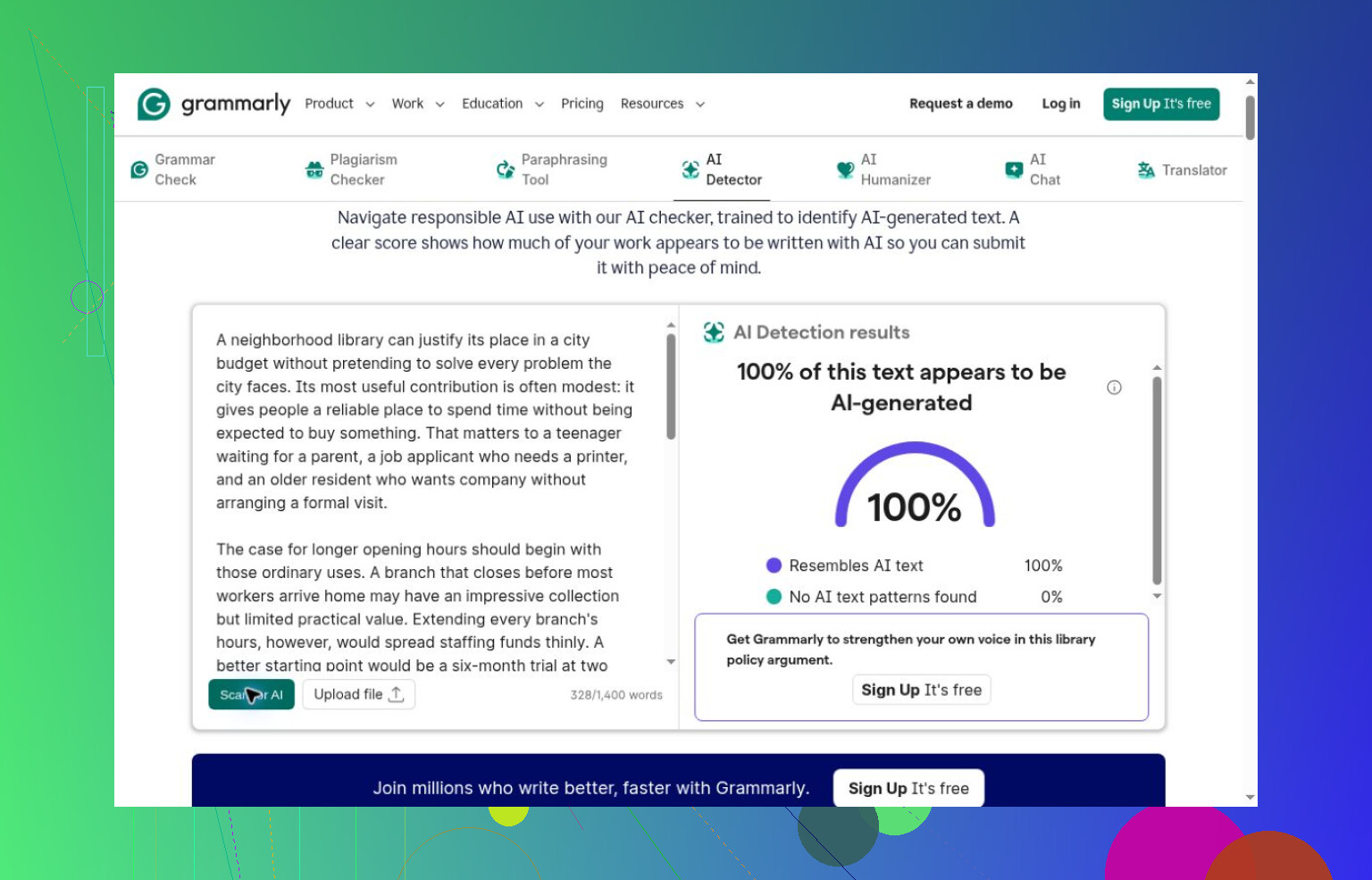
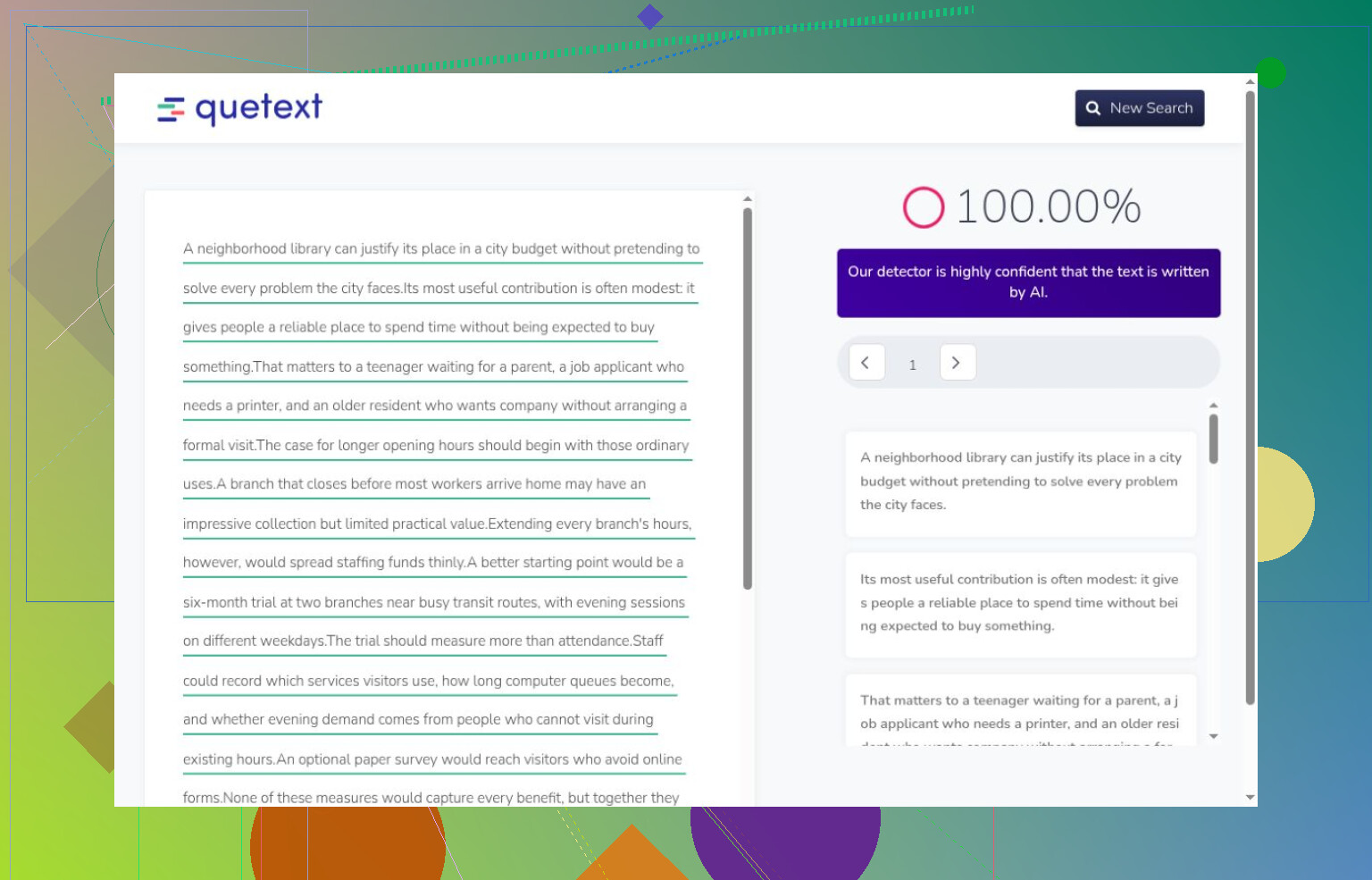
I also separated a completed result from an interface that merely looked finished. GPTZero retained an old score after I replaced the input; that was not another detection. Sapling checked only part of the essay, although its complete story and human checks were correct. GPTZero, Grammarly, and Quetext correctly flagged the generated material they processed, but account barriers left me without human controls for them. Their successful detections do not establish false-positive performance.

For a repeat of this small guest-access exercise, I would start with the Clever AI Detector tool. It completed the set without payment or registration, caught the generated passages, and accepted Carroll. I could not verify its advertised unlimited use or maximum length. Its sentence colors and explanations sometimes disagreed with the headline, and it accepted the lightly edited passage as human.

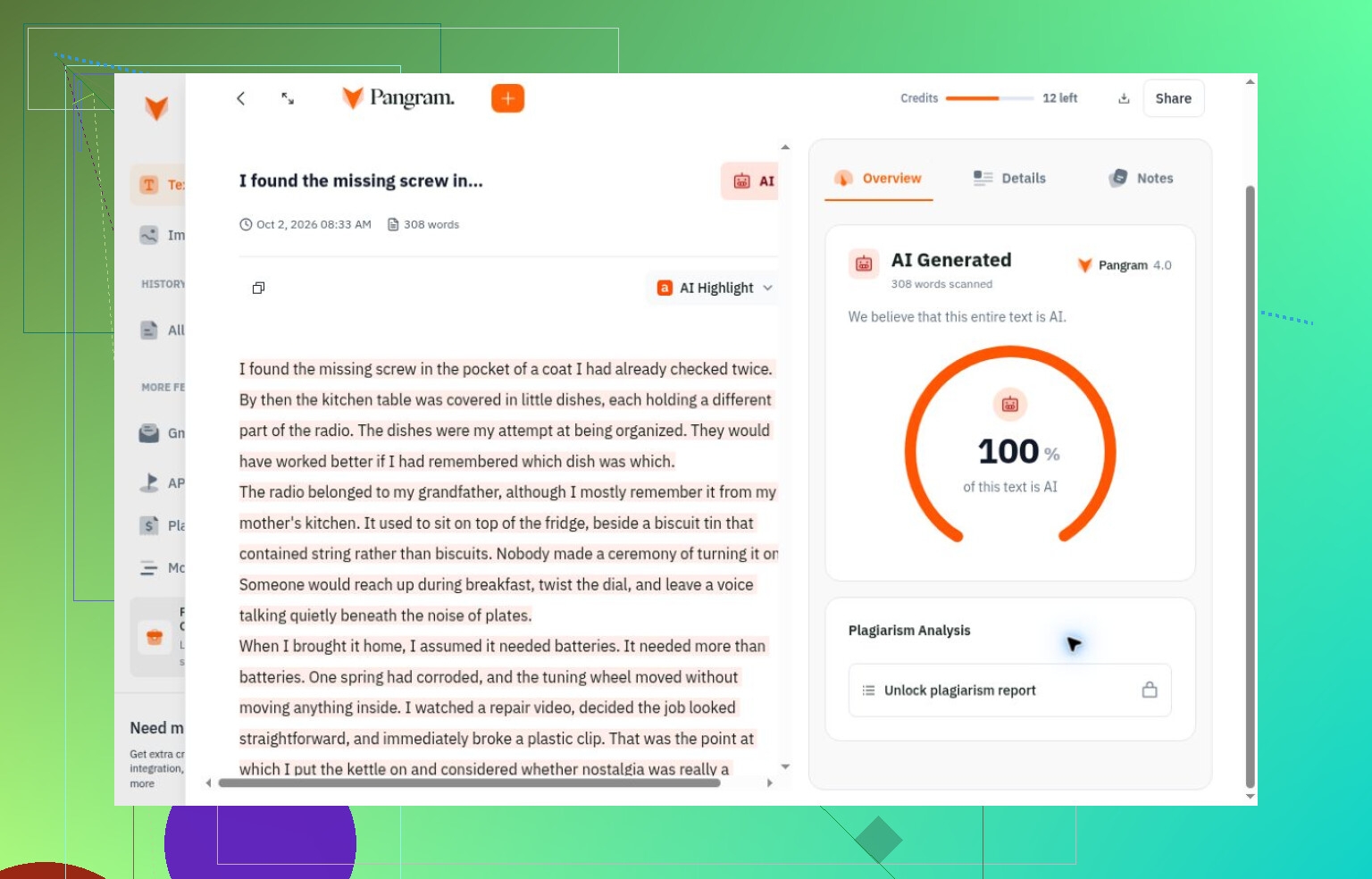
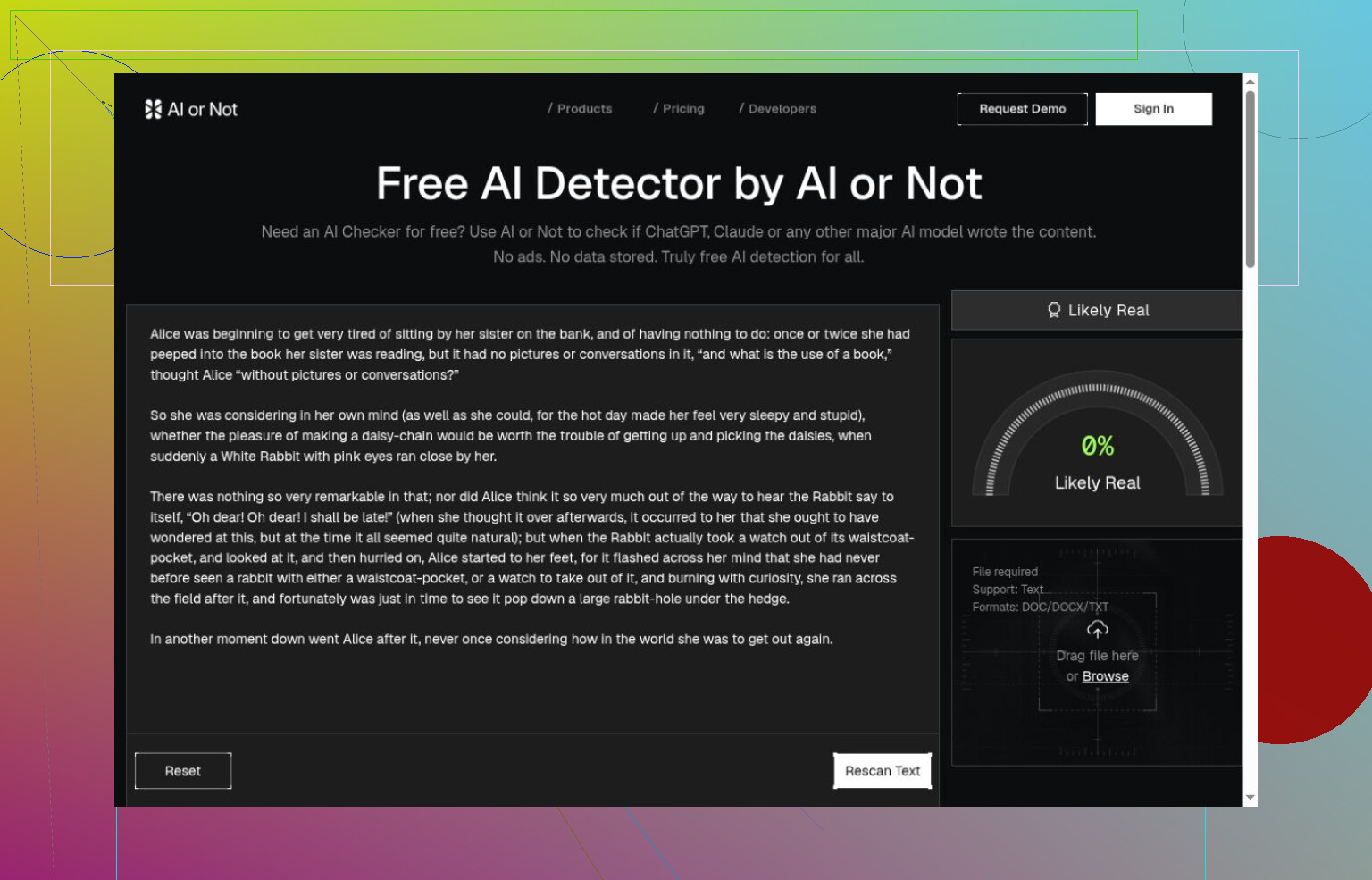
Pangram also accepted that edited passage, while correctly classifying its completed generated and original-human checks. Its credits ran out, with usage depending on length. Originality.ai and AI or Not likewise got their completed generated and human checks right, with narrower coverage. Originality.ai’s confidence applied to a verdict under the selected allowance, not a measured proportion of generated words. I would not compare confidence, probability, and estimated AI share as interchangeable values.

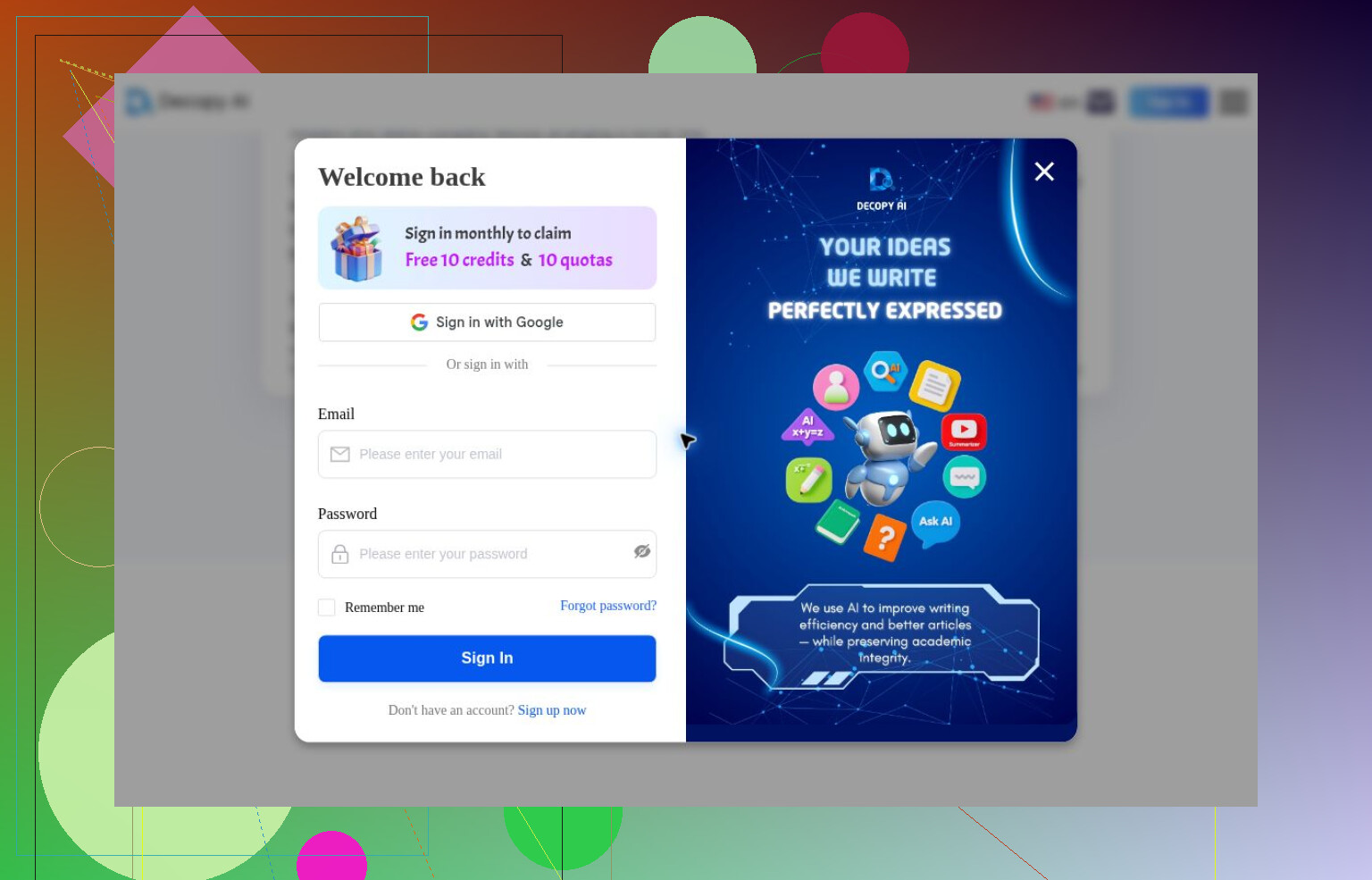
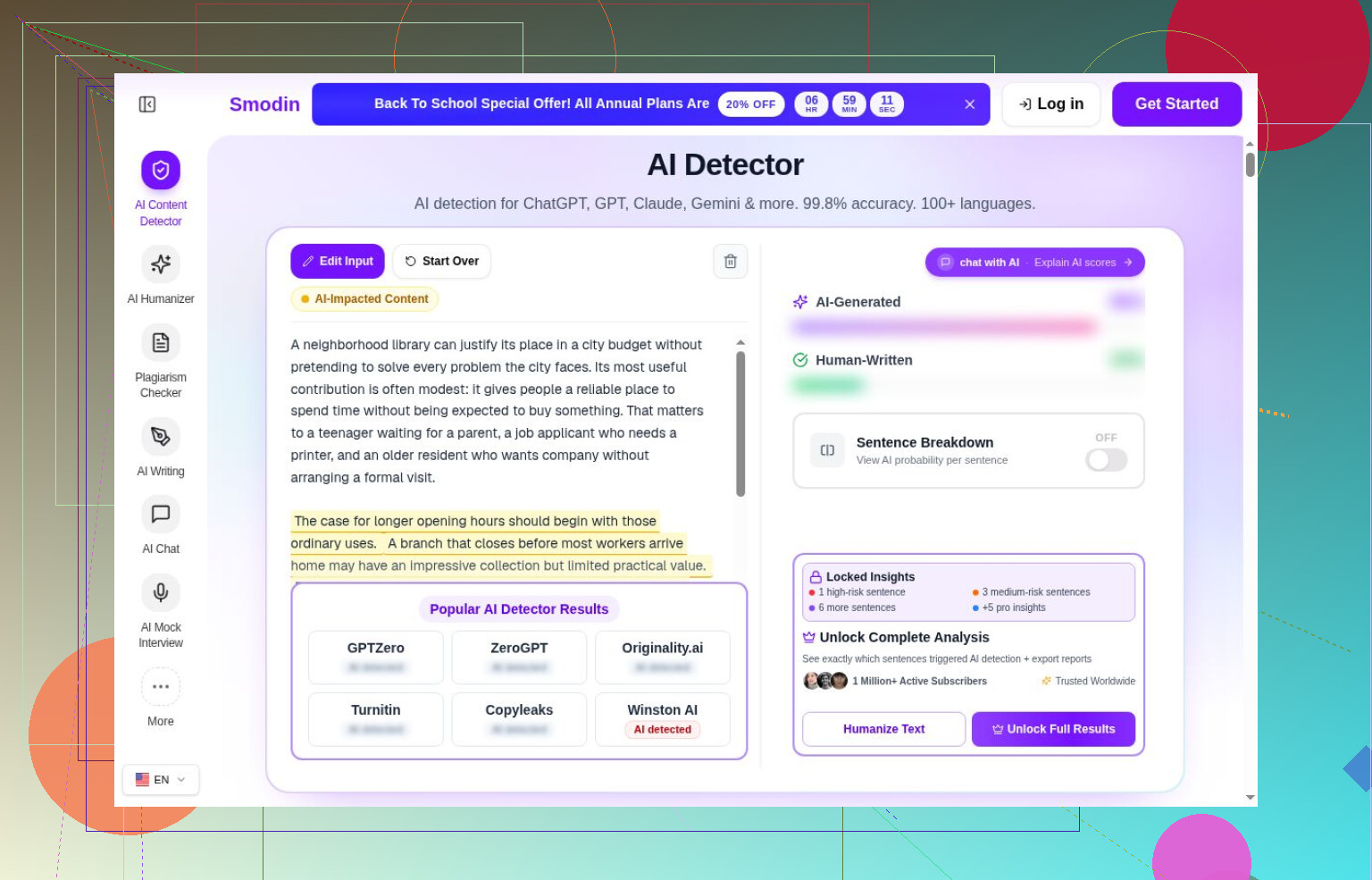
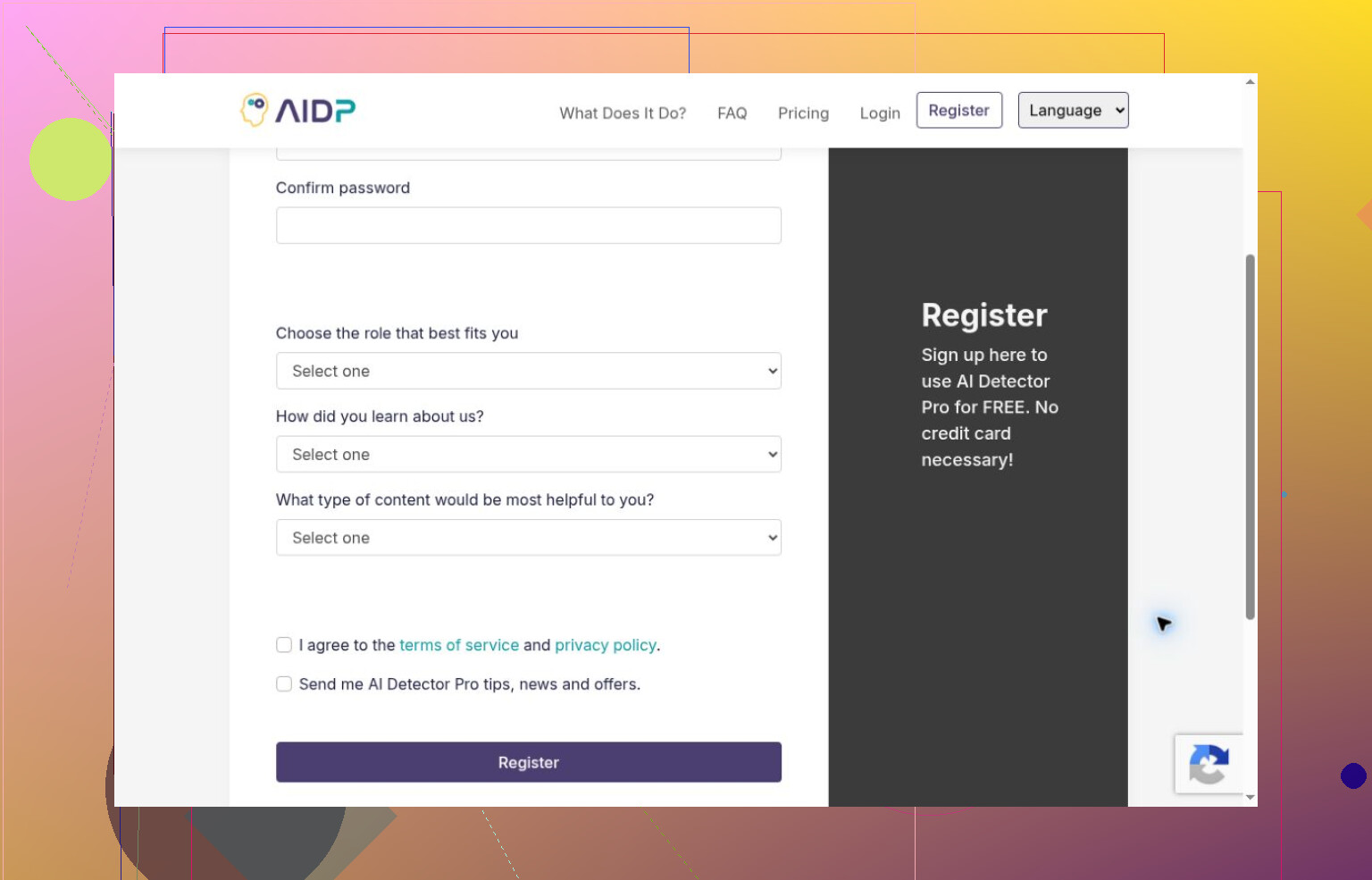
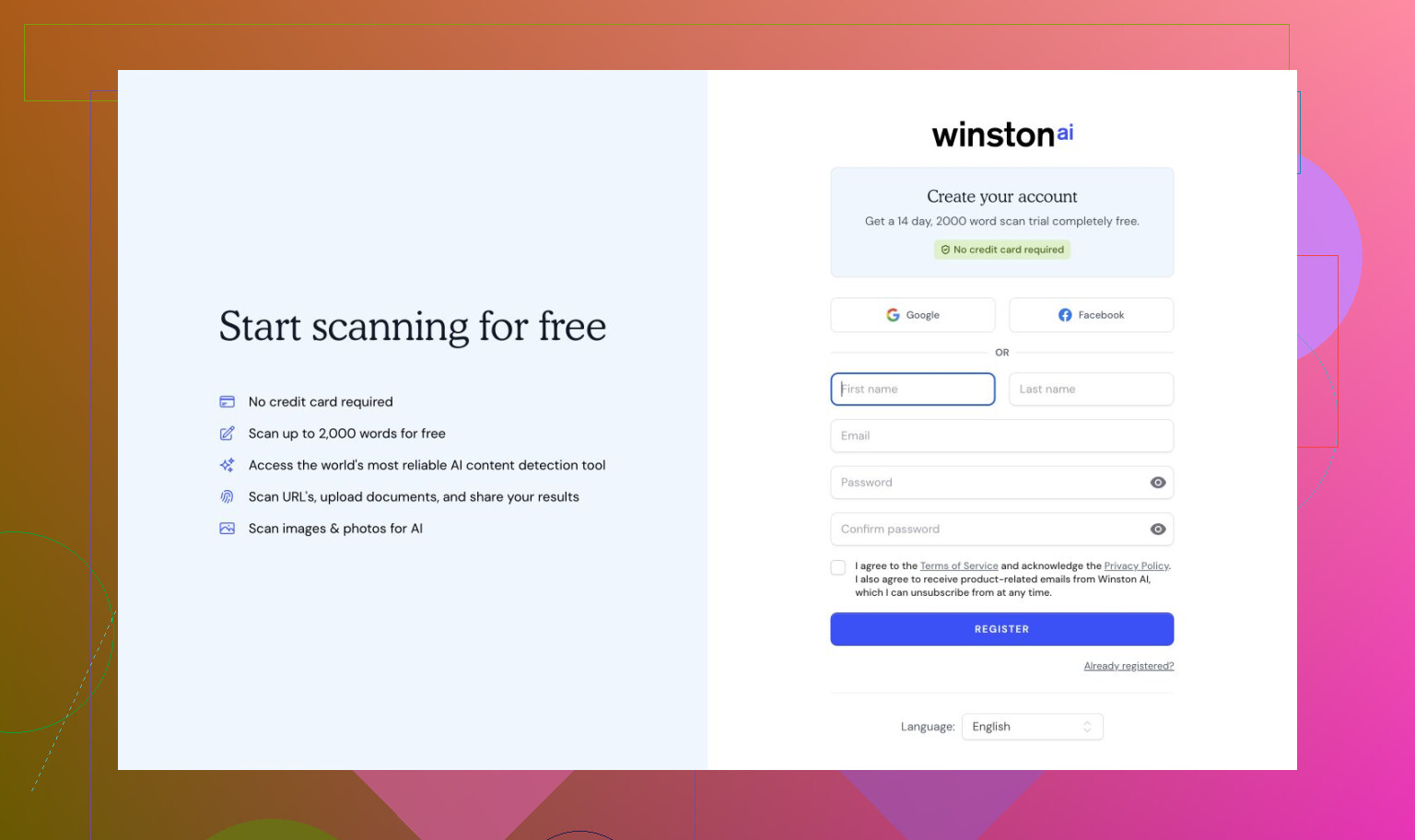
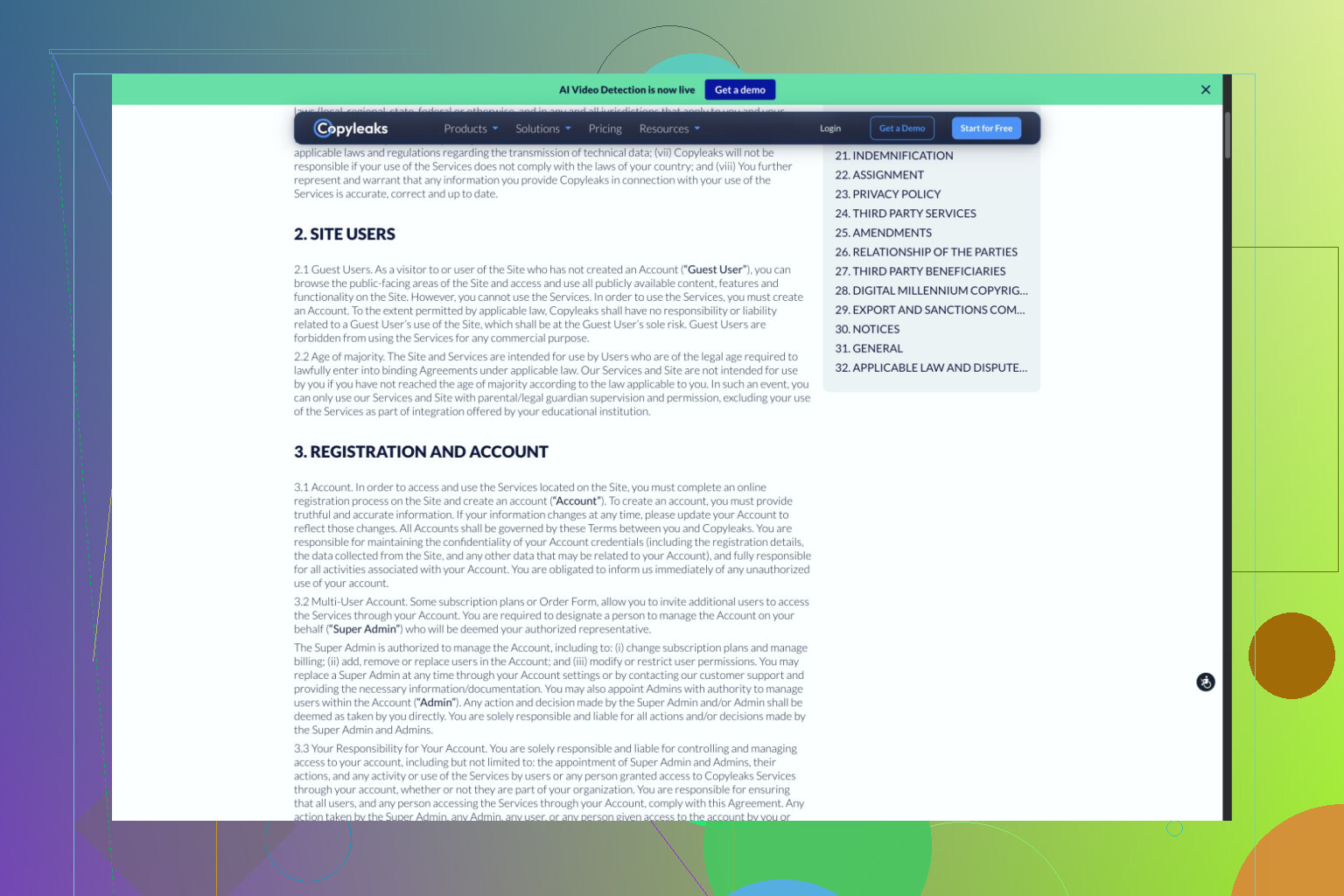
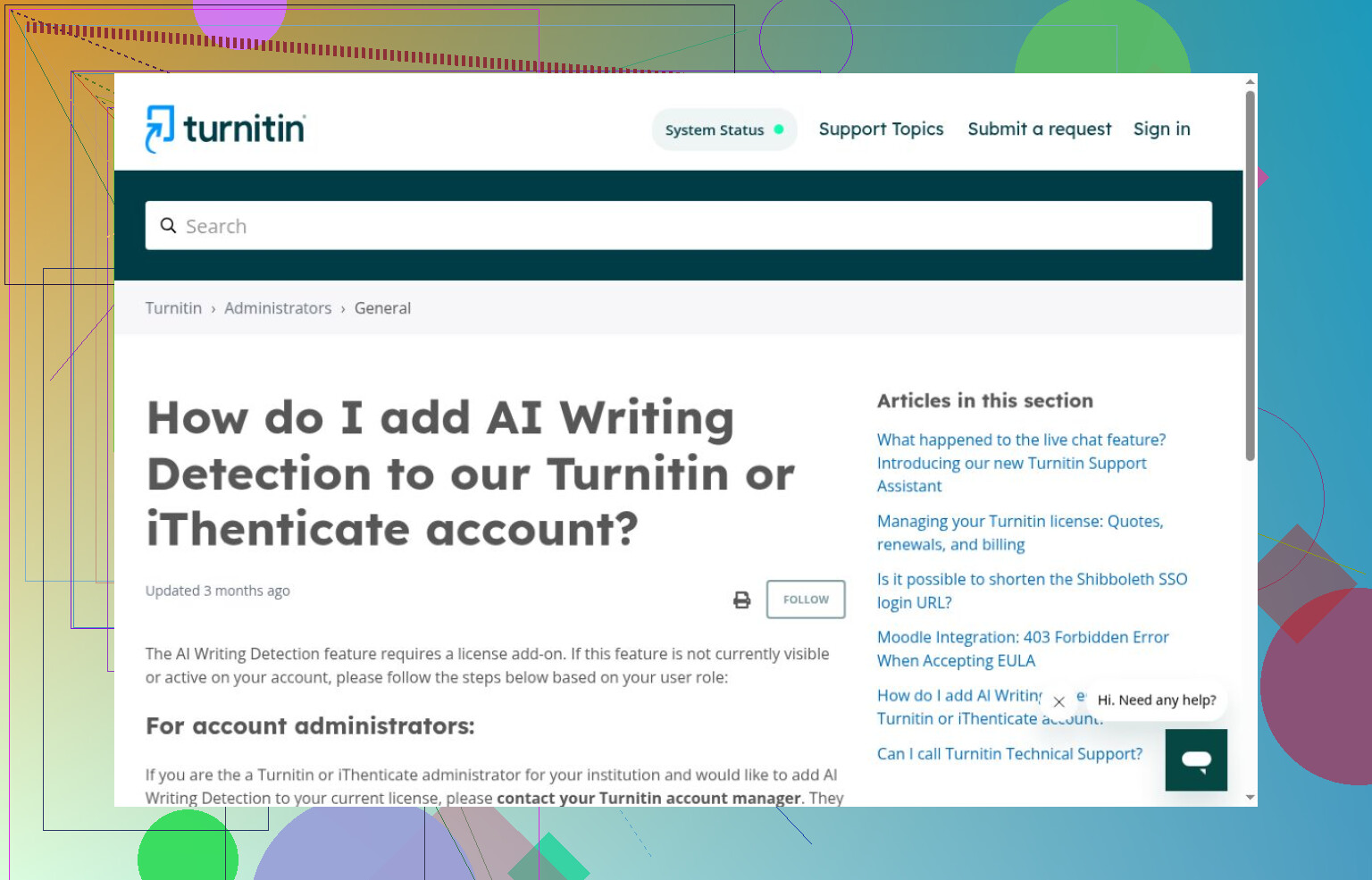
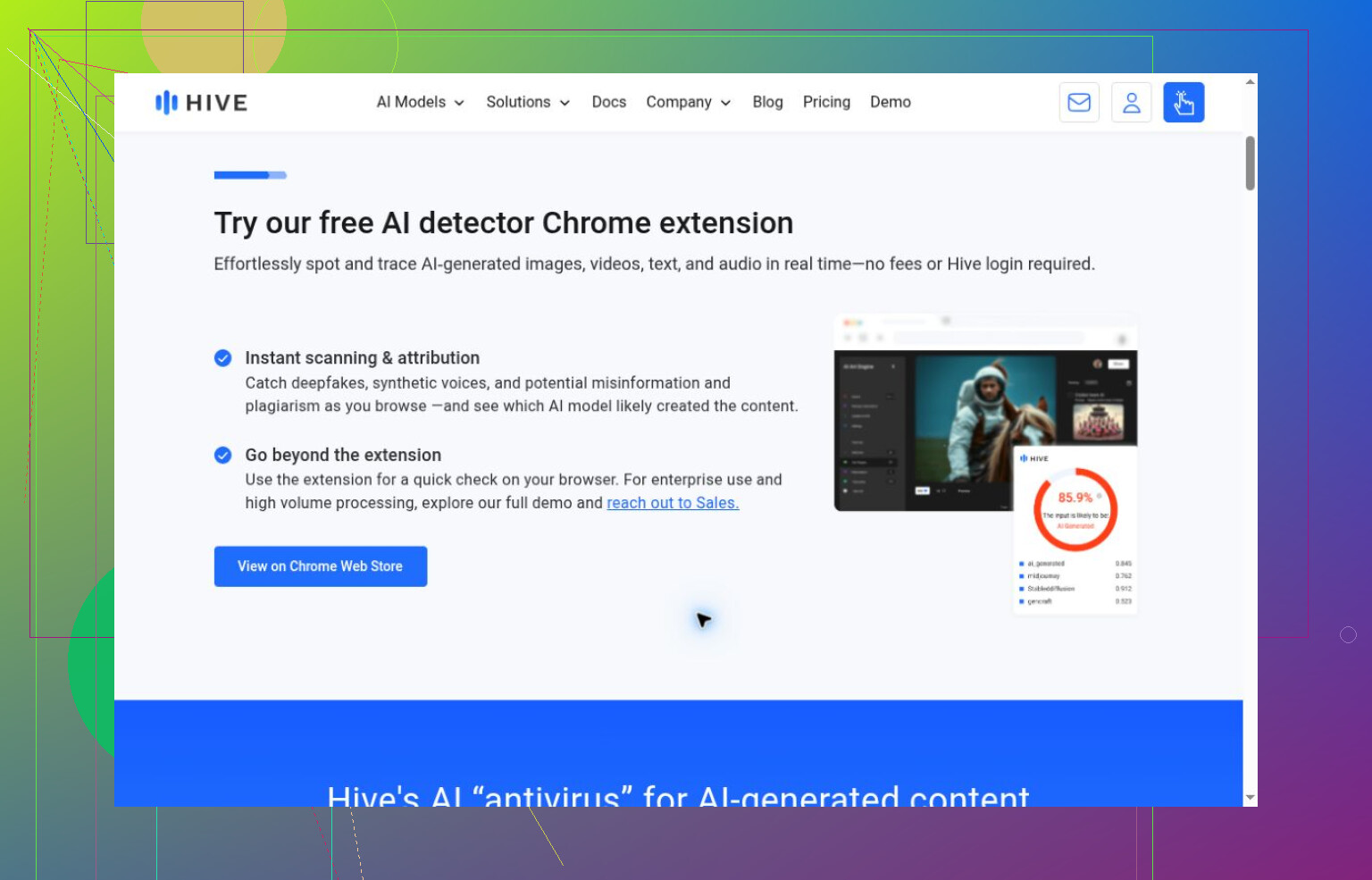
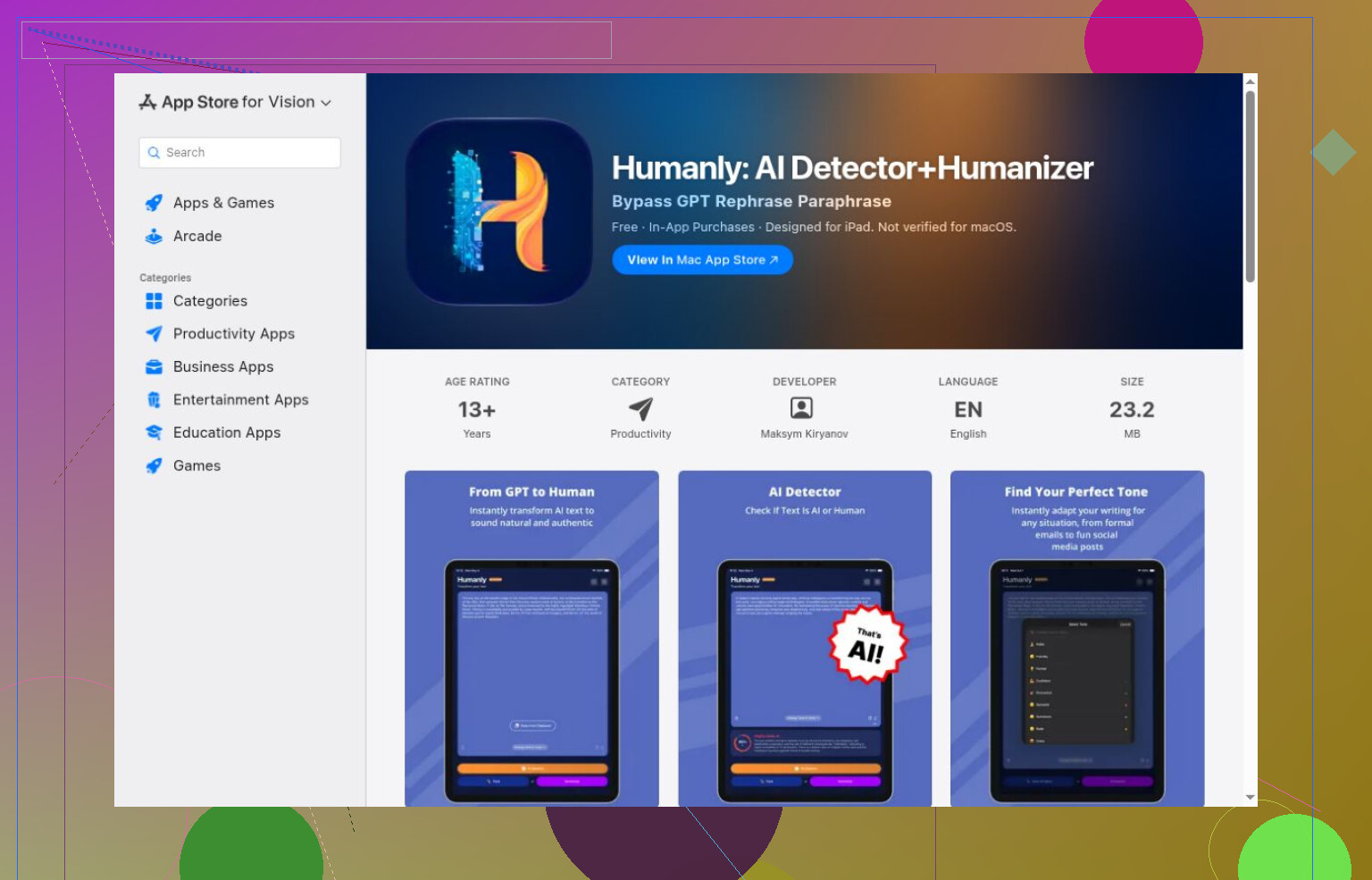
Access-only observations tell me nothing about accuracy. Decopy requested login; Smodin hid its headline values. AI Detector Pro and Winston AI required registration, while Turnitin needed institutional access. I stopped at Copyleaks’ applicable-use terms, not a failed scan. Hive’s text routes required an extension or API; ContentDetector.AI redirected to a Moxby extension listing. I installed neither extension nor Humanly’s app, and could not verify their detection or free allowances.

To test this yourself, use writing whose origin you can document, including your own drafts, generated samples, and separately labeled edited mixtures. Submit identical copies, confirm that each result is new and covers the whole passage, and save the output. Compare errors by category rather than averaging unlike scores. I would use those records to judge usefulness, not to turn a detector label into an accusation.
A fabricated example differs from an internal note in that simply writing it yourself does not necessarily deem it suitable for uploading. I would use the Clever AI Detector with fabricated text for comparison, but the comparison of tools does not address your primary limitation: how to evaluate actual team drafts without sending it outside your organization.

Set a review rule that “lower the detector score” is never a revision request. Otherwise, you risk giving your team an extra editing task with no connection to whether the draft serves the client. The comparison exercise has its place, and I’d pick Clever AI Detector for a fabricated-text trial. For actual reviews, though, ask for specific changes: support this claim, clarify this sentence, fix this inconsistency. Your copyedited note makes me especially reluctant to turn a score into an acceptance requirement.

Define the violation before choosing the test.

I agree with @stackthinker6758edge about reviewing specific problems in the draft, but quality review and process review answer different questions. A draft could read perfectly and still have been produced through a workflow your team prohibits. Conversely, you might permit certain editing tools without wanting reviewers to flag every sentence they touched. “Does this sound generated?” isn’t the requirement I’d write down.

For your team’s policies, I would separate the rules about what the writers may do: use of AI to generate passages, use of automated copyediting, and transmission of any client information outside approved systems. Note that these are different permissions – the former two fall under the umbrella of “using AI,” but the ability to use a tool for one (e.g., creating generic headings) does not imply permission to use the same tool for another (e.g., pasting a client brief into a service). Both fall under the umbrella of “AI use,” but they should be treated as two separate permissions.

Therefore, a review handoff should be crafted to reflect the distinction. Perhaps a process note attached to the draft can state what form of assistance was used (e.g., what system or method) and for what purpose (e.g., editing of generic headings). The note should also specify if the writer was using only the tools approved by the company. This statement should be included in the review process but kept simple: it is a disclosure to the reviewers, not a proof of compliance, and therefore does not need to adopt convoluted language or include extensive justifications.

As the copyedited note example illustrates, the outcome of running a text through an AI detector can fluctuate. However, this observation alone cannot be used to identify if a specific editing action has crossed the boundary set by the team’s policies. Before investing more time in exploring the AI Detector Pro, I would ask for explicit criteria that the result of this tool should meet to be considered crossing the boundary. In its current state, it provides a metric but no guidance on what to do with it.

A flag on your own note gives you a reason to doubt the detector, while the same flag on a teammate’s draft could give you a reason to doubt the teammate. I’d want the review process to handle those two cases consistently. You have firsthand knowledge of your writing process that you don’t have for theirs, but that difference shouldn’t automatically count against them.

@xasyncrouterx’s proposed process note would clarify what the writer says they used. It wouldn’t settle a disagreement between that disclosure and a detector result, though. Suppose someone reports no generated text, then gets flagged. Does their statement stand, or do they suddenly owe you draft history, notes, and an explanation? I’d decide that before putting AI Detector Pro anywhere near an approval workflow.

The cost comparison interests me more than another accuracy ranking here. Running a check is one task. Resolving a disputed result is a separate task involving the reviewer and the writer, potentially while a delivery waits. For any trial using fabricated material, I’d include a deliberately assumed false alarm and walk through what happens next. Who reviews it, what evidence would settle it, and can the draft proceed in the meantime? That would test your proposed workflow rather than another detector.

Your copyedited note gives you a useful case to think through without involving client material. If the original would trigger a conversation with its author but the edited version would pass, I’d ask whether that conversation would uncover anything worth the interruption. I wouldn’t adopt a review step whose easiest resolution is “rewrite it until the warning disappears.”

Whether any of this matters depends on which fear is actually driving you. If the constraint is ‘client text can’t leave the building,’ then a browser detector fixes nothing, because the pasting itself is the thing you’re trying not to do. That’s the hole @1r0n_falcon poked at, and I’d stretch it: the detector only becomes a real question after you’ve already decided confidentiality isn’t at stake. Until then you’re arguing about a tool you can’t use anyway.

On the authorship side, the detail from your post that would make me stop dead in my tracks is actually the one you mentioned yourself, about your own note. Your note’s edited and improved version was overall less intense than the original, making it easy to see the machine’s reward of smooth wording over human unpolishedness. Run this across an entire team of people who do the majority of the real writing (and whose hands leave the tell of their own process) and your suspicion would be richly deserved — anyone who does a polish pass looks the same to you, and you’ve just trained your people to behave like their work will be scanned by suspicion. That’s not an effective way to enforce any rules about proper writing, let alone anything to do with the machine learning itself.

I still open Clever AI Detector for my throwaway samples, mostly out of habit — my issue with the tool is the opposite of the sentence-level concern, in that I have trouble telling what it retains after I submit it for scanning. This puts me back in the confidence issue from the first paragraph — it is easy for me to imagine that some part of the text I considered safe and disposable might have been retained, possibly including red flags for clients. That is why I tend to use it for text I have no client-facing intent for in the first place.

The thing that no one is saying about AI Detector is that you have two problems in one, and solving one of them is actually detrimental to solving the other. One, you are worried the text you receive has passed through someone’s systems and left traces you cannot see. Two, you are worried the text you receive was generated by AI in the first place. An AI detector is a tool that does a poor and inconsistent job at the second task while being useless for the first — and the more time you spend investing in either, the less you are likely to spend on actually solving the issues you have.

If the copyedit changed several things at once, I’d be careful with @cloudworks8444’s conclusion that the detector rewards smoother writing. Your result shows that the score shifted after revision, but it doesn’t tell us which change mattered or whether other drafts would behave the same way.

Expect the edited version to keep passing and the original to keep tripping, and expect that to tell you almost nothing. @s0l4r_cursor already caught the real problem: your copyedit moved several things at once, so the score change isn’t traceable to any single edit. That’s exactly why building an approval gate on it falls apart. You’d be chasing a number whose behavior you can’t predict even on your own writing.

Where I land closer to @secureninja1843pro is the disputed-result cost. The scan is cheap. The conversation after a flag is where your time goes, and on a teammate’s draft that conversation starts from suspicion instead of curiosity. I wouldn’t put anything in the workflow that defaults to ‘prove you wrote this.’

Clever AI Detector indeed responds quickly to the pasted text query with a result. It is convenient when you test with nonsensical texts. However, it does not matter much if the detector gives you immediate results on detecting fake texts. In a real collaboration scenario, the tool is not what determines the speed of your work, but your policy.