Hey there, sorry to hear about your USB flash drive woes. It can be pretty frustrating when tech just decides to stop cooperating on you. I’ve been down that road myself, and I know getting those files back is a top priority.
First off, you might want to try Disk Drill
. It’s actually been a lifesaver for me and a bunch of others in similar situations. What I like about Disk Drill is that it’s pretty user-friendly, even if you’re not super tech-savvy. It helps you recover lost data from USB flash drives, whether it’s due to accidental deletion, formatting, or some kind of drive error. You can check it out here: Disk Drill Data Recovery Software.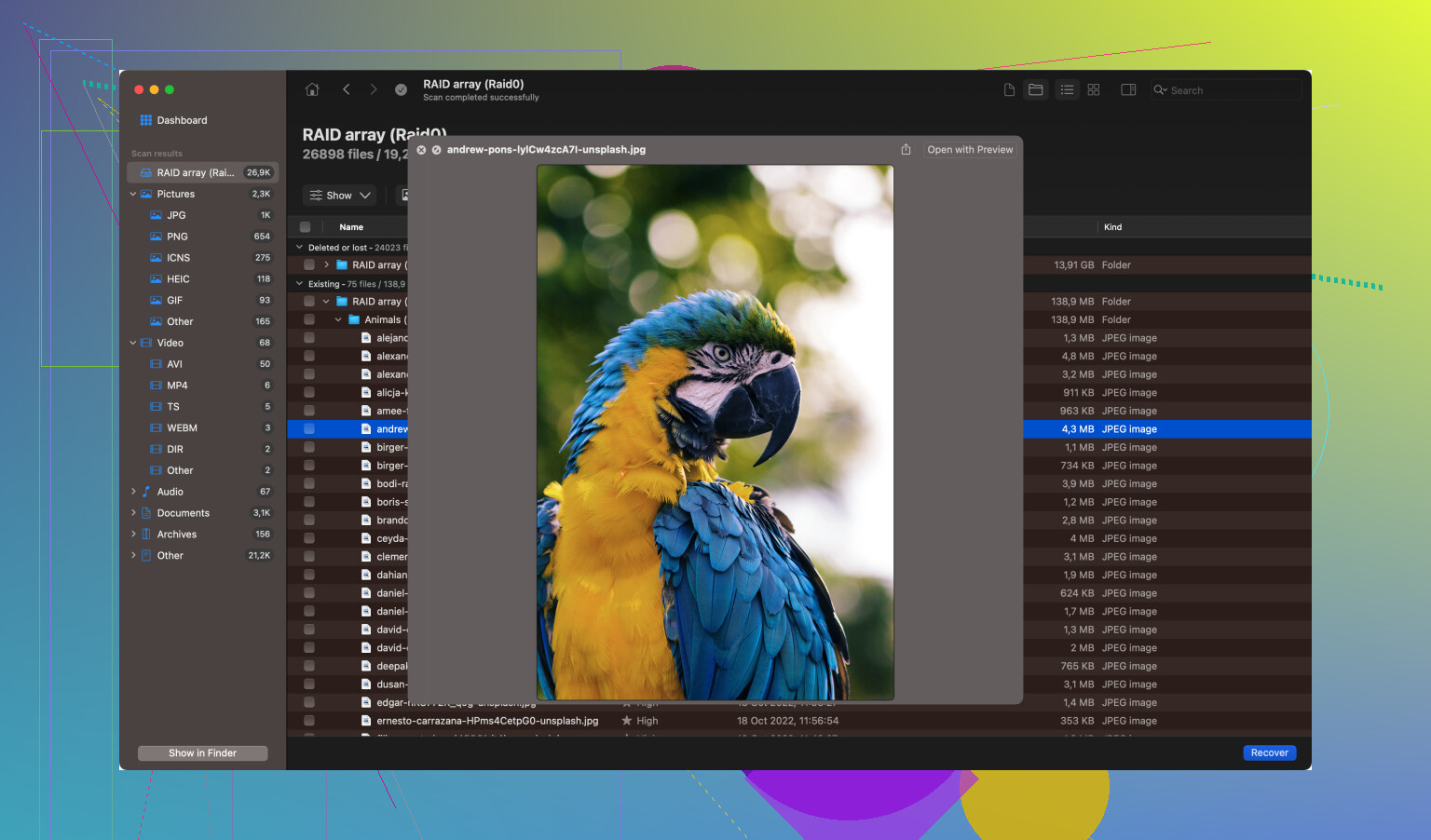
Another thing you might want to try, if you haven’t already, is checking if the drive is recognized in Disk Management (on Windows) or Disk Utility (on Mac). Sometimes, the drive won’t show up in My Computer or Finder, but it’ll still be there as an unallocated space or something. If that’s the case, you can sometimes reassign a drive letter or run chkdsk to fix errors.
Also, there are some built-in repair tools like chkdsk for Windows. You run that via Command Prompt with something like:
chkdsk X: /f /r
(replace “X” with your drive letter). This can sometimes fix errors but be careful because if the drive is physically damaged, it might not help much and can even make things worse in rare cases.
If the drive is showing signs of physical damage, like making weird noises or getting unusually hot, you might want to avoid plugging it in too much, as that can cause more damage. In that case, professional data recovery might be your only option.
For those not keen on using third-party software right away, there’s also the option to use the built-in Windows feature for troubleshooting hardware issues. Just type “troubleshoot” in the Windows search bar and go to the “Hardware and Devices” troubleshooter. It’s not as robust as something like Disk Drill, but sometimes it catches quirks and fixes them.
If you’re on a Mac and the disk utility is showing the drive, you could try the “First Aid” function, which can sometimes repair minor issues.
And lastly, a simple yet effective method—try a different USB port or another computer altogether. It sounds basic, but sometimes the problem isn’t with the drive but with the port or the specific computer you’re using.
Hope one of these methods helps you out. Losing data sucks, but with the right tools and patience, there’s a good chance you can get it all back. Good luck!