I accidentally formatted the memory card in my Canon camera before backing up my pictures, and now all my photos are gone. These images are really important, and I need help figuring out if Canon photo recovery is possible after formatting and what steps I should take first.
I’ve been through this with a Canon body, and the first move is simple. Stop shooting now. Don’t take one more frame. Don’t record video. Pull the SD card out of the camera. If the card has a lock tab, slide it to locked.
The reason is boring but important. On Canon cameras, deleting files or doing a quick format usually does not erase the photo data right away. The camera marks the space as free. Your images often still sit on the card until new data lands on top of them. Once you keep shooting, recovery odds drop fast. There’s no trash folder on the camera, so don’t expect a hidden safety net there.
Before you run recovery tools, check the easy stuff.
- If you used Canon’s cloud app, look in image.canon. It sometimes keeps synced files for up to 30 days.
- If the photos were copied to your computer before they vanished, check Recycle Bin on Windows or Trash on macOS.
If no backup turns up, the usual path is recovery software on a computer with a card reader. Use the SD card in a proper reader. Don’t connect the camera by USB for this. I did both ways once, and the card reader scan saw more files. The camera connection often hides the raw card access the software needs.
Out of the tools I’ve tested, Disk Drill gave me the cleanest result on Canon cards. It picks up CR2, CR3, JPEG, and video files well enough, and the preview step matters more than people think. You get to see whether the images are intact before saving them. On Windows, there’s also a small free recovery allowance, which helps if you want to test a few files first instead of guessing.
If you want a free route, PhotoRec is worth a look. It’s open source and digs up lost files better than its rough interface suggests. The catch is the workflow. It runs in a text window, and the output is messy. You lose original filenames and folder layout, so you end up sorting a pile of recovered files by hand. I’ve used it in a pinch. It worked, but it was a pain. Recuva is easier to look at on Windows, though on RAW-heavy cards I saw weaker results in deep scans.
The process stays about the same no matter which tool you pick.
- Install the recovery app on your computer, not on the SD card.
- Insert the card with a reader, choose it in the app, then run a deep scan. Large cards take time.
- Save recovered files to your computer or another drive. Do not write them back to the same SD card.
That last part matters a lot. If you recover onto the same card, you risk overwriting the photos you’re trying to pull back. I’ve seen people do this once, then spend the rest of the night sorting out a worse mess.
After recovery, back everything up first. Then format the card in-camera before you use it again. I stopped deleting shots one by one on the card a while ago. Formatting in the camera has been cleaner and less error-prone for me.
So, short version. Stop using the card, check cloud and computer trash, then scan the card through a reader with recovery software. If the files haven’t been overwritten yet, your odds are decent.
Yes, recovery is still possible after a format on a Canon card, if you stopped using it fast enough. A quick format usually clears the file index, not all photo data. A full overwrite is the thing that kills recovery.
I agree with @mikeappsreviewer on one part, use a card reader, not the camera cable. I disagree a bit on one point though. People rush straight into random scans too often. First check the card health. If the SD card throws read errors, disconnects, or shows 0 bytes, stop and make an image of the card first with a tool like USB Image Tool or ddrescue. Scanning a failing card over and over is how you lose more data.
If the card is stable, Disk Drill is a solid pick for Canon photo recovery. It tends to find CR2, CR3, JPG, and MP4 cleanly, and preview helps weed out broken files. If Disk Drill shows file signatures but no previews, your pics were likely overwritten or fragmented. That matters.
Two more things people miss:
- If you used dual card recording on your Canon, check the second card.
- If you shot RAW plus JPEG, one format might recover while the other is damaged.
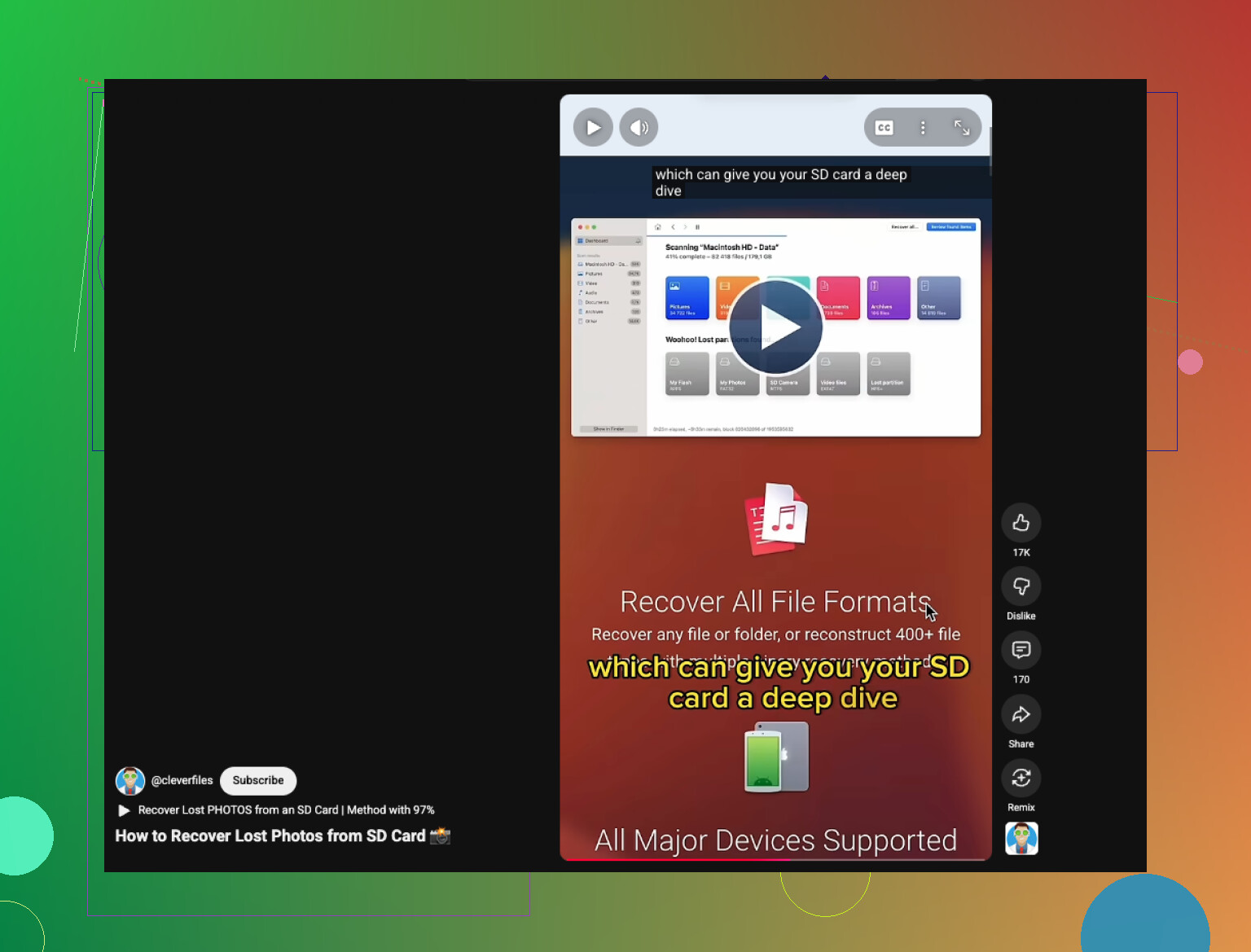
For anyone who wants a quick visual walkthrough, this is a decent watch:
how to recover deleted photos from an SD card
If the photos are irreplaceable, a lab is the safer move. Expensive, yeah, but sometimes worth it. If you kept shooting after the format, be prepaired for mixed results.
Yes, Canon photo recovery is absolutely possible after formatting, but I’ll push back on one thing a bit. People treat “formatted” and “destroyed” like they’re the same. Usually they aren’t. On most Canon cameras, a normal in-camera format is more like wiping the table of contents, not shredding the actual book.
@mikeappsreviewer and @viaggiatoresolare already covered the obvious first moves, so here’s the part I’d add: pay attention to the type of format. If you did a standard format, recovery odds are often decent. If you used a low-level format and then kept shooting, that’s where things get ugly fast. Not always impossible, just… yeah, much worse.
Also, don’t obsess over restoring the original folder names. A lot of people panic when they don’t see the Canon DCIM structure come back perfectly. The real win is getting the image data back, even if the filenames are ugly nonsense. That’s normal.
If you want the least annoying path, Disk Drill is one of the better choices for Canon SD card photo recovery because it handles CR2, CR3, JPEG, and video pretty well and lets you preview before saving. That preview matters more than people think. If a file previews cleanly, you’ve probably got something usable.
One more weird tip: sort recovered files by size after scanning. Tiny RAW files are often junk or partials. The bigger intact ones are usually your best bet. Not a hard rule, but it helps.
And if you want a real-world example, here’s a Canon photo recovery success story after SD card format.
So yeah, not hopeless at all. Just don’t write anything else to that card or you may turn a recoverable mistake into a proper disaster lol.