First, ensure your Roku device and smartphone or computer are on the same Wi-Fi network. Open the settings menu on your Roku. Go to ‘System’ > ‘Screen mirroring’ > ‘Screen mirroring mode’. Select ‘Always allow’ or ‘Prompt’, depending on your preference.
On an iPhone, swipe down from the upper right corner to access the Control Center and tap ‘Screen Mirroring.’ Select your Roku device from the list.
For Android users, go to ‘Settings’ > ‘Connected devices’ > ‘Connection preferences’ > ‘Cast.’ Select your Roku device from the list.
Microsoft users, press the Windows key + K and select your Roku device from the list. If it’s not working, ensure both devices are updated and restart them. Sometimes, third-party apps can help with the mirroring process. Try giving the Mirror to TV app a shot; it’s available on the App Store. Here’s the link to check it out: Mirror to TV app on Appstore.
Check your Wi-Fi signal strength, as a poor connection can hinder mirroring. If these steps don't work, ensure that screen mirroring is enabled on both devices and that no firewall blocks the connection.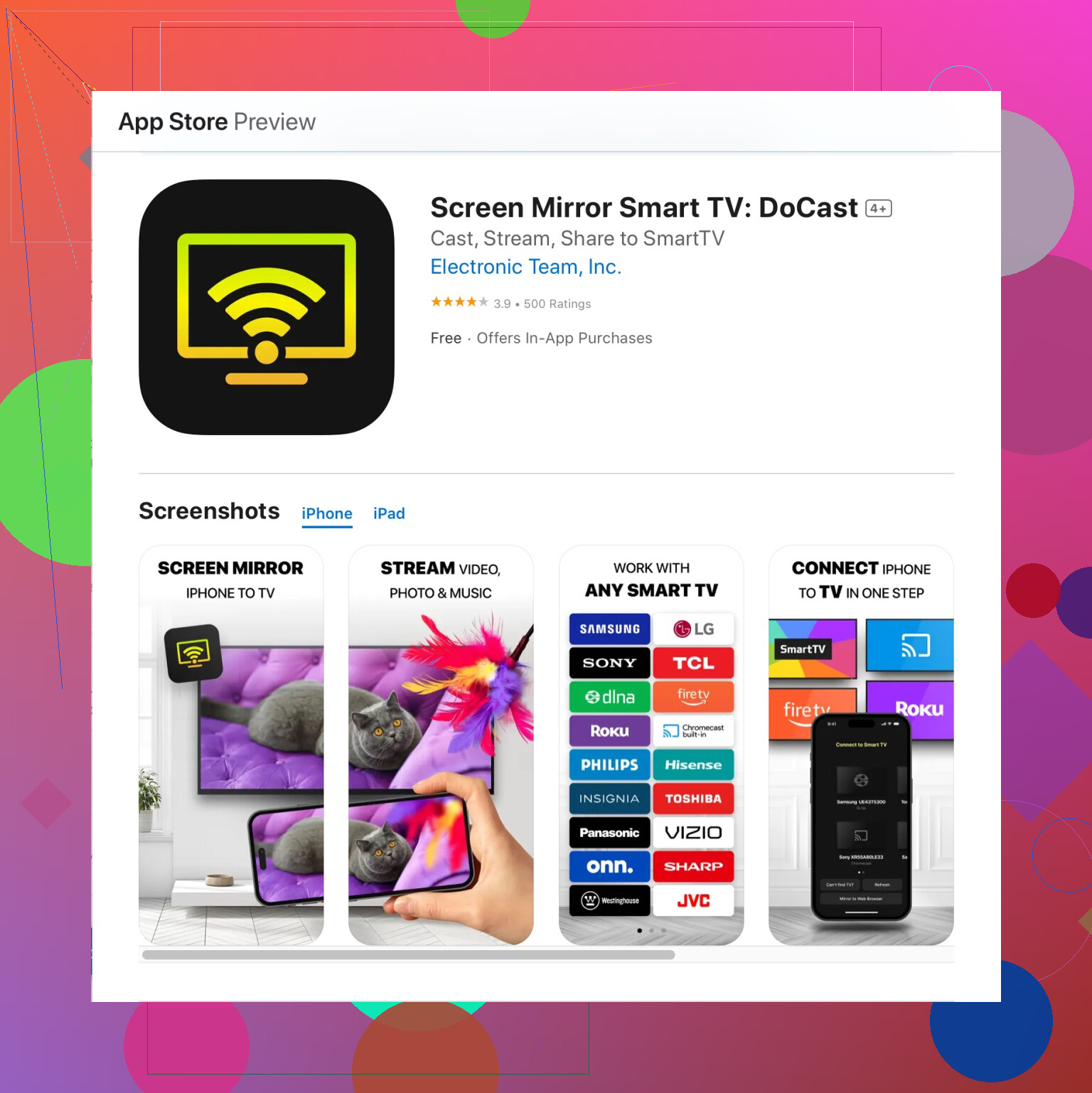
Hope this helps!