I recently used AI to generate several articles and I’m not sure if the quality, accuracy, and tone are good enough for real users. I’d really appreciate a detailed GPTHuman-style review to spot issues, suggest improvements, and tell me if this content is trustworthy and engaging for my audience. I need help understanding what to fix before I publish it widely.
GPTHuman AI review, from someone who wasted a weekend on it
GPTHuman AI Review
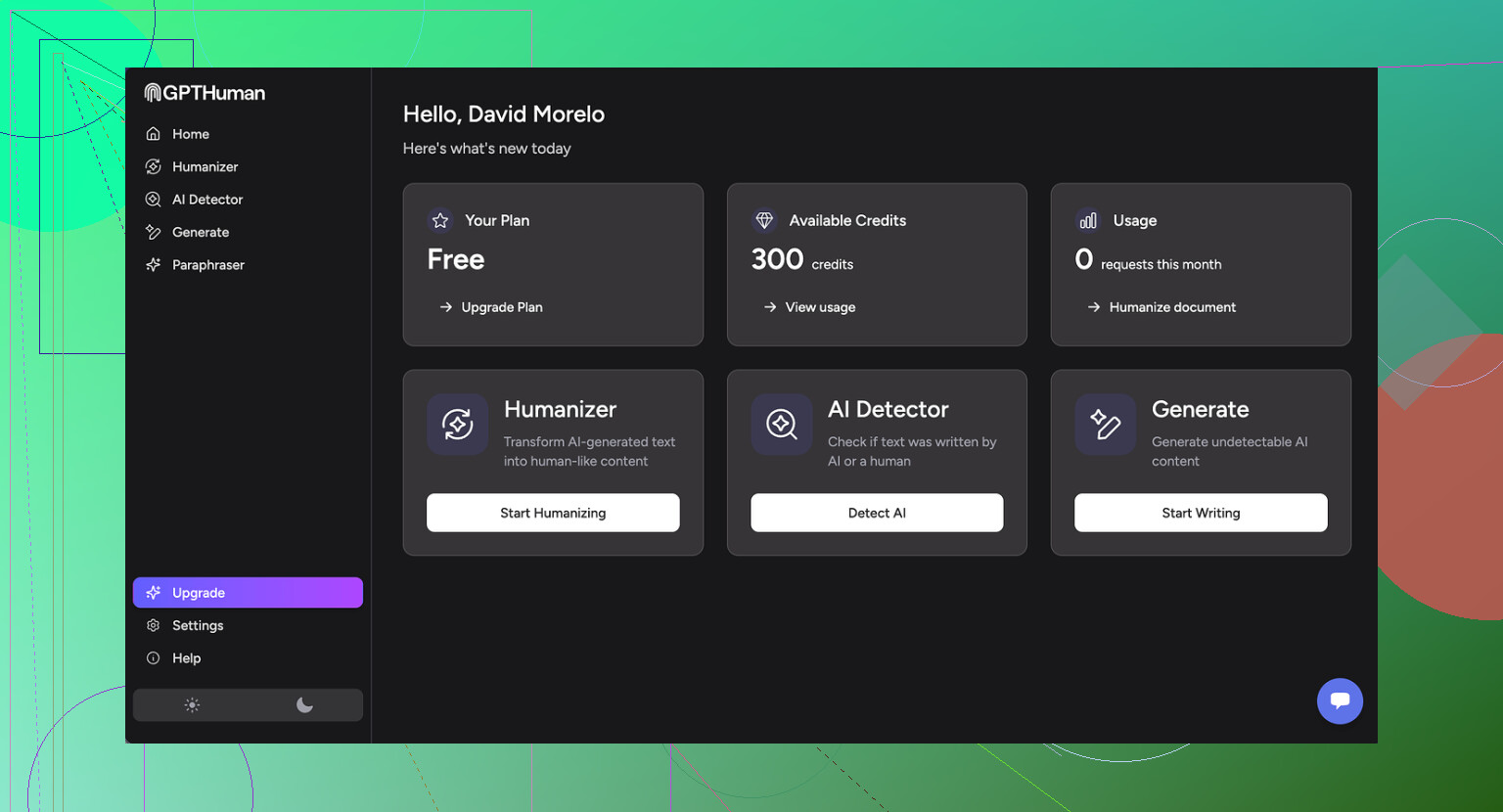
I tested GPTHuman because of the line on their page about being “the only AI humanizer that bypasses all premium AI detectors.” That line pulled me in. After running my usual checks, I do not trust that claim at all.
If you want the original thread with proof screenshots and tests, it is here:
I ran three different pieces of text through GPTHuman, then pushed the outputs through a few detectors.
Here is what happened:
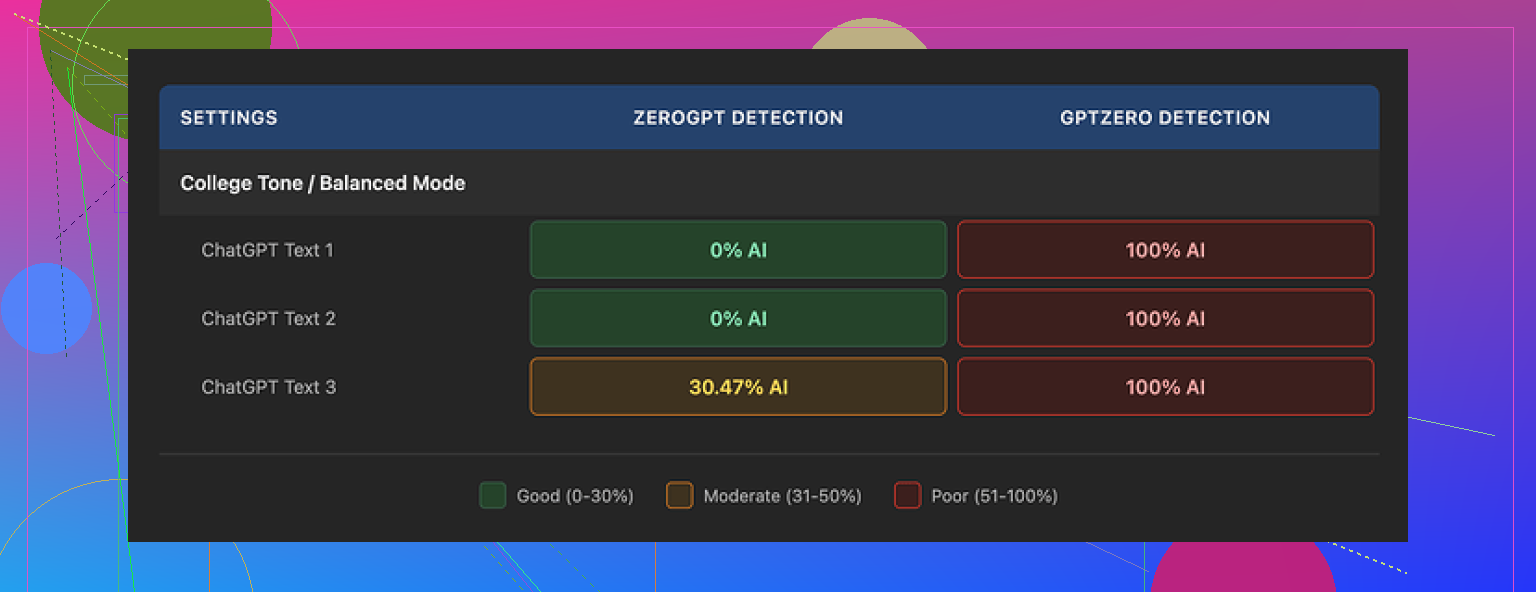
• GPTZero flagged every single humanized output as 100% AI, all three of them, no exceptions.
• ZeroGPT was a bit more forgiving. It scored two samples as 0% AI, but the third one landed around 30% AI. So not a clean pass across the board.
GPTHuman has its own “human score” meter inside the tool. That number kept saying the text was safe or high quality from a humanization angle. Those scores did not line up with what GPTZero or ZeroGPT said. So if you trust external tools, the built-in score feels misleading.
The writing itself
The output does not look terrible at first glance. Paragraphs are spaced out, no weird line breaks. Then you read closer and it starts to fall apart.
These were consistent issues across my runs:
• Subject and verb not matching. Example: “The users is…” type stuff.
• Sentences that trail off or never complete the thought.
• Word swaps that make no sense in context.
• Endings that read like a machine lost the plot halfway through.
It felt like someone ran text through a rough paraphraser and then never proofread it. You could fix it by hand, but that defeats the point of a “humanizer”.
Here is another screenshot from the session:
Limits, pricing, and all the small print you only notice after
The free plan hit a wall fast. You get around 300 words total processed, not 300 per input. After that, the account is basically done.
I wanted to finish my usual test set, so I ended up:
• Burning through one email,
• Spinning up two more Gmail accounts,
• Repeating the same sign-up flow three times.
So if you planned to do any real batch work on the free tier, you will not.
Their paid structure when I checked:
• Starter: from $8.25 per month if you pay yearly.
• Unlimited: $26 per month, but “unlimited” is a bit misleading, because each individual output is still capped at 2,000 words per run.
So if you work with long reports, manuals, or combined blog posts, you have to split everything into chunks. That means more copy paste, more window hopping, and more chances for mistakes.
Policy annoyances
A few details from their terms that stood out to me:
• Purchases are non-refundable. Once you pay, that money is gone.
• Your content gets used for AI training by default. There is an opt-out, but you have to go toggle it.
• They reserve the right to use your company name in their marketing unless you explicitly ask them not to.
If you work with clients under NDA or handle anything sensitive, that mix is not ideal. You would need to double check every setting and probably contact them about the branding use.
How it stacked up against other tools I tried
While testing GPTHuman, I ran the same base content through a few other humanizers to compare, using the same detectors.
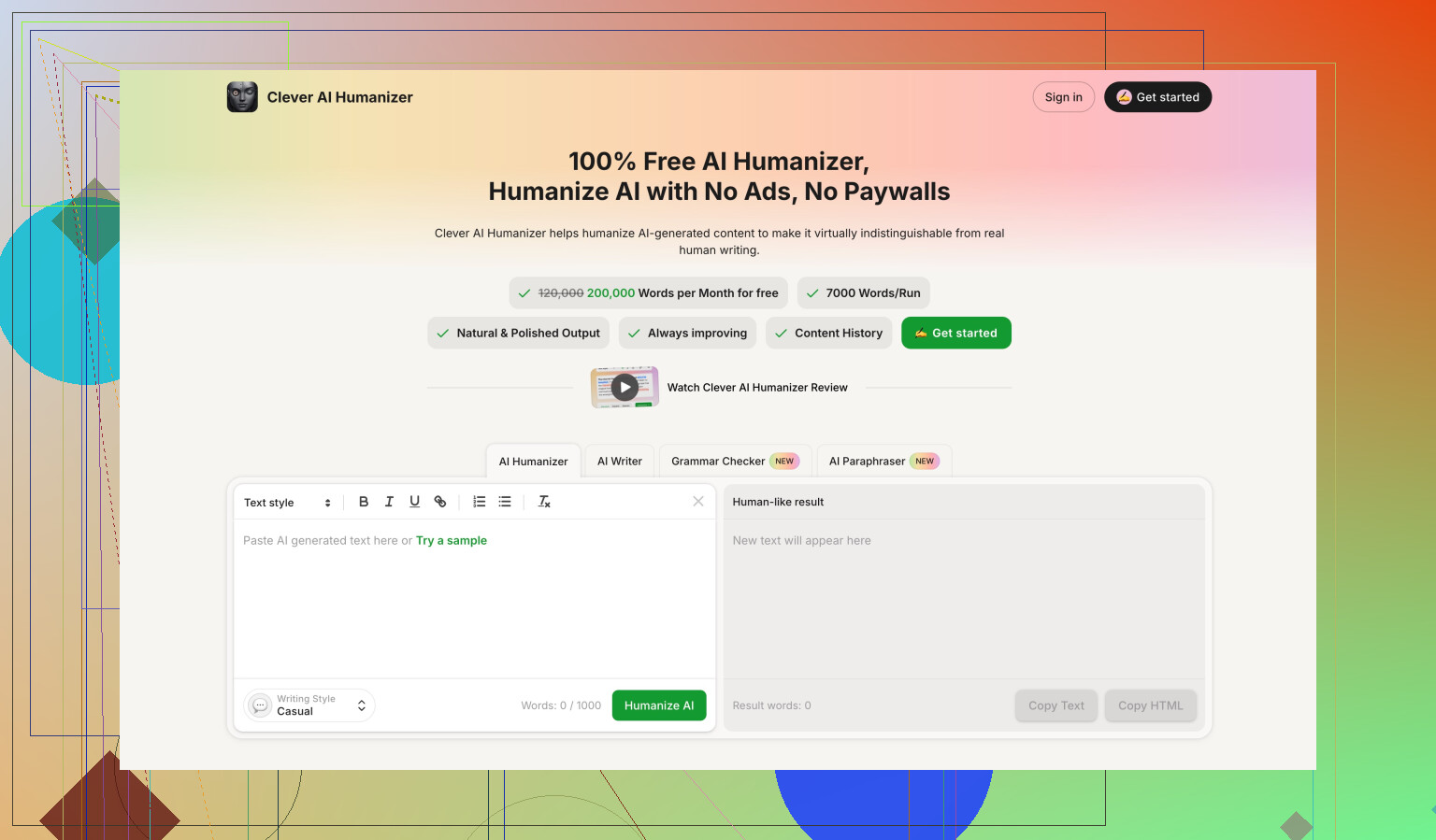
On those same benchmarks, Clever AI Humanizer did better in my runs. Two things stood out:
• Stronger scores on GPTZero and ZeroGPT.
• No paid wall, it was fully free when I used it.
So if your goal is to get cleaner detector scores without dealing with tight word limits and recurring fees, I had more luck with Clever AI Humanizer than with GPTHuman.
If you still want to try GPTHuman, treat the marketing line about “bypassing all premium detectors” as promotional text, not as something you can rely on without testing your exact use case.
1 Like
If you want a “GPTHuman-style” review of your AI articles, here is a practical way to audit them without wasting your weekend.
Skip detectors as your main judge
Detectors help a bit, but they misfire a lot. Use them as a quick check, not your decision maker.
Core checks you should run:
-
Accuracy check
• Take each article and fact check 3 to 5 key claims.
• Use one trusted source per claim, like official docs, .gov, or known industry sites.
• If more than 1 in 5 facts are off or fuzzy, rewrite those sections from source material, not from AI guesses. -
Structure and clarity
Read the piece once fast, like a normal user. Look for:
• Repeated points in different words.
• Long intro before any useful info.
• Sections that switch topics mid paragraph.
Fix by:
• Adding clear subheadings that answer “what is this section doing”.
• Moving definitions and key answers higher.
• Cutting fluff. If a sentence adds no new info or example, delete it.
- Tone for real users
Pick your target reader in one line. Example: “New freelancers who hate jargon” or “Senior devs who know the basics”.
Then scan:
• Any sentence they would find obvious or condescending.
• Any jargon that needs one line of explanation.
• Any “marketing speak” that sounds like a brochure.
Adjust:
• Shorter sentences.
• Concrete examples from their world.
• First and second person where helpful: “you”, “your”, “we”.
- Human-ness without wrecking grammar
I partly disagree with leaning on heavy “humanizers” like GPTHuman. As @mikeappsreviewer said, outputs often pick weird word swaps and broken sentences. That hurts trust faster than sounding a bit AI.
You get more value with:
• One pass where you add 2 to 3 short personal asides. Example: “I tested this with X tool and hit Y problem.”
• Tiny variation in rhythm. Mix short and medium sentences.
• Occasional hedging where real humans hedge. Example: “This works well for small teams, but less so for big orgs.”
- Fast content scoring checklist
For each article, score 1 to 5 on:
• Factual accuracy.
• Usefulness to target reader.
• Clarity of structure.
• Tone fit.
• Trustworthiness.
Anything with three or more scores under 3 needs edits. Prioritize those.
-
Where a humanizer tool fits
If you still want a tool in the loop, use something like Clever Ai Humanizer at the end, not the start.
Workflow:
• Generate with your AI.
• Manually fix structure, facts, and tone.
• Run a short chunk through Clever Ai Humanizer to soften stiff bits.
• Compare before and after. Keep only changes that improve clarity and flow. -
Quick edit tricks that move the needle
• Replace generic claims with numbers. “Many people struggle” → “About 40–60% of teams I worked with struggled with X.”
• Add 1 real-life use case per article.
• Change vague verbs to specific ones. “Handle” → “store”, “merge”, “deploy”, etc.
• Remove overused phrases like “on the other hand”, “as we all know”, “in today’s world”.
If you want, paste one full article and I will mark it up like a tough editor: cut, rewrite, or keep, line by line.
Short version: your AI articles are probably “fine” as drafts and not fine as final content.
Couple of points that add to what @mikeappsreviewer and @ombrasilente already said, without rehashing their whole frameworks:
-
Stop aiming for “undetectable,” aim for “actually worth reading”
Detectors are side noise. If a real human reads your article and thinks “ok, that helped,” you’ve already won. If they think “this is padded, vague, and weirdly phrased,” it does not matter if it passes 10 AI tests. -
How to quickly see if your articles suck (without a huge checklist)
Print one article or paste into a distraction free view and ask yourself:
- After the first 3–4 paragraphs, did I learn anything concrete?
If not, your intro is bloated. Cut it in half. - Can I find 3 sentences that only say generic stuff like “in today’s digital world, it is crucial to…”?
Kill them. They’re filler. - Are there any sentences you have to re‑read to understand?
That is often AI weirdness or over‑paraphrasing. Rewrite those manually.
If you do just that on each article, quality usually jumps a level.
- Spotting the “AI gloss” issues that users actually notice
Things I see constantly in AI pieces:
- Vague verbs: “handle,” “deal with,” “utilize,” “leverage.” Replace with specific actions.
- Fake balance: “On the one hand… on the other hand…” repeated just to sound smart. Readers catch this pattern and tune out.
- Overly even tone: every paragraph same length, same rhythm, no real stance. Add one or two strong opinions, or at least a clear recommendation.
- Tone check that actually works
Read a single paragraph out loud. Literally. If it feels like something you’d never say to a friend, it is too stiff.
Example fix path:
- “In this article, we will explore the importance of time management.”
→ “If you keep missing deadlines, your problem probably is not motivation, it is time management.”
Same idea, but one feels like a person, not a brochure.
- Where a “humanizer” fits without wrecking everything
I partly disagree with using heavy humanizers on the whole article. They tend to introduce the broken grammar and nonsense phrases @mikeappsreviewer mentioned. That’s worse than sounding slightly AI.
What can work:
- Clean your article first: fix structure, trim fluff, clarify examples.
- Then run only stiff or robotic paragraphs through something like Clever Ai Humanizer, not the full piece.
- Compare line by line. Keep only the edits that are clearer and more natural. If it introduces awkward phrasing, ditch it.
Treat Clever Ai Humanizer as a stylistic polish, not a magic “make this human” button.
-
Accuracy without a huge research project
Pick the 3 biggest claims in each article and try to back them with one trustworthy source each. If you cannot support a claim in under 2 minutes, either drop it or rewrite it more cautiously (e.g., “early data suggests…” rather than “this definitively proves…”). -
Brutal-but-useful final test
Send one article to someone who actually matches your target reader and ask two questions:
- “Where did you get bored?”
- “What part actually helped you?”
If they say “I skimmed most of it,” that’s your problem, not detectors, not tools, not GPTHuman.
If you want, paste a single article here and I’ll just rip through it with blunt comments: what to cut, what to rewrite, what to keep. It won’t be pretty, but it’ll be honest.