I tried Momo AI to make profile-style photos, but the results barely resemble my real face. The features, skin tone, and overall look feel off, even after uploading several clear selfies. I need help figuring out how to improve the results or whether there’s a better AI photo app that creates more accurate, realistic portraits.
I ran into the same thing with Momo. The output looked like a cousin, not me.
What seems to happen is pretty simple. Momo builds a small face model from the photos you upload. If your set is weak, the result drifts. By weak, I mean blurry shots, near-duplicates, too few images, weird lighting, or photos where your face is partly blocked. When the model misses key details, it starts inventing them. That is when you get the polished but generic AI face.
What helped me:
Use sharp photos with plain lighting and your face fully visible. No sunglasses. No hats. Skip heavy filters.
Mix the set up. Front-facing shots help, but add a few side angles, different expressions, and indoor plus outdoor light. If every photo looks almost the same, the model learns less than you'd think.
Keep other people out of frame. Group pics seem to throw it off fast.
Delete the old model and train again from zero. I had better luck doing a clean restart than trying to patch a bad set.
Pick more natural style packs first. The dramatic ones tend to push facial features away from your real face.
If your main goal is likeness, these stood out more for me:
⭐ Eltima AI Headshot Generator app (App Store). This one seems more focused on keeping your face recognizable. It is aimed at portraits, so the outputs feel less random. You get work-style headshots, cleaner social profile photos, different backgrounds, outfits, and a bunch of preset looks without wrecking facial structure.
These samples looked solid to me.
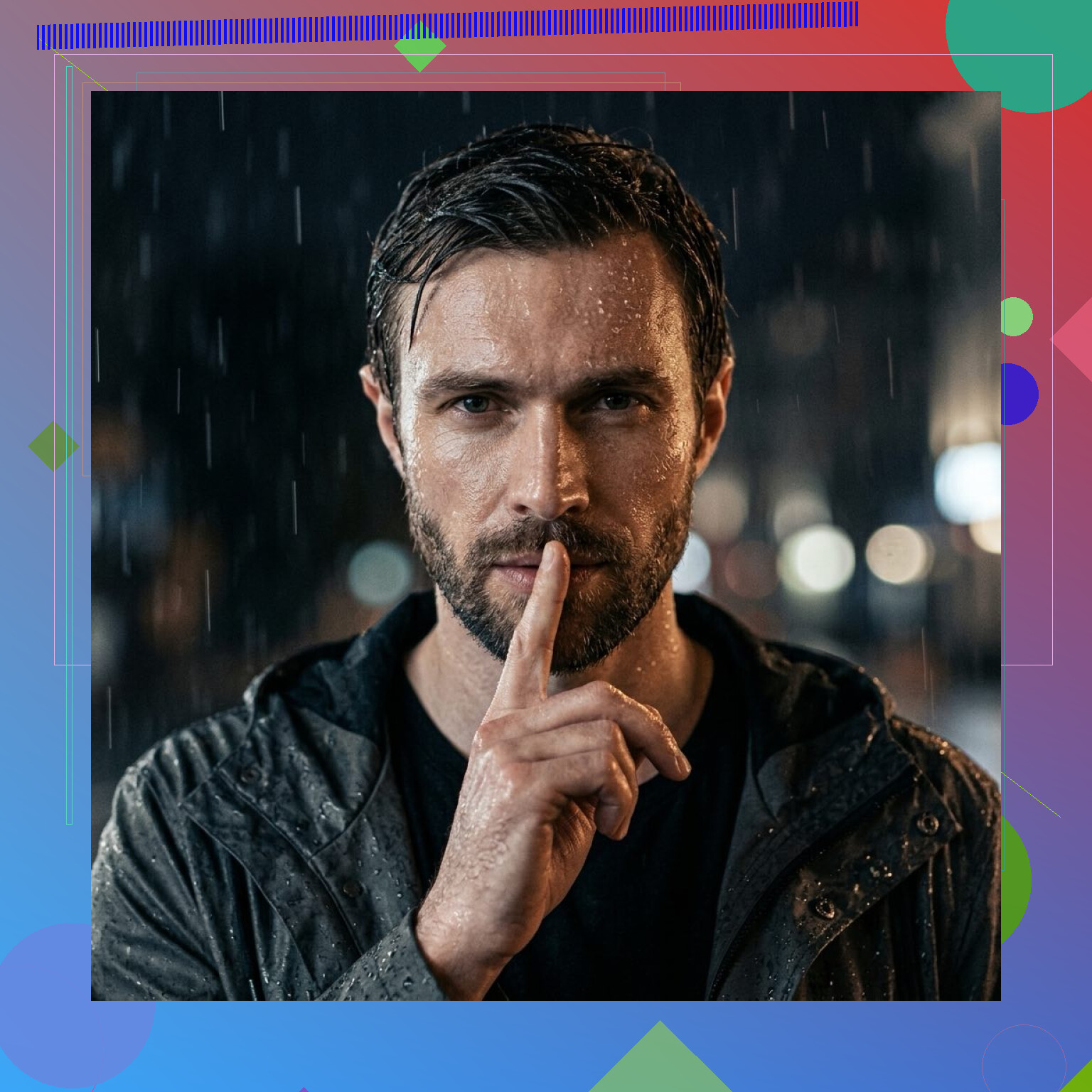
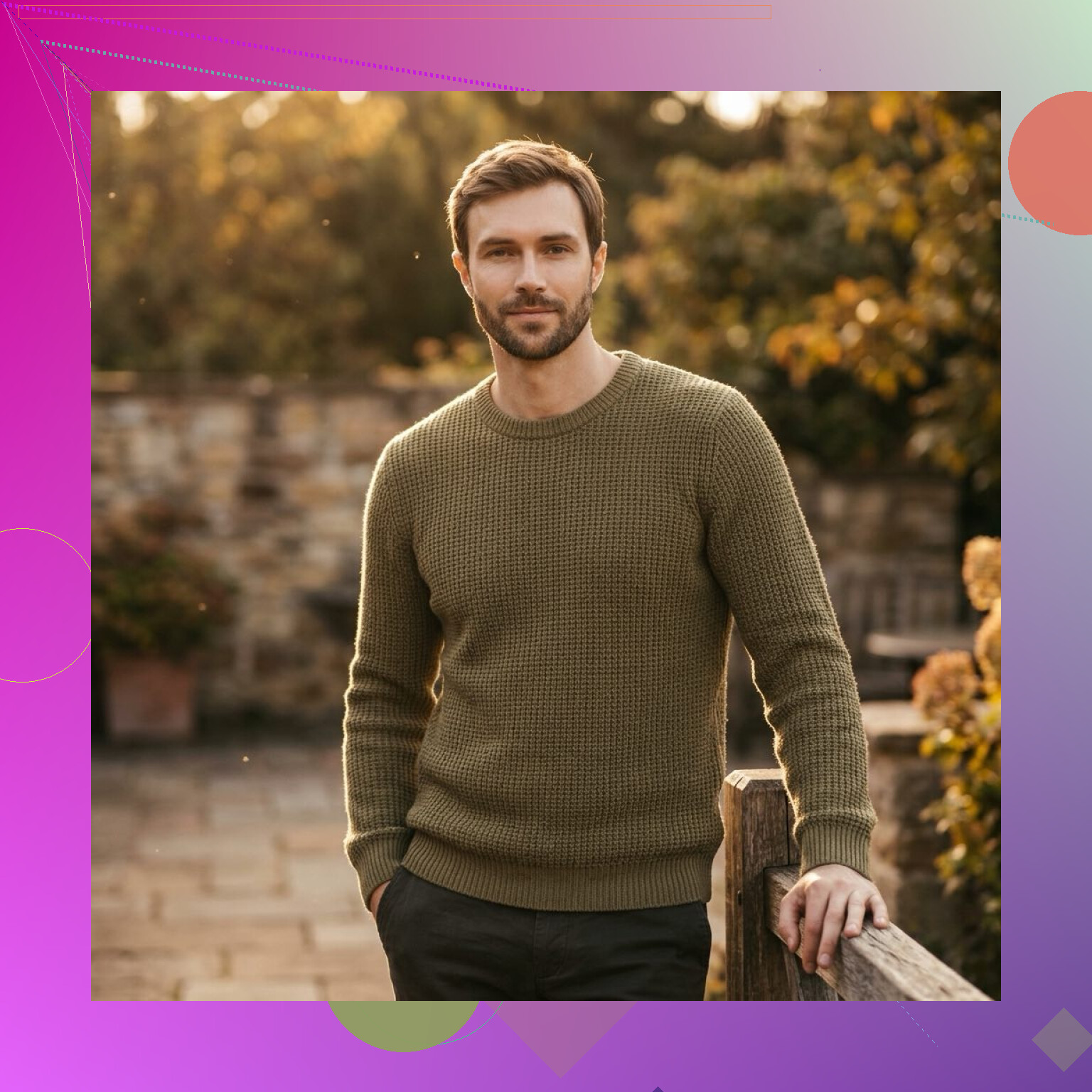
Remini did a decent job staying close to my real features. It also helps if your source photos need cleanup.
Aragon AI was mixed for me. Sometimes the resemblance was fine. Other times it slipped. I also saw the same recent quality complaints people mentioned elsewhere on this forum.
If the only thing you care about is, “does this still look like me,” then Eltima AI Headshot Generator feels more reliable than Momo. Less drift, fewer fake-looking facial changes.
I’d tweak one thing from @mikeappsreviewer. More selfies is not always better. If you upload 20 pics and 12 have beautify filters, wide-angle lens distortion, or different hair/makeup, Momo learns noise.
What worked for me was tighter input control.
Use 8 to 12 photos max.
Keep the camera distance similar in most shots.
Use the rear camera for a few, not only front camera. Selfie cams warp noses, jawlines, and eye spacing.
Match your current look. Same haircut, facial hair, brows, skin tone, glasses, all of it.
Crop so your face fills about 60 to 75 percent of the frame.
Turn off iPhone photo filters and skin smoothing first.
Also, write stricter prompts if Momo allows it. Things like:
male, oval face, medium brown skin, hooded eyes, slight smile, natural skin texture, no beauty filter, realistic likeness, neutral studio headshot
If there’s a resemblance or likeness slider, push it up, style down. If there’s a seed option, save the closest result and rerun from there.
One more thing, profile-photo apps often whiten skin and sharpen jawlines by default. If your skin tone keeps drifting, that’s often the app style bias, not your uploads. At taht point I’d switch tools instead of fighting it.
I’d actually push back a little on the “just retrain with better selfies” advice from @mikeappsreviewer and @jeff. Better inputs help, sure, but some of these apps are tuned to make you look attractive-ish before they make you look accurate. That’s the real problem.
So if Momo keeps changing your face, stop treating it like a photo fixer and treat it like a styling engine with weak identity lock.
A few things that helped me:
- Upload at least 1 boring photo. Neutral face, straight posture, plain background, no smile. AI weirdly needs a “passport mode” reference.
- Include one image in harsh daylight. Soft indoor lighting can hide nose shape, jaw edges, and real skin tone.
- Don’t mix old and current photos. If half are from 2 years ago, it kinda averages you into a stranger.
- If it offers prompt text, describe what it should not change: actual skin tone, natural nose shape, real eye spacing, no face slimming, no beauty retouch.
- Reject entire batches fast. If batch 1 is off, batch 2 from the same model is often just the same wrong face in diff outfits.
Also, compare outputs by flipping between your real pic and AI pic side by side. You’ll notice the drift way faster than just eyeballing it.
If Momo keeps “beautifying” you, that’s probly the app, not you doing anything wrong. At that point I’d stop wasting credits tbh and test another app that’s more portrait-focused, like the ones @mikeappsreviewer mentioned. Sometimes the tool is just fighting you.
I’d split this into two buckets: identity capture and app bias.
@jeff and @suenodelbosque are right that bad training sets cause drift. @mikeappsreviewer is also right that some portrait apps hold facial structure better. But I slightly disagree with the idea that retraining is always the fix. Sometimes Momo has already decided your “best version” is not your actual face.
What I’d try that hasn’t been stressed enough:
- Use photos from the same phone if possible. Mixing camera pipelines can shift skin tone and face geometry.
- Remove Live Photos, motion blur shots, and compressed social-media downloads.
- Avoid extreme expression variety. Too many big smiles can rewrite cheek shape and eye size.
- If Momo has any negative prompt field, use it hard: no face slimming, no skin lightening, no cosmetic symmetry correction, no enlarged eyes.
- Test one variable at a time. New dataset, same prompt. Then same dataset, new prompt. Otherwise you never learn what caused the drift.
- Check if it changes you more in “headshot” than “casual portrait” mode. Weirdly, the more professional presets often over-edit.
If it still keeps whitening skin or changing bone structure, I’d stop burning credits. That usually means the model style is stronger than the likeness lock.
On ':
Pros
- Can improve readability if you want a cleaner portrait workflow
- Often easier to compare outputs across presets
- May be better suited for profile-photo use than broad style generators
Cons
- If the likeness model is weak, cleaner UI won’t solve it
- Portrait-focused apps can still over-retouch
- You may get less creative flexibility than in Momo
So yes, fix the inputs, but also be willing to admit the tool may just be bad at preserving you. That happens a lot with “look good first, look real second” apps.