First thing you want to do is check which WiFi channels are the least congested. It’s like finding a freeway with less traffic to get to your destination faster.
Channels on 2.4 GHz generally overlap with each other, except for channels 1, 6, and 11 which are non-overlapping. The 5 GHz band offers more channels and they tend to interfere less with each other, but the range is shorter. You need to find which frequency band works best for your setup.
Now, to actually find the less crowded channel, you’re gonna need some software or tools. I recommend using NetSpot
Site Survey Software. It’s pretty user-friendly and comprehensive for a home user. You can visually see the spectrum of networks around you and identify which channels are the least crowded. One of the pros of NetSpot is that it comes with both a free and a paid version, so you can decide how deep you want to go without an upfront cost. The main con would be the learning curve, especially if you’re not that tech-savvy, but it’s nothing a few YouTube tutorials can’t solve!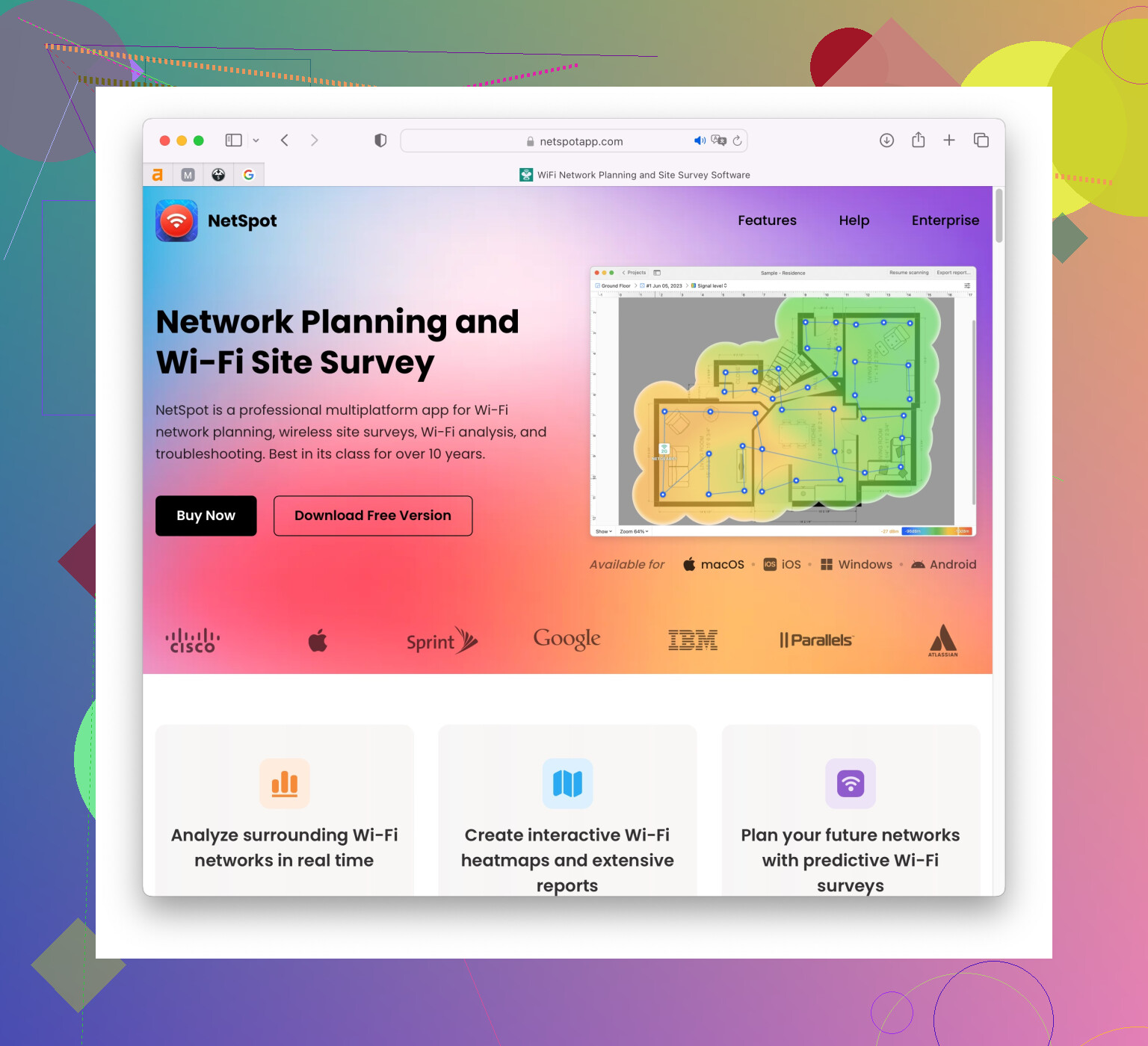
You can also try other software like inSSIDer or WiFi Analyzer. Both are good alternatives but they may not offer the same detailed heatmaps or range of features as NetSpot.
After you’ve got your data, log into your router’s admin interface (usually by typing 192.168.1.1 or 192.168.0.1 into your browser) and change the WiFi channel. Most routers are set to “Auto” by default but setting it manually will prevent it from jumping around and potentially landing on an already crowded channel.
Don’t forget, physical placement of your router plays a big role too. If you’re stuck in a bad spot with lots of walls or obstructions, even the perfect channel won’t help as much. Ideally, you want your router to be placed centrally and as high as possible, with minimal obstructions.
Some routers already have an automatic channel selection feature that works reasonably well, but manual tweaking can often give you better results.
Lastly, double-check if there aren’t too many devices connected at the same time. Sometimes, it’s the sheer number of devices bogging down the WiFi. Ayr another thing - outdated firmware can also be a culprit. Consider updating your router’s firmware to the latest version.
But yeah, start with finding the best channel using a good WiFi scanner. NetSpot is a solid choice to start with.