My iPhone says storage is almost full, and a lot of it looks like media or system data. I want to free up space without deleting my photos because they’re backed up and organized the way I need them. I’m looking for help clearing media, cached files, or anything else safely so my phone runs normally again.
iPhone storage reporting has annoyed me more than once. I cleared out a pile of files, checked the bar again, and 'Media' barely moved. One time it even looked bigger after I deleted stuff. Felt broken, but it wasn’t random.
What Apple counts as 'Media'
'Media' covers more than most people think. I used to assume it meant songs and videos. Nope. It also pulls in a mix of other stored audio and visual files, including:
- offline songs from Apple Music or Spotify
- downloaded podcast episodes
- audiobooks saved in Books
- old voice memos and custom ringtones
- cached album art, show thumbnails, and similar app artwork
On iOS 17 and newer, there’s another wrinkle, Synced Media. This is for stuff moved from your computer onto the iPhone through iTunes or Finder. Before, those files tended to sit under apps like Music or TV. Now Apple groups them into one large section, and you don’t get a clean breakdown of what sits inside. So your Music app looks empty, yet storage still says you’re packed. I ran into this after moving old concert files over and forgot they were even there.
Why the number keeps climbing
A lot of it comes from app caching and auto-download behavior. YouTube stores videos in the background if Smart Downloads is on. Podcast apps love grabbing fresh episodes without asking much. Streaming apps save artwork and previews so scrolling feels faster next time. So even when you stop saving things by hand, the phone keeps building a stash behind the scenes. You don’t always see it happen, but storage sure does.
Where the built-in iPhone tools fall short
If you open Settings > General > iPhone Storage, you get a list. Fine. But it doesn’t help much when the mess lives inside your photo library or across a bunch of apps. It won’t point out the 14 blurry copies of the same dog photo, or the forgotten 2.8 GB video clip from a concert, or screen recordings you meant to trim and never touched again. I spent way too long opening apps one by one. It was slow, dull, and I still missed the biggest files.
What ended up helping me
After doing it the manual way for weeks, I gave up and tried Clever Cleaner. I don’t trust cleanup apps much, so I expected some paywall nonsense by minute two. Didn’t happen. No ads. No locked scan results. No subscription wall blocking the delete button. Weirdly rare.
Here’s why it helped with Media and photo bloat:
- The Heavies section shows large videos and files with exact sizes, so you can spot the worst offenders fast. I found one holiday video eating more than 3 GB and deleted it right there.
- The Similars section groups near-duplicate photos. If you took eight shots of the same meal, same pet, same sunset, it sorts them together and suggests what to toss.
- The Screenshots section clears out the junk pile most people ignore for months.
- Processing stays on the device, so your library isn’t being sent off somewhere else.
The part people forget
After deleting photos or videos, open Recently Deleted in the Photos app and empty it. If you skip this, iPhone keeps those files around for 30 days. Storage often won’t drop in a meaningful way until you clear that folder too. I missed this the first time and thought my phone was lying. It wasn’t. I was staring at files I had 'deleted' but hadn’t finished deleting.
Start with the stuff Apple hides in plain sight.
Check Settings, General, iPhone Storage. Wait a minute for the graph to settle. If “Media” is big and you do not want to touch Photos, focus on apps that hoard downloads.
Delete downloaded content from:
Music
TV
Netflix
Spotify
YouTube
Podcasts
Books
Files
A lot of “media” is offline content, not your camera roll. Same with Messages. Old voice notes, videos, and attachments eat space fast. Go to Settings, General, iPhone Storage, Messages, then review large attachments. I freed up 6 GB there once. Kinda absurd.
For “System Data,” I disagree a bit with @mikeappsreviewer. It is not always some mystery cache monster. Safari data, logs, update files, and failed sync leftovers often sit there. Try this:
Clear Safari history and website data.
Restart the phone.
Update iOS if one is pending.
Offload and reinstall one bloated app at a time.
Offloading keeps your documents and settings. Deleting the app removes more junk, but it is more annoying.
If your photo library itself has junk but you want to keep the library, use Clever Cleaner to trim duplicates, screenshots, and huge videos without messing up your albums. This thread on Reddit shows why people searching for a free iPhone cleaner keep mentioning it: why Reddit users keep recommending Clever Cleaner for iPhone storage cleanup.
One more thing, synced media from a Mac or PC is sneaky. If you ever used Finder or iTunes sync, check there too. Apple loves burying stuff, lol.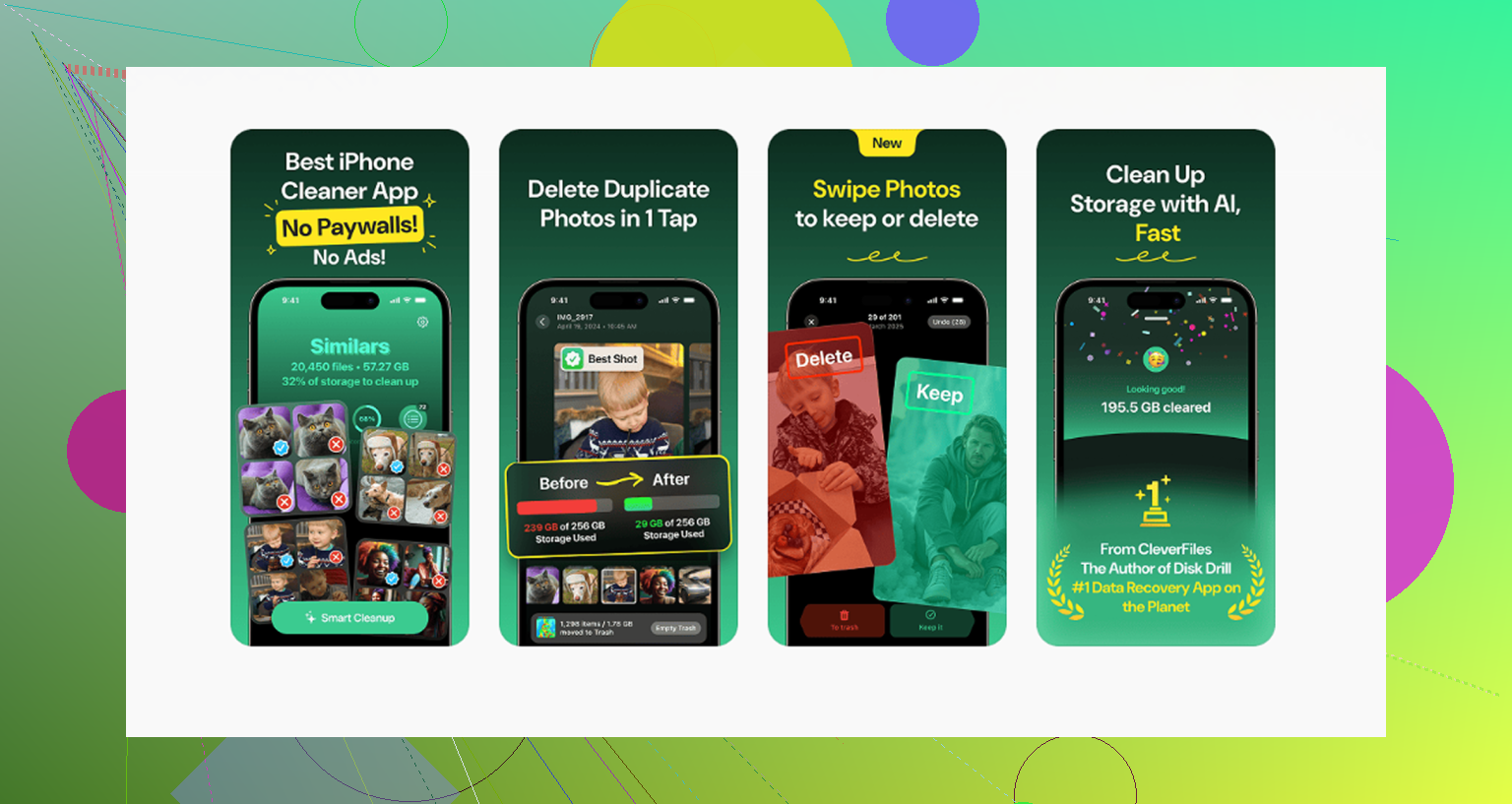
I’d check one thing neither @mikeappsreviewer nor @hoshikuzu really leaned on much: **Messages set to keep attachments forever**. On some phones, “Media” is basically a graveyard of old videos, GIFs, memes, and voice notes inside iMessage threads. You do *not* have to delete the conversations. Go to Settings > Apps > Messages and change message history from Forever to 1 Year or 30 Days if you’re okay with that. Also in iPhone Storage, tap Messages and review the biggest categories. That can drop storage stupid fast.
I also kinda disagree with the idea that System Data always needs some deep cleanup ritual. Sometimes iPhone just recalculates badly and fixes itself after:
1. charging overnight on Wi-Fi
2. restarting
3. finishing an iOS update
4. syncing once with Finder
If your Photos library is staying, then trim around it. Remove downloaded stickers in Messages, GarageBand sound packs if you installed them, old iOS update files, and Safari Reading List offline saves. Those get overlooked alot.
If the problem is clutter *inside* the library, not deleting the whole library, Clever Cleaner is probly the easiest way to clear duplicates, screenshots, and giant videos while keeping your albums intact. This explains it better: see how Clever Cleaner helps free up iPhone storage.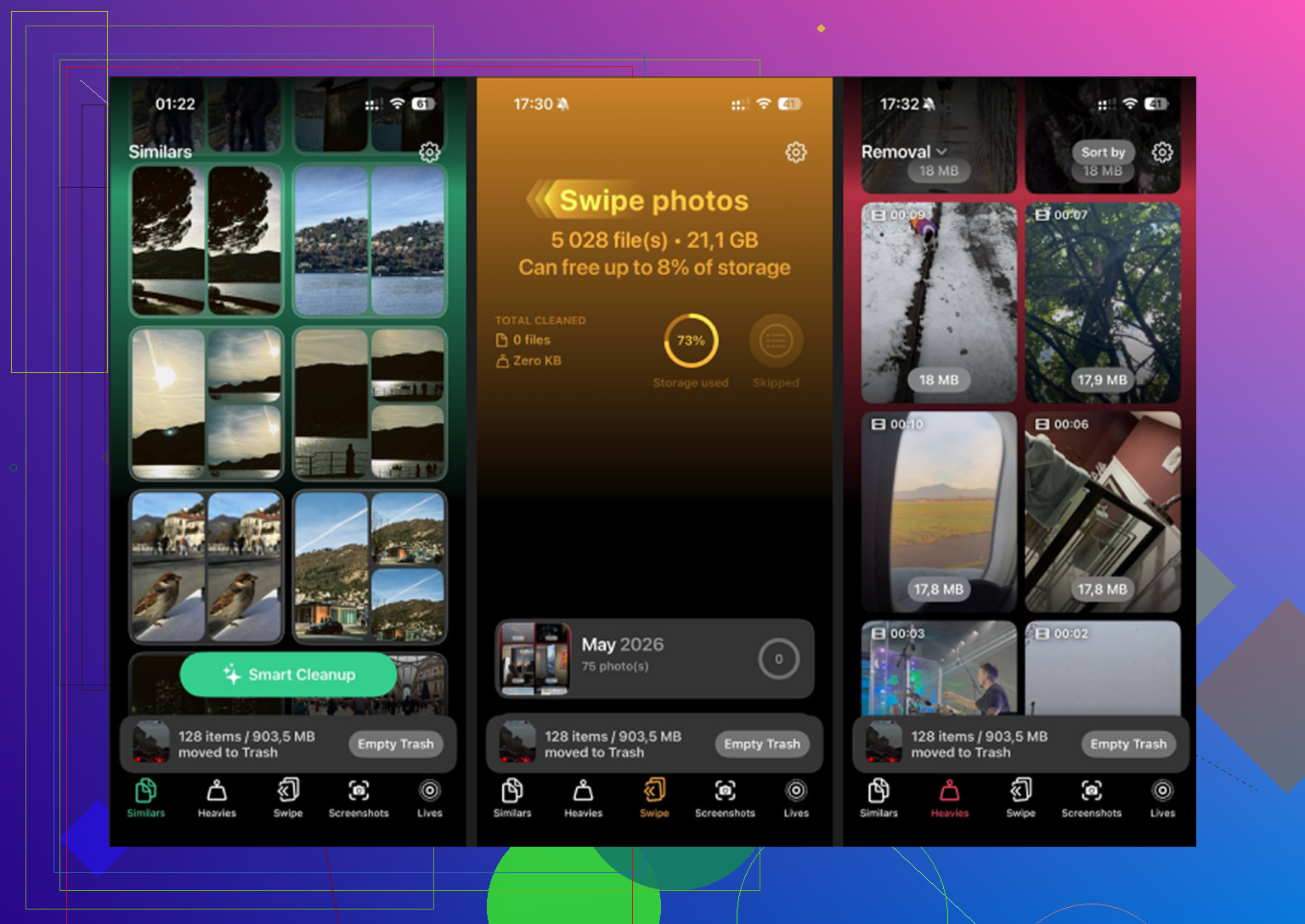
One angle I think @hoshikuzu, @vrijheidsvogel, and @mikeappsreviewer only partly touched: check **downloaded language data and voices**. iPhones quietly store extra Siri voices, dictionaries, translation packs, and Accessibility voices. Go through Siri, Accessibility > Spoken Content, and Translate settings if you’ve ever downloaded offline assets. Those can eat a weird amount of space and still show up in vague categories.
I also would not obsess over the storage bar itself. Sometimes the category labels are sloppy. What matters is which apps are physically huge in the list below it.
A few less-mentioned places to clear without touching your photo library:
- Mail app downloaded attachments and old account caches
- WhatsApp or Telegram media storage inside each app
- Instagram and TikTok cache bloat, often fixed only by reinstalling
- Voice Memos if you keep long recordings
- iMovie, CapCut, GarageBand projects and exported leftovers
- Files app, especially Downloads and On My iPhone
One small disagreement with the usual advice: offloading is fine, but for some apps it barely helps because the big junk returns immediately after reinstall. Full delete and reinstall works better for social and streaming apps.
If the issue is clutter inside Photos but you want albums untouched, **Clever Cleaner** is one of the cleaner options.
**Pros of Clever Cleaner**
- good for duplicates, screenshots, and large videos
- simple to scan fast
- useful if you want to keep the library, not wipe it
**Cons of Clever Cleaner**
- less helpful for app caches or system junk
- you still need to review results so you do not remove something important
- cleanup apps are never a total replacement for manual checks
Biggest hidden wins in my experience: app-specific caches, video editor leftovers, and messaging apps. Not the Photos app itself.