My iPhone photo library has grown into the thousands, and now it’s getting hard to find anything or free up space. I’ve got duplicates, screenshots, and years of pictures mixed together, and I’m not sure what the best way is to organize, back up, and clean them up without losing important photos. I need help figuring out the easiest way to manage a large iPhone photo library.
My iPhone hit the same wall. Recents was stuffed, more than 20,000 items, and most of it was junk I kept pretending I’d sort later. Real photos mixed with memes, parking spot pics, receipt screenshots, and ten versions of the same sunset because my hand twitched and I kept shooting. The phone felt slow. Apps hesitated. Storage was the first place I checked, and yep, nearly full. When the phone is packed, iOS starts feeling clogged.
I tried paying for extra iCloud storage first. Bad fix. It gave me a larger pile, not a cleaner one. What changed things for me was admitting the photo library itself was the problem. If most of your library is clutter, organizing it first is backwards. Delete first. Sort second.
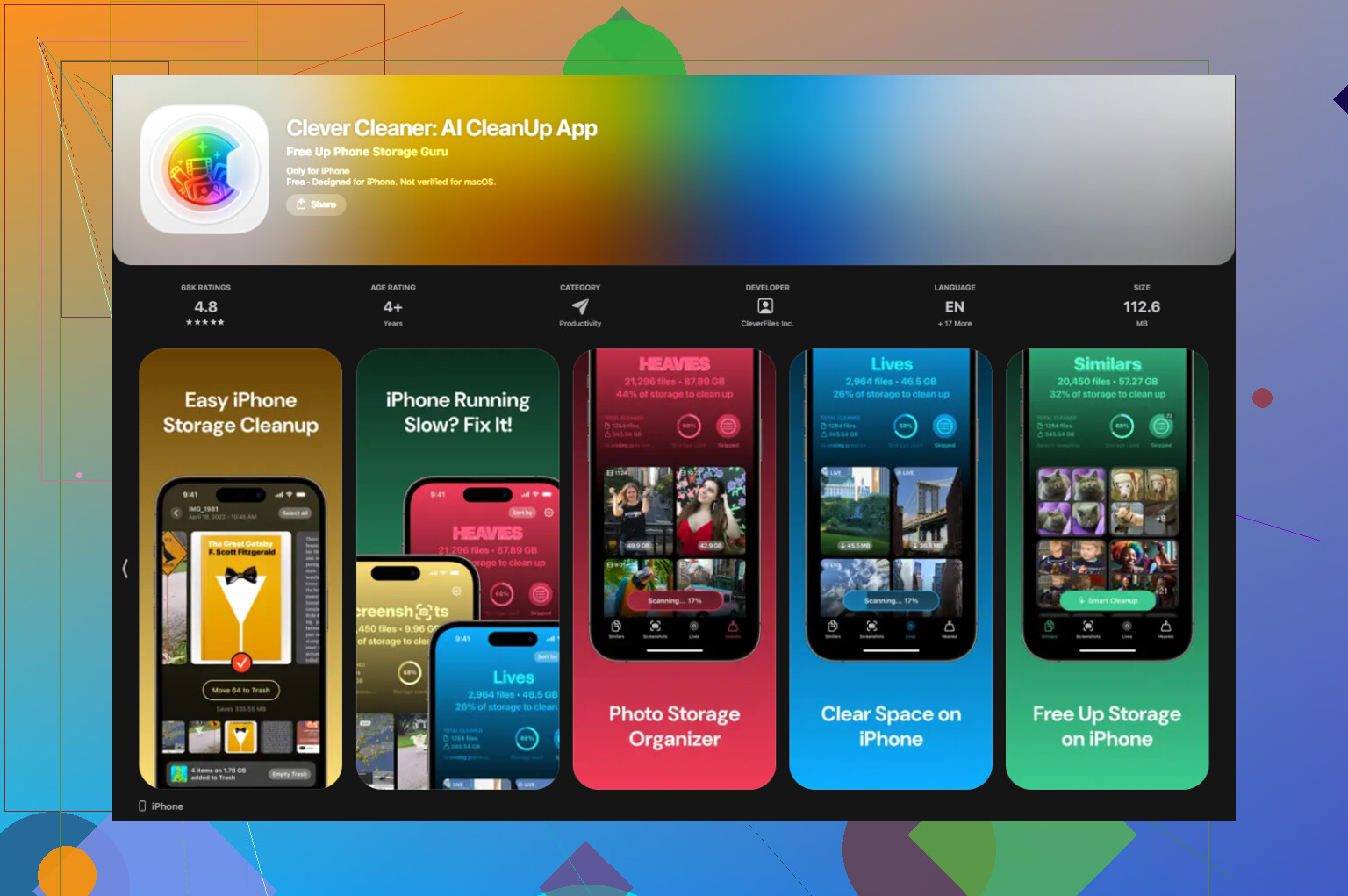
If your camera roll is too far gone to handle by hand, I’d start with a cleanup app and let it do the dumb repetitive part. I tested a bunch, and the one I kept on my phone was Clever Cleaner. It helped with the slowdown because I freed a chunk of storage fast. I liked two things about it. One, it’s free. No weird trial trap, no ads shoved in your face. Two, it runs on-device, so your photos stay on your phone instead of getting tossed onto some server.
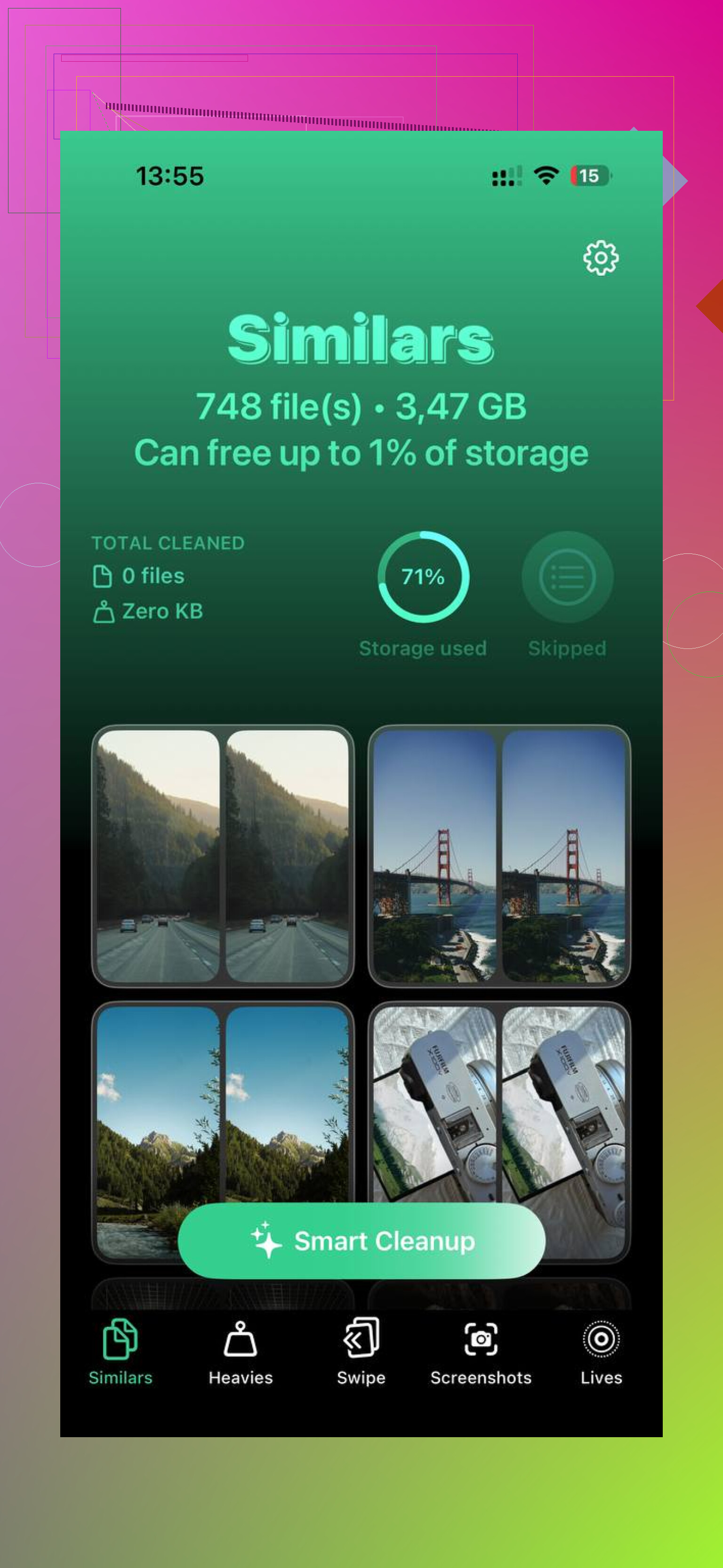
The two tabs I used most were Heavies and Similars.
Heavies is the blunt instrument. It sorts media by size, largest first. If your phone is dragging, this is where I’d begin. I found giant old videos sitting there doing nothing, some over 2 GB, and deleting a few of those made a bigger difference than cleaning 500 tiny screenshots.
Similars is for the usual camera-roll nonsense. Burst-ish shots, three angles of the same coffee, six attempts at one group pic. It groups near-duplicates, picks what it thinks is the best one, and you dump the rest. It also shows file sizes clearly, which helped me stop guessing and start deleting.
After I cleared the big files and duplicate clutter, organizing stopped feeling impossible. This is the setup I stuck with.
- Recents is not your gallery, it’s your inbox
This part annoyed me for ages. On iPhone, moving a photo into an album does not remove it from Recents. It still sits there. Once I stopped trying to make Recents look neat, things got easier. I treat it like email now. Once a week, I do a quick pass, around 10 minutes, and make three choices. Keep, album, delete. Temporary junk goes out. Stuff I care about goes into albums. Done.
- Name albums by date first
I started naming albums like 2024-06 Beach Trip or 2024-08 Birthday Dinner. It looks boring, but it works. The albums sort themselves in time order, and I don’t have to think about where something lives. If you skip this and use random names, your list turns into mush after a while.
- Search old photos in batches
Scrolling through years of photos is a good way to quit halfway through. I had better luck using Search and typing something like July 2022. The phone pulls up a smaller slice, and I deal with one chunk at a time. Feels less awful. If you’ve got a massive backlog, this is the only way I got through it without giving up by day two.
- Use Favorites if albums feel like work
Some weeks I don’t bother filing things properly. I hit the heart and move on. Favorites becomes a low-effort filter for the photos I’d care about later. I started using one rule for myself. If I won’t favorite it, I should ask why I’m storing it forever. Sounds harsh, but it cut a lot of junk.
- Get photos off the phone
This part matters more than people admit. Your phone is not a long-term archive. Every few months, I move the best stuff to an external drive or a cloud backup I trust, like Google Drive or Amazon Photos. If you have Prime, Amazon Photos gives unlimited photo storage, which is handy. Once I know my keepers exist somewhere else, deleting from the phone stops feeling risky.
The first cleanup took me a bit. No way around it. Still, once the duplicates and giant files were gone, the stress dropped fast. Opening Photos stopped feeling like walking into a hoarder closet. I could see the stuff I cared about again, and the phone felt normal too.
I’d do this in two phases. Cleanup, then rules.
I agree with @mikeappsreviewer on one point. Paying for more storage does not fix a messy library. I disagree a bit on albums first, though. Search and metadata matter more on iPhone than most people think.
My setup:
-
Kill screenshots first.
They pile up fast and most have zero long term value. In Photos, filter by Media Types, Screenshots. Delete in chunks of 100 to 300. Same for screen recordings. -
Use built-in smart sections.
Photos already groups Receipts, Trips, People, Pets, Selfies, Live Photos, Videos. Search by month, place, or person. Typing “receipt” or “dog” is faster than digging through albums. -
Make 3 albums only.
Inbox Keep
Family
Reference
If you make 25 albums, you’ll stop filing stuff. Keep it boring. It works. -
Set a deletion rule.
If you have 8 shots of the same thing, keep 1 or 2. If a video is over 1 minute, ask if you’ll watch it again. Most peope won’t. -
Turn on Optimise iPhone Storage.
This helps if space is tight. Keep originals in iCloud, smaller copies on the phone. -
Do a monthly 15 minute review.
Not when your phone is full. Before.
If duplicates are bad, Clever Cleaner is worth a look for iPhone photo cleanup. It saves time on similars and other clutter. Also, this review gives a solid breakdown of why people like it: see why Clever Cleaner is a top free iPhone cleaner app
My blunt take, your photo library needs rules more than it needs more storage. Otherwise you’ll be back in the same mess in 6 months, lol.
I’d split this into 2 different problems: finding photos vs storing photos. People mash those together and end up doing busywork.
I mostly agree with @mikeappsreviewer and @waldgeist that deleting clutter comes first, but I actually think albums are overrated for huge libraries. Once you get past a few thousand pics, albums become another chore you’ll probly stop maintaining.
What worked better for me:
- Use Info + captions on important photos. Add “Mom 70th birthday”, “passport renewal”, “best Cancun sunset”, etc. iPhone search is way better when you give it words.
- Create one utility album only: “To Sort.” Dump uncertain stuff there so it stops clogging your decision making.
- Use Hidden for personal docs or ugly-but-needed reference pics instead of leaving them in the main mess.
- Export your true keepers once or twice a year to a computer/external SSD in plain folders like
2024 > 2024-12 Christmas. This matters more than fancy album systems.
Also, live photos and long videos are sneaky storage killers. I turned off Live Photos as my default and saved a ton over time. Tiny setting, big diff.
For cleanup, yeah, Clever Cleaner makes sense if your duplicates/similars are out of control. If you want a solid breakdown, this review on why Clever Cleaner is a truly free iPhone cleaning app is useful.
My rule now is simple: if a photo has no memory value, no reference value, and no sharing value, it gets deleted. Sounds harsh, but thats the only rule I’ve actually stuck with.
I’d actually push back a little on the “organize after cleanup” idea from @waldgeist, @nachtschatten, and @mikeappsreviewer. If your library is massive, you need a retention system first or you’ll just keep recreating the mess.
What helped me most:
-
Set categories by lifespan
24 hours: QR codes, parking spots, shopping pics
30 days: receipts, documents, event planning
Forever: family, travel, milestone photos -
Use Reminders + Photos together
I make a monthly reminder: “Delete temporary photos.” That matters more than building albums I’ll ignore later. -
Change camera habits
Turn off Live Photos unless needed. Shoot shorter videos. Stop taking 9 versions “just in case.” Prevention beats cleanup. -
Separate archive from phone library
Your phone should hold your active library, not your life’s complete archive.
For cleanup apps, Clever Cleaner is decent if you’re drowning in similar shots.
Pros: free, easy duplicate/similar detection, quick storage wins.
Cons: you still need to review suggestions, “best shot” picks aren’t always right, and cleanup apps can make people over-delete if they rush.
So yeah, I’d use Clever Cleaner for the first sweep, then fix the habit that caused the pileup. That part matters more than any app.