Go to Settings, tap your name, tap iCloud, tap Photos. Turn on Sync this iPhone. Then select Optimize iPhone Storage.
If you do not see Photos under iCloud, check two things. Your Apple ID must be signed in, and iCloud Photos needs to be available on your device. On older iOS versions, the path looks a bit different, so the wording might be off by a little.
One small disagreement with @mikeappsreviewer, I would not expect instant space savings and then assume it failed. iPhone often waits until storage pressure gets worse before shrinking local photo files. Mine took a day or two.
Also check your iCloud plan. If your photo library is 80GB and iCloud has 5GB free, optimization will stall. Go to Settings, your name, iCloud, then look at the storage bar.
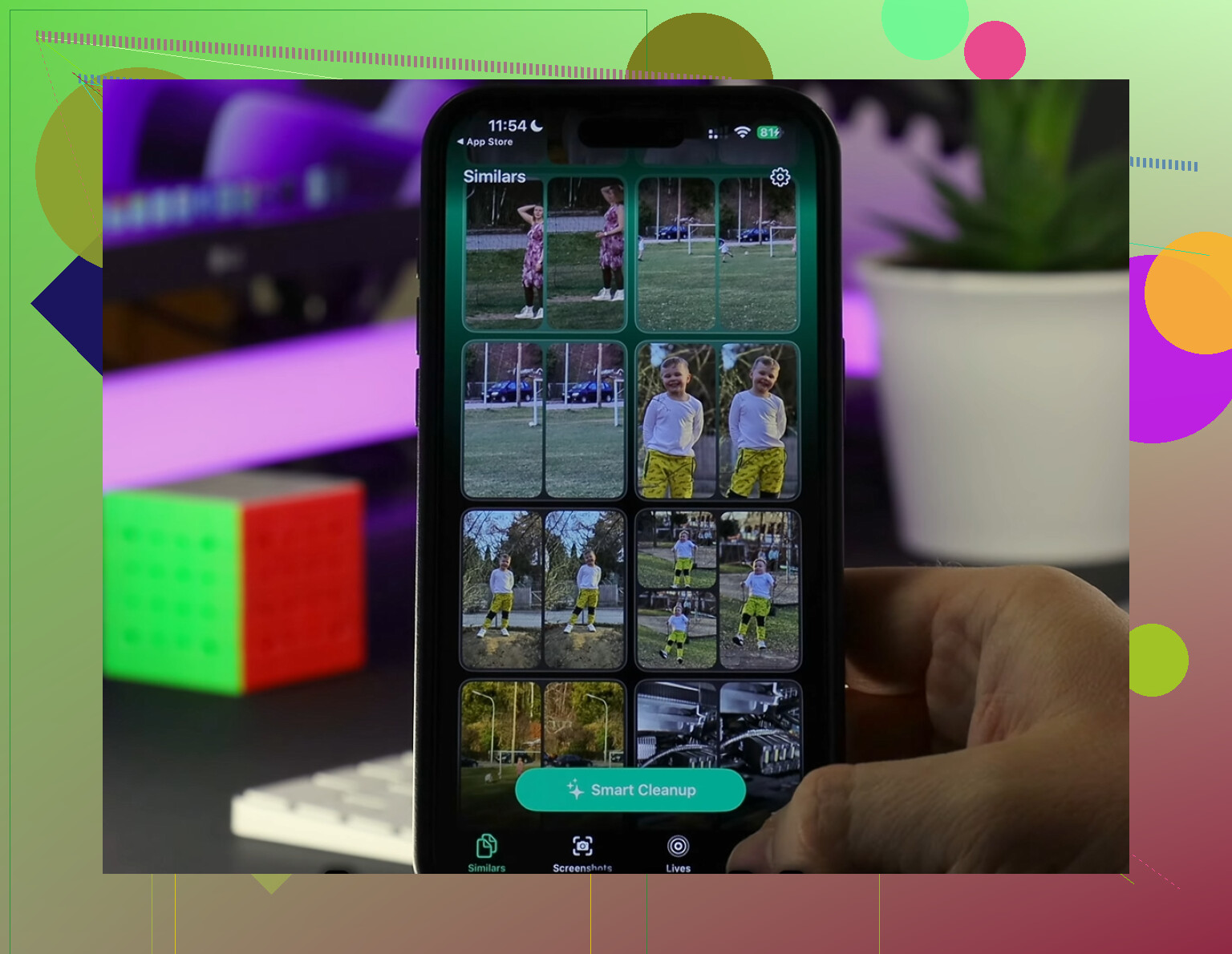
If Photos is still huge after enabling it, clean the library first. Large videos, duplicates, screenshots, screen recordings. Clever Cleaner is decent for this. It helps spot junk faster. I also found this useful if you want a solid roundup on the best cleaner apps for iPhone storage cleanup.
One more thing people miss, empty Recently Deleted. If not, your storage won’t drop right away. Kinda annoyng, but yep, that’s Apple.