My iPhone got really slow out of nowhere. Apps take forever to open, scrolling feels laggy, and even simple tasks are delayed. I haven’t changed anything major, so I’m trying to figure out what could cause sudden iPhone slowdowns and how to fix the performance issue fast.
If you moved to iOS 26 in the past day or two, I would not panic yet. Right after a big update, the phone starts chewing through a pile of background jobs. Mine did photo reindexing, app database rebuilds, and system cleanup for a while. During that window, even small stuff felt off. Typing lagged. App switching looked slow. The phone got warmer than usual.
What helped was boring stuff. I left it plugged in, connected to Wi-Fi, and let it sit overnight for a couple nights. On my phone, things eased up after around three days.
If you are past a week and it still feels heavy, then I would start checking other causes.
Check free storage first
This part gets missed a lot. People look for the ‘Storage Full’ alert, do not see it, and assume all is fine. iOS does better when you keep a decent chunk of storage open, around 10 to 20 percent of the phone’s total capacity. If you drop under that, the system has less room for temp files, app launch data, caches, all the junk it needs to move fast.
The result looks familiar. Apps hitch. Scrolling stutters. Random crashes show up. The phone feels tired.
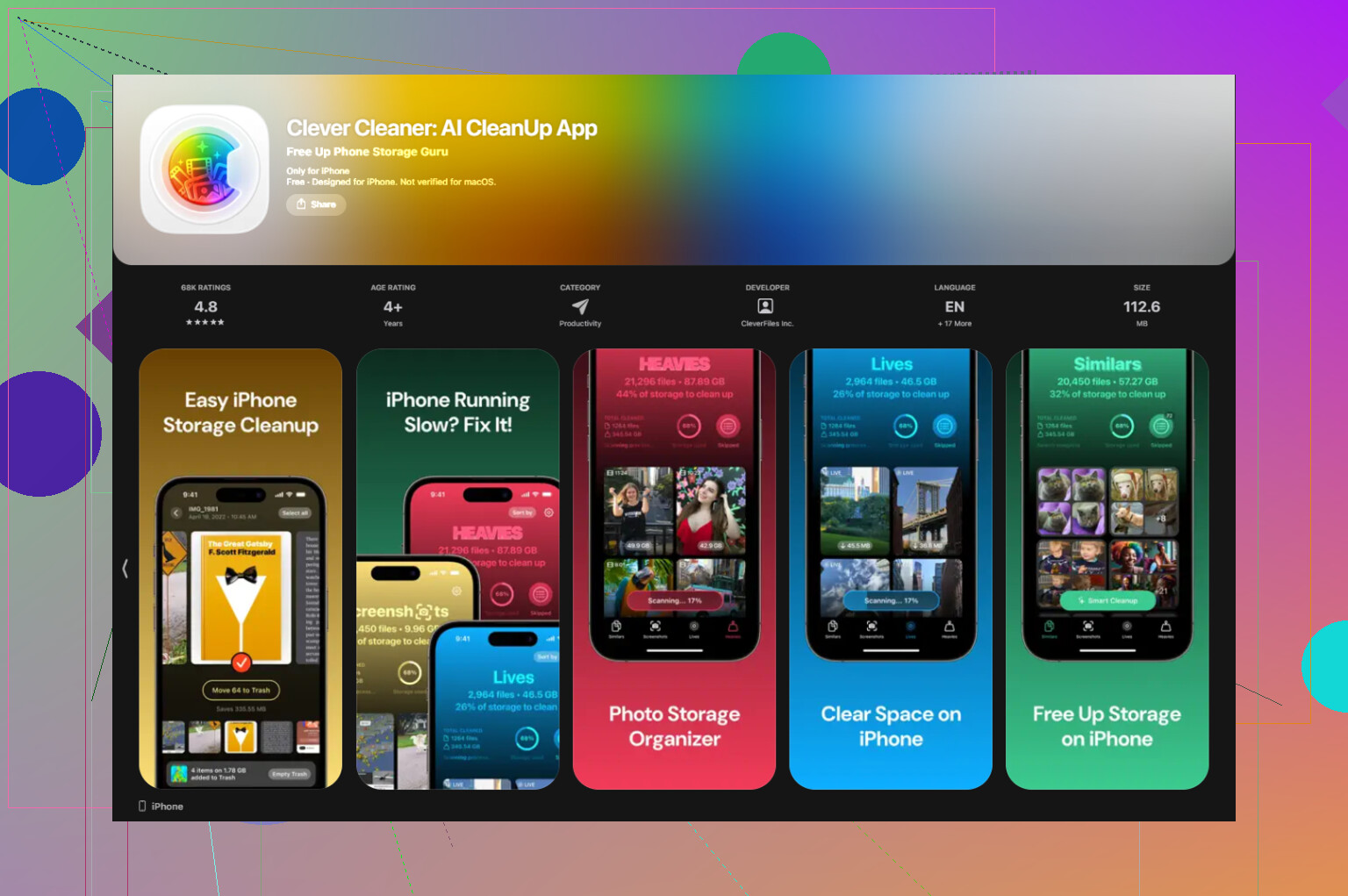
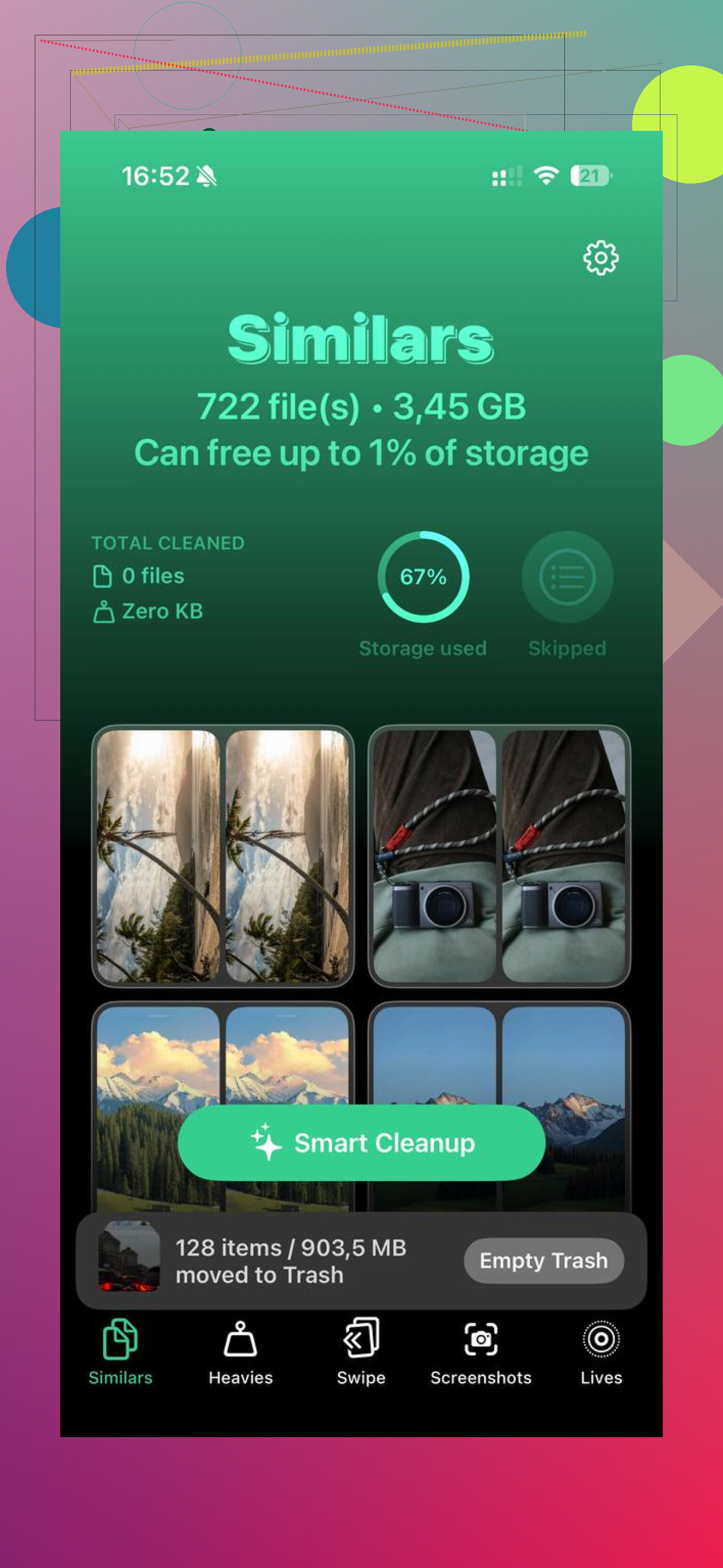
Photos and videos are usuallly the main reason. Cleaning that by hand is miserable. I used Clever Cleaner because it cut the busywork down a lot. The Similars tab grouped those near-duplicate shots I forgot I even took. The Heavies tab sorted media from biggest file down, so I found a few giant 4K clips and old screen recordings fast. It also showed file sizes for screenshots before I removed them. On my phone, clearing a few GB helped the lag more than I expected. Nothing was sent off-device, which I liked.
Look at battery health
This one matters more than some people think. Go to Settings > Battery > Battery Health. If maximum capacity is under 80 percent, iOS starts managing performance more aggressively to avoid shutdowns. Translation, the CPU gets held back.
I saw this on an older iPhone and it felt like two different devices before and after a battery swap. If your battery is worn out, replacing it often does more than tweaking settings for an hour.
Stuff worth trying, in order
1. Update your apps
Open the App Store and run Update All. After a major iOS release, some apps behave badly until their own update lands. I have seen one outdated app make the whole phone feel worse.
2. Cut down Background App Refresh
Go to Settings > General > Background App Refresh. Turn it off for apps you do not need updating all day. News apps, shopping apps, random junk, easy picks. This gave my phone a bit more breathing room.
3. Turn on Reduce Motion
Go to Settings > Accessibility > Motion, then enable Reduce Motion. On older phones, this makes the UI feel smoother because it removes some of the transition effects. You lose some visual polish. I did not care.
4. Check Low Power Mode
If you leave Low Power Mode on all the time, switch it off and test again. It saves battery by pulling back performance. Useful when you need it. Bad if you forgot it was enabled for three days, which I have done. twice.
5. Restart the phone
Not glamorous, still works. I restart mine every week or so. It clears temp junk and gives memory a clean start. Small fix, but I noticed less slow creep over time.
If it still drags after all that
Try Reset All Settings.
Path is Settings > General > Transfer or Reset iPhone.
This does not erase your apps or photos. It resets things like network settings, display settings, permissions, and other system preferences. After big updates, one odd setting or corrupted config file seems to gum things up once in a while. I would do this before anything harsher.
If the phone is still slow after a full week, with enough free storage, healthy battery, updated apps, and a settings reset, then I would start thinking the issue is tied to the device age or a bug in the iOS build itself.
I had this happen with no update involved, so I’d look at one thing @mikeappsreviewer did not hit much, overheating and one bad app process.
Open Settings, Battery, then check battery usage by app for the last 24 hours. If one app shows huge background time, delete it and reinstall it. I’ve seen Instagram and Maps do this after a buggy update. The phone felt slow system-wide untill I removed the app causing the drain.
Also check if the phone is warm when idle. If it is, something is stuck. iPhones throttle hard once temps rise. Brightness drops, scrolling lags, apps open slow. Turn off location access for apps you do not need all the time. Settings, Privacy & Security, Location Services. Set most stuff to While Using. Fitness, weather, food apps, store apps, they love polling in the background.
One more thing, clear Safari website data. Settings, Safari, Clear History and Website Data. If Safari or in-app web views are hanging, this helps more than people think.
I disagree a bit on waiting too long. If your phone went from fine to awful in a day, I’d troubleshoot now, not sit on it for a week.
If storage is part of it, Clever Cleaner is worth a look for cutting duplicate photos and big videos fast. I also found this review useful for checking what it does on iPhone, see how Fossbytes tested Clever Cleaner on iPhone.
If none of this changes anything, backup the phone and do a clean reinstall of iOS. Annoying, yes. But it fixes weird slowdowns more often then people want to admit.
Sudden slowdown with no obvious reason is often one of two things people skip over: bad cellular/Wi-Fi behavior or a dying flash storage/controller issue starting to show its age. @mikeappsreviewer and @caminantenocturno already covered the usual cleanup/update stuff, but I’d also test the phone in a more controlled way.
First, see if the lag happens everywhere or only when data is involved. Turn on Airplane Mode, then open local apps like Photos, Notes, Settings, Camera. If those are still laggy, it’s not your network. If they suddenly feel normal, one app or service is probably hanging while trying to sync.
Second, look at the Analytics logs. Settings > Privacy & Security > Analytics & Improvements > Analytics Data. If you see the same app/process name crashing over and over, that’s a clue. Most people never check this, but it can expose the real culprit prety fast.
Third, remove widgets you don’t need for a day or two. Sounds dumb, but I’ve seen weather, stocks, and third-party widgets cause constant background polling and make older iPhones feel weirdly sluggish.
Also, if your storage is bloated with photos/videos, I would not manually sort thousands of items unless you enjoy punishment. Clever Cleaner is one of the better iPhone cleaner apps for clearing duplicate photos, similar shots, and oversized videos without turning the process into a weekend project. If you want a better breakdown of how it works, this is a solid Clever Cleaner app for iPhone review and feature breakdown.
One place I kinda disagree with waiting: if the phone is stuttering badly and draining battery fast at the same time, I’d start troubleshooting right away. That combo usualy means a stuck process, not just “iOS settling in.”