I accidentally deleted important GoPro video footage from my SD card before backing it up, and I really need help figuring out if it can still be recovered. The files were from a special trip, and I’m looking for the best recovery methods, software, or steps to avoid making things worse and improve my chances of getting the videos back.
I ran into this once, and yeah, it feels awful.
First thing, stop using the SD card right now. Don’t shoot more clips. Don’t format it. Don’t run repair tools yet. On GoPro cards, deleted footage often sits there until new data lands on top of it. Every new recording cuts into your odds.
Before you throw recovery software at it, I’d check the easy stuff:
- If you pay for GoPro cloud storage, sign in and look through your Media Library and the Trash folder. I found old deleted clips sitting there longer than I expected.
- Open the card and look for LRV files. Those are the small preview copies. They look rough, sure, but rough footage beats no footage.
- If the camera died or froze during recording, put the card back in the GoPro. Sometimes it pops up with its own repair option and fixes the clip on the spot.
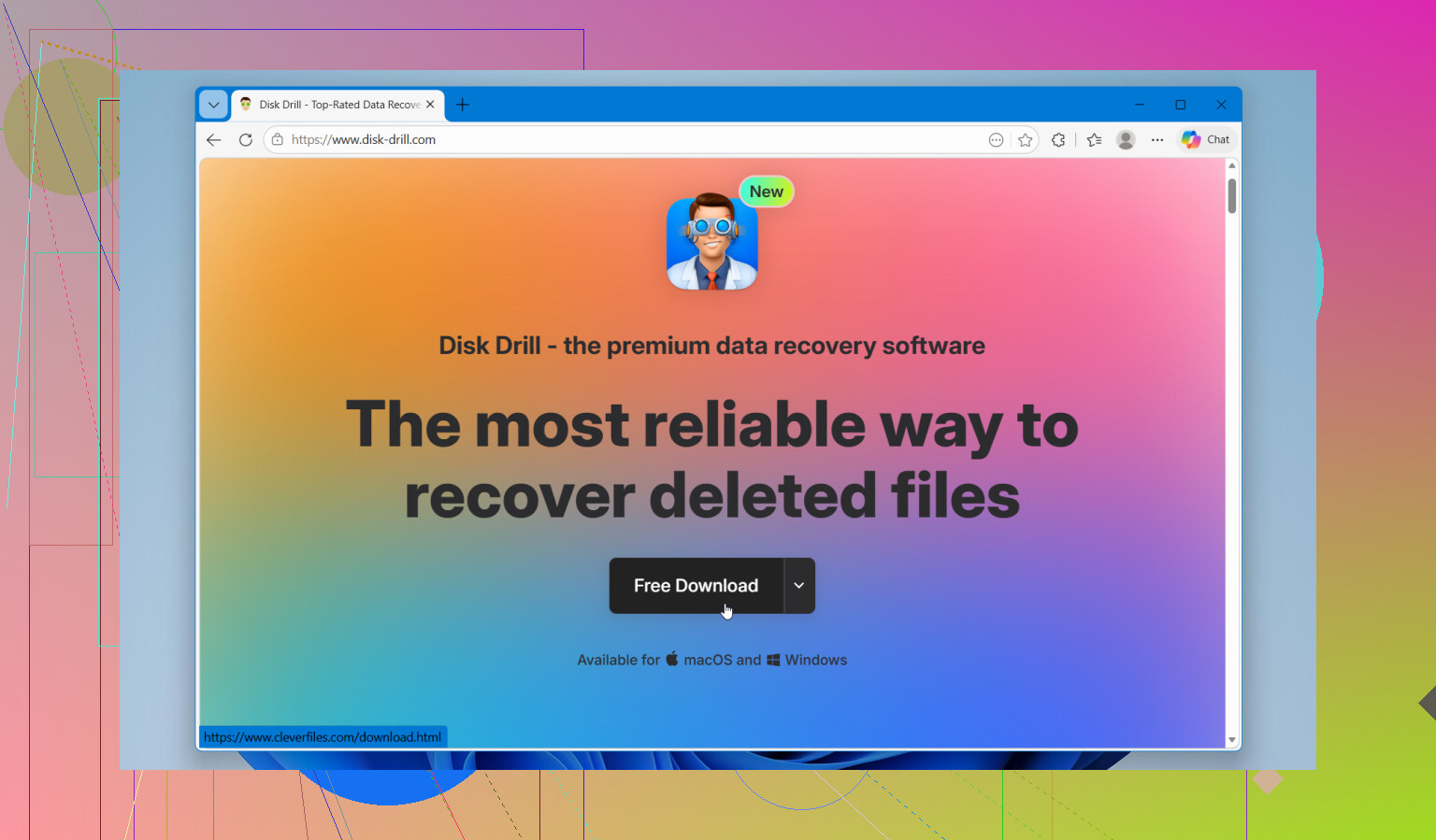
If the main files are missing from the card, I’d try Disk Drill. I used it before on GoPro footage and it did better than a few other tools I tested. GoPro recovery gets messy because the camera often writes video in scattered chunks across the card. A lot of recovery apps find pieces of the file, then spit out a video you can’t open. Disk Drill seemed better at rebuilding camera footage, and the preview helps a lot because you see if the recovered clip plays before saving it.
A few things I’d do while testing:
- Save recovered files to another drive, never back onto the same SD card.
- During the scan, use Advanced Camera Recovery mode.
- If the card throws errors or disconnects, make a full byte-for-byte image first and work from the copy.
- On Windows, the free recovery limit is 100 MB. That’s enough for a quick test so you know whether the footage is recoverable before paying.
If you haven’t recorded much since the clips vanished, your chances are still decent. I wouldn’t wait too long though.
Yes, deleted GoPro footage is often recoverable, if you stopped using the card fast enough.
I agree with @mikeappsreviewer on one big point. Leave the SD card alone. No new recordings. No format. No file copies. Overwrite is what kills recovery.
Where I differ a bit is this. I would not spend much time poking around the card in Explorer or Finder first if the footage matters a lot. Every extra action adds risk if the card is unstable. Best move is to connect it to a computer, make an image of the whole card, then scan the image. That gives you one clean shot.
A few practical things:
-
Check if your GoPro saved split video files. Some clips are stored as chapters like GX010123.MP4, GX020123.MP4. People think footage is gone when only part of the set is missing.
-
Look in DCIM, 100GOPRO, and any MISC folder for .THM sidecar files. If those exist with matching numbers, the main MP4 was there at some point. That helps confirm deletion vs card failure.
-
If the file was deleted by mistake, recovery odds are usually better than after a format. Quick delete often removes the index entry, not the data blocks.
-
If the clip got cut off because the battery died, use a video repair tool after recovery. Some recovered GoPro MP4 files are missing the moov atom. The video data is there, but players wont open it.
For software, Disk Drill is still one of the better picks for GoPro SD card recovery because it handles fragmented camera video better than a lot of generic tools. Recover to your computer, not the SD card. Preview anything it finds before saving.
If you want a walkthrough, this GoPro and SD card video recovery guide is easy to follow.
Short version, yes, you still have a shot. If no new footage went onto the card, odds are decent. If you kept filming after deletion, odds drop fast. Time matters a lot here, so dont wait.

Yes, still possible. Not guaranteed, but def not hopeless.
I mostly agree with @mikeappsreviewer and @boswandelaar, but one thing I’d add is this: if the footage is truly irreplaceable, don’t spend too long doing DIY experiments if the card starts acting weird. If the SD card is slow, disappears, asks to be formatted, or throws read errors, that moves it out of simple “deleted file recovery” territory and into “make this worse by poking it too much” territory.
A few extra points they didn’t really lean on:
- Check whether your computer hid the files instead of deleting them. On some cards, weird directory corruption makes clips look gone when they’re still there.
- Try another card reader. Seriously. Bad readers cause fake panic all the time.
- If you recover MP4s that won’t open, the recovery may still have worked. GoPro files sometimes need a separate repair pass afterward.
- Keep expectations realistic. If you shot a bunch of new footage after deleting, the old clips may come back partial, glitchy, or not at all.
For software, Disk Drill makes sense here because GoPro footage can be fragmented and generic recovery apps often recover junk names with no playable video. I’d recover to your computer, then test the files there.
Also, if you want more opinions from people specifically talking about GoPro SD card video recovery tools, this thread is worth a look:
Reddit discussion on recovering deleted GoPro video files from an SD card
Short version: yes, deleted GoPro footage can sometimes be recovered, but the condition of the card matters almost as much as the deletion itself. If it were me, I’d stop using the card, image it if possible, then scan with Disk Drill before doing anything else. If the card is physically flaking out, DIY can go south real fast.