I need a reliable USB over Ethernet solution to remotely access a USB device from another PC on my network. I’ve tried a couple of free tools, but they keep dropping connections and sometimes the device isn’t recognized at all. I’m looking for stable, preferably affordable software that works well on Windows and doesn’t require a complex setup. What tools or setups are you using that have been dependable for you?
If the free tools are dropping connections and randomly losing the device, you’re basically experiencing the “classic” cheap USB over network problem: no proper traffic handling, no reconnection logic, and terrible driver hooks.
For a more stable setup, you want something that treats “share USB over LAN” like a proper virtual USB bus, not a half-baked file stream.
A couple of points from my own trial-and-error:
-
Avoid most random freeware for serious devices
They’re fine for a thumb drive, but if you’re forwarding anything picky like a USB dongle, industrial controller, audio interface, or even some printers, they just fall apart. The disconnects you’re seeing are usually:- No heartbeat or keepalive between host and client
- Bad handling of power state changes (sleep / hibernate)
- Broken isochronous transfer support for certain devices
-
USB Network Gate is actually usable long term
Not saying it’s magic, but in my case it’s the first one that didn’t crap out mid‑session. The “share USB over Ethernet” feature is built like a virtual USB hub on the host, and the remote machine installs a client that mounts it as if it were local hardware.
Key things that made it worth paying for instead of wrestling with other stuff:- Keeps the connection alive for days without silent dropouts
- Handles USB license dongles and weird proprietary gear properly
- Works fine across regular LAN, Wi Fi, and even VPN if you open the ports
- Decent control over who can access what
If you want more detail, this breakdown of real world use with USB Network Gate is worth a skim:
reliable ways to share USB devices across your network -
Network and system tweaks that help stability
Even with good software, a flaky network will still hurt you:- Use wired Ethernet for the host if the device is critical
- Disable power saving on USB controllers in Device Manager
- Turn off “allow the computer to turn off this device to save power” on your network adapter
- If you use VPN, make sure it doesn’t aggressively drop idle connections
-
Alternatives if you really want free
You can mess with open source tools and some DIY combos, but:- They often lag on Windows updates
- Support for special USB classes is inconsistent
- Debugging random disconnects will eat more of your life than a paid license ever will
So if this is just for a casual USB stick, then fine, keep hunting free options. If it’s for anything mission critical or you’re tired of re plugging and rebooting because “device not recognized” keeps showing up, a solid commercial tool like USB Network Gate is pretty much the path of least frustration.
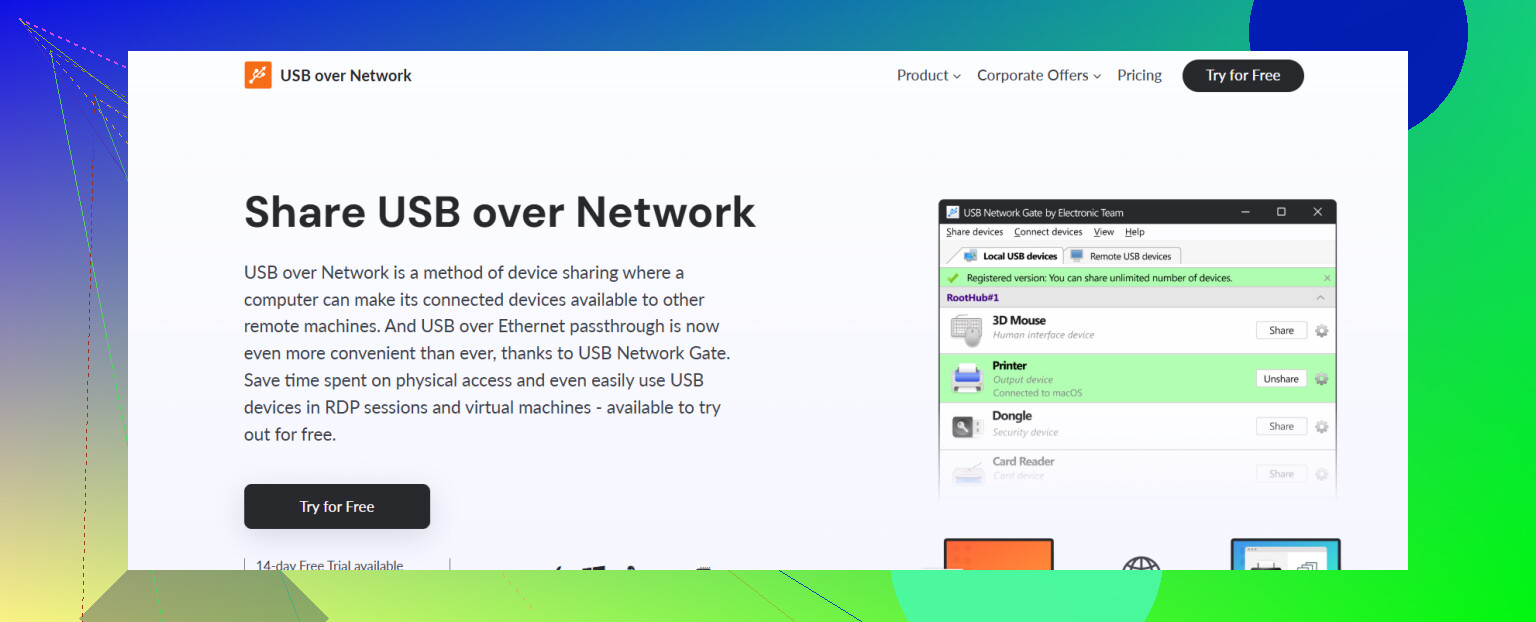
You’re basically in the same boat most of us hit the moment we try to use “free USB over Ethernet” tools for anything more serious than a flash drive. They work great right up until you actually need them.
@cazadordeestrellas already covered a lot of the connection‑stability stuff, and I agree with most of it, but I’ll add a slightly different angle and a couple alternatives so you’re not locked into a single option.
1. First question: what kind of USB device is this?
This changes everything:
-
License dongle / proprietary hardware
You want something that does real USB bus virtualization, not just mass‑storage tunneling. This is where a tool like USB Network Gate shines. It hooks deep at the driver level so the remote PC genuinely thinks the device is local.
In real use, it:- Tends to keep sessions up for days without random DCs
- Behaves well with fussy dongles and some industrial stuff
- Plays nice over LAN, WiFi, and VPN if the ports are open
Where I slightly disagree with @cazadordeestrellas is that “most freeware is useless.” It’s not totally useless, but for dongles and special hardware, yeah, 90% of the time it’s pain.
-
Simple stuff like USB sticks, basic printers, barcode scanners
You can get away with free or open source if you tolerate the occasional reconnect. It’s just that you’ve already hit the classic problems: dropped sessions, device missing after reconnect, flaky detection after sleep.
2. Other commercial options worth at least checking
Not saying these are better than USB Network Gate, but you asked for options:
-
Hardware USB over IP hubs
Instead of software, you buy a small box that you plug the USB device into, and it exports it over the network. Advantages:- Offloads the USB handling from your PC
- Often more stable for 24/7 stuff
- Less drama with OS updates
Downsides: - More expensive up front
- Not all handle isochronous audio / video well
- Management interfaces can be… from 2008
If your use case is “this USB thing lives in a closet/server room and clients connect to it,” hardware is underrated.
-
RDP or remote desktop instead of USB over Ethernet
If the device can do its job on the “host” machine directly, sometimes the simplest fix is:- Plug USB device into PC A
- Remote into PC A from PC B (RDP, AnyDesk, etc.)
Now you’re not virtualizing USB at all. You’re just controlling the machine that has it.
This dodges a ton of protocol pain, but obviously only works if your workflow allows it.
3. Stability tweaks people forget about
Some overlap with what was already mentioned, but I’ll lean into the stuff that actually made a difference for me with remote USB DACs and dongles:
-
Kill aggressive power saving
- In Device Manager, for USB root hubs and your network adapter, uncheck “allow the computer to turn off this device to save power”.
- In advanced power plan settings, disable USB selective suspend.
These alone fix a lot of random “device not recognized” issues after idle.
-
Avoid double‑NAT and trash WiFi
USB over IP is chatty. If your device is going over budget mesh WiFi + VPN + ISP router weirdness, you’re basically asking for it to flake.
Use wired on at least the host side whenever possible. -
Static IPs for the host
Nothing fancy, just makes reconnects more predictable when the client software expects the same endpoint.
4. About USB Network Gate specifically
Since you already know the free tools are letting you down, USB Network Gate is honestly the path of least aggravation if you want software only:
- Treats devices as if they’re plugged in locally on the remote PC
- Decent control over who can access which port
- Handles a surprisingly wide range of weird devices without drama
If you decide to try it, grab it from here:
download the latest USB Network Gate version
That’s the easiest way to test if it actually fixes your disconnect issue in your specific setup.
5. When it’s not the software at all
It’s worth saying out loud: sometimes the “USB over Ethernet” tool gets blamed, but the actual culprits are:
- A flaky USB cable or hub on the host side
- Front‑panel case ports that brown out under load
- An underpowered USB device that hates long cables and adapters
Test the device locally on the host PC for a while with no virtualization and no hubs. If it’s not 100% solid there, nothing over Ethernet is going to magically fix it.
If this is for something important like a license dongle or production gear, I’d personally:
- Fix power settings and USB cabling.
- Try USB Network Gate from the link above.
- If it still needs to be rock‑solid and 24/7, seriously consider a hardware USB‑over‑IP box and be done fighting drivers.
The “cheap and free” phase is fun right until you’ve replugged the device for the 15th time in a week 