I accidentally deleted photos and videos from my SD card, and now some files are missing after I tried using it again. I need help finding the best SD card recovery software that is safe, effective, and easy to use because these files are really important. If anyone has recommendations or tips for recovering data from an SD card, I’d really appreciate it.
I’ve had this happen, and yeah, it sucks. An SD card goes bad, or you wipe the wrong folder, or the camera suddenly says the card needs formatting. If the card itself is not cracked, bent, or dead at the hardware level, recovery software is usually your best shot.
First thing, stop writing anything to the card. No more photos. No more video. Don’t copy files onto it. I learned this the hard way years ago with a vacation card, one more batch of photos and some of the old stuff was gone for good. New data overwrites old data, and once it’s overwritten, you’re done.
Second, if your camera or computer pops up a format prompt, don’t accept it. Leave the card alone. Put it aside until you’re ready to scan it on a computer with a card reader. I would not do recovery through the camera connection if I had another option.
These are the tools I’d look at first:
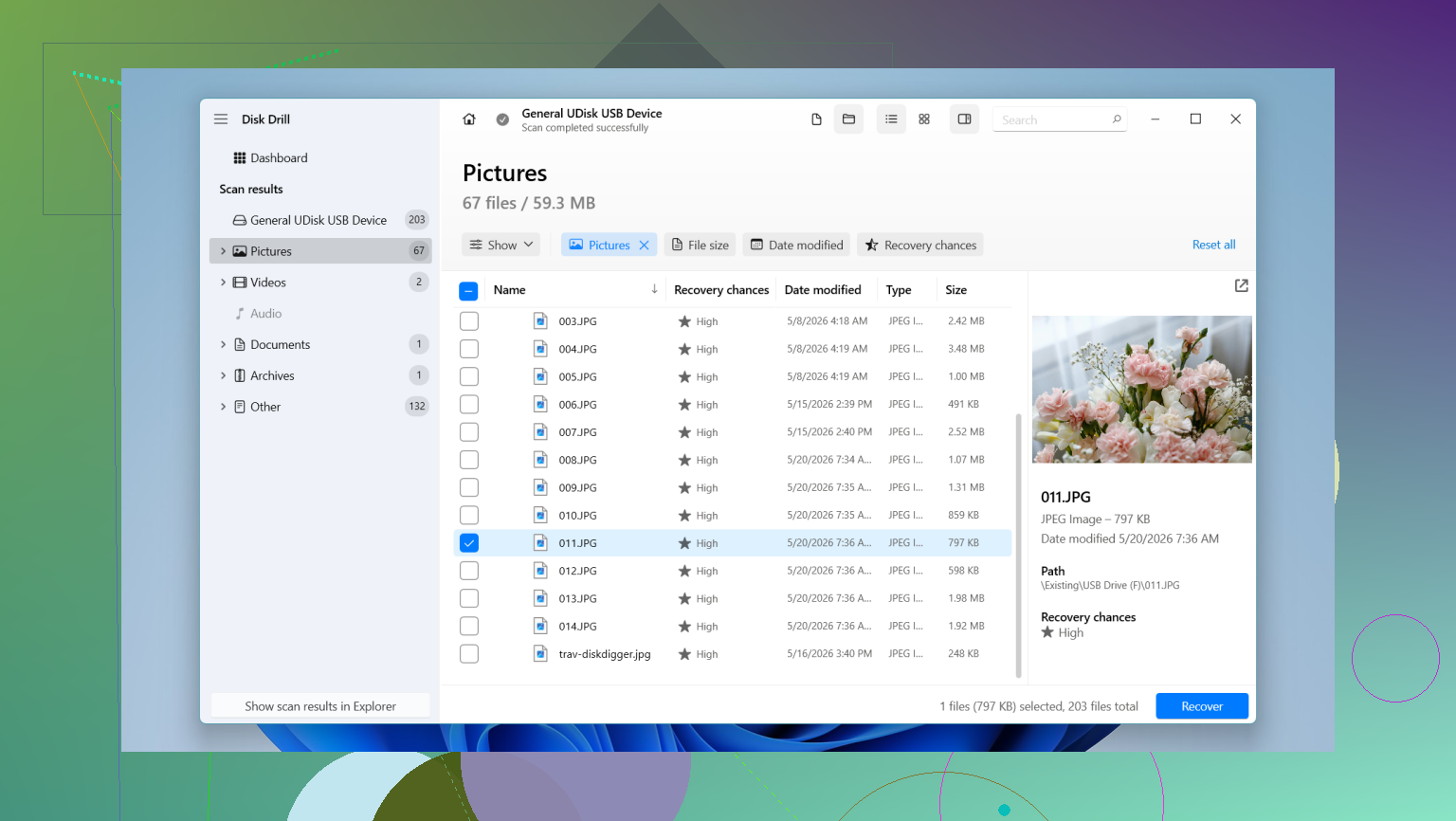
- Disk Drill. This is the one I’d point most people to, mostly because it’s easier to work with and handles photo and video recovery well. You get file previews before paying, which saved me from wasting time once, and it supports camera RAW formats like CR2, NEF, and ARW. The part I liked most is its Advanced Camera Recovery mode. That matters if your missing files are from a GoPro, drone, mirrorless body, or anything else writing fragmented video files. Some apps find the chunks but return broken clips. This one tends to do better putting those pieces back into something playable. On Windows, it also gives you up to 100 MB free recovery.
- PhotoRec. No cost, open source, no recovery cap. It works. I’ve used it when I didn’t feel like paying for anything. The catch is the interface feels old and rough, and your recovered files often come back with generic names and no folder layout. If you recover 2,000 images, you’ll spend a while sorting.
- R-Studio and UFS Explorer. These are more serious tools. Good tools, too. I would use them if I needed finer control or if the card had file system damage, but they’re not the friendliest place to start if you’ve never touched recovery software before.
If you want the least annoying route, I’d start with Disk Drill. For SD cards, the big thing is video fragmentation. Cameras and drones split data in messy ways, and a lot of software sees the pieces without rebuilding them properly. If your goal is getting back footage you can open and use, this matters more than a pretty scan result screen.
One mistake people make, I did this once too, is saving recovered files back onto the same SD card. Don’t. Save everything to your computer’s internal drive or to another external drive. If you write recovered data onto the original card, you risk wiping out other files still sitting there unrecovered.
If the card disconnects randomly, reads slow, throws errors, or looks unstable, I’d make a full image of it first and scan the image instead of the card itself. Less wear, less risk. Better move if the card seems like it’s on its last legs.
So yeah, slow down. Put the card in a reader, scan it, preview what shows up, and recover to a different drive. I’ve seen cards come back from worse than I expected, so don’t write it off too fast.
I’d split this into two cases.
If your SD card still mounts and shows a drive letter, start with something easy and preview-based. Disk Drill fits best there. It’s simple, it shows recoverable photos and videos before recovery, and it tends to do well with SD cards from cameras, phones, and drones. For most people, ease of use matters more than a giant feature list.
If the card is flaky, throws read errors, or keeps disconnecting, I’d skip the “scan it live” approach at first. This is where I disagree a bit with @mikeappsreviewer. Advanced tools are not only for experts. In unstable-card cases, DMDE or R-Studio make more sense early because they let you image the card first and work from the image. That lowers risk. It also gives you a second shot if the card gets worse.
My short list:
1. Disk Drill
Best for ease of use.
Best for deleted photos and video on a readable SD card.
Preview helps you avoid paying blind.
2. DMDE
Cheap and technical.
Great if the partition looks damaged or files vanished after reuse.
UI is ugly as sin, but the scan quality is solid.
3. R-Studio
Best if the file system is messed up.
More complex. Better for people willing to learn a bit.
4. PhotoRec
Free and effective.
Bad at filenames and folder structure. Kinda a mess after recovery, tbh.
One more thing people miss. If you reused the card after deletion, some files are gone for good. No software fixes overwritten sectors. Recovery rates drop fast once new video gets recorded because video eats space fast.
Also, save recovered files to your PC or another drive, not the SD card. Sounds obvious, people still do it.
If you want a solid walkthrough, this best SD card recovery software video guide for photos and videos is worth a look.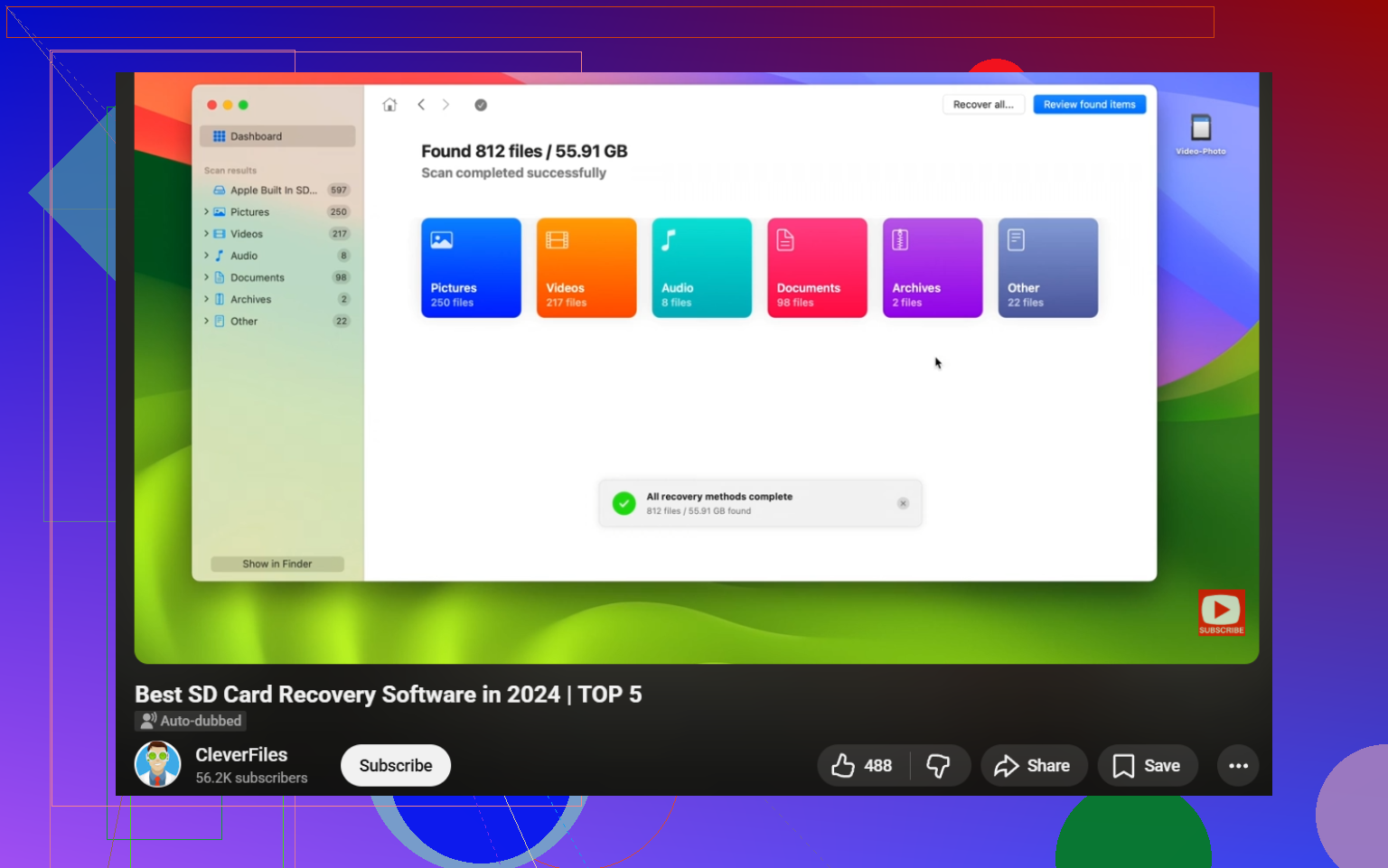
I’m gonna half-agree with @mikeappsreviewer and @sterrenkijker here. They covered the main recovery apps already, but I’d add one thing people skip way too often: check the SD card’s health before trusting any recovery result. If the card is starting to fail, software choice matters less than getting data off fast.
For pure ease of use, Disk Drill is still probably the safest bet for most people. It’s clean, previews files well, and doesn’t feel like you need an IT cert just to click “scan.” That matters when you’re already stressed and trying not to make things worse. If you mainly want deleted photos, videos, and maybe RAW files back, it’s a solid first pick.
Where I slightly disagree with both of them is on PhotoRec. Yeah, it works, but for normal users it can turn recovery into a sorting nightmare. “Recovered file 4938” is not a fun weekend. Free is nice, but time counts too.
One extra option worth mentioning is RescuePRO, especially if your SD card is SanDisk or Lexar. Some cards even come with a license. It’s not my favorite interface, kinda dated tbh, but it can do a decent job with accidental deletion cases and is simpler than the more forensic tools.
My take:
- Disk Drill: best balance of safe, simple, effective
- RescuePRO: worth checking if bundled with your card
- R-Studio/DMDE: better if the card is acting weird or file system is messed up
- PhotoRec: last resort if budget is zero
Also, if files went missing after you kept using the card, some are probly overwritten already. No app can magic that back.
If you want more practical SD card recovery advice for deleted photos and videos, that thread is actually useful.