I’m setting up wifi for a small office and I’m torn between using Netspot wifi analyzer and Ekahau. I need reliable coverage planning, interference detection, and clear reports for non‑technical management. Has anyone used both tools and can explain which is better for cost, ease of use, and accuracy in a smaller deployment?
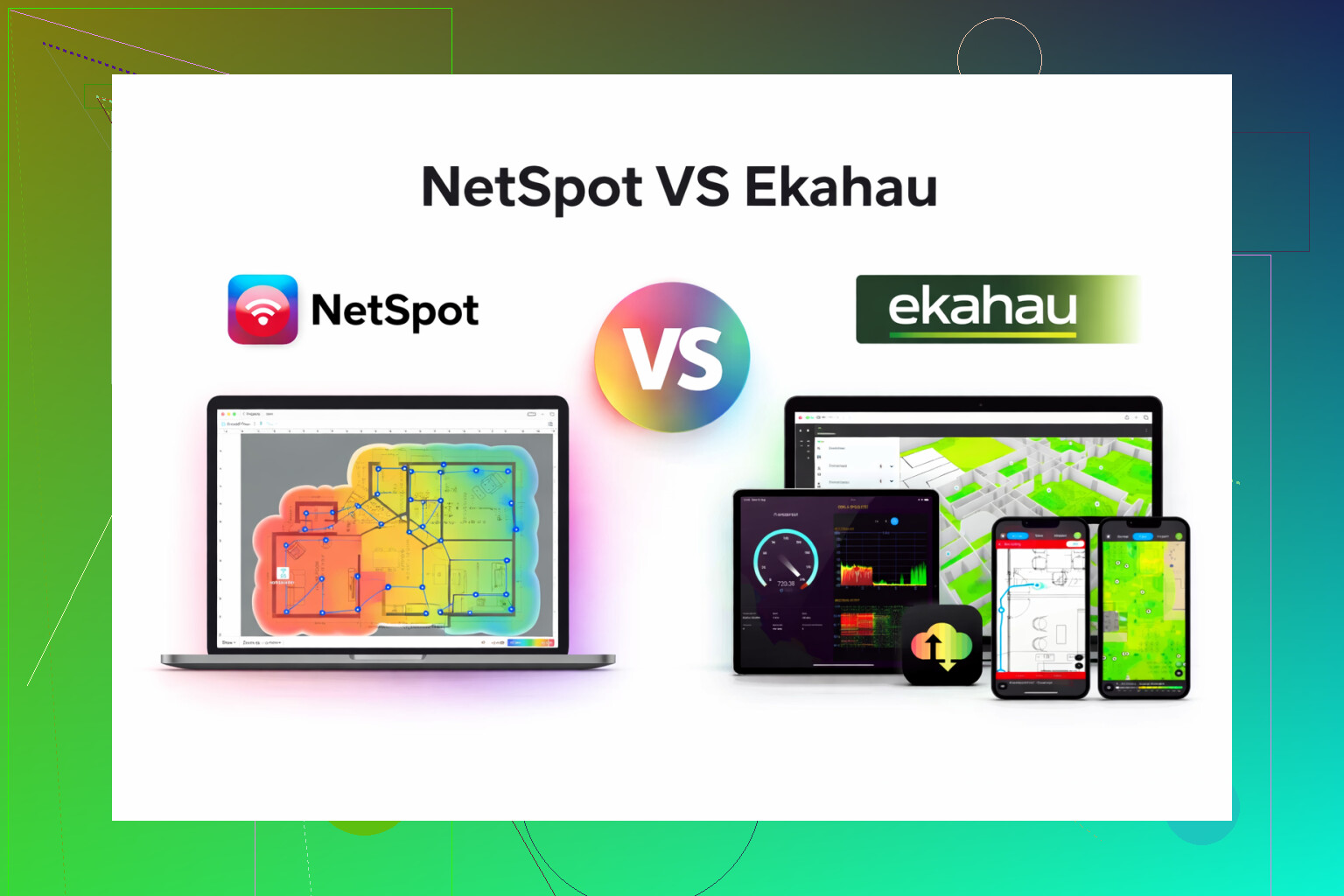
I bounced between Ekahau and NetSpot for a while for Wi‑Fi surveys, and here is where I ended up.
Ekahau first. It does a lot. Way more knobs and panels than I ever used. Felt like something built for consultants who live inside airports, stadiums, hospitals, and need to justify a big line item on an invoice. The price matches that vibe. For a small IT shop or a one-person setup, it felt like renting a cargo plane to move a backpack.
NetSpot was the opposite experience for me. I installed it, clicked around for a few minutes, and I was running surveys without having to Google every second button.
What I got out of NetSpot in daily use:
-
Heatmaps
I walked the floor with a laptop, marked positions, and got signal coverage maps that made sense at a glance. I used those to show non-technical people where the dead zones were. No ten-step export process, no weird project format fights. -
Signal and noise checks
I could see which APs were overlapping, where the signal dropped off, and where 2.4 GHz was getting hammered. Helped me pick better channels for a small office and for a couple of large homes with too many repeaters. -
Troubleshooting
When someone said “Wi‑Fi sucks in the meeting room,” I pulled NetSpot out, did a quick survey, and checked if the issue was coverage, interference, or the client device. Saved me from guessing and moving APs blindly.
Who it fit:
- Small businesses that run a few APs on one or two floors.
- In-house IT that needs repeatable surveys but does not live inside Wi‑Fi tools all day.
- Power users at home who want to tune mesh systems or fix weird coverage gaps.
Where Ekahau still makes more sense:
- Multi-floor commercial sites with strict design requirements.
- Environments with lots of APs, capacity planning, and detailed reporting demands.
- Consultants who sell Wi‑Fi design as their main job.
For anything below “airport or stadium” scale, NetSpot felt more honest for the price and workload. I spent less time managing the tool and more time fixing AP placement, channel plans, and client issues.
If you want to look at what I am talking about, the app is here:
There is also a decent walkthrough here if you want to see it in action before touching anything:

For a small office, I’d look at it this way:
- Goal
You want:
• Simple but reliable coverage planning
• Interference checks that make sense
• Reports your management understands without a 30‑minute speech
Ekahau does all of that, but it targets enterprise WiFi engineers. Great engine, heavy controls, heavy price. Lots of capacity planning, wall material libraries, predictive modeling, etc. If you run dozens of APs on multiple floors, or have strict SLAs, it earns its keep. For 5 to 15 APs in a normal office, it feels like overkill.
-
Where I slightly disagree with @mikeappsreviewer
They are right that Ekahau feels like consulting gear. I would add that you only get full value if you invest time in learning it. If you touch WiFi design once or twice a year, your skills atrophy and the license cost looks painful. For a small shop, that hurts more than the feature gaps. -
NetSpot / Netspot App in your use case
What you get that lines up with your needs:
• Coverage planning
Not as deep as Ekahau predictive design, but enough to plan AP locations for a small floor. Use your floor plan, mark walls, run a few walk surveys. For 1 or 2 floors, results are good enough to place APs with confidence.
• Interference and channel planning
It shows overlapping channels, signal to noise and which APs fight each other. For small offices, that is usually what you need to fix poor performance. Use it to:
– Push 5 GHz as default where possible
– Reduce 2.4 GHz clutter
– Avoid channel overlap between nearby APs
• Reports for non technical managers
Heatmaps and simple signal graphs help here. You walk the floor, generate coverage and SNR maps, then drop screenshots in a slide deck. Add one sentence per image like: “Red areas are where calls will drop” or “Green area meets target signal for video meetings”. That level of clarity keeps management happy.
-
Practical approach I’d use
• Start with Netspot App.
• Import your floor plan and mark rough AP locations.
• Do a quick first survey after you mount APs.
• Look for:
– RSSI better than about -65 dBm in work areas
– SNR above 20 dB for normal office work
– 5 GHz coverage in all meeting rooms
• Tweak AP positions or power, redo short surveys, then export a final heatmap set for management. -
When Ekahau makes sense instead
Consider Ekahau if:
• You plan to standardize WiFi design across multiple sites.
• You handle high density meeting rooms all day.
• You need strict compliance grade documentation.
For a one‑off small office, Netspot App gives you faster results, lower cost, and reports that are easier to explain. Ekahau starts to pay off when WiFi design becomes a recurring, specialized part of your job, not an occasional project.
I’m mostly in the same camp as @mikeappsreviewer and @techchizkid, but I’ll push back on one thing: Ekahau is not only for airports and stadiums. It shines when you need solid predictive design up front, not just “walk and see what happened.” For some offices, that actually matters.
That said, for a typical small office (single floor, <20 APs, normal density), I’d look at it this way:
1. Your actual needs vs tool class
You said: coverage planning, interference detection, and clear reports for non‑technical folks.
-
Coverage planning
Ekahau predictive design is better: wall types, attenuation, capacity modeling. If you are doing this for multiple sites or will be audited later, that modeling can save you. But you pay in both money and learning curve.Netspot App is more “measure what’s there” than “simulate the future.” For a one-time small office, that’s usually enough: place APs roughly where vendors recommend, then use Netspot App surveys to validate and tweak.
-
Interference detection
Both will show overlapping channels, signal to noise, etc. For everyday office interference (neighboring SSIDs, bad channel reuse), Netspot App is honestly enough. Where Ekahau pulls ahead is when you care about capacity, roaming, and large numbers of clients. -
Reports for management
Here I actually think Netspot App wins for your use case. Ekahau can produce beautiful, very detailed reports that non‑technical managers will absolutely not read. Netspot App’s heatmaps are simpler: perfect for a two-slide summary with “red = bad, green = good.”
2. Where I’d not use Netspot App
Just to disagree a bit with the “anything below airport” idea:
If your “small office” is:
- Dense open office with constant video calls
- VoIP phones over WiFi
- Multiple critical meeting rooms that cannot tolerate jitter
- Or your management expects this design to be reused across several sites
then I’d actually bite the bullet and go Ekahau. Those scenarios are where accurate predictive modeling and more detailed capacity planning pay off. In that case, using only post‑deployment surveys from Netspot App can turn into a cycle of “hang APs, test, move, repeat” that wastes labor.
3. Cost vs how often you’ll use it
If this is:
- A one-off project, or
- Something you’ll revisit once a year
then an Ekahau license is hard to justify. You will forget half the tricks between uses. Netspot App is easier to pick back up without relearning the whole ecosystem.
If WiFi design is going to become part of your job description across multiple offices, then Ekahau’s cost starts to make more sense long term.
4. Practical recommendation
Given what you wrote and assuming this truly is a small office:
- Start with Netspot App.
- Do basic vendor‑recommended placement (e.g., ceiling APs in hallways or central office areas).
- Use Netspot App to:
- Verify you hit about -65 dBm or better where people sit
- Check SNR and channel overlap
- Grab a few clear heatmap screenshots for management
If you find yourself fighting weird capacity issues or planning a second site with higher stakes, that’s the point where I’d reevaluate and possibly step up to Ekahau.
tl;dr: For what you described today, Netspot App is the more rational tool. Ekahau is the “enterprise hammer” you only really need if this small office is secretly the first of many or more critical than it sounds.
For a small office, I’d decide more on workflow than raw feature lists.
Where I line up with @techchizkid, @sonhadordobosque and @mikeappsreviewer: Ekahau is a serious platform, very good at predictive design, multi‑site consistency, and formal documentation. Where I diverge a bit: even for “only” 1–2 floors, Ekahau can be warranted if you have strict SLAs, voice over WiFi, or you need to prove to auditors that you followed a proper design process, not just “we walked around with a laptop.”
If that is not you, Netspot App is usually the saner choice.
Netspot App pros
- Fast to learn. You can be productive in an hour instead of a week of tutorials.
- Survey‑oriented. Great at “what is happening right now in this office.”
- Heatmaps that non‑technical managers understand at a glance.
- Good enough interference picture for typical office issues: overlapping channels, noisy 2.4 GHz, neighbor APs.
- Cost is in line with one‑off or occasional site work, not a recurring WiFi‑consultant tool.
Netspot App cons
- Predictive design is limited compared to Ekahau. Walls, capacity, roaming behavior are more “approximate” than modeled.
- Scaling up becomes awkward. If this “small office” turns into 5‑10 locations, you’ll feel the lack of deep design and templating.
- Reporting is simpler. Great for management slide decks, less great if you need very formal, highly parameterized design reports.
- Not ideal for very high‑density environments where client distribution, airtime usage, and capacity modeling matter as much as raw signal.
So for your stated needs:
-
Coverage planning:
Start with vendor best practices and building layout, then use Netspot App to validate and refine. For a small office this ends up more efficient than building a heavy predictive model in Ekahau that you will use once. -
Interference detection:
Netspot App will give you enough visibility to fix channel plans and AP placement. Hardware RF issues or exotic interference are where a bigger platform (or spectrum analyzer) starts to matter. -
Reports for non‑technical management:
This is where Netspot App really shines. Screenshot a couple of heatmaps, circle the red/orange areas, add “Before / After” captions. Most managers will grasp that far faster than a 40‑page Ekahau report.
If later you discover that this office has strict uptime/voice requirements or becomes the blueprint for many more sites, you can always step up to Ekahau for design and keep Netspot App as your quick survey and troubleshooting tool. They do not have to be mutually exclusive, but for a single small office I would start with Netspot App and your existing AP vendor guidance, then only escalate tooling if you hit real limitations rather than theoretical ones.