I’m trying to improve my fashion photography workflow after spending too much time editing product and model shots by hand. I recently tested a few AI photo tools, but the results were inconsistent with skin tones, fabric details, and background cleanup. I need help finding the best AI tools for fashion photography that can handle retouching, styling previews, and fast, professional edits without making the images look fake.
If you want AI tools for fashion photos, the answer depends on what you’re trying to make.
Some apps lean toward clean model shots. Some are better for outfit mockups. Some spit out flashy social posts and that’s about it. I tried a few, and these stood out more than the rest.
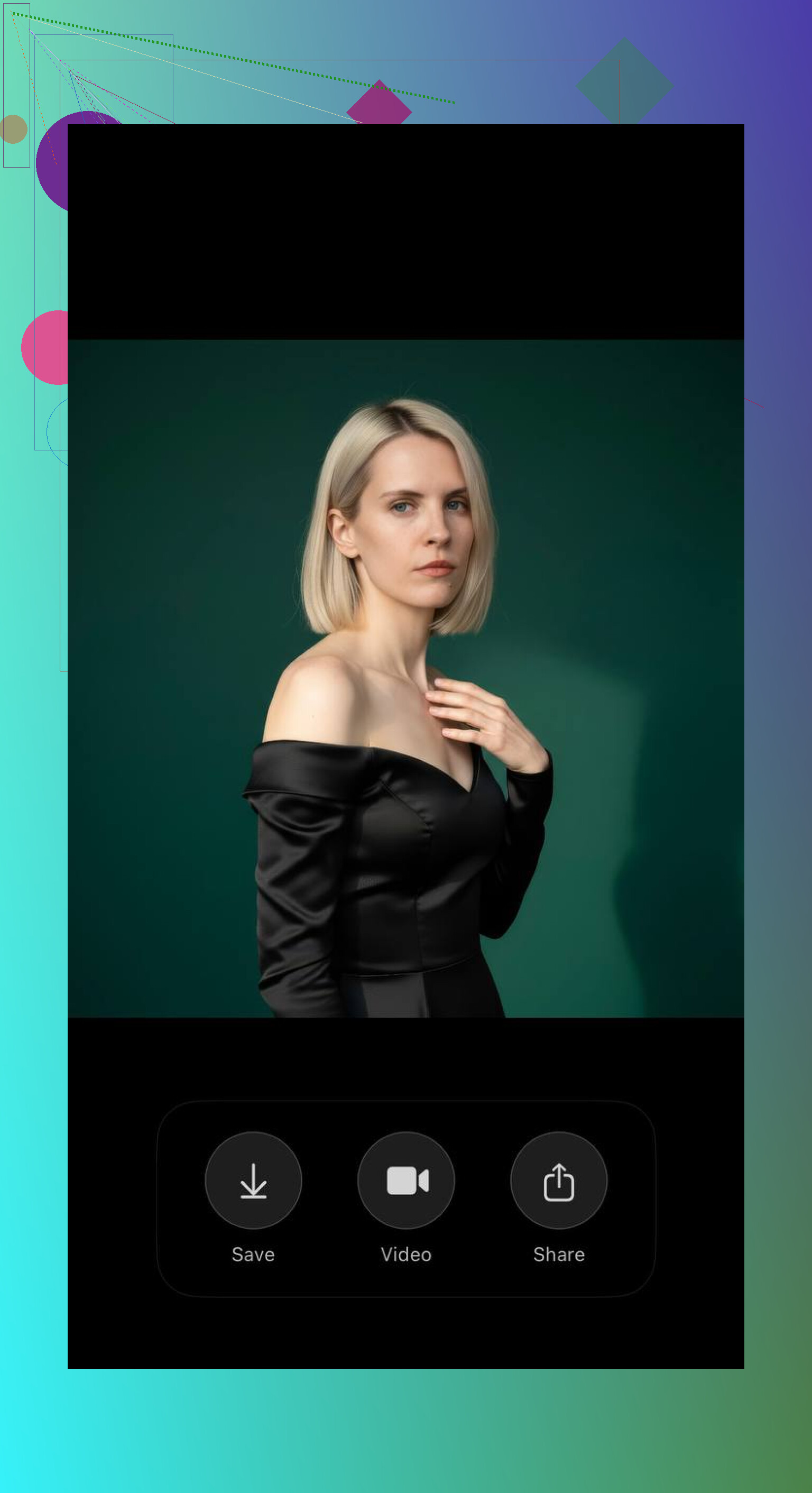
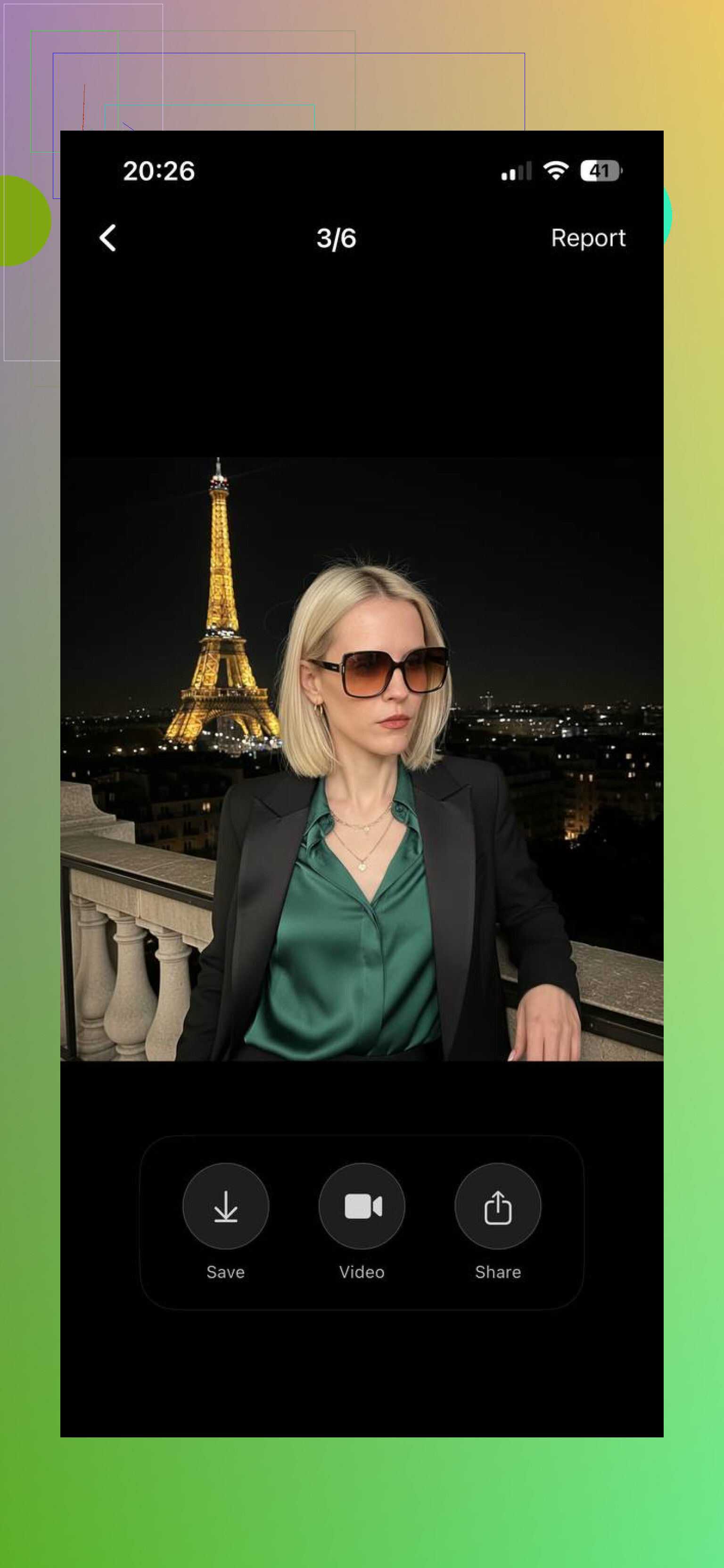
Eltima AI Headshot Generator app
This one gave me the most believable results. I got fashion-style portraits without the weird plastic skin or broken details I keep seeing in weaker generators. It covers a decent range too, streetwear, polished luxury looks, studio-style edits, and more editorial-type images. If you upload a batch of clear selfies, the output tends to hold together better. I also liked that it turns still photos into short AI video clips, which helped when I needed quick content and didn’t feel like setting up a full shoot again.
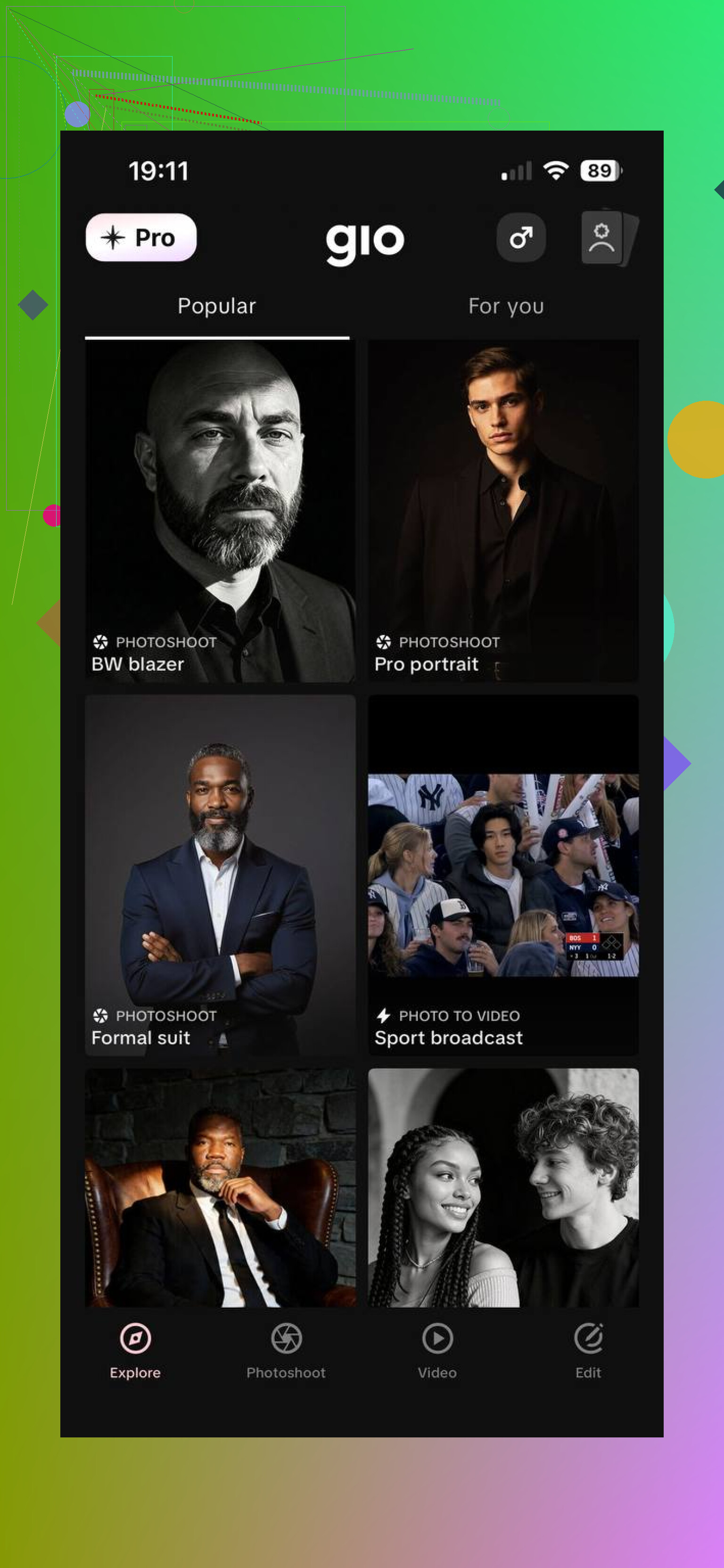
GIO
GIO felt more like the app I’d use when I wanted to test looks fast and see what sticks. Lots of templates, easy to cycle through styles, and decent for fashion posts made for social feeds. It’s less about strict realism and more about trying aesthetics until one lands.
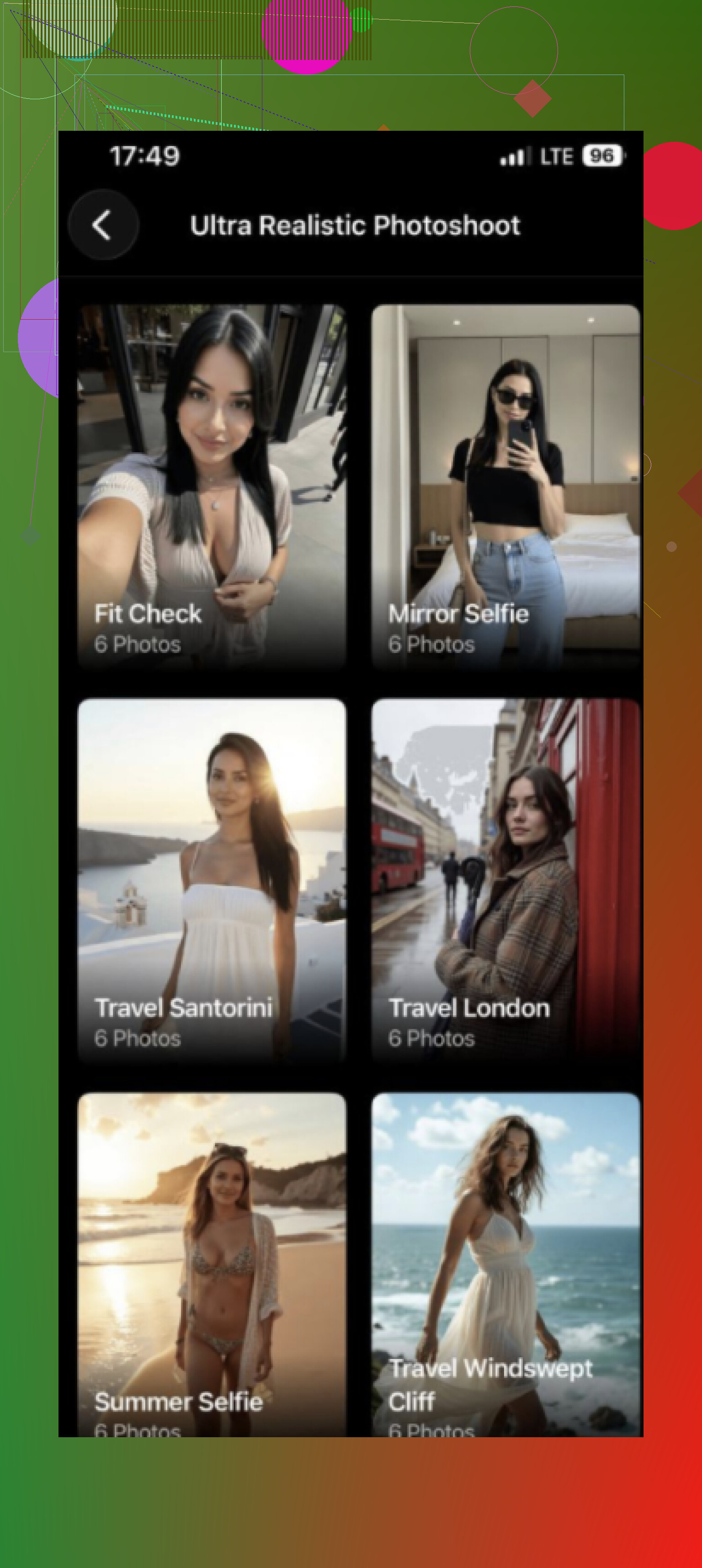
Momo
Momo worked better for outfit ideas and style exploration. I ended up using it more like a moodboard tool than a final-image tool. Some presets push things into a more stylized direction, so if you want polished realism, I’d check each setting before generating a full set.
If I had to pick one first, I’d start with Eltima AI. My results looked more natural there, especially when I fed it multiple sharp selfies with decent lighting. If your goal is Instagram posts, TikTok content, or building out a portfolio without booking a shoot every week, this is the one I’d try first.
I’d split this into 3 jobs, because one app rarely handles all of fashion well.
For product cleanup, use Photoshop with Generative Fill and Lightroom AI masking. Better color control. Better fabric edge recovery. Better for batch work. If you shoot 100 SKUs, this matters more than flashy AI output.
For model retouching, Retouch4me is stronger than most all-in-one apps. Skin looks less waxy. Dodge and burn stays cleaner. Frequency separation still wins on hero shots, but Retouch4me cuts hours.
For consistency, Imagen or Aftershoot help more than people expect. They learn your edit style across sets. Useful if your pain point is matching skin tone from lookbook to ecom.
I’d push back a bit on @mikeappsreviewer here. Generator apps are fine for concepting, socials, and fast comps. They’re weak when fabric texture, stitching, jewelry edges, and true brand color need to survive. Fashion clients notice this stuff fast.
My stack would be Lightroom AI, Photoshop, Retouch4me, and Capture One for tethering and color. Boring answer, but it saves time and fewer files come out looking fake or wonky.
I’d split this a little differently than @mikeappsreviewer and @codecrafter.
If your biggest headache is skin tone consistency and fabric color drift, I actually would not trust most generative apps as the center of the workflow. They’re fun, but they still love to “improve” things that were already correct. That’s a problem in fashion.
What helped me most:
-
Capture One
Best for fashion color, period. Skin tone tool is still more reliable than a lot of AI-first editors. Tethering is solid too. -
Evoto
Underrated for portrait batches. Faster than hand retouching, and you can dial back the beauty-pass look before it gets too fake. Not perfect, but way more controllable than some apps I tested. -
Topaz Photo AI
Great when the issue is softness, noise, or slightly missed focus on product details. I would use this before heavy retouching, not after. -
Runway
Not for final stills, but useful for campaign tests, motion snippets, and quick concept visuals. More of a creative side tool. -
Photoroom
Honestly pretty handy for ecom cutouts and quick background swaps when you don’t want to babysit masks for an hour.
Where I agree with @codecrafter: true brand color and fabric texture are where weak AI falls apart fast. Where I disagree a bit: Photoshop is powerful, but for high-volume fashion I sometimes find it becomes a time sink unless the file really needs surgery.
My practical stack would be:
- Capture One for ingest, tether, color
- Evoto for model retouch
- Photoroom for simple product extractions
- Topaz for rescue jobs
- Photoshop only for finals/hero images
If a tool keeps making skin look waxy or satin look like plastic, dump it fast. That stuff is a client complaint waiting to happen, lol.