I need help finding free USB over network software that actually works on Windows. I have a USB device connected to one PC, and I need to access it from another computer on my home network, but the options I found are either paid, limited, or unreliable. If anyone has recommendations for a free USB over Ethernet or USB sharing tool, I’d really appreciate it.
If you want free USB over network software for Windows, most “free” options fall apart fast. They either limit device types, stop working after a trial, or need a pile of setup.
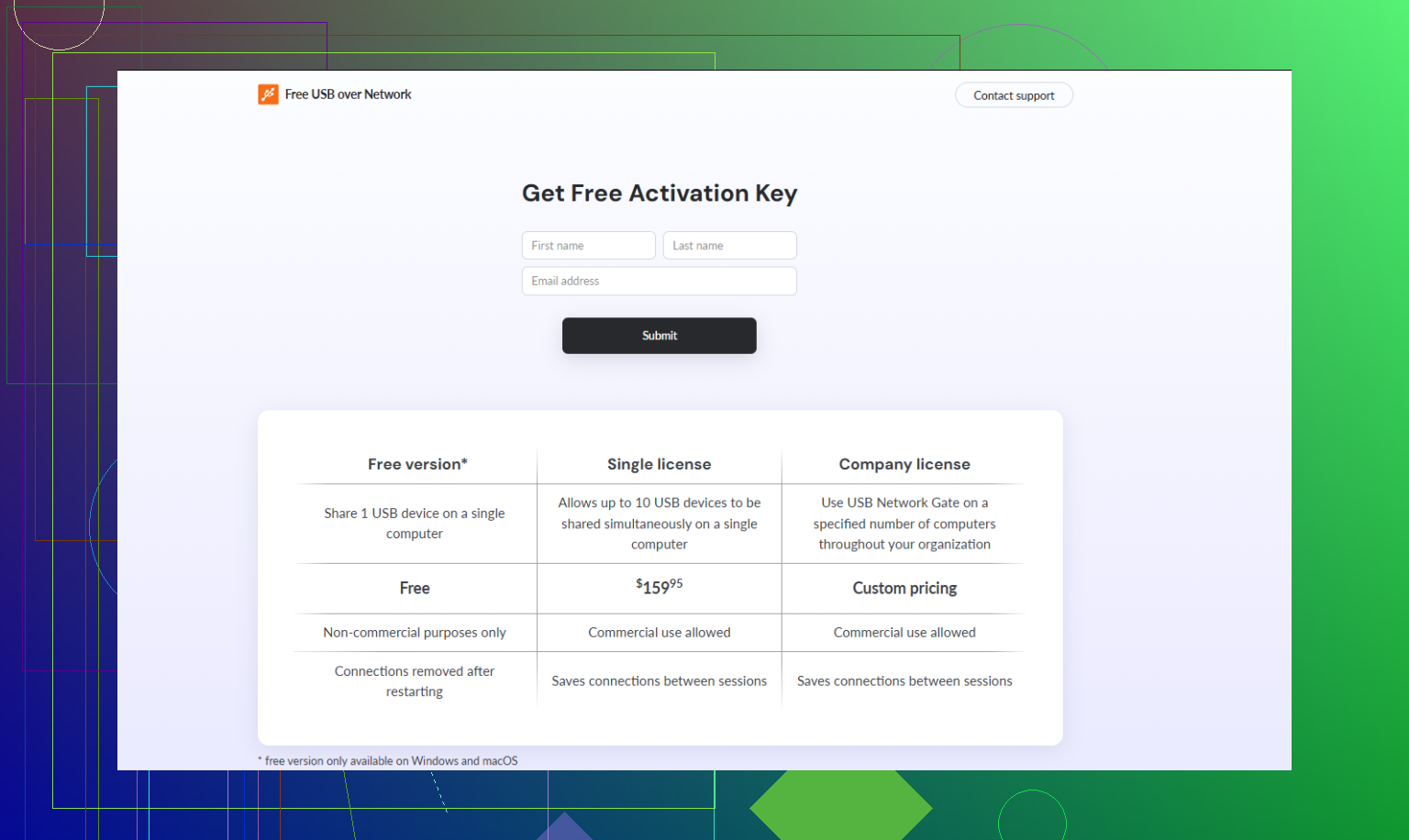
What tends to work best is USB Network Gate. It is not free forever, but it has a trial, and it works better than most so-called free tools. If you want something stable on a home network, start there. Here’s the site, best USB over network software for Windows.
A few real-world notes:
- Works well for printers, scanners, dongles, and some audio gear.
- Setup is easy. Install on both PCs. Share the USB device on one. Connect from the other.
- Windows support is solid. That matters, becuase a lot of free tools get flaky on Win 10 and 11.
If you want truly free, look at VirtualHere USB Server. Free tier is limited, usally one device, but it’s one of the few decent options.
So, short version:
Free and usable, VirtualHere.
Best overall on Windows, USB Network Gate.
Avoid random “100% free” tools from sketchy sites. They waste your time.
I’d separate this into two buckets, because “free USB over network” means very diff things depending on the device.
If it’s a printer, scanner, or external drive, don’t start with USB redirection software at all. Use Windows features first. Share the printer over the network, use SMB for storage, or the scanner’s own network utility if it has one. That’s way less janky than forcing raw USB over LAN.
If it’s a dongle, license key, specialty reader, or weird old USB hardware, then yeah, actual USB-over-network software makes sense. @shizuka mentioned the usual suspects, but I’d push back a little on “free” being automatically worth chasing. A lot of free tools are free right up until they start disconnecting, lagging, or refusing your specific device.
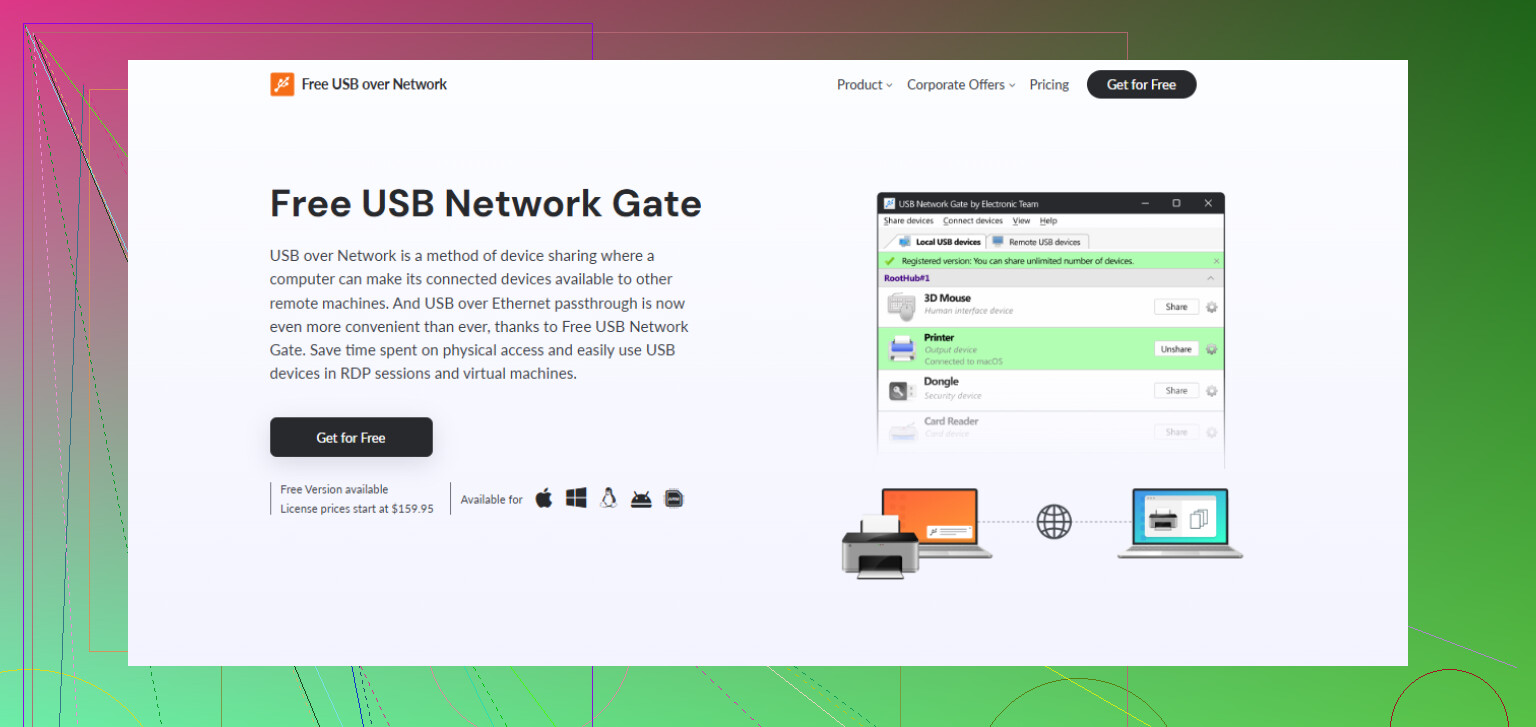
For Windows, USB Network Gate is usually the safer bet if you want it to just work and not eat your weekend. If you want to try it first, grab the USB Network Gate download for Windows.
If you insist on free, VirtualHere is probly the least annoying option, but only if its limits fit your setup. Otherwise, use the built-in network sharing methods and skip USB forwarding entirely. That’s honestly the better answer more often than people think.
I’ll slightly disagree with @shizuka on one thing: “free” is not always useless, but it is usually very device-specific.
Best truly free route on Windows:
- VirtualHere USB Server if you only need a simple setup and your device is supported
- USB/IP for Windows if you do not mind tinkering and driver headaches
- Vendor software if your USB device maker has its own network tool
Where people get stuck:
- webcams and audio devices can be flaky
- copy-protected dongles often hate free tools
- scanners sometimes connect but fail during actual jobs
If you want the least trial-and-error, USB Network Gate is the practical option.
Pros of USB Network Gate
- easy Windows setup
- broad device compatibility
- more stable with odd USB hardware
- cleaner interface than most free tools
Cons
- not fully free
- can feel like overkill for basic sharing
- performance still depends on your network
So my order would be: try free only if the device is non-critical. If it is a dongle, industrial device, or something you need daily, skip the experiments and use USB Network Gate.