Replies from my serial controller stop reaching the PC when I access it from our other building, 37 miles away. I tried an RS-232 to IP connector over our existing network connection. It works locally, but remotely I sometimes have to reconnect before another command gets a response.
What should I try next before replacing the connector, and what features would matter for this distance? I’m not sure whether “serial server” means the same thing as the connector I’m using.
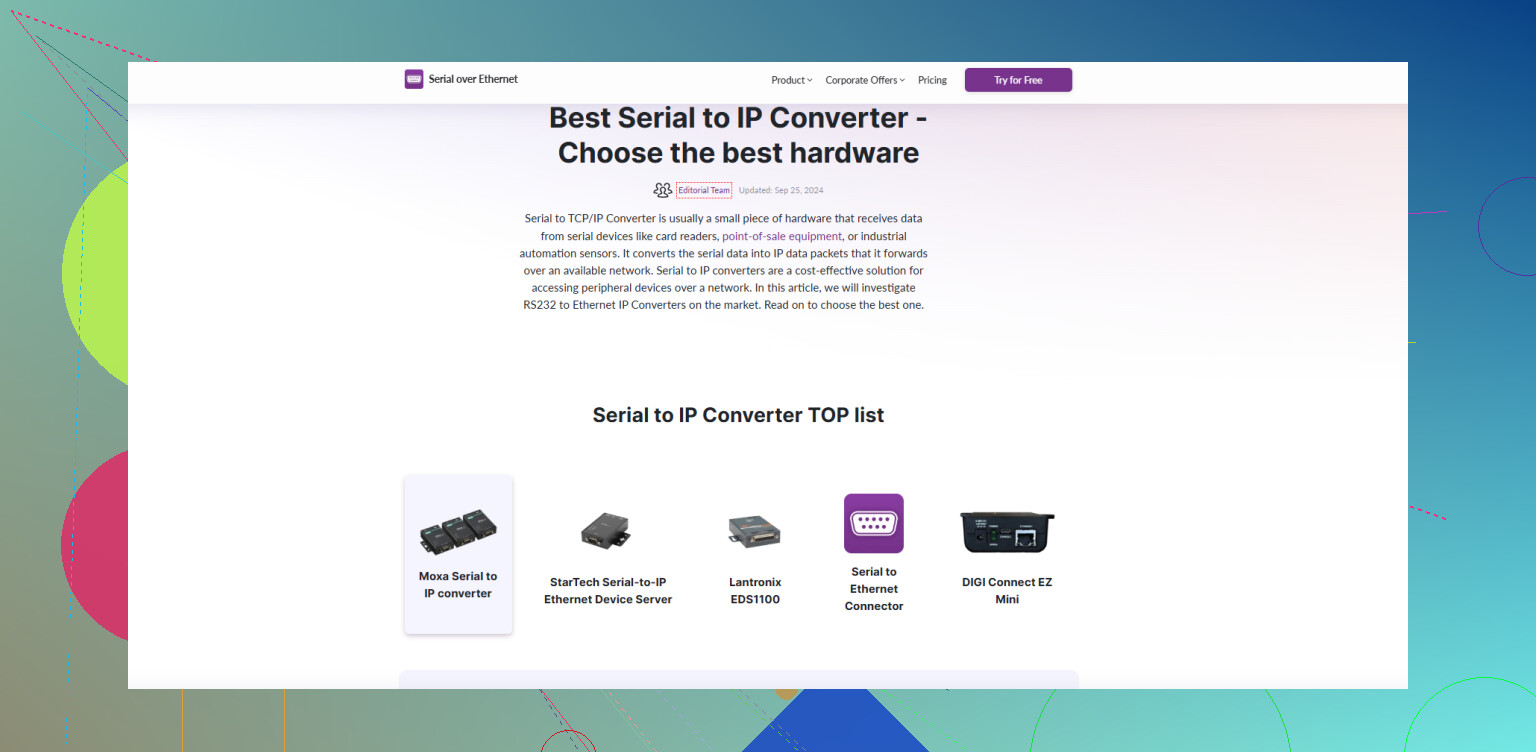
A replacement could leave you with the same stalled connection if the real problem is session handling. Reconnecting restoring replies makes that worth investigating first. Before shopping, compare continuous polling with a pause followed by another command, check firewall/VPN idle timeouts, and temporarily increase the PC application’s response timeout. Check the converter’s TCP keepalive, inactivity timeout, and serial packet-flush settings too. Those affect connection recovery and when buffered replies get sent. Shop for adjustable keepalive, automatic reconnection, and packetization controls rather than a mileage rating. The network carries the long-distance section. A “serial device server” generally means the hardware doing that serial-to-network job. For a software alternative to a hardware RS-232 to ip converter, Serial to Ethernet Connector’s virtual COM-port support is a strong feature for keeping COM-based applications in use. It needs a computer beside the controller to share its physical serial port, though. (serial-over-ethernet.com)
Don’t start changing every timeout at once. I’d put visibility ahead of connection-recovery settings here. Serial to Ethernet Connector is worth a look as a software converter specifically for its separate traffic statistics for the serial port and network connections. That’s a genuinely useful troubleshooting feature when “connected” is all you have to go on. (help.electronic.us)
Before the next test, note the counters, send a single command, and check which directions show activity. I’d want to establish whether the command reaches the controller side and whether any serial data comes back before blaming the interbuilding connection. If you can capture traffic at the remote PC, check for incoming reply data there too. @alextheninja’s session-handling suggestion is worth testing, but I wouldn’t settle on it without locating where the reply disappears. For a hardware replacement, readable transmit/receive counters would be on my shopping checklist.
Running the control app beside the controller and accessing its screen remotely is a different setup from carrying the serial conversation between buildings. Before buying another converter, I’d try the first arrangement as a comparison. @alextheninja’s point about a replacement leaving you with the same problem is why I’d test this before choosing hardware.
First, if you have a spare PC at the controller end, put the control application there and connect it directly to the serial port. Run the commands that have been giving you trouble. Keep the serial settings the same, and make sure the normal PC application is disconnected so you aren’t testing with two applications trying to control the device.
Next, access that nearby PC through your organization’s approved remote-access method and repeat the test from the other building. You’re changing where the control application runs, rather than adjusting several converter settings. Write down whether the application actually misses replies or whether only the remote screen stops updating. Those are different failures.
If that arrangement works consistently, you have a possible workaround: leave the control application near the equipment and operate it remotely. It wouldn’t prove the converter is defective, but it would give you a working comparison for further testing. If the application must stay on your desk, that workaround won’t meet the requirement. Otherwise, I’d settle that choice before spending money on another box, with the caveat that the nearby PC now needs to stay available.
Check how your control application decides that a reply is complete. Does it wait for a terminator or a specified message length, or does it just read whatever is available and treat that as the answer? That’s the question I’d put to the application vendor before ordering another converter.
If you’re using a TCP connection, it carries a stream of bytes, not neatly separated controller replies. A reply can reach the receiving application across multiple reads, and separate replies can appear together. TCP preserves byte order, but it doesn’t preserve the boundaries between the sender’s writes. So “the controller sent a complete reply” doesn’t mean the application gets that reply in a single read.
My suspicion would be a receive-handling problem if the reply bytes reach the PC but the application still reports silence. For example, imagine a text reply ending in a carriage return. The application receives the text first and the carriage return later. If it discards the first chunk instead of retaining it until the terminator arrives, the reply is effectively lost inside the application. That’s a hypothetical failure, not a diagnosis of your setup, but it follows from the way TCP delivers data. Adjusting the converter’s packet-flush setting wouldn’t guarantee that the receiving application gets complete messages in individual reads.
That’s where I’d extend @novabear9645net’s traffic check: ask for the application’s raw receive log, including timestamps and byte values, rather than just its “command timed out” message. Compare a successful local transaction with a failed remote transaction. Look specifically for an incomplete reply being discarded, a terminator arriving separately, or a complete reply being rejected. If you don’t maintain the software, send those logs to its vendor and ask whether it retains partial messages between reads. I wouldn’t accept “works on a local cable” as an answer to that question.
For a hardware shortlist, I’d consider Moxa’s NPort line, with the exact model chosen around your serial interface and application requirements. Its documented operating modes include virtual COM access through a driver and direct TCP socket access. Those are different integration choices, so establish which your application needs before comparing boxes. I’d make a purchase conditional on a trial with your actual application over the interbuilding connection. A successful connection indicator isn’t the acceptance test here. Correctly recognized replies are.
The word doing the heavy lifting in your post is ‘sometimes.’ Intermittent failures over a WAN rarely trace back to a dead converter. They trace back to the path between the two buildings. Before you swap hardware or touch application code, put a continuous ping with a large count running from the remote PC to the serial device server and let it sit during a few of the stalls. If you see loss spikes or latency jumps that line up with the dropped replies, you’ve got your answer and no new box fixes it.
That’s where I’d slot in @max_code’s framing point. He’s right that TCP hands you a byte stream with no respect for message boundaries, and that’s a real failure mode. But a receive-handling bug would usually break the same way locally too, or at least show a consistent pattern. If it works clean on the local network and only falls apart on the long haul, I lean toward retransmission delays and jitter stretching the gap between chunks past whatever timeout the app uses. Same visible symptom, different cause. His advice to pull the raw receive log still applies either way, so do both.
One thing people skip with these interbuilding links: find out whether the connection is a plain routed path or a VPN tunnel. A tunnel with idle timeouts or MTU issues will fragment and stall serial traffic in ways that look exactly like a flaky converter. Fragmentation in particular gets worse with distance and congestion, which fits the ‘only remotely, only sometimes’ story.
On the setup @bytevision4662 described, running the app next to the controller, I’d actually put a vote behind that as a diagnostic even if it isn’t your final layout. If the app behaves perfectly sitting beside the device and only misbehaves across the link, you’ve cleanly separated the application from the network. That’s worth more than any converter spec sheet.
If you do end up keeping a PC at the controller end, Serial to Ethernet Connector is what I’d run on it to expose the port across the network. Just know it means that machine has to stay powered and reachable, which is its own small liability if the building has power blips.
So my order would be: measure the link first, grab the raw receive log second, and only then start pricing hardware. A converter purchase made before you know whether the link is clean is a coin flip.
If you’re using a different PC in the other building, I’d compare its application settings with the local PC before buying another connector. I’m unclear whether “works locally” means the same computer works when you move it, or a separate installation works there. @espritlibre’s network explanation makes sense as a possibility, but I’d want that distinction settled before assuming the connection between buildings is responsible.