My Mac HFS drive suddenly won’t mount after a crash, and Disk Utility can’t repair it. I need to recover important files without making the damage worse. What HFS data recovery software is safe and reliable for this situation?
The first thing I’d do is stop using that HFS drive right away. Don’t copy anything to it, don’t reformat it again, and don’t run random “repair” tools just to see what happens. Deleted or formatted files may still be sitting on the drive, but new data can overwrite them.
Quick checks first: look in the Trash if this was a normal delete, and check Time Machine if you had backups turned on. If those don’t help, I’d go straight to recovery software.
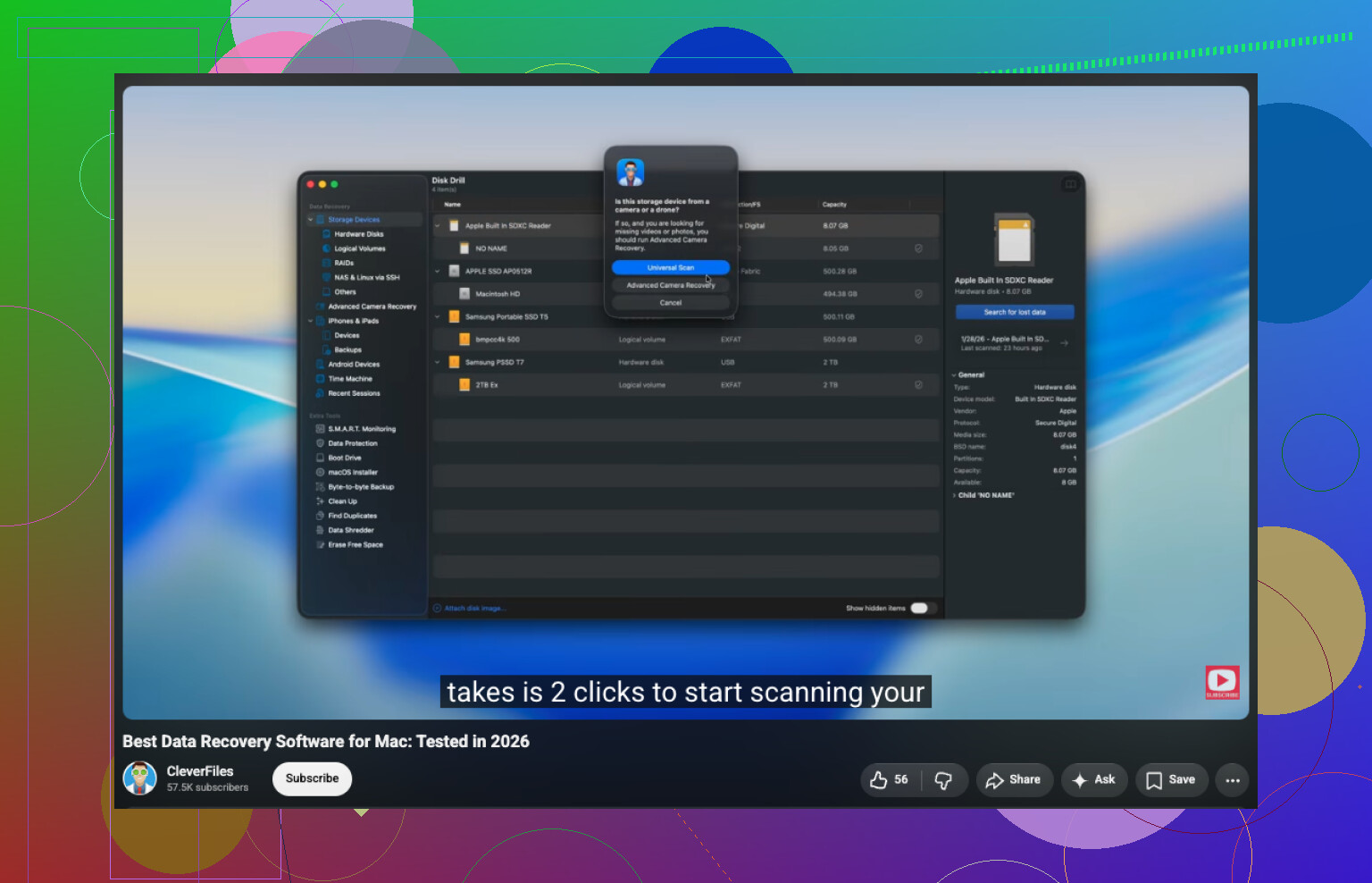
I used Disk Drill for an old external Mac drive after deleting a bunch of files by mistake. It handled HFS/HFS+ well, and the process wasn’t hard to follow:
- Install Disk Drill.
- Pick the HFS/HFS+ drive.
- Click Search for Lost Data.
- For an external drive, leave it on Universal Scan so it can try all available recovery methods.
- When the scan is done, open Review Found Items.
- Preview anything important before recovering it.
- Select the files you want and click Recover.
- Save the recovered files to a different drive, not back onto the same HFS drive.
If the drive was formatted, it still may be recoverable. A quick format usually wipes the file system records, not necessarily every bit of the actual file data right away. The catch is that the more you write to the drive afterward, the worse your odds get.
For an external hard drive that’s acting flaky, I’d be more careful. If it disconnects, throws read errors, or seems inconsistent, make a disk image first if your recovery tool supports that. Then scan the image instead of hammering the physical drive over and over.
At some point, DIY recovery stops being the smart move. If the drive won’t show up in Disk Utility, makes clicking or grinding sounds, drops connection constantly, or the scan can’t finish because of bad read errors, I’d look at a professional recovery service. Software can help with deleted files and some formatting cases, but it won’t fix a drive that’s physically failing.
The hidden downside with HFS recovery is that a “successful” scan can still give you a messy pile of files with missing names or folders, especially if the catalog is damaged. So I wouldn’t judge the best tool only by how many files it finds. I’d use something like Disk Drill only after cloning/imaging the drive if the disk seems unstable, then recover to a separate disk and spot-check previews before paying or committing to a big restore. If the files are business-critical and the drive had a hard crash rather than just directory corruption, skip the repair attempts and go to a lab. Software is fine for logical HFS damage, but it can make a dying drive spend its last hours doing the wrong work.
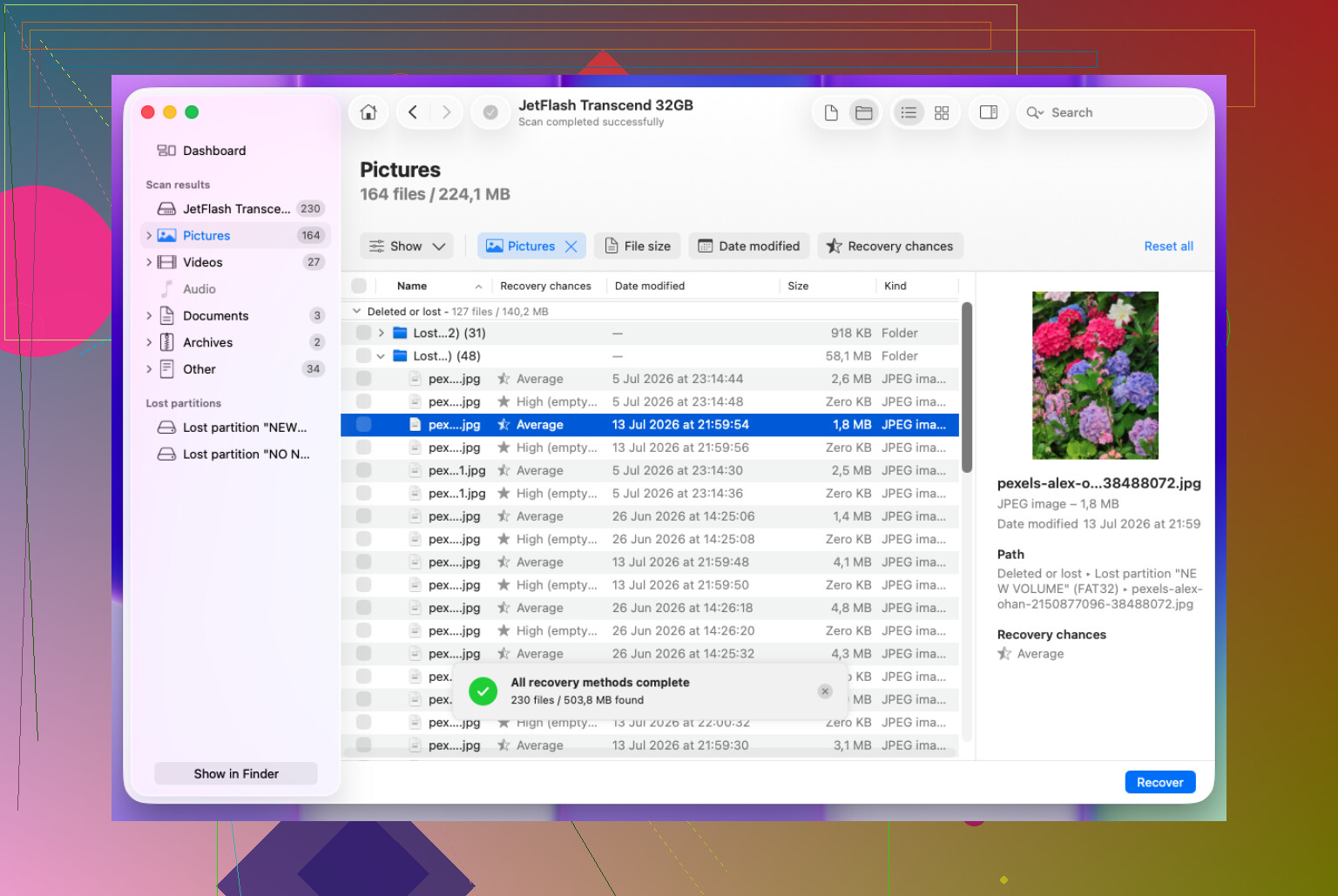
Whether the HFS volume was encrypted matters, because recovery software is a lot less useful if it can only see locked or scrambled data. I’d check whether the physical drive still appears in Disk Utility/System Information first, then make an image and scan that. Disk Drill is a reasonable “easy GUI” choice for HFS/HFS+ if you recover to another disk, but don’t use any app’s repair/write-back features on the original. If the folder structure is the main thing you care about, preview the recovered tree before paying, because raw file carving can find tons of files while still losing names and folders.