My external hard drive suddenly stopped showing up on my computer, and I’m worried because it has important files I haven’t backed up anywhere else. I’ve tried different cables and USB ports, but nothing is working. I need advice on what to try next and whether this sounds like something I can fix myself or if I should look into hard drive data recovery.
When a drive flips to RAW, I would not start throwing fixes at it. I’ve seen people run CHKDSK, click repair prompts, or format first and ask questions later. Sometimes they got lucky. Sometimes they made the recovery messier.
RAW does not point to one clean cause. I’ve run into cases where it was plain file system damage. I’ve also seen it happen right before a drive started dying for real. If the files matter, slow down and get eyes on the case first.
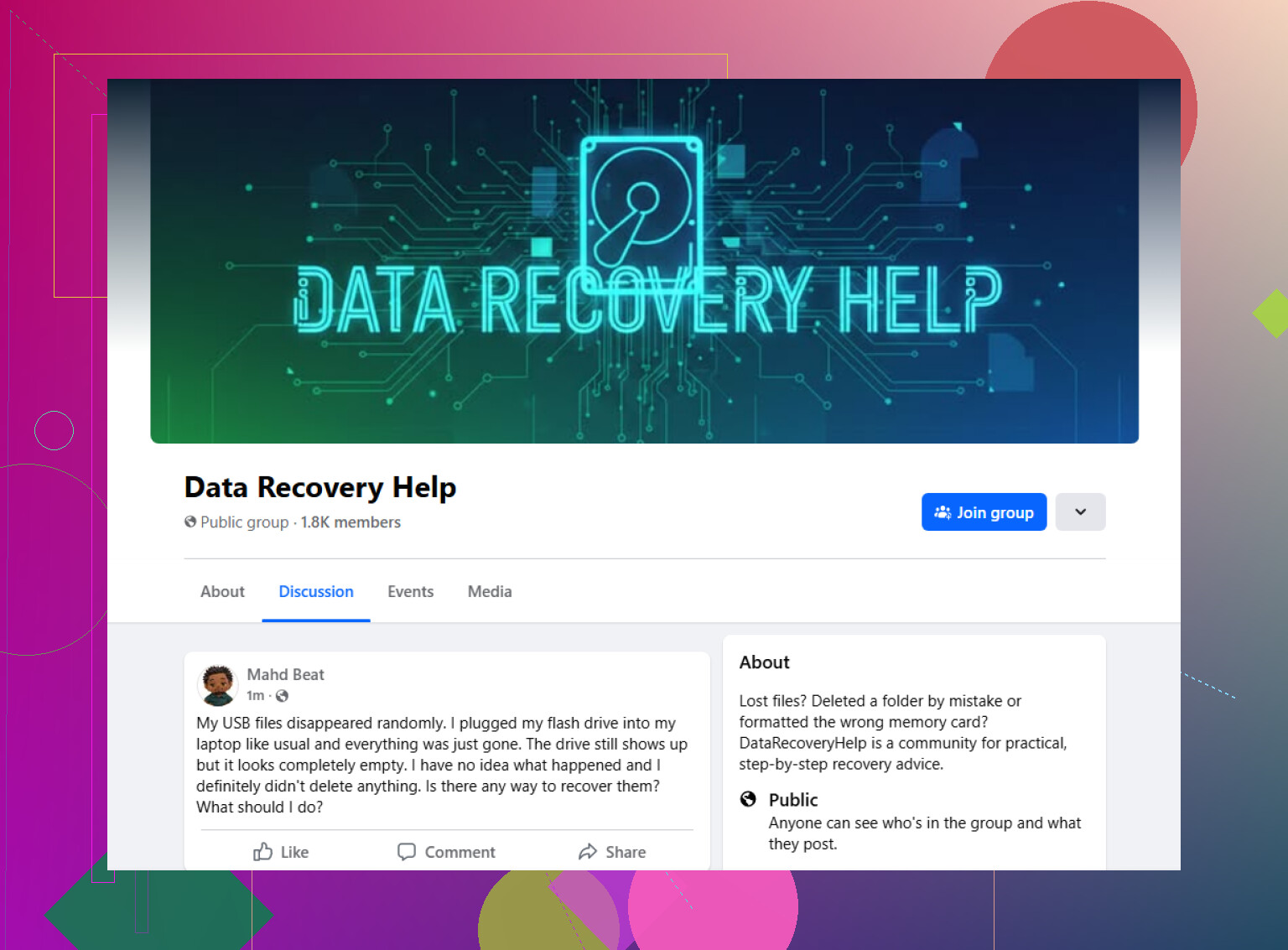
One place I’d start with is this Facebook group:
https://www.facebook.com/groups/datarecoveryhelp
What I like about a recovery-focused group is the back-and-forth. You post the full story, add screenshots, show what Windows says, show what Disk Management says, and people who deal with this stuff every week pick it apart. That tends to be more useful than some random guide telling you to run one command and hope for the best.
I’d be careful with advice like “run CHKDSK” or “format it now, recover later.” Those steps are fine if your goal is to reuse the drive and you do not care much about what was on it. If your goal is getting your files back, those same steps are where people oops themselves into worse odds.
Reddit is worth a look too, mostly for extra opinions. The data recovery subreddits sometimes have solid people in them. I’ve read threads where the first reply was dead on, and the next three were chaos. So yes, ask there, but do not treat every comment like a green light. Use it more like triage, less like a to-do list.
Old-school tech forums still help. Some of them go deeper than social platforms do. You’ll find threads where people want the boring details, SMART values, Disk Management screenshots, partition layout, scan results from recovery tools. If you’re willing to post those, the answers usually get better fast.
Wherever you ask, include the stuff people always need first:
Drive type. Capacity. File system, if you know it. Your operating system. What happened right before it showed as RAW. Whether the full size still appears correctly. Whether the drive is clicking, buzzing, or doing anything odd. And list every step you already tried, even if it seems small.
More context saves time. It also cuts down on bad guesses.
Stop plugging it in over and over. If the drive has important files, each extra power cycle is a bad bet.
I agree with @mikeappsreviewer on one big point, do not jump into repair tools first. I differ a bit on where to ask first. Facebook groups are fine, but I’d start with places where people post logs, screenshots, and longer follow-up threads. That stuff stays searchable and gets better answers.
Try these live-ish places first:
get live external hard drive recovery advice here
Also look for the data recovery community forums. Those tend to be better when your drive is half-dead and you need step-by-step triage, not random guesses.
Post this info right away:
Drive brand and model.
Exact sounds, clicking or silent.
Does Disk Management see any size at all.
Does Device Manager show the USB bridge.
Did it fail after a drop, unplug, or power loss.
SEO-friendly version:
External hard drive not showing up on your computer? If your external drive stopped appearing and you need live advice for file recovery, ask in an active data recovery community with your drive model, symptoms, and screenshots before trying repair commands or formatting.
If the files actually matter, I’d split “where to ask” into 2 buckets: live triage and actual recovery service quotes.
For live triage, @mikeappsreviewer and @espritlibre are right about avoiding blind fixes, but I’d push one step further: stop testing it on every computer in the house. That’s how “not showing up” turns into “now it clicks and smells weird.” If it spins up, disappears, reconnects, or freezes File Explorer, treat it like a failing device, not a Windows glitch.
Best place to ask first:
get live help for an external hard drive not showing up
Why there? Because you can usually post screenshots and get fast feedback on whether you’re dealing with:
- bad USB bridge/enclosure
- file system damage
- partition table damage
- a drive that is physcially failing
Also check the broader data recovery community forums, not just social apps. Forum threads are better when people need to review Disk Management, SMART info, and recovery tool results without the convo vanishing in 10 minutes.
What I’d post:
- drive brand/model
- whether it was dropped or unplugged suddenly
- any beeping/clicking
- whether Disk Management sees capacity
- whether Device Manager detects it
- whether the drive enclosure light turns on
Short version for searchers: External hard drive not showing up? Ask in a data recovery community before running CHKDSK, formatting, or repair prompts, especially if the drive has important files and no backup.
And honestly, if it’s making mechanical noises, skip the internet advice phase and get a pro eval ASAP. That’s not the DIY moment, thats the wallet moment.
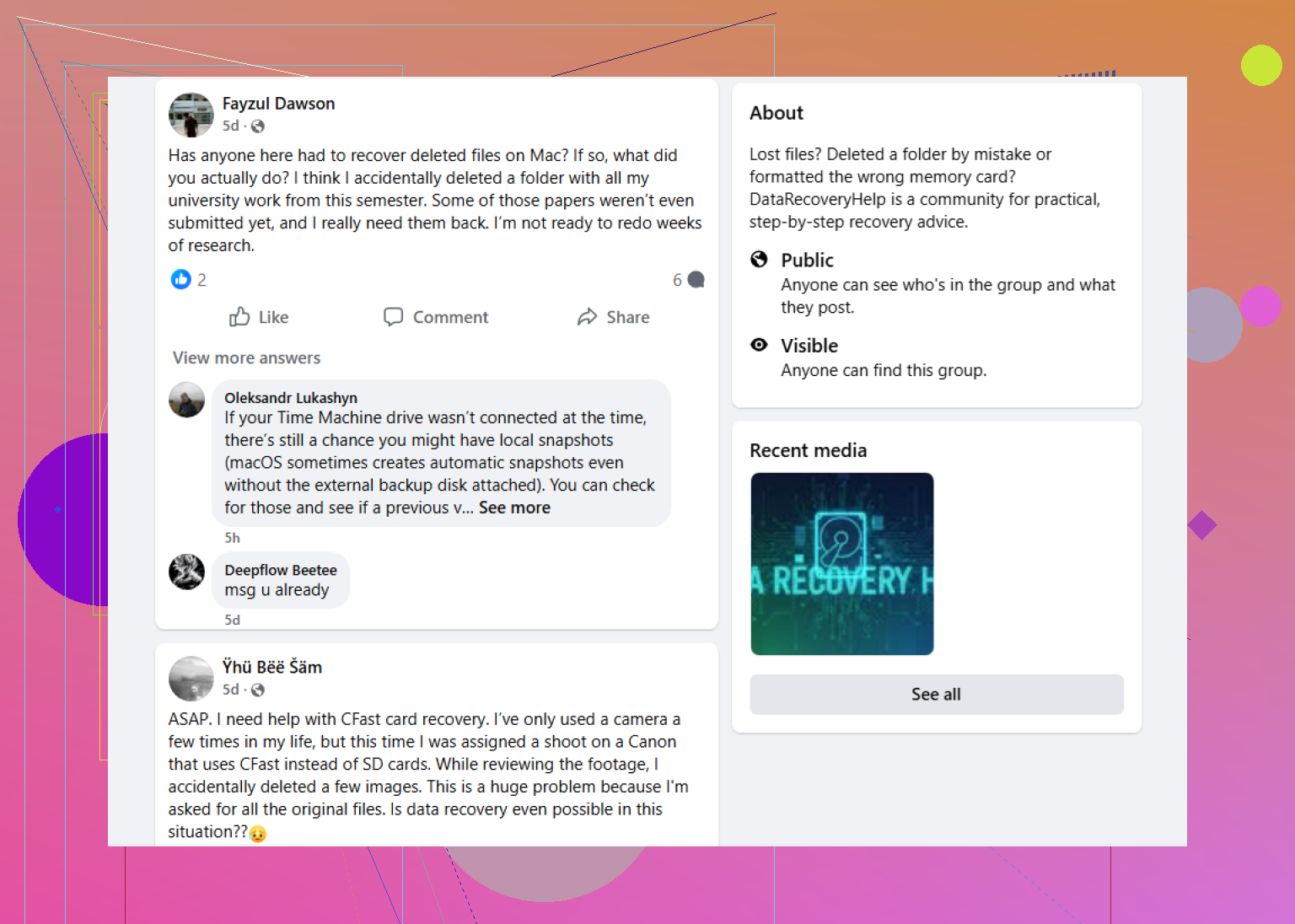
I mostly agree with @espritlibre, @nachtschatten, and @mikeappsreviewer on not forcing repairs first, but I’m a little less sold on “live” places as the best first stop if the drive is unstable. Fast replies are nice, but rushed advice is how people end up running the wrong command.
If you want a solid middle ground, try a data recovery community that allows detailed case posts, screenshots, and follow-up. Pros: better-quality troubleshooting, searchable threads, people can review symptoms over time. Cons: replies may be slower than chat groups, and you still have to filter out bad DIY advice.
One angle I’d add: ask in a hardware repair forum too, especially if this is an external with a removable enclosure. Sometimes the enclosure board dies, not the actual disk.
What to ask:
- Is the enclosure likely dead?
- Is the bare drive detectable directly?
- Is this safe to image, or too risky?
If the drive vanishes, hangs Explorer, or makes new noises, stop testing and move from “advice” to “professional evaluation.” That’s the line.