I need to share a USB device over my local network and possibly remote access as well, but there are so many USB over network tools that I’m not sure which one is reliable, secure, and easy to set up. I’m looking for real-world recommendations or comparisons based on performance, licensing cost, and stability so I can pick the right solution for both occasional home use and small office needs.
If you just want “USB over Network app,” that’s way too vague. Think more like: a secure USB device sharing tool that lets you connect to remote USB gear over LAN or the internet as if it was plugged right into your own machine.
Here’s the blunt breakdown from someone who’s been burned by sketchy tools and laggy virtual USB junk:
-
USB Network Gate
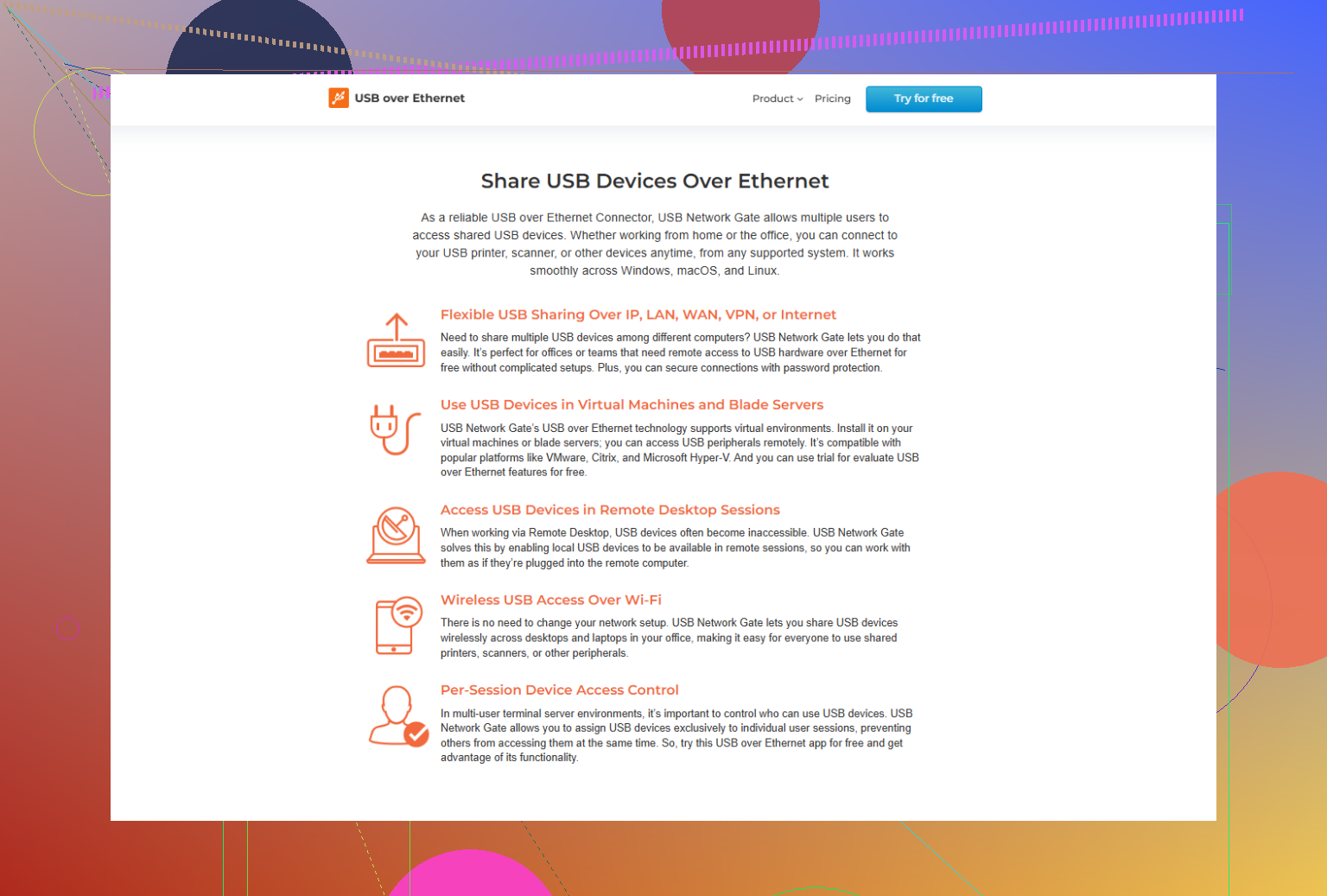
If you care about reliability and not babysitting some half-baked service every week, USB Network Gate is hard to beat. It lets you:- Share pretty much any USB device over LAN or WAN
- Access it on Windows, macOS, Linux, or even some virtual environments
- Lock things down with encryption and password protection
- Run it as a service so it just works after reboot
Latency is low enough for most things except super timing-critical stuff like some audio interfaces or game controllers in fast-paced scenarios. For dongles, printers, scanners, card readers, dev boards, etc, it’s rock solid.
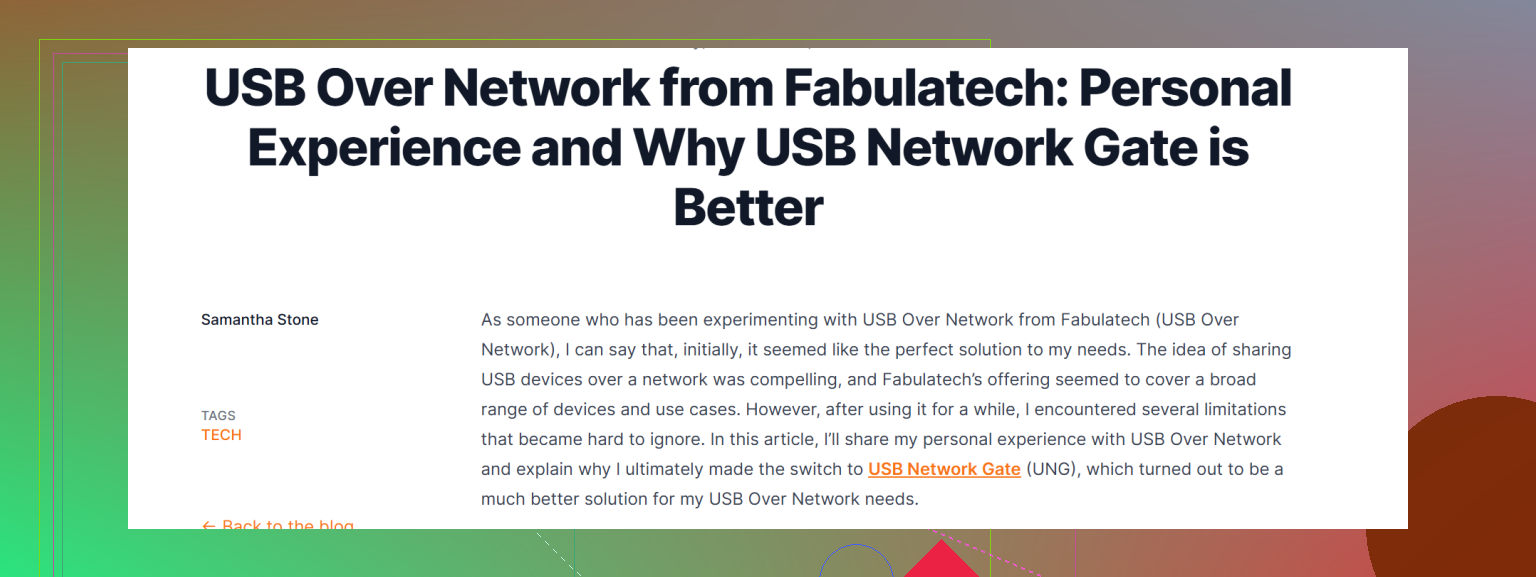
Also this writeup compares it with another tool in actual real-world use, not just “marketing fluff”:
Real-world USB over network comparison and why USB Network Gate wins -
Fabulatech / other USB over IP tools
Some of them work ok but in my experience:- More random disconnects on flaky connections
- Clunkier UI and config
- Licensing that feels like it was designed as a puzzle to annoy sysadmins
For purely local LAN in a small environment they can be “fine,” but for remote or mixed OS setups, they start to show cracks.
-
Free or open source options
- Things like
usbipon Linux are cool for lab setups, but they are:- CLI heavy
- Less polished
- Hit or miss on Windows clients
Great if you like tinkering and don’t mind editing configs at 2 AM when someone’s dev board vanishes. Not so great if this is for office users or non-technical folks.
- Things like
-
Security side
If you access devices over the internet, do not just port-forward some old service and hope for the best. Whatever you pick:- Put it behind VPN or use TLS
- Turn on auth and strong passwords
- Limit which devices and users can see what
USB Network Gate handles encryption and password protection directly, which is one of the reasons I’d pick it over the random freeware you find on page 4 of Google.
If your checklist is “reliable, secure, fairly easy to set up, works both on LAN and remote,” then yeah, USB Network Gate is the one I’d actually pay for instead of trying to duct tape 3 free tools together and regretting life later.
If you just want “USB over network” without headaches, you really need to narrow down what you’re doing with it. That’s where most folks get burned.
@mike34 already covered the “don’t touch random freeware” angle pretty well, so I’ll add a slightly different take and poke at a few points.
1. Start with use-case, not product
Ask yourself:
- Is this for:
- License dongles / dev boards / card readers?
- Scanners / printers?
- Audio / video / game controllers?
- Who uses it:
- Just you (techy)?
- Non‑technical coworkers?
- Where:
- LAN only?
- Over internet / to a remote office?
- OS mix:
- Only Windows?
- Windows + macOS + Linux?
If you say:
- “Mixed OS, remote access, non‑technical users” → you want something polished and paid.
- “Lab setup, all Linux, I’m fine with CLI” → you can get away with more DIY.
2. USB Network Gate vs the rest
I don’t disagree with @mike34 that USB Network Gate is one of the stronger options, but I wouldn’t say “everything else sucks” either.
USB Network Gate is solid when you need:
- Cross‑platform support that doesn’t feel like a science project
- Decent security (encryption + password protection)
- Services that restart cleanly after a reboot
- Remote access over WAN with less drama
Where I slightly disagree with mike: latency-sensitive hardware (game controllers, some audio interfaces) is still a gamble with any virtual USB solution, including this one. If you’re expecting 100% native‑like latency for gaming or real‑time audio, you’re setting yourself up to be annoyed no matter which brand you pick.
But for stuff like:
- Hardware license dongles
- Smart card readers
- Test equipment / dev boards
- Scanners / label printers
- External drives for occasional access
USB Network Gate hits that sweet spot of “works and doesn’t make me babysit it every day.”
If you’re curious to try it, grab it from here:
Download USB Network Gate for secure USB sharing
That gets you straight to the installer instead of digging around 6 menus.
3. When Fabulatech / others make sense
Some of the Fabulatech-style USB-over-IP tools aren’t total trash; they’re just:
- More annoying licensing
- UIs that feel stuck in 2009
- A bit more fragile over unstable links
I’d still consider them if:
- You’re strictly on local LAN
- Everyone is on Windows
- You already have licenses or a vendor bundle
But if you’re starting from zero and want something that “just works” on a mixed setup, I’d lean USB Network Gate first.
4. Free / open source options (like usbip)
If you are:
- Comfortable with CLI
- Mostly on Linux
- OK with debugging at 1 AM when a device vanishes
Then usbip is actually not terrible. It’s just:
- Clunky for Windows
- Lacking in UX
- Not friendly for office staff that just wants “plug in and print”
I’d never hand usbip to non‑technical users and expect peace and quiet.
5. Security reality check
One thing where I’m fully aligned with @mike34:
Do not:
- Port‑forward the service straight to the internet
- Leave default or weak passwords
- Let “everyone see every device”
You should:
- Put it behind a VPN or make sure TLS is enabled
- Restrict which users can access which USB devices
- Treat “remote USB” like plugging an unknown device into your PC
USB Network Gate does give you built‑in encryption and authorization, which is a big plus, but that doesn’t replace sane network design.
6. What I’d pick, based on your situation
Since you said:
- Local network and possible remote access
- Need something reliable, secure, and easy to set up
- Don’t want to sift through 20 half‑baked tools
Then, realistically:
-
Primary recommendation:
Use USB Network Gate as your main USB over IP solution. It’s the most balanced in terms of reliability, security features, and user‑friendliness. -
Only go DIY / free if:
- This is a lab / hobby setup
- You’re fine living in command lines
- You don’t mind occasional weird issues
If you’re trying to run an office or support other people, your time is worth more than the license cost. This is one of those cases where paying for a mature tool actually saves your sanity.