I misplaced my Skyworth remote and can’t control my TV right now. I’m trying to find out if my iPhone can work as a Skyworth TV remote, either through an app, Wi-Fi, or infrared, because I need to change inputs and use the TV without buying a replacement first.
I ran into this with a Skyworth in a guest room. Your phone can work as the remote, but the answer changes based on the software inside the TV.
Skyworth has shipped a few different systems over the years. The ones I keep seeing are these:
Android TV or Google TV. This is the common setup on newer sets.
Coocaa OS. I saw this more on cheaper models.
SkyOS. Newer, still tied pretty closely to Android on some models.
Older custom Linux builds. These exist, and app support gets thin fast.
From what I’ve seen, most recent Skyworth smart TVs lean on Android TV-based software. If yours does, you’re in better shape. Those sets usually work with Play Store remote apps, Wi-Fi pairing, and Chromecast features.
Apps worth trying
If your TV is on Android TV or Google TV, setup is usually easy. I’d start with TVRem Universal remote app:
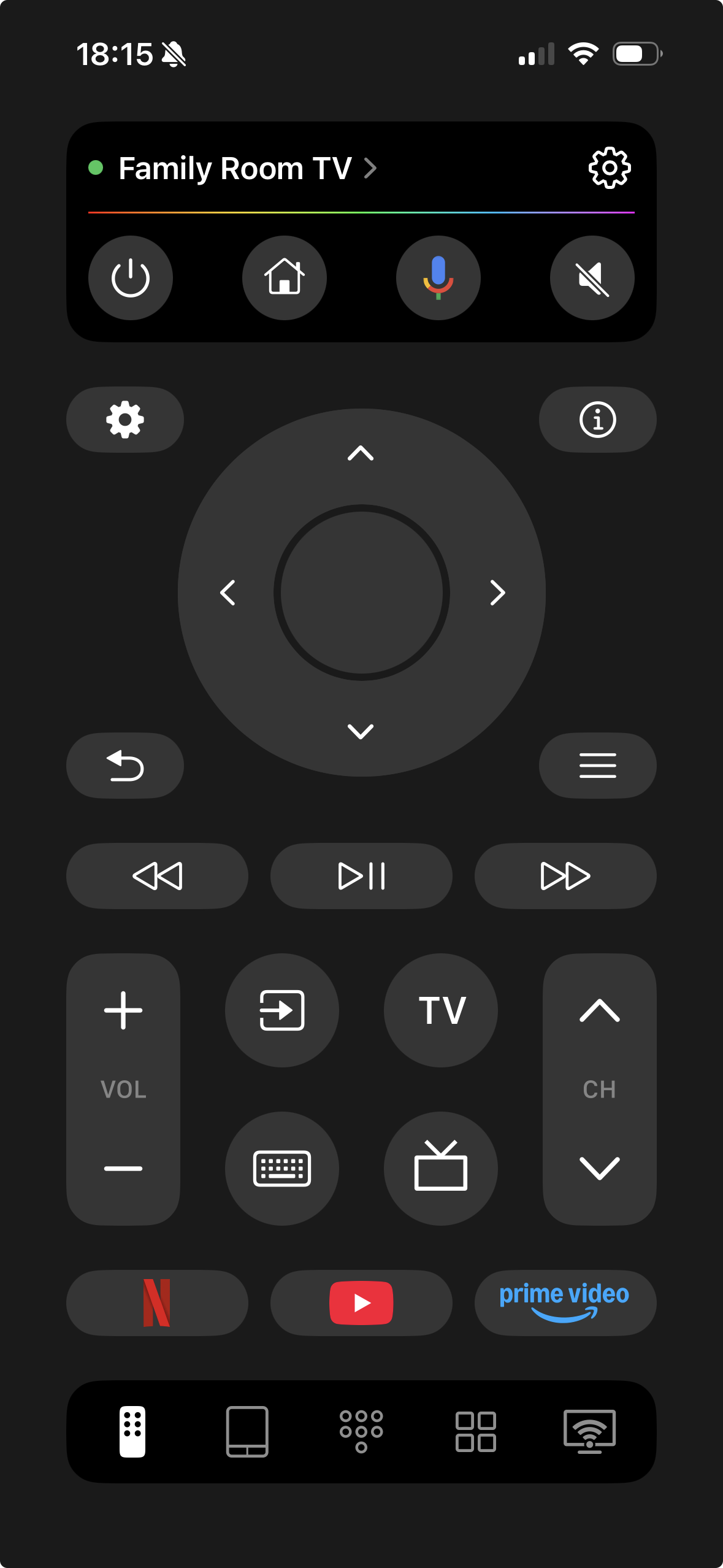
I’ve had the best luck with TVRem on Android TV-type devices, including Skyworth units. It connects over Wi-Fi and covers the normal stuff, directional controls, volume, play and pause. It also adds a touchpad and keyboard, which saves a lot of time when you need to type a Wi-Fi password or search query. Way less annoying than pecking through letters with a plastic remote.
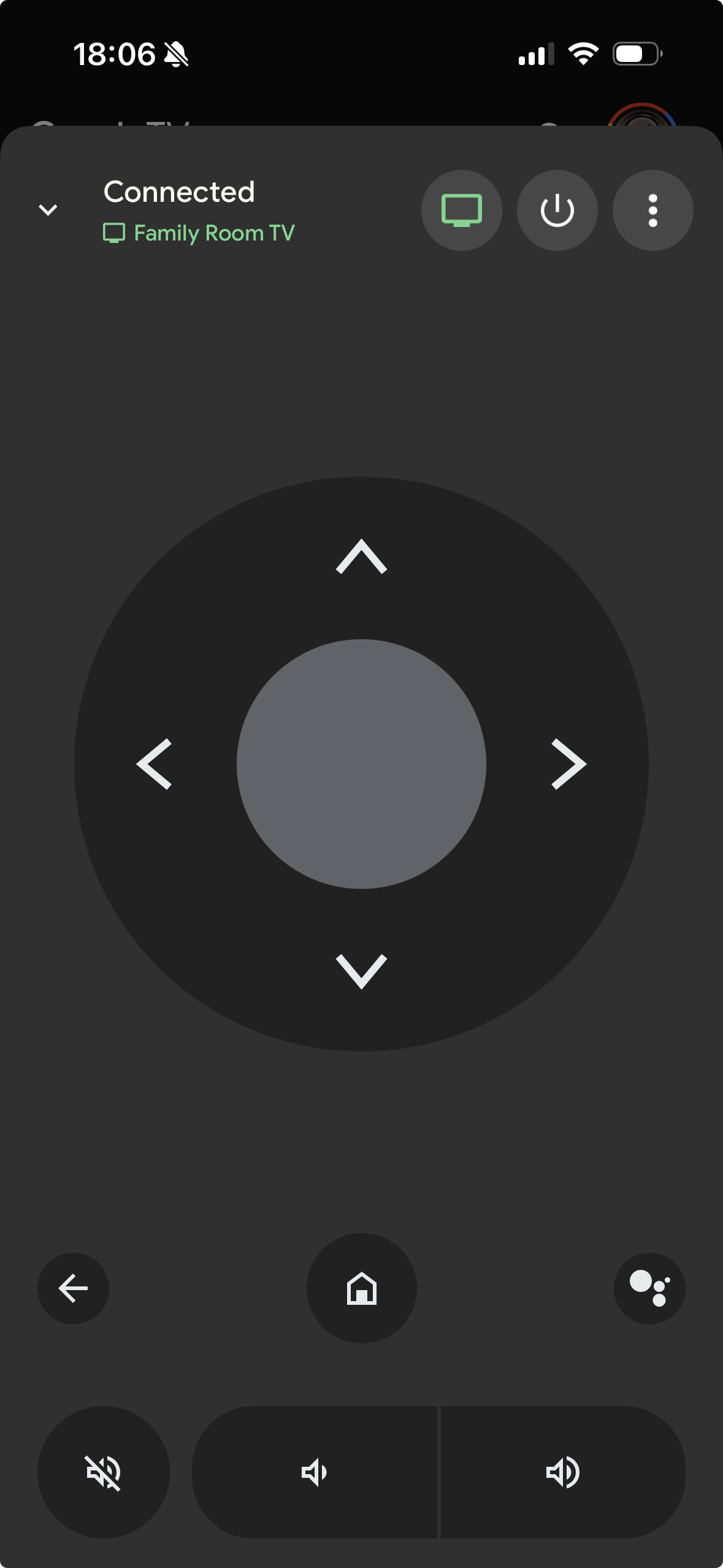
You can also try Google’s own remote options for Google TV or Android TV if your model supports them. In my use, those tend to be simpler and a bit more limited.
If your Skyworth is older
This is where it gets messy. If the TV runs Coocaa OS or some older in-house platform, phone remote apps sometimes connect and sometimes don’t. Firmware version matters. Model number matters. I learned this the dumb way. On those sets, generic universal remote apps often do better than anything tied to one brand.
Short version
Yes, using your phone as a remote for a Skyworth TV usually works.
The part you need to check first is the TV operating system.
If you want the quickest starting point, try TVRem. It tends to fit Android TV-based Skyworth models well, and if you replace the TV later, you might still get use out of the same app.
Yes, if your Skyworth is a smart TV and already connected to your home Wi-Fi.
One thing I’d add to @mikeappsreviewer’s post. Don’t spend too long chasing iPhone infrared. iPhones do not have an IR blaster, so direct line-of-sight remote control is out. If your TV is not on Wi-Fi already, the phone route gets harder fast.
Fastest checks:
- Look for physical buttons on the TV. Many Skyworth sets hide a small joystick or power button under the logo, bottom edge, or back right side. On a lot of models, pressing or holding it opens a mini menu for input, volume, and channels.
- If your TV supports HDMI-CEC, use another device remote. Apple TV remote, Fire TV remote, Roku remote, PS5 media controls, even some soundbar remotes sometimes control TV power, volume, and input through CEC.
- If you have the TV added in Apple Home or Google Home already, try there first. Limited control, but it sometiems works for power and input.
- If nothing connects, a cheap universal IR remote from a drugstore or Walmart is often faster than fighting apps for an hour. Not fancy, but it works.
If your goal is changing input right now, the hidden button on the TV is your best bet. I’d check the underside first. Skyworth likes to hide it in annoying spots, lol.
Yep, but only in a pretty specific situation: your Skyworth usually has to already be on the same Wi-Fi and have its network features enabled. That’s the catch people skip.
I mostly agree with @mikeappsreviewer and @byteguru, but I’d push back a little on the idea that app support is mainly about the TV brand. In my expereince, it’s more about whether the TV exposes a standard remote protocol over the network. Some Skyworth sets do, some just… don’t, even when they’re “smart.”
A couple things nobody mentioned yet:
- If your TV has Ethernet plugged in, your iPhone remote app may still find it even if Wi-Fi on the TV is off.
- If you have a mesh network or guest Wi-Fi, phone-to-TV discovery can fail because the devices are isolated.
- Some router settings like AP/client isolation block remote apps completely. Super annoying, but fixable.
So: iPhone can work over Wi-Fi, not IR. But if the TV was never connected to your network, the iPhone probly won’t save you today. At that point I’d honestly borrow any USB keyboard if the TV supports one, because some smart TVs let you navigate enough to reconnect and change stuff. Weird workaround, but I’ve seen it work.