I misplaced my Chromecast remote and need to control my TV with my phone. I’m trying to figure out if there’s a built-in way to use an Android or iPhone as a Chromecast remote, including volume, navigation, and setup help.
I used my phone as a Chromecast remote, and it worked fine.
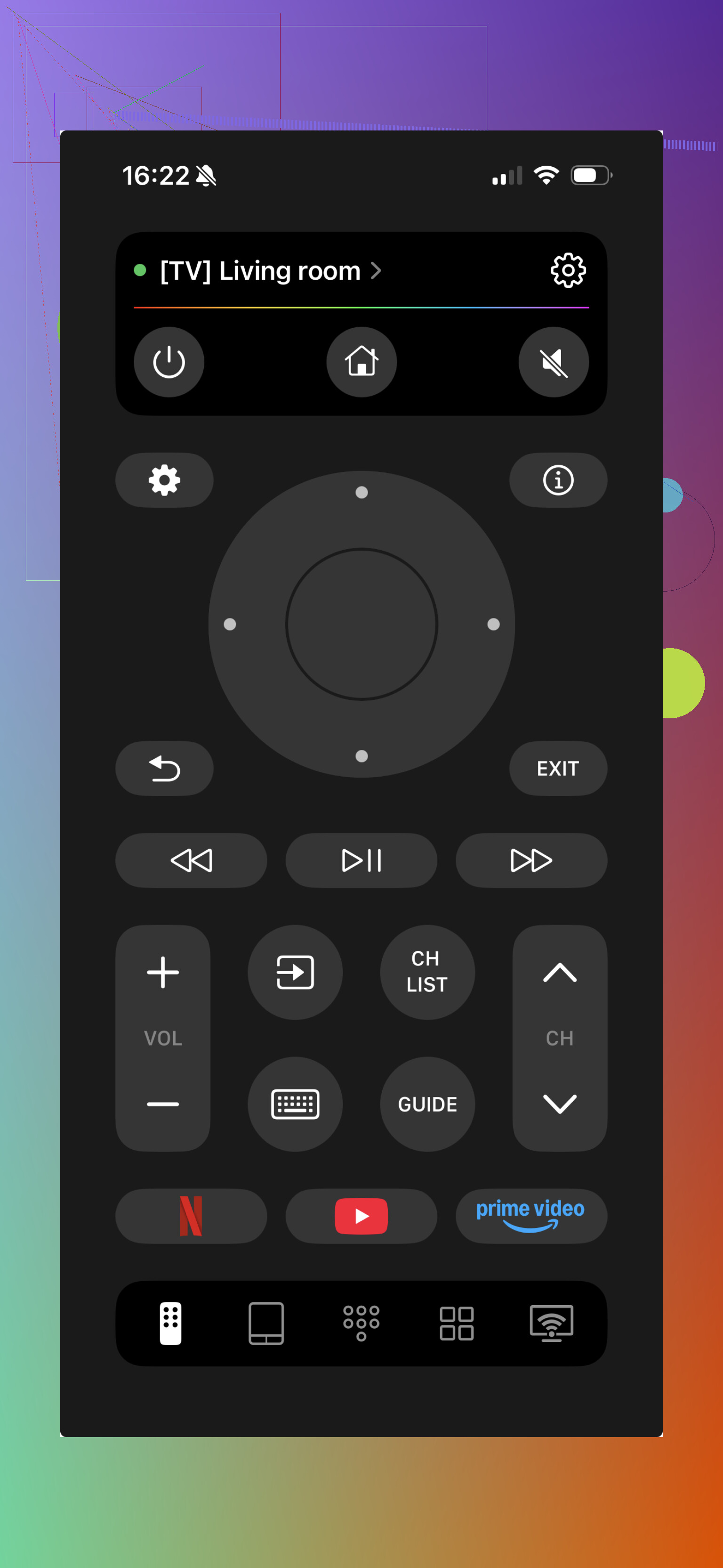
On iPhone, I tried TVRem. It turns your phone into a remote for Chromecast and Google TV. I was able to move through menus, change volume, pause and resume playback, and type with the phone keyboard instead of pecking at letters with the stock remote. Setup was short. I put the iPhone on the same Wi‑Fi as the Chromecast, opened the app, and the device showed up on its own.
Video:

Product page:
On Android, I had the easiest time with the Google TV app. The remote feature is built in, and it worked well with Chromecast and Google TV gear. Voice search is there. Keyboard input is there too, which saves a lot of time when you need to sign in or search for somthing with a long title.
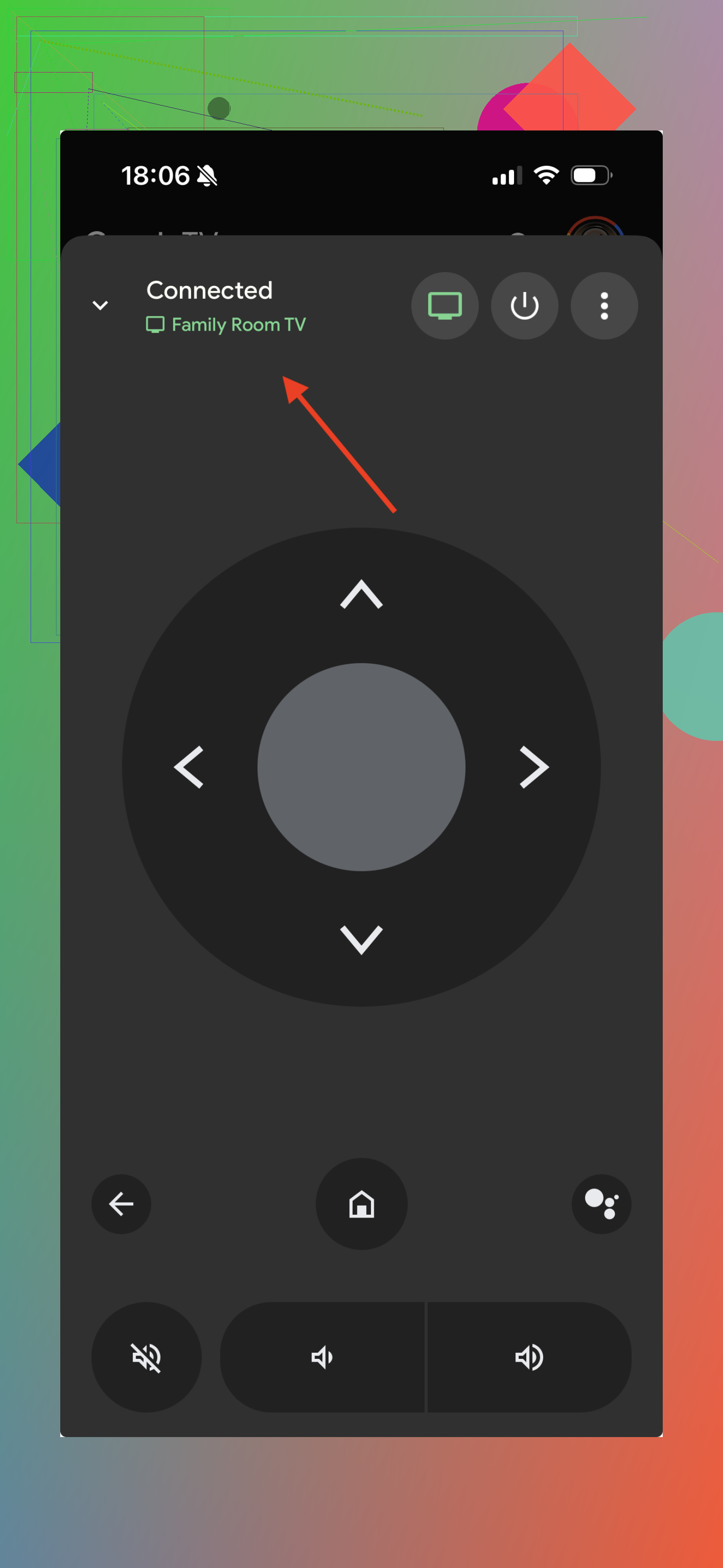
One thing tripped me up once. Your phone and Chromecast need to be on the same Wi‑Fi network. If they aren’t, the Chromecast usually won’t show in the remote list.
Yes. If you have a Chromecast with Google TV, your phone works as a remote without the physical remote.
Best built-in path on both Android and iPhone is the Google Home app. Open your Chromecast device card and tap Open remote. You get the D-pad, back, home, play/pause, and voice input on some phones. Setup is also easier there if the remote is gone, since Home handles pairing and network stuff.
Small catch. Volume is messy. On Android, volume control usually works from the phone buttons. On iPhone, volume often depends on your TV doing HDMI-CEC right. If CEC is off, volume control gets wonky or dead.
If your Chromecast was never set up, use Google Home first. If it was factory reset and remote pairing is stuck, borrow a USB keyboard or another remote for 2 mins. That part is annoyng.
I’d differ a bit from @mikeappsreviewer on one point. Third-party remote apps are fine, but I’d try Google Home first, fewer moving parts, less faffing around.
Yep, but with one important gotcha: this works best for Chromecast with Google TV, not the older basic Chromecast dongles.
If you have the older Chromecast, your phone can control the app that’s casting like pause, play, stop, volume sometimes, but not full menu navigation. There really isn’t a true remote UI for those older ones because they were never designed like a set-top box.
So I kinda disagree a little with @mikeappsreviewer and @himmelsjager only in the sense that people say “Chromecast” generically and that confuses the heck out of this. The model matters a lot.
Quick breakdown:
- Chromecast with Google TV: yes, phone can act like a remote
- Older Chromecast: phone can cast/control playback, but not browse the TV interface much
- Volume: hit or miss, depends on TV, HDMI-CEC, and phone OS
- Setup from scratch: possible sometimes, but if the device is reset and waiting for remote pairing, it can get annoyng fast
Also, if your TV supports HDMI-CEC, you may be able to use your regular TV remote for basic navigation on the Chromecast. A lot of people forget that and start hunting for apps first.
If the Chromecast is already on your network, your phone is usually enough. If it’s been factory reset, that’s where things get dumb real fast.
Model check matters more than people think.
I agree with @vrijheidsvogel on that part. If it is an older Chromecast, your phone is not really a full remote. It is more like a casting controller. You can start, stop, pause, scrub, maybe adjust volume, but you cannot fully drive a TV interface that does not really exist.
Where I slightly disagree with @himmelsjager and @mikeappsreviewer is this: people often jump straight to phone apps, when the fastest backup can be your TV remote if HDMI-CEC is enabled. On a lot of TVs, that gives you enough navigation to survive until you find the real remote.
A practical way to think about it:
- Chromecast with Google TV: phone can replace the remote pretty well
- Older Chromecast: phone controls playback, not full navigation
- Factory-reset device: this is where phone-only control can fall apart
If you want extra keyboard-friendly control on iPhone, TVRem: Universal TV Remote App is one option.
Pros
- easy text input
- simple navigation
- can be handy when the stock remote is missing
Cons
- same Wi-Fi required
So yes, your phone can work, but whether it works like a real remote or just a playback controller depends entirely on which Chromecast you own.