My TV remote’s volume buttons stopped working, and I’m trying to use my phone as a TV remote instead. I need help figuring out which app or settings can control TV volume from an iPhone or Android without buying a new remote.
Yes, you can usually control TV volume from your phone, as long as the TV is smart and connected to Wi-Fi.
First thing to check: make sure your phone and TV are on the same Wi-Fi network. That one detail causes a lot of “why isn’t this working?” problems.
The easiest option is usually the app made for your TV or streaming device. Samsung has SmartThings, LG has ThinQ, and Roku and Fire TV have their own remote apps too. Once the TV is paired, you get a remote on your phone with volume controls. It works fine, but it gets annoying if you have different TV brands around the house.
You can also use a universal app like TVRem. Universal Remote Control TVRem works over the same Wi-Fi setup and gives you volume, channels, and the usual remote controls. The main upside is that it supports Samsung, LG, Roku, Fire TV, Android/Google TV, and Apple TV in one app, so you don’t need a separate remote app for every room.
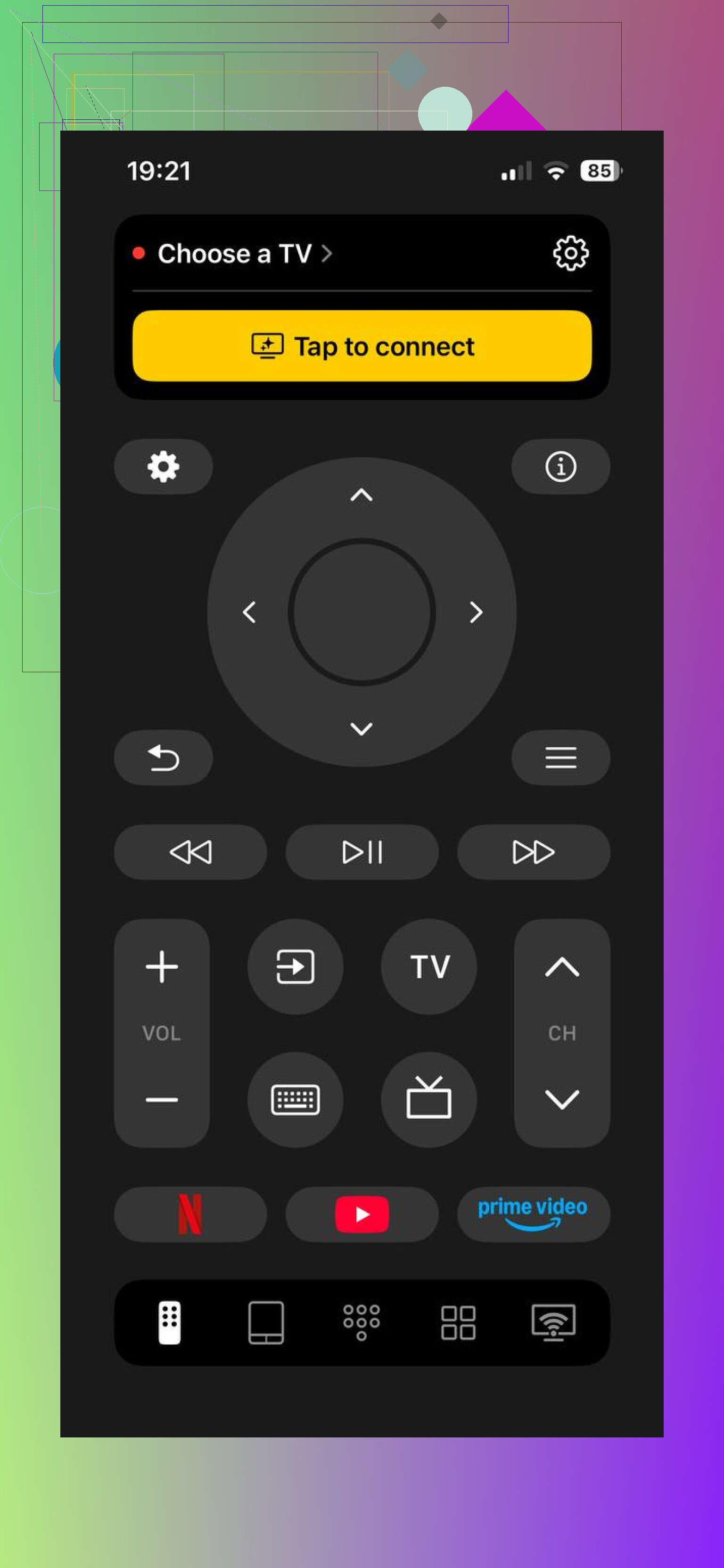
It’s free, has no subscription or ad spam, and it’s rated 4.8 with a couple thousand reviews. More info here: Free Universal Remote for Smart TV - Download TVRem for iOS
The one catch is sound setup. Volume is the control that sometimes fails in these apps. If the TV is using its own speakers, you’re probably fine. But if your audio goes through a soundbar or receiver that only responds to IR, your phone won’t be able to control it directly because phones generally don’t send infrared remote signals.
In that case, check HDMI-CEC settings on the TV and soundbar. Brands name it different things, often something ending in “Link” or “Sync.” Turning that on can let the volume command pass through the HDMI connection instead.
If the TV isn’t smart and isn’t on Wi-Fi, an app probably won’t help much. For an older non-smart TV, a cheap universal remote is usually the simpler fix.
What TV model are you using, and do you have a soundbar or receiver connected? That would make it easier to narrow down the volume issue.
A phone app will not fix broken volume buttons unless the TV or streaming box already supports volume control over Wi-Fi, Bluetooth, or HDMI-CEC. That is the bit that trips people up. Your phone is not really “pretending to be the old remote” in most cases, especially on an iPhone. It is sending commands through the network, so the TV has to be smart enough to listen for them.
For the fastest test, install the official app for whatever you actually watch through. If it is a Roku TV, use the Roku app. If it is a Fire TV, use the Fire TV app. If it is a Chromecast/Google TV, use Google TV or Google Home. For Samsung and LG, use their own apps. Pair it, then check volume before spending time setting up a universal app. Some apps show a volume button but only control certain models or only work when the TV is awake.
The annoying edge case is audio gear. If your sound is coming from a soundbar on optical cable, phone apps often will not change the volume because the TV is not controlling that volume anymore. HDMI ARC/eARC with CEC turned on has a much better chance. If none of that works, the cheapest fix may still be a basic replacement remote rather than fighting with apps. For volume only, even a $10 universal remote can be less hassle than opening an app every time.
Expect the phone to control the box or app it is paired with, not magically replace every button on the old remote. A detail people miss is that your phone’s own side volume buttons may just change phone volume unless the remote app is open and actively connected, so don’t judge it only by those buttons. Open the TV/streaming app remote screen and try the on-screen volume controls. If that works, you’re set. If power/input works but volume doesn’t, the TV is probably sending audio somewhere else, or the app simply doesn’t support volume on that model. In that case I’d stop fighting it pretty quickly and get a cheap replacement remote, because volume is the one control you use constantly and phone remotes get annoying fast.
If the app can see the TV but won’t move the volume, check the TV’s remote-control permission before swapping apps. A lot of smart TVs have a setting like “mobile device control,” “remote start,” “IP control,” or “network remote” that has to be enabled. On iPhone, the app may also need Local Network permission turned on under iOS settings. On Android, it may need nearby devices or local network access, depending on the app.
I agree with the others that the official app is the best first test, but I wouldn’t assume a universal app is the fix until you confirm the TV is actually accepting network volume commands. Some TVs will let a phone app open apps or navigate menus but still block volume, especially if the TV is in hotel mode, energy-saving standby, or connected through a guest Wi-Fi network. Guest networks often isolate devices, so your phone and TV look like they are on the same Wi-Fi but still can’t talk properly.
For a quick workaround, check whether your TV has physical buttons on the side or bottom. Many still have a tiny joystick/button cluster that can adjust volume, even if it is annoying to use. If that works and the remote is the only broken part, replacing the remote may honestly be less irritating than relying on a phone every day. Phone remotes are fine for occasional use, but for volume, waking the phone, unlocking it, opening the app, and waiting for it to reconnect gets old fast.