The remote in my hotel room isn’t working, so I’m trying to use my iPhone as a hotel TV remote instead. What app or setup steps do I need, and will this work without access to the hotel’s Wi-Fi settings?
For a hotel TV, I wouldn’t count on an iPhone remote app as the main solution. Those apps usually need the phone and TV to be on the same local network. Hotels often separate the TV system from guest Wi-Fi, disable outside control, or use client isolation so connected devices can’t communicate with each other.
The quickest fix is usually the front desk. If the remote is missing, broken, or has dead batteries, they can normally send up a replacement or fresh batteries pretty quickly.
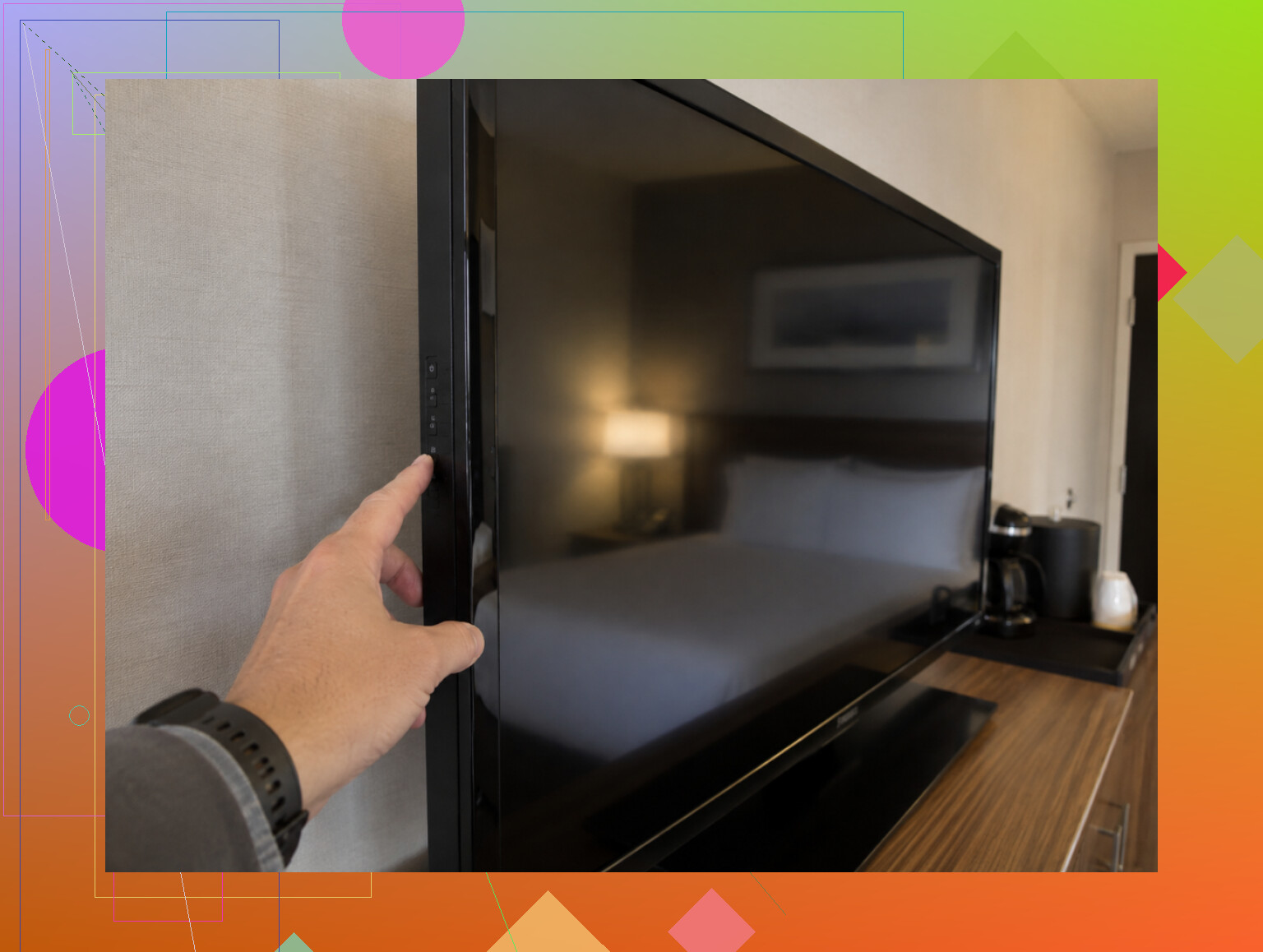
Also check the TV itself for physical controls. The power, volume, input, and channel buttons may be underneath the frame, along one side, or around the back. Hotels sometimes make them annoyingly hard to find, but they’re often enough for basic control.
If it’s a regular smart TV running Fire TV, Google TV, or Chromecast, the platform’s remote app may work. That depends entirely on whether the hotel has left guest control enabled, though. A lot of them haven’t.
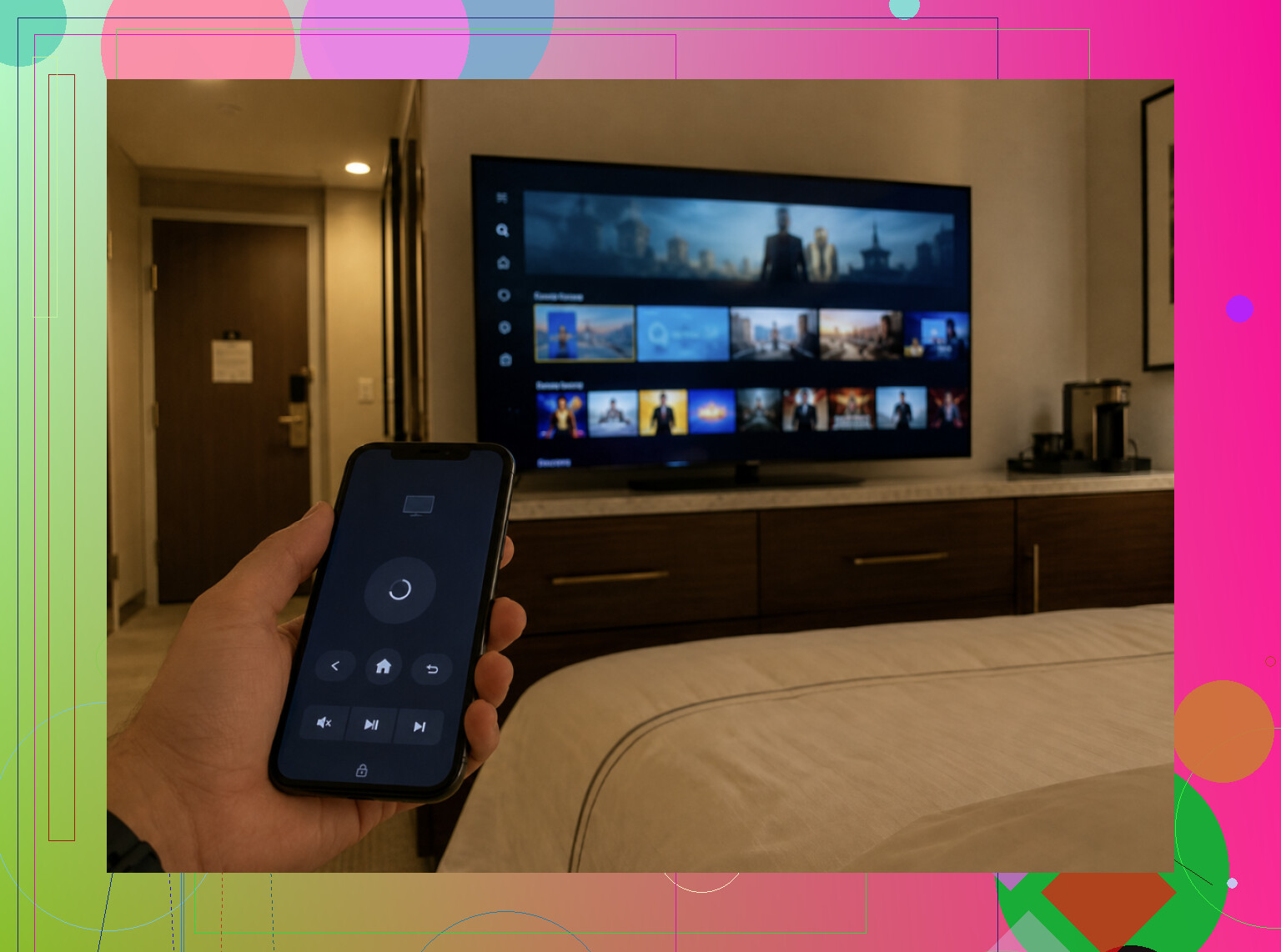
You may have better luck casting instead of trying to control the whole TV. If Chromecast or AirPlay is available, try sending Netflix or YouTube directly from your phone. Hotel network restrictions can block this too, but it’s worth checking.
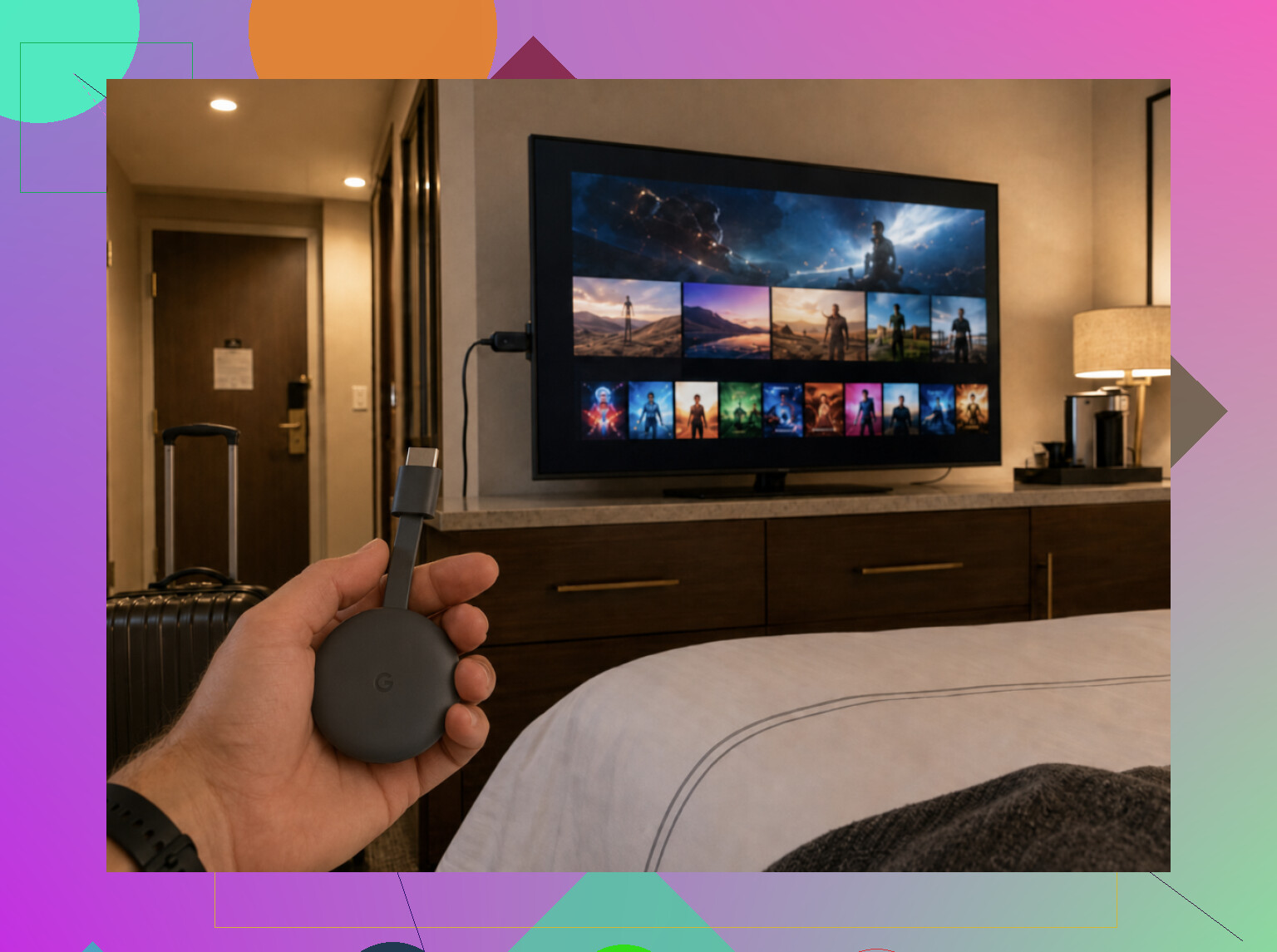
For frequent travel, bringing your own Fire TV Stick or Chromecast is the more dependable option. Plug it into an available HDMI port and use its remote or your phone. That mostly avoids the hotel’s locked-down TV interface, assuming you can reach the HDMI port and get the device through the hotel’s Wi-Fi login.
You can still try a universal app like TVRem. It’s useful to keep on your phone, and it may connect if the hotel uses a supported TV and hasn’t blocked guest access.
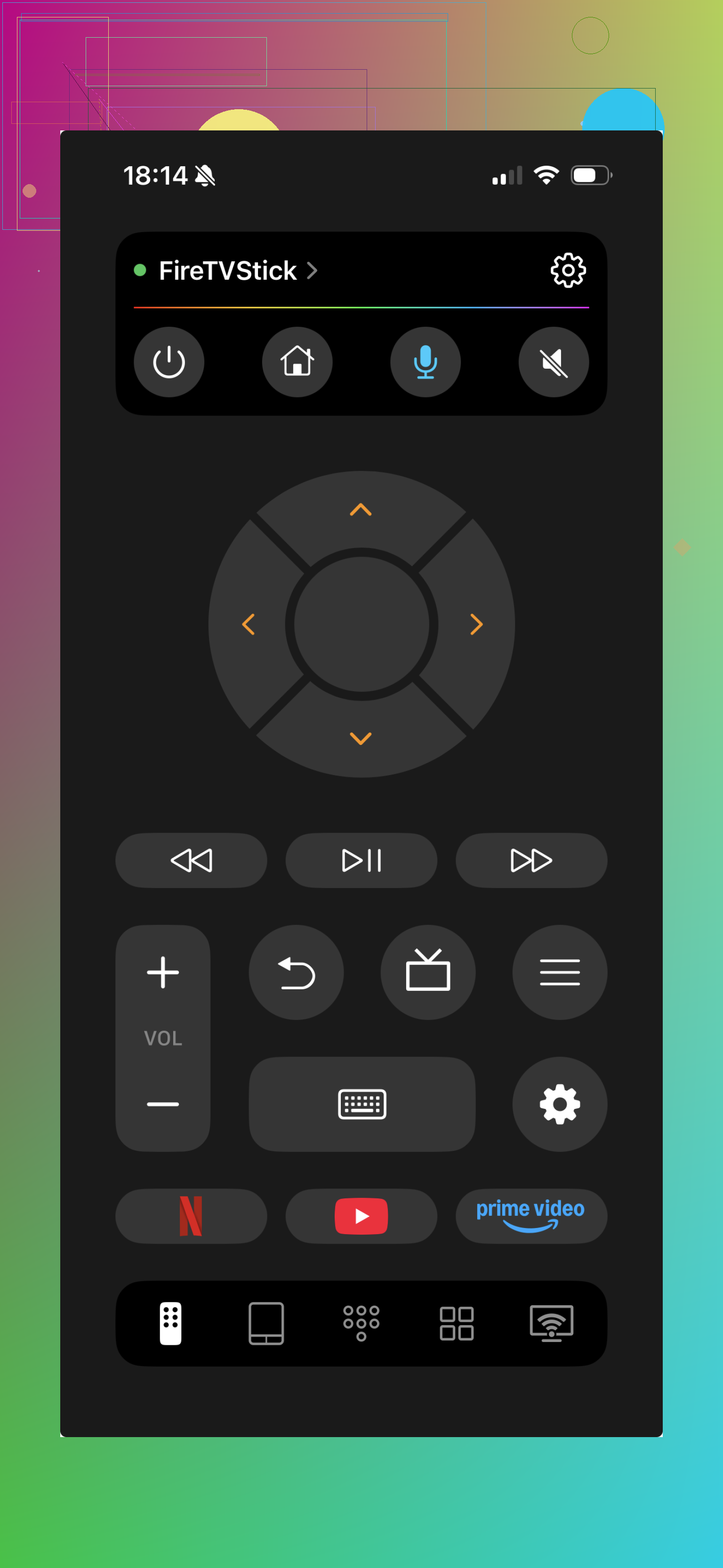
Just treat the app as a “might work” option rather than a reliable hotel fix. If it fails, the hotel network is probably the issue, not necessarily the app.
If you only need basic TV controls, try the buttons or call the front desk. If the real goal is watching content from your own apps, casting or using a personal streaming stick makes more sense. It depends on whether the remote is actually missing or you’re trying to get around the hotel’s built-in system. 👍
Your iPhone has no infrared blaster, so it can’t act like a normal universal remote by itself. Without a shared local network, an app probably won’t connect unless the hotel TV offers a pairing code or its own guest-casting system.
Don’t install a random “universal remote” app until you identify what device you’re actually trying to control. On an iPhone, those apps are usually network remotes, not true universal remotes. They cannot simply send the same infrared commands as the broken hotel remote.
Check the TV screen, bezel, or startup logo for the platform:
- Apple TV box: use Apple TV Remote in iPhone Control Center.
- Roku TV or Roku player: use the Roku app.
- Fire TV: use the Fire TV app.
- Google TV or Android TV: use the Google TV app.
- Samsung, LG, and other smart TVs: the manufacturer’s app may work.
The catch is that your phone normally has to discover the TV or streaming box over the same local network. Merely seeing the same hotel Wi-Fi name does not guarantee that. Guest networks often prevent devices from seeing each other, and you generally cannot fix that without access to the router or hotel TV system. A code displayed on the TV can complete pairing, but it does not necessarily bypass network isolation.
There is a useful distinction here: a hotel casting screen with a room-specific QR code or pairing code is meant for guests, so that may work without any Wi-Fi administration. Follow the instructions shown by the TV rather than trying to pair through the normal consumer app. You may be able to cast video while still being unable to change channels, inputs, or hotel menus.
Apple’s Control Center remote is another common source of confusion. It controls an Apple TV or compatible AirPlay setup. It does not turn an ordinary hotel television into an Apple TV, and it may only control volume if the equipment supports HDMI-CEC or has been configured for it.
@kernel_loop is right about the missing infrared hardware. An external IR accessory technically exists as a workaround, but buying and configuring one for a hotel stay is usually more trouble than getting another remote. It may fail anyway if the television is in hospitality mode, which can lock the input menu, limit volume, or ignore certain commands.
For the quickest diagnosis, try this order: press the TV’s hidden physical power button, look for a guest casting or pairing screen, identify any attached streaming box, and then try that platform’s official iPhone remote. If no device appears in the app, the hotel network is probably blocking discovery. At that point, a replacement remote from the front desk is the practical fix because there is no iPhone setting that can override the hotel’s network separation.
A normal smart TV and a hotel TV system may look identical from the front, but the hotel version often has a separate control box hidden behind the screen. In that setup, an app for the TV brand might handle power or volume yet do nothing for channels, the guide, or the hotel menu because those commands go to the box instead.
Check behind or underneath the TV before downloading anything. If you find an Apple TV, Roku, Fire TV, or Android-based receiver, use that platform’s official iPhone app. Your phone and the receiver usually need to be on the same local network, then the TV displays a pairing code. If the app never finds the device, hotel Wi-Fi isolation is the likely reason.
Without access to the hotel’s network settings, your realistic exception is a guest pairing screen. A QR code, room code, or “connect your device” option means the hotel has provided a controlled route for casting or remote access. Follow that process exactly. Joining the same Wi-Fi name manually often isn’t enough, and entering a code in an ordinary manufacturer app won’t bypass the restriction.
@kernel_loop is correct about infrared, so there is no hidden iPhone setting that turns it into a conventional remote. I’d skip paid universal-remote apps unless you have already confirmed the television is visible on your phone. Otherwise you may pay for an app only to find that the network blocks it.
For a quick workaround, use the TV’s physical controls to get it on, then inspect the on-screen source or pairing options. If the hotel interface still needs its original remote, ask for replacement batteries or another remote. That is usually the only way to regain full control of a hospitality box.
Logging into your streaming accounts on the hotel TV can leave them signed in after checkout, so prefer the hotel’s QR-code casting system if one appears.
For remote control, identify the attached device first, then use its official iPhone app: Roku, Fire TV, Google TV, or Apple TV Remote. These normally require both devices to be reachable on the same local network. Sharing the same hotel Wi-Fi name is not enough if device isolation is enabled, and no iPhone setting can override that.
A room-specific QR code or pairing screen is the main exception because the hotel has configured it to cross that network barrier. If there isn’t one, use the physical TV controls and request a replacement remote rather than installing paid “universal” apps.
Since you still have the hotel remote, use the iPhone camera to check whether it is actually transmitting before downloading anything. Open the front camera, point the remote’s emitter at it, and press a few buttons. Many infrared remotes show a faint white or purple flicker on the screen. No flicker usually means dead batteries or a bad remote. This test is not absolute because some cameras filter infrared, and some hotel remotes use RF instead.
If it does flash, the problem may be the TV’s sensor or a hospitality box hidden behind the screen. In that case, a Samsung, LG, or “universal” app could control the television itself while leaving the hotel guide and channels completely unusable.
Without local-network access, there really isn’t a general iPhone app that fixes this. Use the official Roku, Fire TV, Google TV, or Apple TV remote only if you can identify that hardware and the app can see it. A room QR code or guest pairing screen may work despite hotel network restrictions. Otherwise, asking the desk for batteries or another remote will probably take less time than trying half a dozen apps.
Chasing an app here is mostly wasted time, and I’d stop framing this as a software problem at all. A lot of hospitality TVs run locked firmware with encrypted channel feeds (Pro:Idiom and similar), which means even the correct manufacturer app, on the correct network, still can’t touch the channel lineup or the hotel menu. You might grab power and volume. That’s it. So the ‘identify the device then use its app’ path that several people laid out is fine as far as it goes, but on a true hospitality unit it often stops short of anything you actually want.
@diana’s camera trick is a solid gut check and I’d do it first. One caveat though: plenty of newer hotel remotes are RF or Bluetooth, not infrared, and those are paired to that specific TV at install. If it’s one of those, no flicker in the camera doesn’t mean dead batteries, and no third-party remote or app will ever pair to it. That’s a front desk swap, full stop.
Where I’d push back a little on the general vibe of the thread: everyone keeps landing on network isolation as the villain. Real, but it’s only half the story. Even with perfect network access you’re often fighting the TV’s locked input menu, not the router. So don’t burn an hour diagnosing Wi-Fi separation when the box behind the screen was never going to hand you control anyway.
The TVRem app someone linked earlier is worth keeping around for regular smart TVs at home or the occasional hotel that left guest control open, just don’t expect it to crack a hospitality box. Treat it as a five second ‘does anything show up’ test, not a fix.
Honestly, the fastest route: hit the hidden power button, look for a room QR or cast screen, and if that’s not what you need, call the desk for a replacement. On a locked hotel setup that’s usually the only thing that gives you the channels and guide back.
A hotel TV with a visible pairing code is worth trying; a locked TV with no pairing screen usually is not. First identify Roku, Fire TV, Google TV, or Apple TV, then open its official iPhone remote and see whether the device appears. If it does, enter the code shown on the TV. If it does not, your personal hotspot will not fix the problem unless you can connect the TV to it too, which hospitality mode often prevents. At that point, use the TV’s physical buttons for basic control and ask the front desk for a working remote.