I lost my Sharp TV remote and need a free iPhone app that actually works to control my TV. I tried a couple of remote apps, but they either would not connect or wanted a paid subscription. Looking for help finding a free Sharp TV remote app for iPhone that is easy to set up and reliable.
Sharp TV remote apps on iPhone are a bit messy, mostly because Sharp sold sets with different systems. I ran into this with two TVs in the same family. One Sharp booted into Roku. The other one used Google TV. Same logo on the frame, different app situation.
So the first thing I’d check is your TV platform, not the brand badge.
If you want one app to try first without playing roulette, I’d start with TVRem – Universal TV Remote.
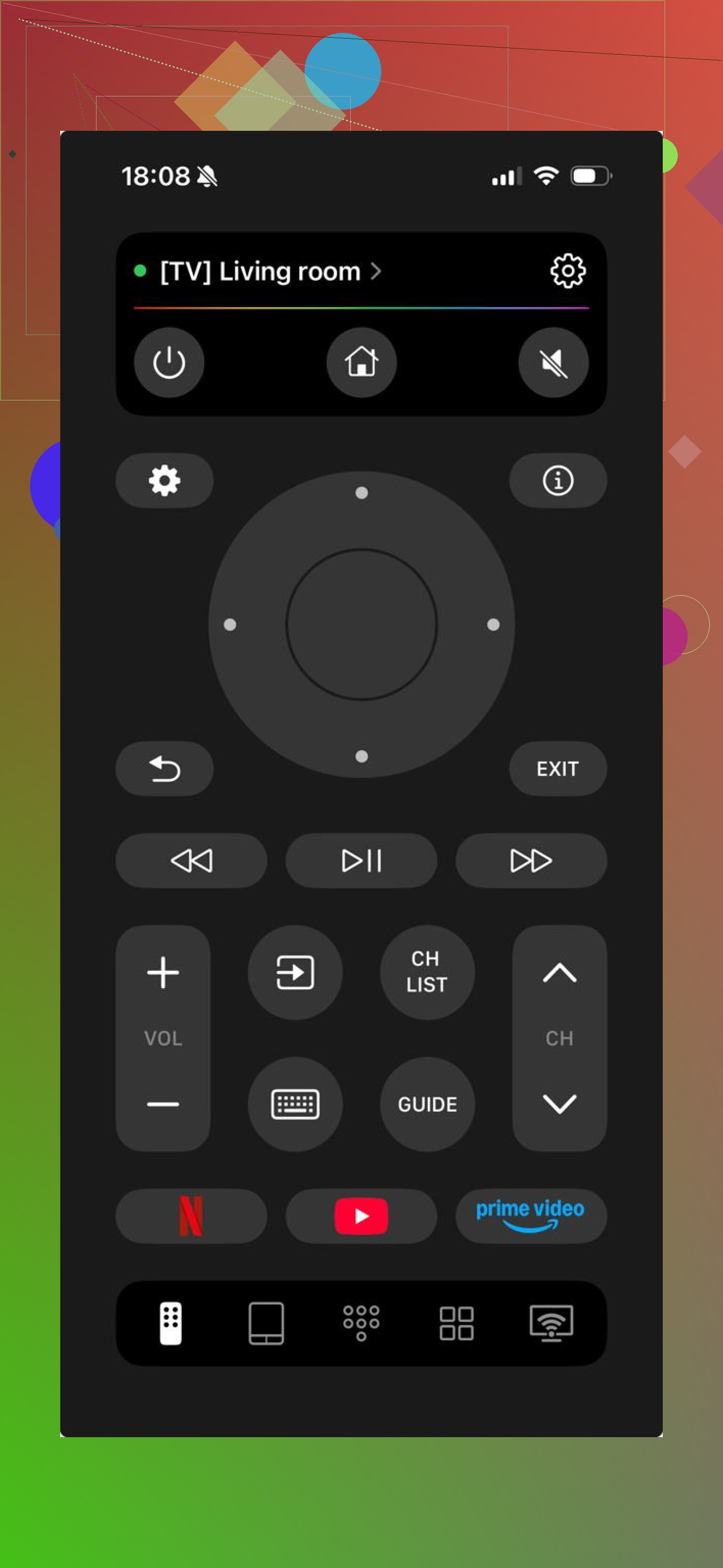
What worked for me was the simple part. Install it on the iPhone, put the phone and TV on the same Wi-Fi, wait a few seconds, connect. Done. On the Sharp sets I tested, it handled the normal stuff people care about, volume, moving around menus, typing with the phone keyboard, opening apps faster. The bigger plus is obvious once you’ve got more than one TV at home. It isn’t tied to one TV brand, so you’re not stuck with a single-use app. Also, this one is free and doesn’t throw ads in your face.

Another one people try is TV Remote – Universal Remote.
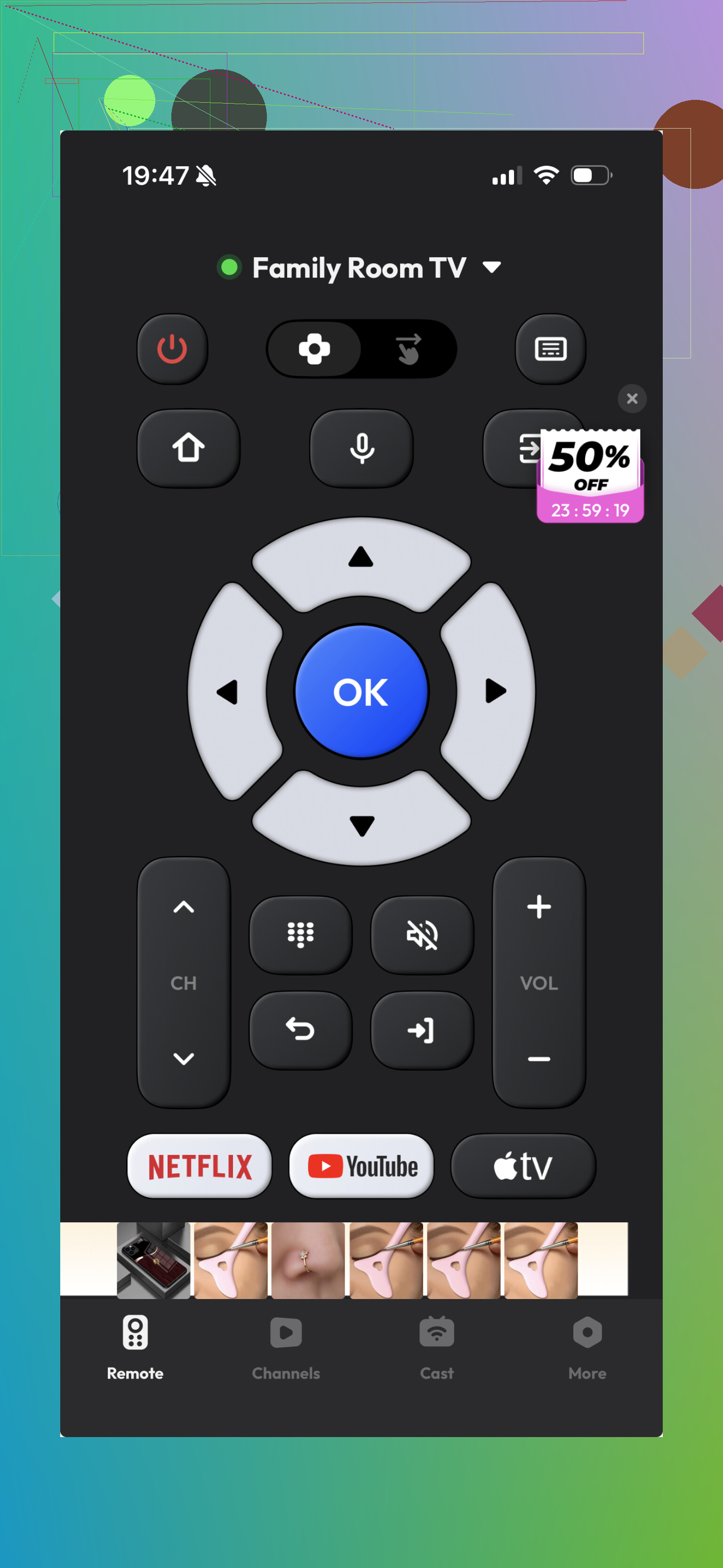
It does connect to Sharp TVs, and for basic remote controls it’s fine. I used it, it worked, then I hit the usual limits. The setup is easy enough, but it feels older and a bit thinner on features. Depending on the TV, some parts seem restricted or less polished.
If your Sharp TV runs Roku, I’d skip experiments and go straight to the official Roku app.
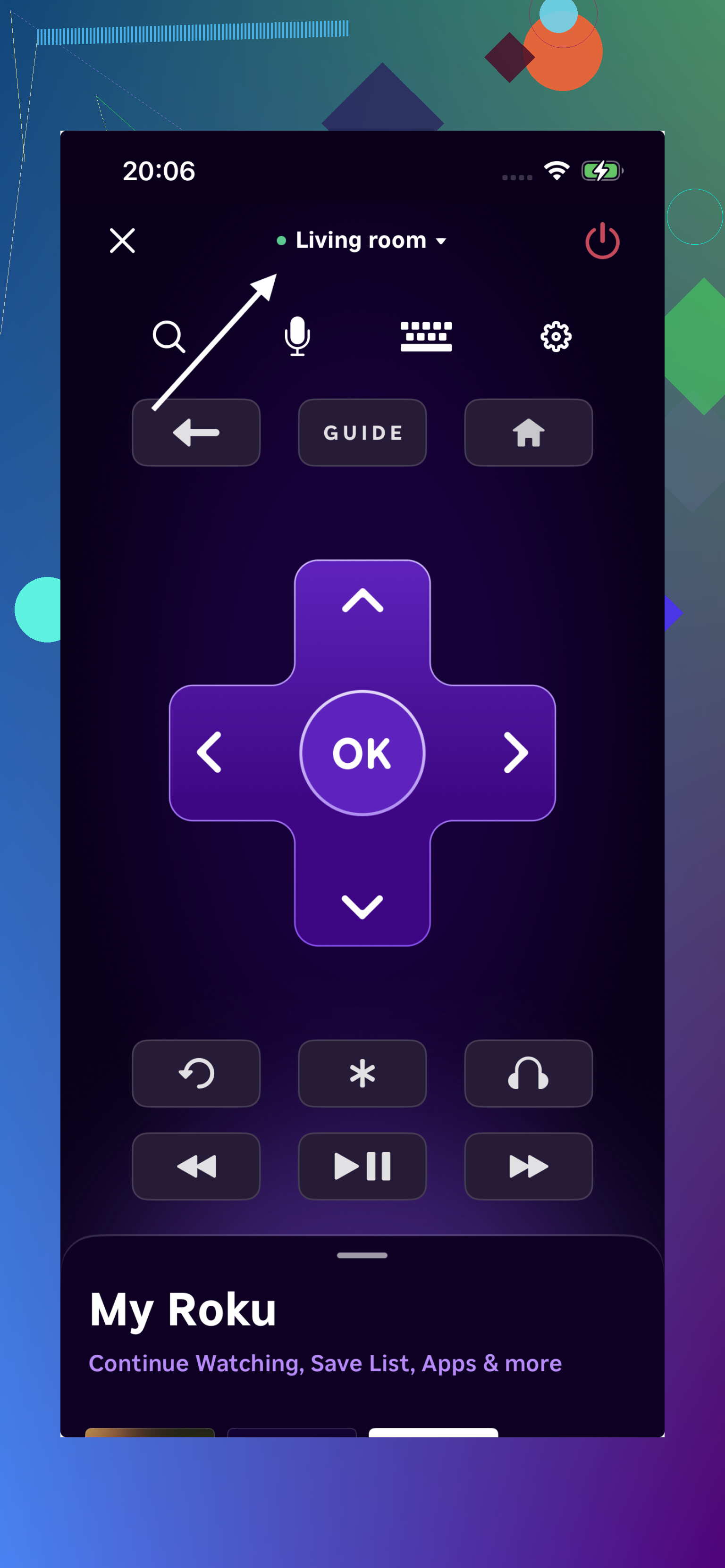
This is the one I saw pair the cleanest with Roku-based Sharp sets. Fewer hiccups. Better consistency. For moving around the home screen, launching apps, and doing the normal remote stuff, it tends to be the safer pick on Roku hardware.
My short version is this.
Sharp TVs are split across Roku TV and Android TV or Google TV. So one remote app won’t fit every model unless it supports those systems directly. TVRem is the easiest place to start because it covers the main Sharp platforms people still buy, it’s free, and it doesn’t fence off the useful buttons behind a paywall. If you want one install and you’re done, this is probly the least annoying route.
Skip most third party apps first. A lot of Sharp TVs are rebranded Roku, Google TV, or old Android TV sets. Brand name matters less than the TV OS.
I agree with @mikeappsreviewer on checking the platform first. I disagree on starting with a universal app right away. The free route works better if you match the app to the TV system.
Try this order.
If your Sharp TV has Roku on the home screen, use the official Roku app on iPhone. It is free. No sub needed. In my use, pairing succeeds faster than the generic remote apps, around 10 to 20 seconds on the same Wi-Fi.
If your Sharp TV runs Google TV or Android TV, use Google TV on iPhone. Also free. It gives you D-pad control, voice input, and keyboard entry. Works fine for menus and app launch.
If your Sharp is an older model with no smart platform, iPhone apps will not work unless the TV supports network remote control. iPhones do not have IR blasters. That trips people up a lot.
Fast check. Look at your TV home screen.
Roku tiles = Roku app.
Google TV profile row or Android TV layout = Google TV app.
No smart menu = phone app wont work.
If none of those fit, then try a universal app as plan B. That saves time and avoids the paywall loop you already hit.