I misplaced my TV remote and have been trying to use my iPad instead, but most apps I found either charge fees or do not work with my TV. I need help finding a free universal TV remote app for iPad that is easy to set up and actually works with different TV brands.
If you’re trying to run your smart TV from an iPad, the setup is usually pretty boring in the best way. I did the same steps on most of these apps. Put the iPad and TV on the same Wi-Fi, open the app, wait for your TV to show up, then approve the pairing on the TV. Once it links, you’re doing the usual stuff from the iPad, volume, menus, playback, app launching, typing.
Where things start to split is reliability, TV support, and whether the app feels clean or cheap after ten minutes.
Best pick for most people
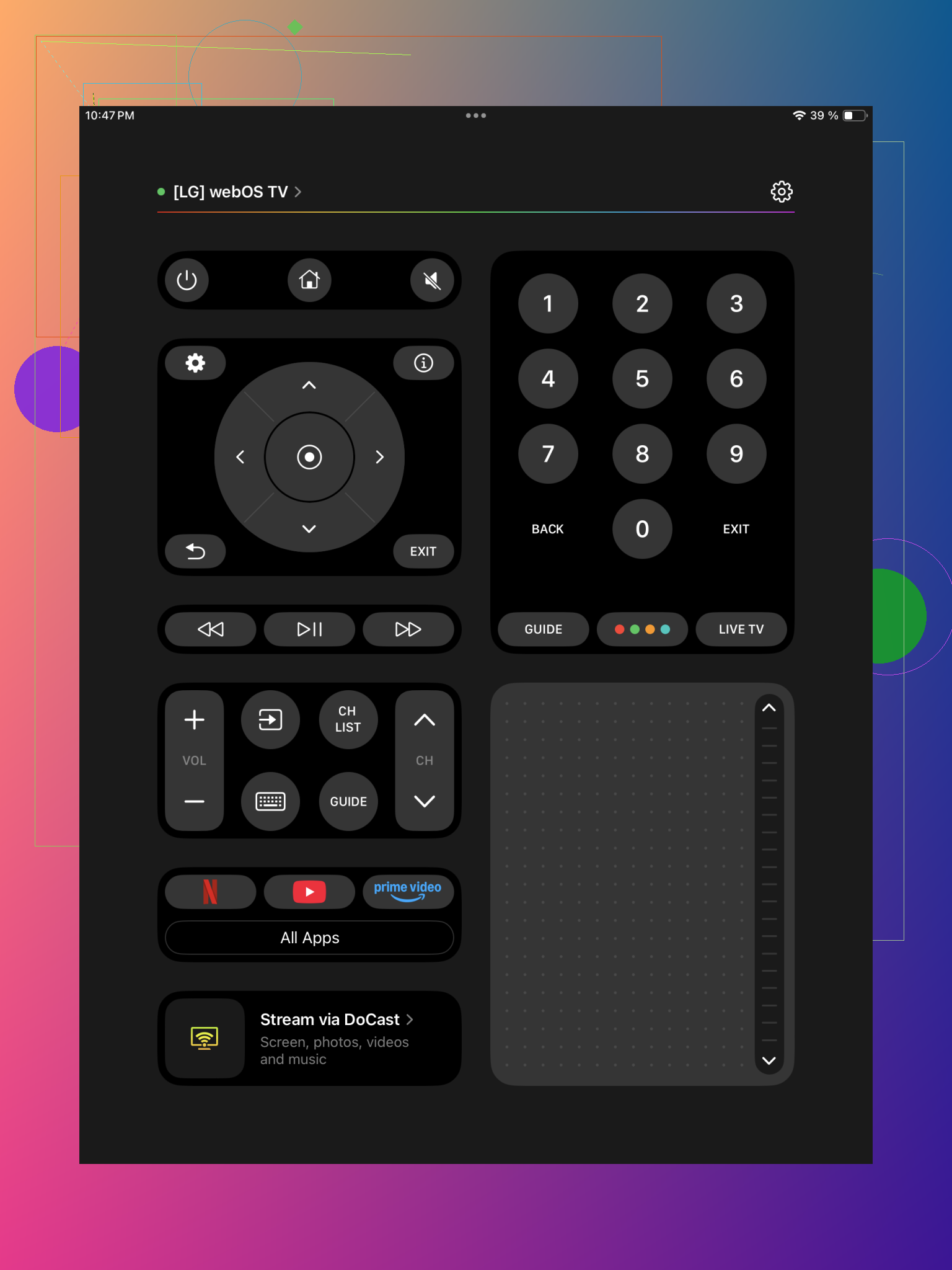
I’d put this one first if you want one iPad app and don’t want to keep thinking about it.
What stood out for me was broad TV support. It works with Samsung, LG, Roku, Fire TV, Android TV, Google TV, and a bunch of others, so you’re not boxed into one brand. If your place has a mix of devices, or you swap TVs every few years, this matters more than people think.
Setup felt short. Install it, let it scan the network, tap your TV, approve the connection on the TV. Done. After pairing, it feels close to using a full remote, not a stripped down phone companion app. You get touchpad-style navigation, keyboard entry for search boxes and passwords, volume controls, channel controls, and shortcuts for apps like Netflix or YouTube.
Typing from the iPad alone saves time. I noticed this fast on YouTube searches and login screens. The big reason to use this one is simple, it tries to be one remote for the whole house instead of one remote for one brand.
If you want a simpler universal remote
Universal Remote Smart TV
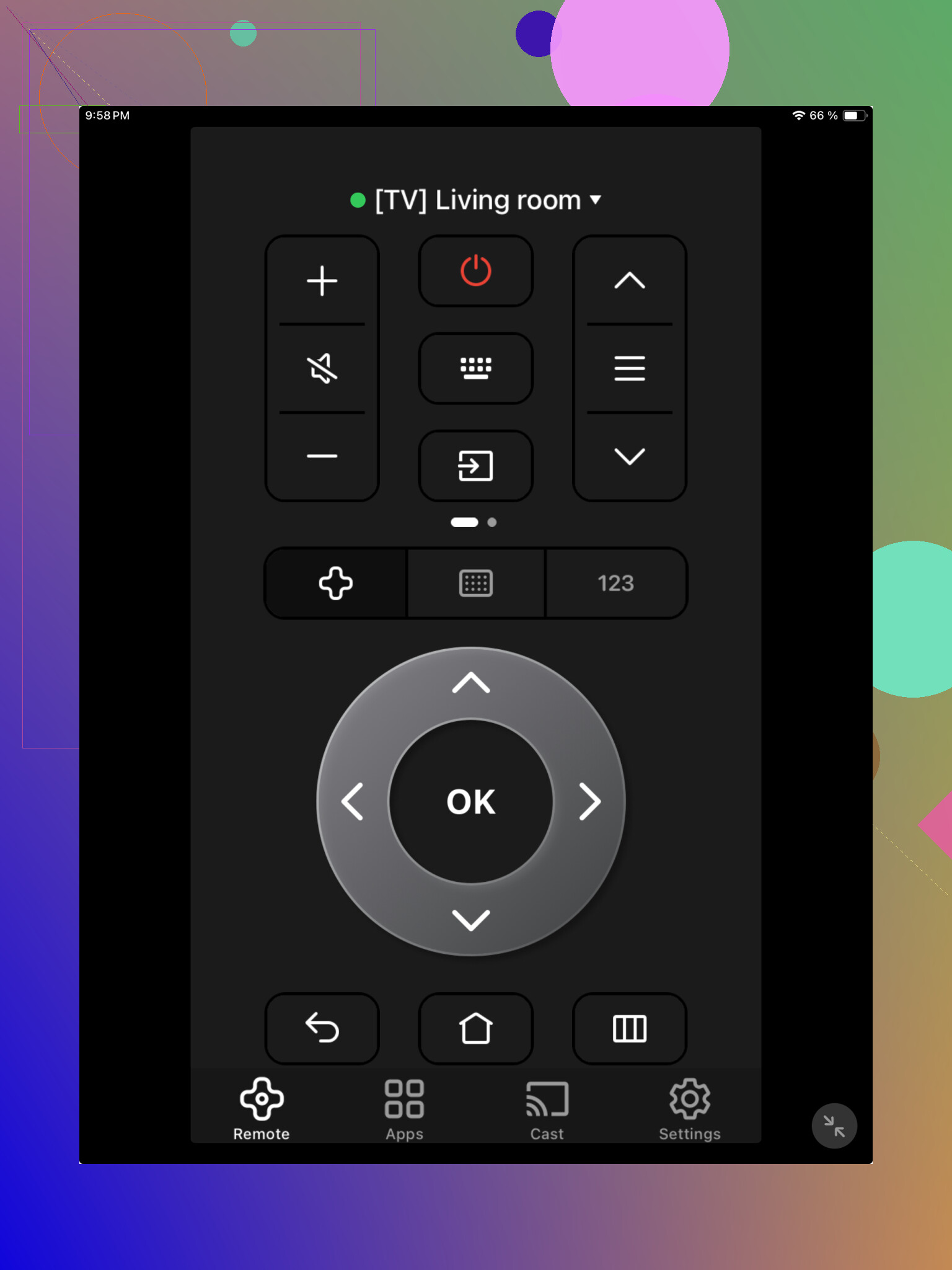
This one covers the basics fine. I saw support for multiple TV brands, and it handles the normal remote stuff, moving around menus, volume, playback, standard controls.
The catch is the app feels a bit plainer. Device discovery didn’t feel as polished, and the interface looked more functional than thought-through. If your setup is easy and you only need core controls, it gets through the job. I wouldn’t pick it first if you want something polished enough to replace the remote full time.
Good as a backup option
TV Remote – Universal Remote
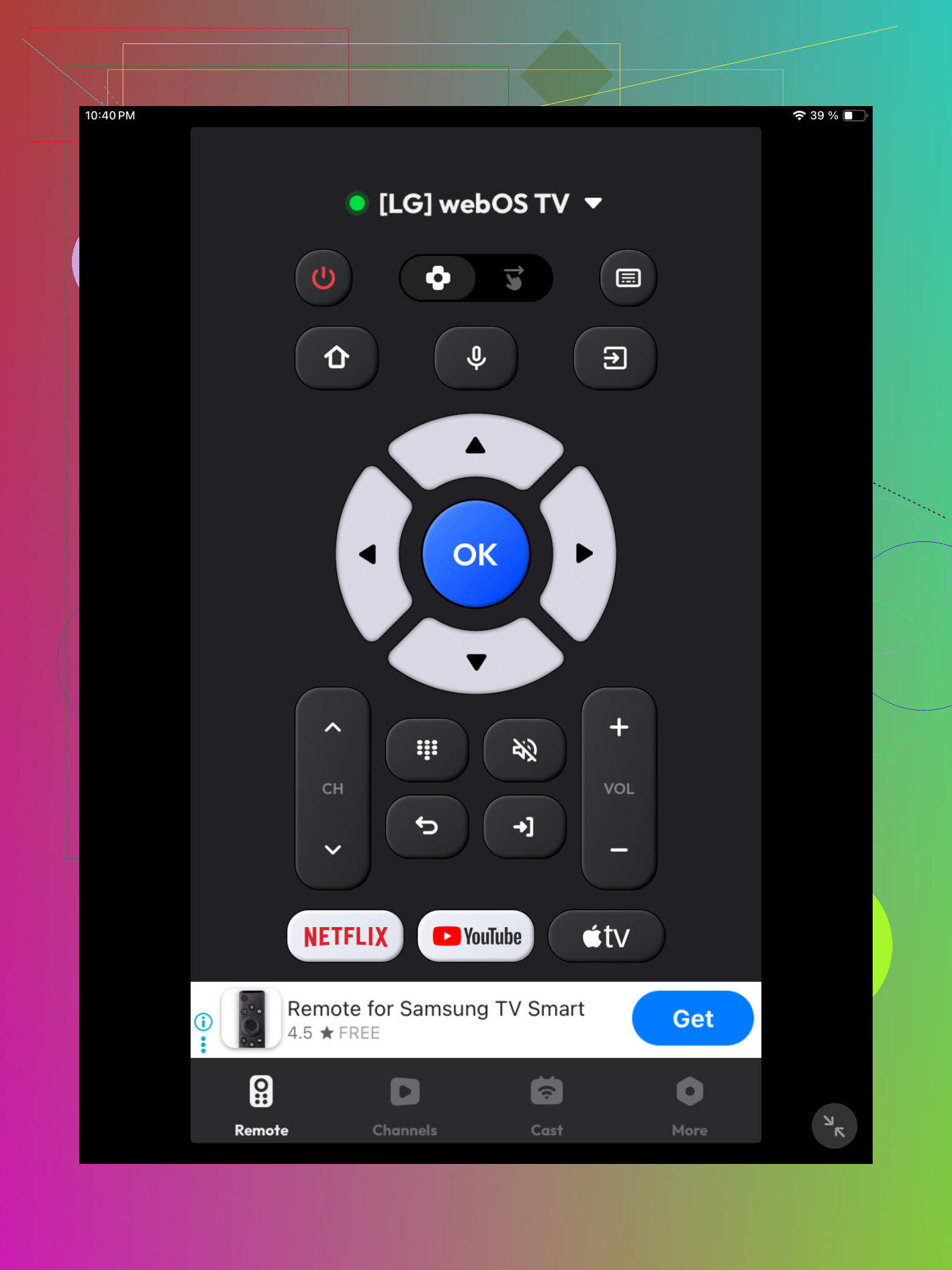
This one lands in backup territory for me.
It supports the common smart TV brands and gives you the expected controls, buttons, navigation, playback, no surprises. It worked, but I didn’t get the feeling it was built to be your main remote every day. More like, you lost the real remote, need something now, and this fills the gap.
What I’d go with
If your goal is replacing the physical remote from an iPad, TVRem is the strongest choice.
It covers more TV types in one app, and the control set feels more complete. The other two are usable, sure, but they lean closer to basic universal remote apps. TVRem felt more like one place to manage different TV systems without fiddling arond with separate brand apps.
Free is the hard part on iPad. A lot of these ‘universal’ apps are free to install, then hit you with ads, limits, or a paywall after 3 taps.
I partly disagree with @mikeappsreviewer on one point. Broad support sounds nice, but your TV model matters more than a long brand list. If your TV is Roku, Fire TV, Samsung, or LG, I would try the official app first. Those tend to pair faster and drop connection less often.
My order would be:
- Official brand app for your TV.
- TVRem if you need one app for mixed devices.
- Any free universal app as a backup only.
Important catch, your iPad will only control most smart TVs over Wi-Fi. It will not replace an old IR remote unless you own extra hardware. So if your TV is older or not on your home network, these apps wont help much.
If you post your exact TV brand and model, people here can point you to the app with the best odds of working. That saves a lot of trial and error tbh.
I’d actually start by checking whether your TV already supports Apple TV Remote in Control Center if you’re using an Apple TV box or AirPlay-heavy setup. Not a universal answer, yeah, but people skip that and go straight into ad-filled remote apps for no reason.
On the “free universal” part, that’s where it gets annoyng. Most iPad remote apps are really “free to install, then pay if you want the useful buttons.” So I kind of agree with @viajantedoceu there. And I slightly disagree with @mikeappsreviewer because broad support lists can be a little marketing-ish unless your exact model is known to connect well.
What I’d do:
-
Try your TV brand’s official iPad app first
- Roku
- Samsung SmartThings
- LG ThinQ
- Fire TV
- Google TV / Android TV apps
-
If that fails, then try a universal app like TVRem
- Mainly because it has a better shot with mixed devices
-
Check one thing before wasting time
- Your TV has to be a smart TV
- It needs to be on the same Wi-Fi
- Older TVs usually won’t work without extra hardware
If you want actually free and easy, official brand apps usually beat “universal” ones. If you post the TV model, ppl can narrow it down fast.
I’d split this into two questions: free and universal. On iPad, getting both at once is where things usually fall apart.
I slightly disagree with @reveurdenuit on using official apps first in every case. They are often more stable, sure, but they can also be annoyingly limited if you have a soundbar, streaming stick, and TV from different brands. If you want fewer apps on the iPad, TVRem – Universal Remote is worth a look before you fill your home screen with five brand apps.
Pros of TVRem – Universal Remote
- One app for multiple TV ecosystems
- Cleaner layout than a lot of “free” remote apps
- Easier if your household has mixed devices
- Better chance of keeping it as your long-term remote, not just an emergency fix
Cons
- Universal apps can be hit or miss on obscure TV models
- Wi-Fi only for most setups, so no miracle fix for old IR-only TVs
Where I agree with @viajantedoceu and @mikeappsreviewer is that model compatibility matters more than flashy claims. Also, App Store reviews can be misleading for remote apps because people rate them before testing all functions.
One tip nobody mentions enough: check whether your TV has HDMI-CEC companion control enabled. Sometimes an app fails not because the app is bad, but because the TV’s network control settings are off by default.
If you want the shortest path:
- brand app for a single modern TV
- TVRem – Universal Remote for mixed devices
- avoid random “1000+ TVs supported” apps unless reviews mention your exact model
Post your TV model and you’ll get a way more accurate answer than any generic app list.