I lost my physical Android TV remote and now I need an iOS app that can control my TV reliably. I tried a couple of remote apps for Android TV on my iPhone, but they either won’t connect or keep disconnecting. I need help finding the best iPhone remote app for Android TV that actually works.
I tried a few iPhone apps for controlling Android TV, and they do not feel built for the same job.
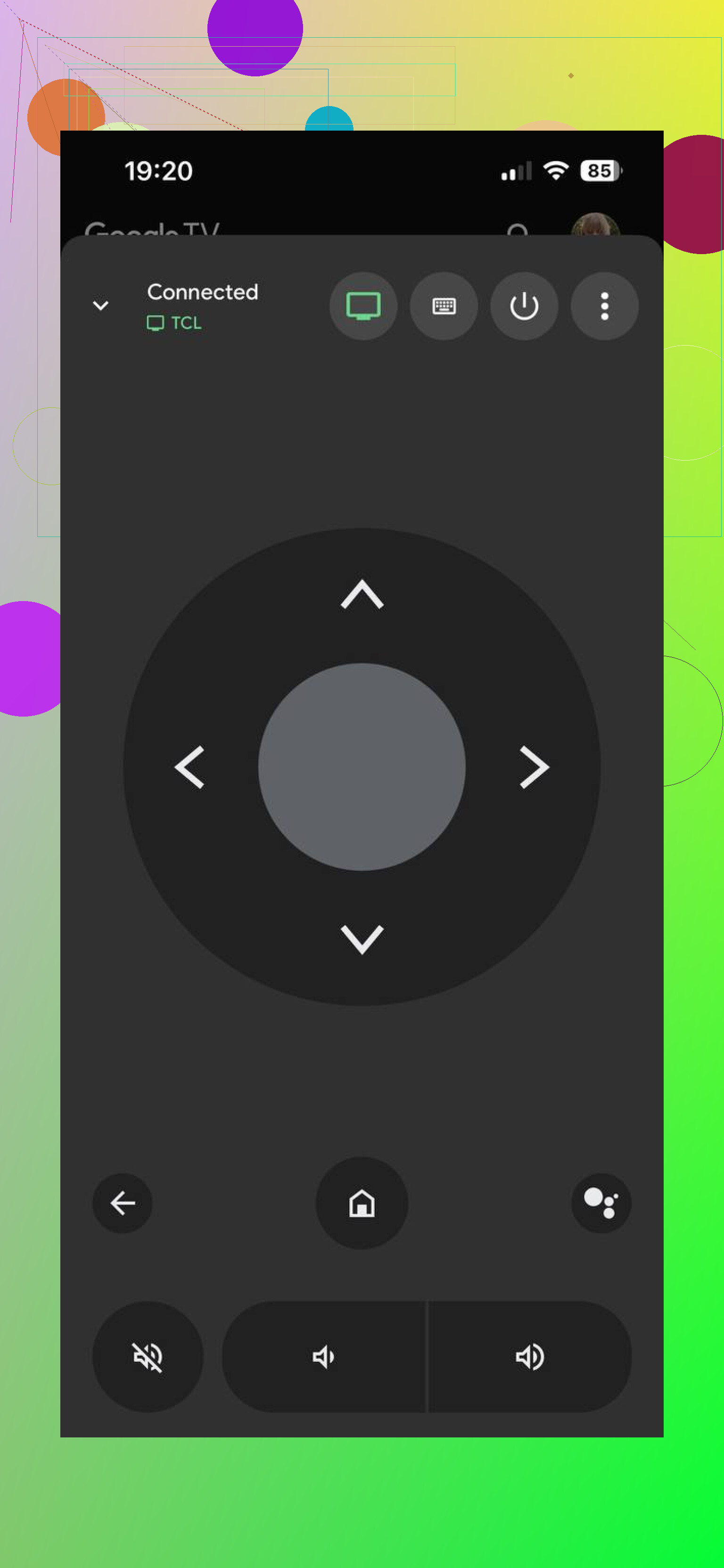
The Google TV app works, sure. But when I used it, the remote part felt buried under everything else. The app leans hard into browsing shows, watchlists, account stuff, recommendations, casting, and all the Google ecosystem bits. The remote is in there, but it feels tacked on. Fine in a pinch. Not something I liked using every day.
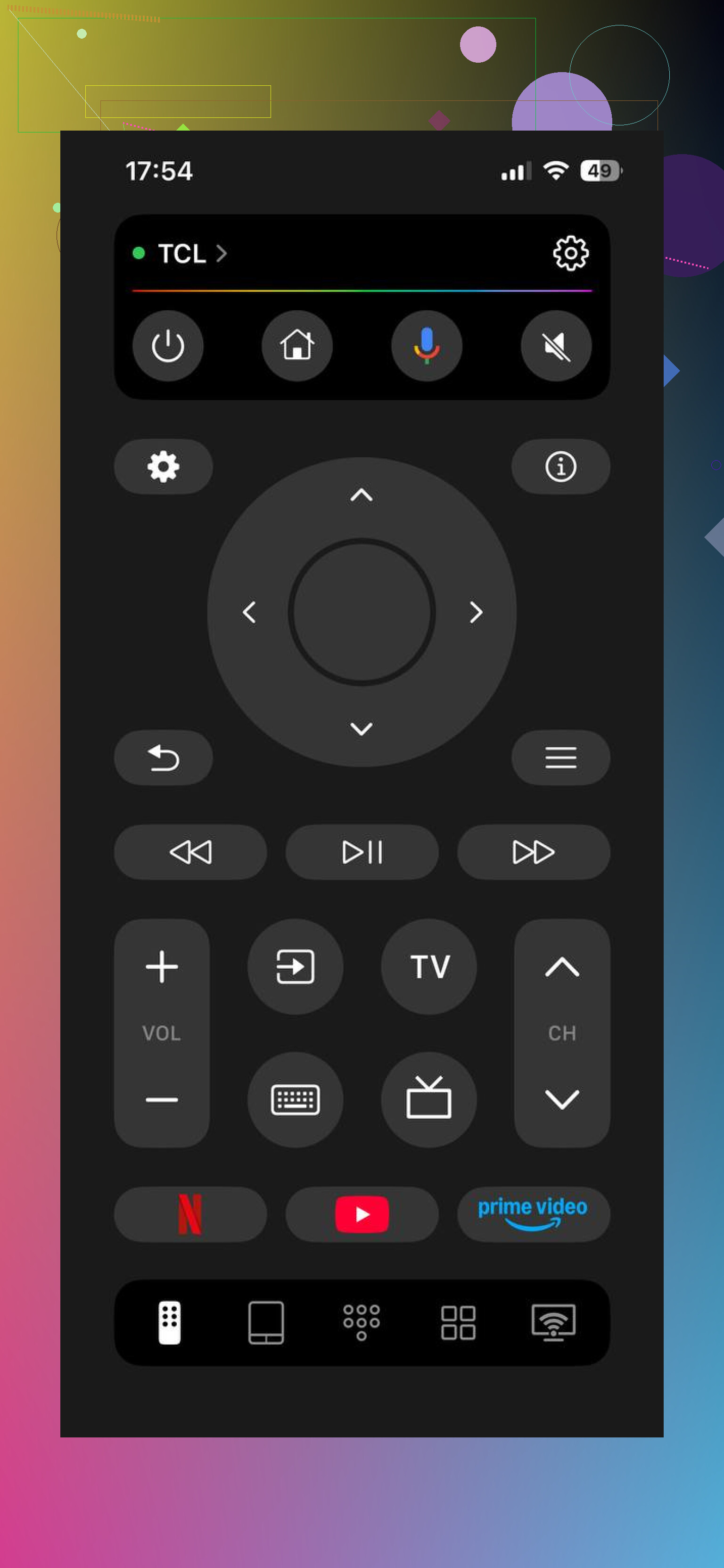
TVRem – Universal TV Remote App felt different right away. It seems built for one task, controlling the TV without making you wade through movie posters and recommendations first.
What stood out when I used it:
It connected over Wi-Fi fast, as long as the phone and TV were on the same network.
It worked with a lot of Android TV and Google TV devices. I tested it on more than one setup, and switching between them was easy enough.
The controls felt like a full remote, not a stripped-down add-on. Home, back, volume, input, playback, all there.
The touchpad navigation was smooth. No weird lag, no fighting with the cursor.
Typing from the built-in keyboard was way faster than pecking letters on the TV screen. This alone saved me a bunch of time.
The layout stayed clean. No extra media feed, no clutter, no feeling like I opened the wrong app.
For basic remote use, it was easy to get going without much setup or fiddling around.
My short take:
Google TV app, broad media app with remote support inside it.
TVRem, focused remote app, and it feels more like a real replacement for the physical remote.
If all you want is quick control over your Android TV from an iPhone, TVRem felt easier to live with day to day.
I’d keep one thing separate from @mikeappsreviewer’s point. App choice matters, but connection stability matters more.
Most Android TV remote apps on iPhone fail for 3 boring reasons.
-
Your TV and iPhone are on different Wi-Fi bands.
A lot of routers split 2.4 GHz and 5 GHz. Some TVs sit on one, your phone sits on the other, and pairing gets flaky. Put both on the same SSID first. -
The TV lost network standby access.
On many Android TV sets, remote apps stop working well if “Network standby”, “Wake on LAN”, “Quick start”, or “Remote start” is off. Check Settings, Network or Power. -
VPN, private relay, or guest Wi-Fi breaks local discovery.
Turn off VPN on your iPhone. Avoid guest networks. If you use iCloud Private Relay, test with it off for a min.
If you want the most stable option, I’d start with the Google TV app once, only for pairing. I know @mikeappsreviewer didn’t love the layout, and I sort of agree, it’s cluttered. But for first-time detection, it often sees the TV faster than third-party apps. After pairing and confirming the TV is visible on your network, switch to a cleaner remote app if you hate the interface.
Also check this on the TV:
Settings, Apps, permissions for remote features.
Settings, Accounts, sign-in status.
Settings, Date and time set to automatic. Weirdly, bad time sync causes pairing issues on some sets.
If nothing connects, reboot router, TV, and iPhone. Full reboot, not sleep mode. Sounds dumb, fixes a lot.
If you post your TV brand and model, people here can point you to the least annoying app for that specific set. Some brands are finnicky as hell.
I’d actually push back a little on the idea that this is mostly an app problem. Sometimes it is, but with Android TV the real headache is often the TV’s remote service crashing in the background. When that happens, every iPhone remote app looks broken and keeps disconnecting.
What I’d try, besides what @mikeappsreviewer and @kakeru already covered:
- Go into Android TV settings and look for Android TV Remote Service or Google TV Remote Service in system apps. Force stop it, clear cache, then restart the TV.
- If you can still control the TV with HDMI-CEC from another device, use that to get around the menus. A game console remote or streaming box remote sometimes works enough to navigate.
- Check whether your TV brand has its own iPhone app. Annoying answer, I know, but Sony, TCL, Philips, etc sometimes behave better with their own apps than with universal ones.
- If Bluetooth is available on the set, pair a cheap keyboard or mouse temporarily. Sounds janky, works surprsingly often.
For app choice, I agree with @mikeappsreviewer that a dedicated remote app is nicer day to day than Google TV. I just would not expect any app to stay solid if the TV’s remote service is bugging out.
Also, tiny thing people miss: if your TV has been on for weeks, do a full shutdown from settings, not just sleep. Android TV gets weird after a while lol.
I’d actually split this into two goals: get any remote working once, then pick the one you want to live with.
I slightly disagree with the idea that the Google TV app is the best default answer for everyone. Good for first pairing sometimes, yes. Best daily remote on iPhone, not really. @mikeappsreviewer is right about the clutter, and @kakeru plus @hoshikuzu already covered the usual network/service failure points.
What I’d add:
- Try pairing right after a cold boot of the TV, before opening Netflix, YouTube, or anything else. Some Android TV sets get less reliable once background apps pile up.
- Check router settings for AP isolation / client isolation. This is different from guest Wi-Fi. Even on a normal network, some routers block device-to-device discovery.
- If your TV is connected by Ethernet and your iPhone is on Wi-Fi, that should still work, but some cheap mesh systems handle local discovery badly across nodes. If you use mesh, stand near the main node and test again.
- Update the TV firmware, not just the apps. Old Android TV builds can be awful with remote pairing on iPhone.
- Rename the TV in settings if it shows up with a weird duplicate name. Discovery can get messy when two devices expose similar names on the network.
For the app itself, a dedicated remote for Android TV on iPhone is usually nicer than an all-in-one media app. If you want something focused, TVRem – Universal TV Remote is worth a shot.
Pros
- cleaner layout than Google TV
- fast access to D-pad, volume, playback, keyboard
- good if you only want control, not recommendations and watchlists
Cons
- still depends on your TV’s network discovery behaving properly
So my order would be:
- Cold boot TV
- Check AP isolation / mesh weirdness
- Update firmware
- Pair with either Google TV or TVRem – Universal TV Remote
- Keep the one that disconnects less
If you post the TV brand/model, that narrows this down a lot. Android TV behavior varies way more than it should.