My original JVC TV remote stopped working, and now I need a universal remote that will pair correctly and handle all the main functions like power, volume, input, and menu controls. I’m not sure which universal remote models work best with JVC TVs, so I’d really appreciate recommendations and setup tips.
If you need a universal remote for a JVC TV, I’d keep it to two paths.
Phone app, if your TV is a smart model.
Cheap physical remote, if it isn’t, or the app refuses to connect.
A universal remote is simply one controller made to work with different TV brands, either through preset codes or auto-detection.
Phone app first
If your JVC TV is smart, I’d try an app before buying anything. One option is TVRem – Universal TV Remote.
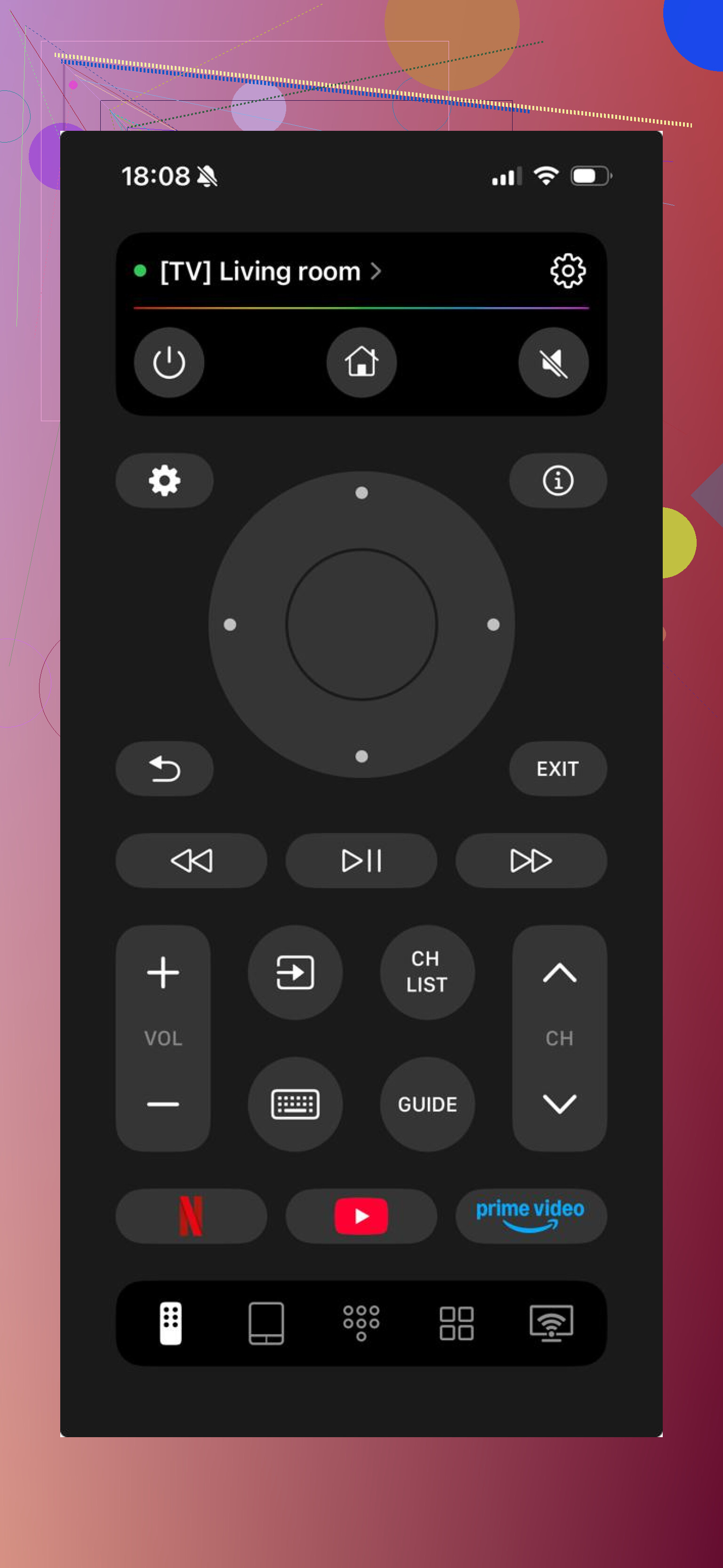
What I did on a similar setup was this:
Connect the phone and TV to the same Wi-Fi.
Open the app.
Wait for it to find the TV.
Tap the device name.
Done.

This tends to work with JVC sets running Android TV, Google TV, or Roku TV. So you do not need to spend time guessing the platform first.
It makes sense if your original remote is missing, dead, or stuck under a couch somewhere and you want control right now.
Another app worth trying is Universal Remote・TV Smart.
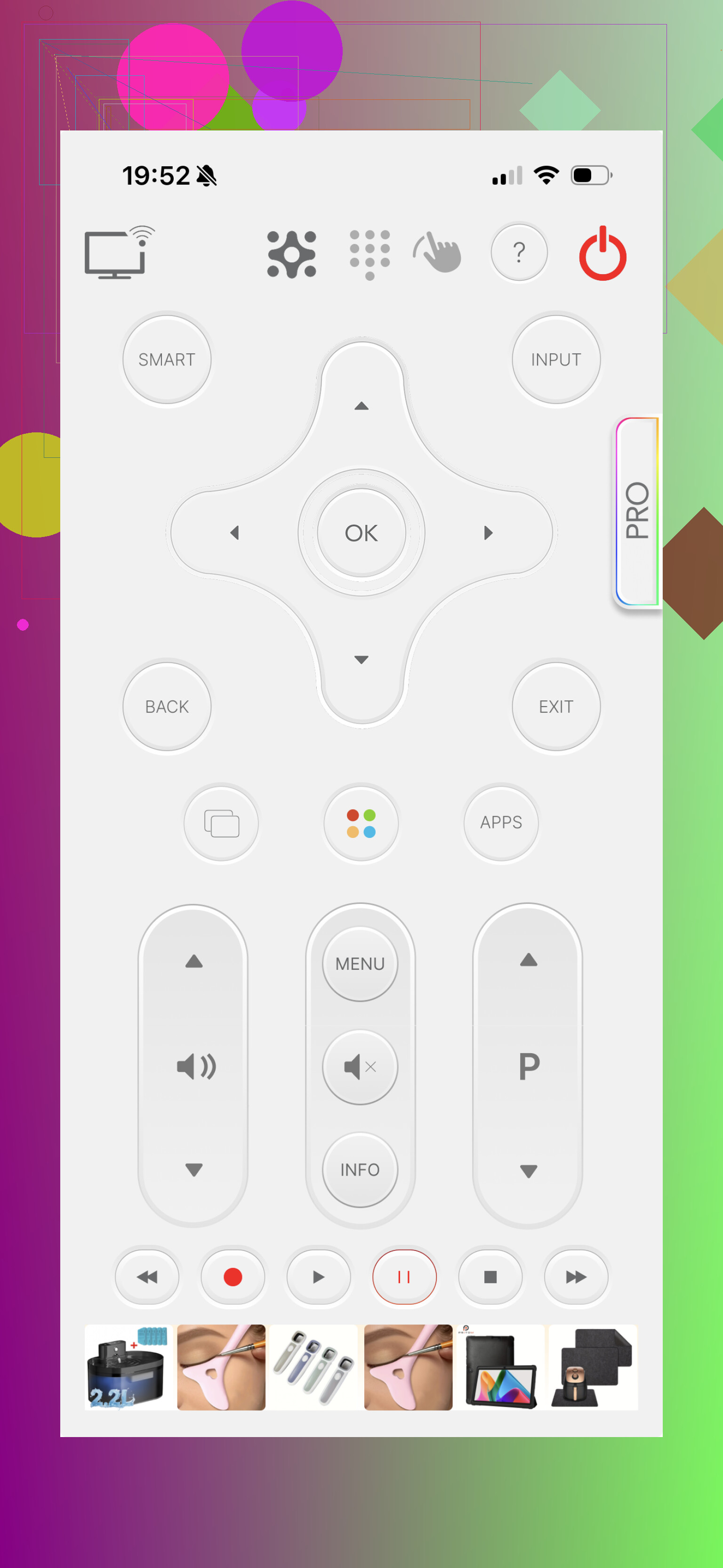
This one also uses Wi-Fi and supports a lot of TVs and streaming boxes. It includes extras like touchpad controls, keyboard input, voice commands, and in some cases casting. I found it a bit busier than simpler remote apps. Some tools are locked behind payment, so keep an eye on tht.
Setup is the same idea:
Install it.
Put the phone and TV on the same Wi-Fi.
Select your TV.
Start using it.
If the app fails, get a physical remote
Older JVC TVs usually make this easy. A low-cost universal remote often works with little effort.
In most cases, you either insert batteries and it starts working, or you enter a code once and move on.
A few common picks:
- JVC RM-1011R Universal Remote, often works with no setup at all
- JVC RM-C530F Universal Remote, plain and reliable
- JVC RM-L1796 Universal Remote, more like a direct replacement style unit
These usually rely on IR, so Wi-Fi does not matter.
The practical route
For a smart JVC TV, start with a remote app like TVRem. It is faster, costs nothing, and avoids buying hardware first.
For an older set, or if pairing keeps failing, buy a cheap universal remote. They’re usually around $3 to $10 and tend to be less annoying long-term.
What I’ve seen most people do is try the app first, then switch to a physical remote if the TV is too old or the Wi-Fi side gets flaky. That flow saves time and avoids wasting money.
Skip the no-name universal remotes from dollar bins. They often do power and volume, then fail on input or menu. That’s the part people forget.
I’d look at three safer options for a JVC TV:
- One For All URC series.
Good code library. Strong JVC support. Usually handles power, volume, input, menu, arrows, and OK. - GE UltraPro or Philips universal remotes.
Cheap, easy to find at Walmart, Target, Amazon. Fine for older IR-based JVC sets. - A direct replacement remote made for your exact JVC model.
Best pick if you want every button where it should be. Search your TV model number, not only “JVC remote”.
I slightly disagree with @mikeappsreviewer on apps first. Apps are fine short term, but if you need input and menu control every day, a physical remote is less annoying.
Best move, check the sticker on the back of your TV for the full model number. Then buy either a direct replacement or a One For All. Saves time, fewer pairing headaches, less messing arond with codes.
I’d split this by what you actually want from the remote, not just “will it pair.”
If you want the least hassle, I’m more in @stellacadente’s camp here: find your exact JVC TV model number first and shop for either:
- a direct replacement remote for that model
- a One For All remote with JVC support
- a GE/Philips universal that specifically lists menu, input, arrows, and OK
That last part matters. Tons of cheap “universal” remotes do power and volume, then completely choke on input or menu. Super annoying.
One thing I’d add that neither @mikeappsreviewer nor @stellacadente really leaned on: check whether your JVC is actually a rebadged Roku TV, Android TV, or Fire TV variant. JVC has sold sets on different platforms, and that changes what remotes work best. A Roku-compatible remote can sometimes be a way better buy than a generic universal if your JVC is one of those models.
Also, be careful with “pairing correctly.” A lot of universal remotes for TVs do not pair in the Bluetooth sense at all. They use IR. That’s fine, but it means you need line-of-sight and the exact code set. People buy the wrong thing becuase the listing says “for smart TVs” and then wonder why menu controls are flaky.
My order would be:
- Exact replacement by model number
- One For All
- GE UltraPro or Philips
- App as a temporary backup only
If you post the TV’s full model number, it’s way easier to narrow down the right one and avoid the junk remotes.
I’d add one filter before you buy anything: check whether your JVC still responds to the side-panel buttons. If power/menu/input on the TV itself are flaky, the remote may not be the real problem.
If the TV is fine, my take is this:
- Best overall: direct replacement by exact model
- Best universal pick: One For All
- Budget pick: GE UltraPro or Philips
- Temporary backup only: phone app
Small disagreement with @mikeappsreviewer here: app control is handy, but not my first choice if you need input switching often. Too many smart TV apps get laggy or lose connection at the worst moment.
Pros of a universal remote:
- cheaper
- easy to find
- can control basic functions fast
Cons:
- menu/input support can be inconsistent
- setup codes can be annoying
- button layout is rarely as good as the original
@stellacadente and @codecrafter were right to stress model number and platform. That matters more than the “universal” label on the box. If you post the full JVC model, people can narrow it down fast.