My Insignia TV remote app suddenly stopped connecting to my TV, even though both devices are on the same Wi-Fi network. I already restarted the app, phone, and TV, but the app still won’t pair or control the TV. I need help figuring out how to fix the Insignia TV remote app connection issue so I can use my TV again. Or maybe suggest some new app. Thanks
I went through this with an Insignia set at home, and the main catch is simple. There is no single official Insignia remote app for every model.
Most Insignia TVs I saw were built on one of these systems:
If your TV runs Fire TV
Use the Amazon Fire TV app.
That matched best when I tested it on a Fire TV-based Insignia set. Pairing happens over Wi-Fi, and once it connects, you get the usual controls you need for day-to-day use.
If your TV runs Roku TV
Use the Roku Mobile App.
Same idea here. If your Insignia model is a Roku TV, the Roku app tends to be the direct fit.
If you do not know which system your Insignia TV uses
This is where people usually get stuck. I did too.
One easier route is TVRem – Universal TV Remote:
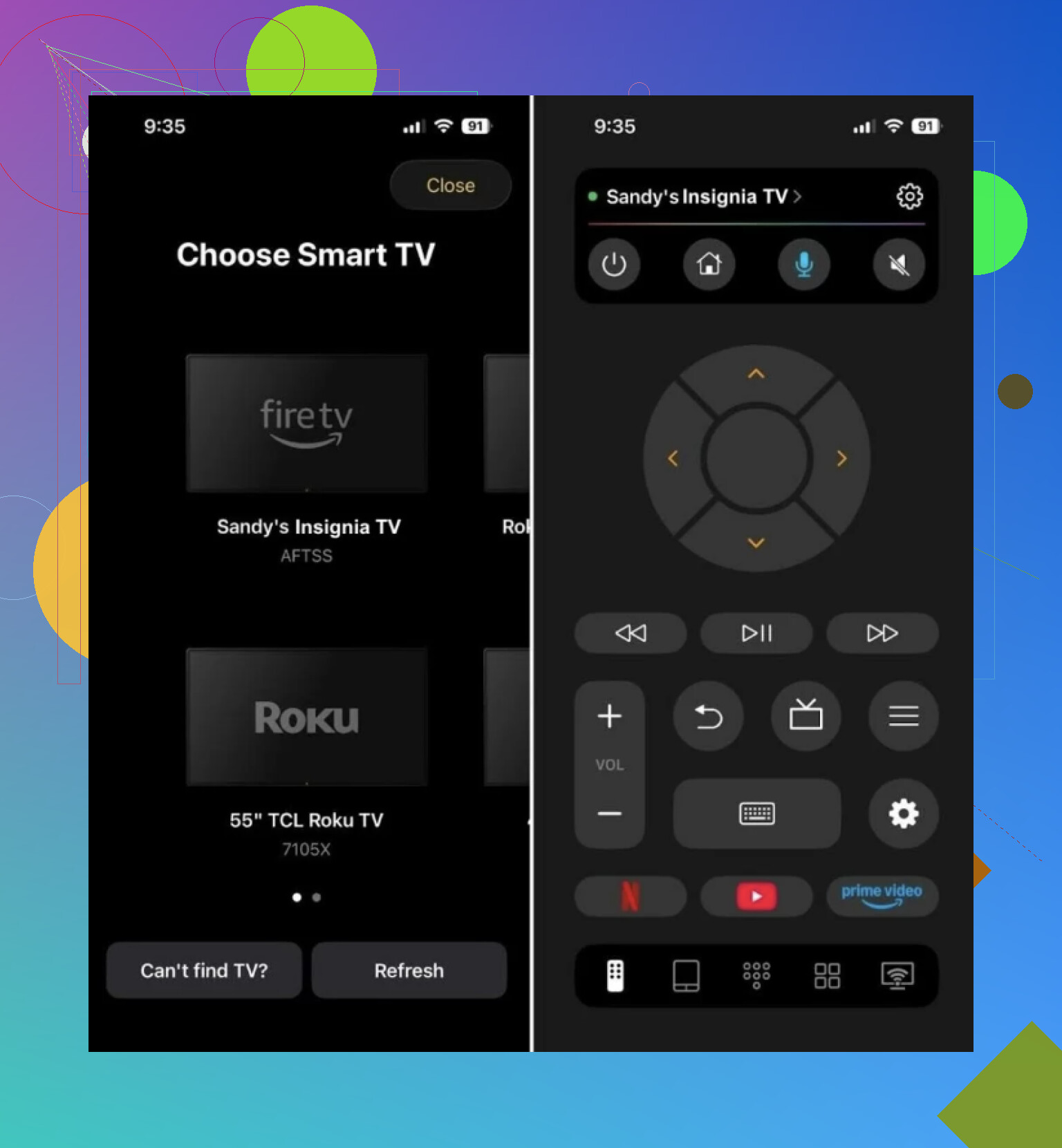
It works over Wi-Fi and supports a mix of smart TV platforms, including Roku TV, Fire TV, and Google TV or Android TV. So if you are staring at an Insignia TV and do not know what is under the hood, this saves some trial and error.
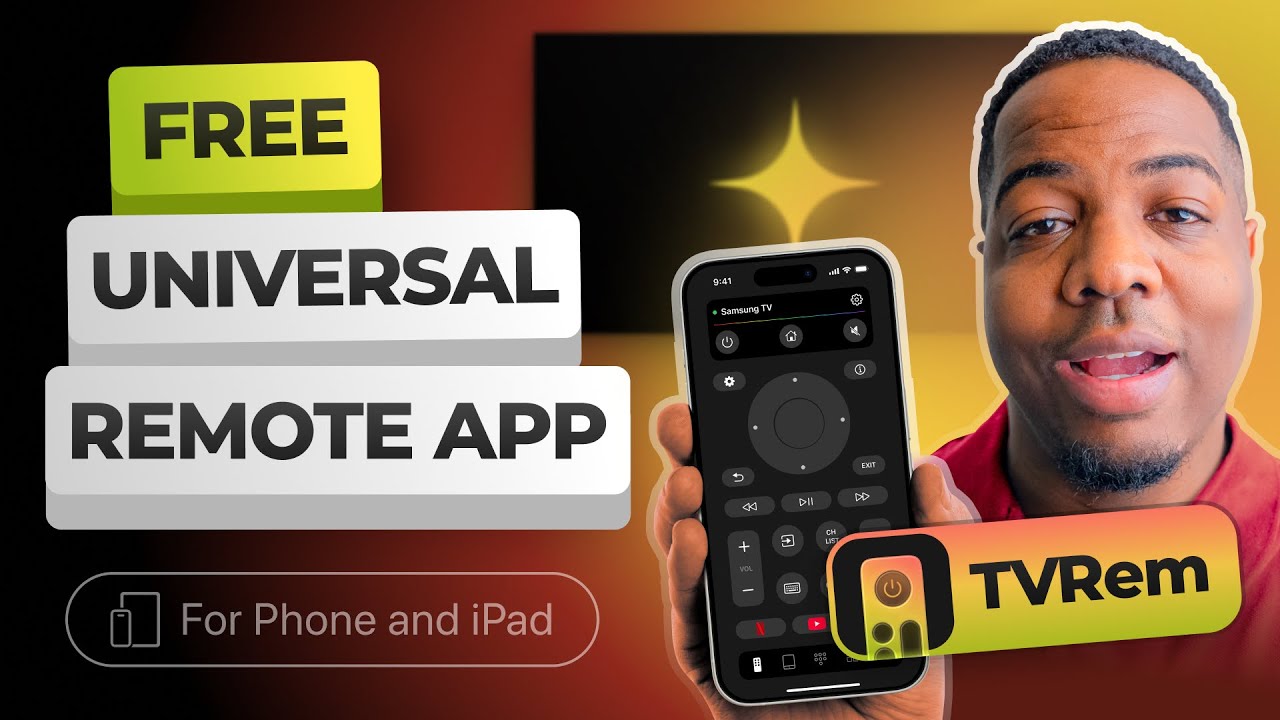
What I liked is it covers the normal stuff you miss when the physical remote disappears:
- navigation
- volume
- keyboard input
- quick action buttons
For regular use, it does the job fine if your original remote is gone, dead, or smashed between couch cushions.
Short version
If you know your TV is Fire TV, use the Fire TV app.
If you know it is Roku TV, use the Roku app.
If you want one app that handles most Insignia TV setups without much guessing, TVRem is the simpler pick.
Same Wi-Fi is only step one. A lot of these TV apps fail because the phone and TV are on different Wi-Fi bands or isolated by the router.
Try these checks.
-
Turn off mobile data on your phone.
Some phones keep switching routes. The app sees the TV, then pairing fails. -
Check band splitting.
If your router has 2.4 GHz and 5 GHz with different names, put both devices on the same one. I’ve seen Insignia sets show up on 2.4 but ignore commands from a phone on 5 GHz. Not every model does this, but some do. -
Disable AP isolation or guest Wi-Fi.
If either device is on guest mode, local device control often breaks. This is a big one. -
Forget and rejoin Wi-Fi on the TV.
Not restart. Remove the network, reconnect, then test again. -
Check TV permissions.
On some Fire TV and Roku builds, app control gets blocked after an update until you re-allow mobile control or re-pair. @mikeappsreviewer is right about using the right platform app, but I’d fix the network side first before swapping apps agian. -
Reboot the router.
Not fun, but it fixes weird local discovery bugs more often then people want to admit.
If none of that works, your TV likely got an update and the old app lost support. That happens a lot with these budget TV brands.
If you already did the basic restarts, I’d check something a little different than @mikeappsreviewer and @sonhadordobosque suggested.
A lot of these TV remote apps break because of permissions, not just Wi-Fi. On your phone, make sure the app still has Local Network access, Bluetooth, and Location permission if it asks for it. iPhone is espescially annoying about this after updates. Android can also quietly block nearby device discovery.
Also, open the TV’s settings and look for anything like:
- Mobile App Control
- Network Remote
- External Control
- Device Connect
Sometimes a firmware update flips that stuff off.
One thing I slightly disagree on: if it “suddenly” stopped, I would not jump straight to a new app first. I’d check whether your TV got a software update recently. If it did, the app may need to be removed and installed again fresh, not just restarted.
If your TV has an Ethernet option, even temporary, try that. If the app sees it over wired network, then the issue is probly wireless discovery on the TV side.
Also test with another phone if you can. That tells you real fast whether the problem is the TV or your current phone/app combo.